AI-Powered Home Server Setup from Scratch: Hardware Selection to Remote Management
How AI tools are making home self-hosting servers accessible to complete beginners.
Building a self-hosted home server once required years of technical experience. Now, AI tools are dramatically flattening that learning curve. This article breaks down a practical entry-level Homelab setup — HP EliteDesk mini PC, ZFS storage with WD Red Plus drives, and an IP-KVM device for remote management — while exploring how AI-driven conversational learning is enabling beginners to master headless Linux, Docker, and data sovereignty without the traditional years of trial and error.
From Zero to Self-Hosted Server: AI Is Lowering the Technical Bar
Building a home self-hosted server used to mean years of trial and error. Mastering headless Linux command lines, configuring ZFS storage, deploying media streaming services — every step could overwhelm beginners.
Self-hosting refers to individuals or organizations running software services on hardware they control, rather than relying on third-party cloud providers like Google, Amazon, or Microsoft. The core motivation is data sovereignty — users retain complete control over their photos, documents, and communication records, free from the threats of platform policy changes, service shutdowns, or privacy breaches.
It's worth noting that the rise of the self-hosting movement is closely tied to the proliferation of cloud services. In the 2010s, as Dropbox, Google Photos, iCloud, and similar services emerged, personal data migrated en masse to third-party platforms. However, events like Google Photos cutting free storage in 2023 and multiple services announcing shutdowns prompted many users to reconsider the fragility of the "data storage" model — when your photos, communication records, and work files all live on someone else's servers, a single business decision can render years of digital assets inaccessible overnight. This wave of reflection directly fueled a new round of growth in the self-hosting community. The community has built a massive ecosystem around open-source projects like Nextcloud (private cloud storage), Jellyfin/Plex (media servers), Home Assistant (smart home), and Bitwarden (password management). Homelab is an extension of this culture — enthusiasts building near-enterprise-grade IT infrastructure at home, both for practical use and for learning and experimentation.
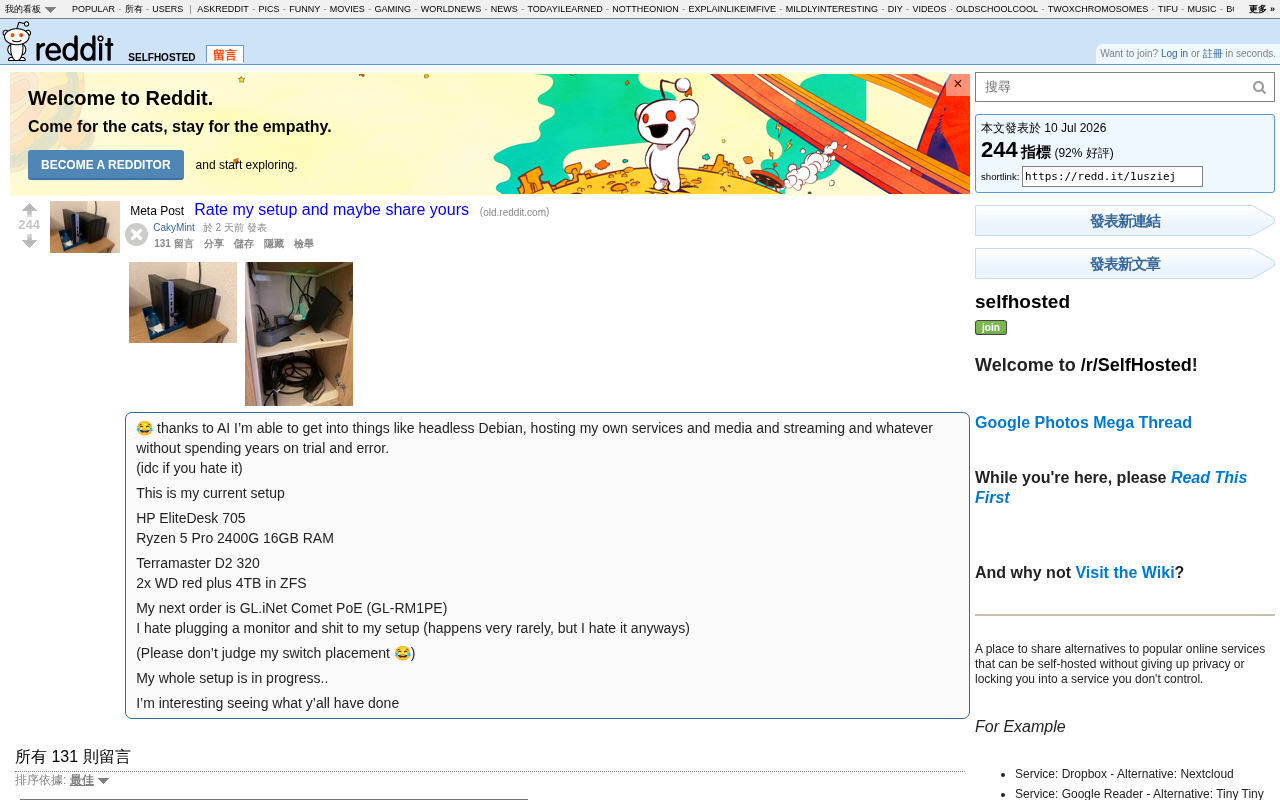
Yet a Reddit user's firsthand experience is rewriting this narrative: with AI tools, ordinary enthusiasts can now quickly get up to speed in technical domains that once had steep learning curves. As he put it: "Thanks to AI, I've been able to get into headless Debian, self-hosting services, media streaming, etc., without spending years of trial and error."
This sentiment reflects AI's critical role in flattening the technical learning curve — it's transforming Homelab from a geek-only pursuit into an option accessible to everyone.
A Typical Entry-Level Self-Hosting Hardware Setup
This user's build offers strong reference value, especially for beginners working with a limited budget.
Core Machine
- HP EliteDesk 705: A mainstream secondhand commercial mini PC with low power consumption and a small footprint — an excellent value pick for a home server.
- AMD Ryzen 5 Pro 2400G: An APU with integrated Vega graphics, capable of lightweight media transcoding and running multiple containers in parallel.
- 16GB RAM: The baseline for running multiple Docker containers, comfortable for everyday use.
Storage Solution: ZFS + NAS Drives
- Terramaster D2-320 drive enclosure
- 2x WD Red Plus 4TB, paired with the ZFS file system to build a redundant array.
ZFS is the highlight of this setup. ZFS (Zettabyte File System) was originally developed by Sun Microsystems for Solaris in 2001 and later ported to Linux and BSD platforms via the OpenZFS project. Its fundamental difference from traditional file systems (like ext4 or NTFS) is that ZFS simultaneously serves as both a file system and a logical volume manager, computing checksums on data blocks with every read and write. This allows it to detect and automatically repair silent data corruption ("bit rot") caused by aging storage media, cosmic rays, or firmware defects.
ZFS's Copy-on-Write mechanism and storage pool (zpool) architecture are what set it apart from traditional RAID solutions. Conventional hardware RAID controllers suffer from the "write hole" problem — a power outage can leave RAID stripe data in an inconsistent state — while ZFS eliminates this risk through transactional writes: every write operation first goes to a new location, and only after confirmation does it update the metadata pointer, keeping the old data intact until the transaction completes. Additionally, ZFS's ARC (Adaptive Replacement Cache) intelligent caching algorithm and optional L2ARC secondary cache make it particularly well-suited for read-intensive home media server scenarios — frequently accessed video files can be intelligently cached in RAM or on SSDs, significantly reducing random read pressure on mechanical drives. The Copy-on-Write mechanism also makes snapshots nearly free: a point-in-time backup of an entire storage pool can be created in seconds without consuming additional space until data actually changes. As an enterprise-grade file system, ZFS provides data integrity verification, snapshot backups, and RAID redundancy — ideal for storing irreplaceable data like family photos and videos. WD Red Plus drives are CMR drives designed specifically for NAS environments, and pairing them with ZFS is a well-proven, reliable combination.
Remote Management for Headless Servers: The IP-KVM Solution
The GL.iNet GL-RM1PE this user plans to add is one of the most forward-thinking investments in the entire setup.
A headless server is a computer with no connected monitor, keyboard, or mouse, managed entirely over the network. Day-to-day operations rely on the SSH (Secure Shell) protocol for command-line access. However, SSH has a critical blind spot: if the system crashes during boot, disk encryption requires manual unlocking, or BIOS/UEFI settings need adjustment, SSH simply can't connect.
The GL-RM1PE is a KVM over IP device that captures video signals and emulates USB input devices to replicate the functionality of a physical keyboard and monitor at the network level — enabling remote access to the server's BIOS and low-level system, as if you were sitting right in front of the physical machine. In professional server environments, this is called Out-of-Band Management (OOB), with enterprise solutions including Dell iDRAC and HP iLO.
The concept of out-of-band management originated in the telecommunications industry, referring to a management channel independent of the primary business network — even if the main system is completely down, administrators can still access and control devices through a dedicated hardware interface. In the home Homelab space, the emergence of open-source and semi-open-source solutions like PiKVM and TinyPilot has compressed functionality that once cost thousands of dollars down to the sub-$100 range — a textbook case of technology democratization, where improving consumer-grade hardware performance and a maturing open-source software ecosystem together push "data center capabilities" into the hands of individual users. The GL.iNet GL-RM1PE belongs to this new category of affordable IP-KVM products targeting the consumer Homelab market, sharing the same space as the Raspberry Pi-based open-source solution PiKVM, bringing data center-level operations management into the home environment.
As the user candidly put it: "I hate having to plug a monitor into the server when something goes wrong." This is one of the core pain points for self-hosting users: physical maintenance of headless servers. When SSH goes dark, the system won't boot, or you need to enter BIOS, the traditional solution is to run over and plug in a monitor and keyboard. IP-KVM eliminates this limitation entirely, making remote operations elegant and efficient. The GL-RM1PE also supports PoE power delivery, further simplifying cable management — a practical choice for home Homelab remote management.
How AI Is Reshaping the Way We Learn Technology
What's most noteworthy about this case isn't the hardware itself — it's the real-world impact of AI as a learning accelerator.
From "Search-Based Learning" to "Conversational Learning"
Traditional technical learning relied on digging through forum threads, reading documentation, and debugging through repeated errors. With AI-driven conversation, users can now:
- Quickly understand the underlying principles behind concepts like ZFS, Docker, and reverse proxies;
- Get instant troubleshooting suggestions for specific error messages;
- Have AI generate configuration files or shell scripts with line-by-line explanations.
This immediate feedback dramatically compresses the trial-and-error cycle. A framework of knowledge that once took years to accumulate can now be built in a matter of weeks.
This shift has deep theoretical grounding in cognitive science. The immediate, personalized, context-aware interaction provided by AI large language models aligns with the educational psychology concept of the "Zone of Proximal Development" — a theory proposed by Soviet psychologist Vygotsky, which holds that learners achieve the highest efficiency when tackling challenges slightly above their current ability level, provided they receive timely "scaffolding" support. Traditionally, this kind of guided learning either required expensive professional training or waiting hours or even days on forums for a response. AI reduces the cost of "having an expert always available" to near zero, fundamentally changing the economics of self-taught technical learning.
Watch Out for the "Using Without Understanding" Trap
AI-assisted learning also carries risks. The "hallucination" problem in AI large language models refers to models generating content that sounds plausible but is actually incorrect — delivered with high confidence. This risk is especially pronounced in technical operations scenarios: models may produce commands that are syntactically correct but logically wrong, reference deprecated software versions or parameters, or confuse behaviors across different Linux distributions or software versions. Documented cases exist of users corrupting ZFS storage pools by directly executing AI-generated commands. Over-reliance on AI-generated commands can lead users to operate systems without understanding the underlying logic — and when they hit an edge case at the boundary of the AI's knowledge, the consequences range from broken configurations to data loss.
A more sustainable approach is to treat AI as a sparring coach, not a black box that replaces thinking: view AI output as leads to be verified rather than authoritative answers, cross-reference with official documentation and community forums (like Reddit's r/homelab and r/selfhosted), and use AI to prompt questions, validate understanding, and draw broader conclusions — gradually building your own knowledge base. Developing this habit of critical use is itself an important component of modern technical literacy.
Conclusion: In the Age of Technology Democratization, Anyone Can Become a "Digital Steward"
This setup isn't top-of-the-line, but it represents a clear trend: the technical barrier to Homelab is continuing to fall. With AI in the mix, home self-hosting is no longer the exclusive domain of geeks — ordinary people can build their own private cloud and truly take control of their personal data sovereignty.
As the user himself said: "My whole build is still in progress… really curious to see what everyone else has done." That's exactly what makes the self-hosting community so compelling — continuous iteration, open sharing, and growing together. And AI is making that path smoother with every passing day.
Key Takeaways
Related articles

Disaster and Glory of the Apollo Program: The History We Must Revisit Before Returning to the Moon
From the fatal Apollo 1 fire to Apollo 8's daring lunar orbit to Apollo 11's successful landing—revisiting the disasters, fears, and compromises of the Apollo program and their lessons for today's return to the Moon.

Netflix Trust Exercise Turns Into Firing Trap: Where Are the Boundaries of Corporate Trust?
A Netflix employee was fired after sharing private info in a trust exercise. We analyze the risks of corporate trust exercises and how employees can protect themselves.

AMD CDNA5 Architecture Deep Dive: Technical Evolution and the AI Computing Competition Landscape
Deep analysis of AMD's CDNA5 architecture covering Chiplet packaging upgrades, HBM memory evolution, and low-precision compute optimization, examining how AMD challenges NVIDIA's AI chip dominance.