Man Page Optimization Guide: Cheat Sheets, Categorized Navigation, and Example Design Patterns

Exploring design patterns to improve man page usability and information discoverability
This article analyzes the formatting constraints and usability challenges Unix man pages have faced since 1971, introducing Julia Evans' thoughts on improving them. It summarizes design patterns from excellent man pages: options summaries (rsync), categorized option organization (strace), built-in cheat sheets (perlcheat), and emphasizes the importance of example-driven documentation, with curl's modular documentation architecture as a best practice.
Introduction: The Man Page Dilemma
Man pages (manual pages) originated in the first edition of Unix in 1971, initially written by Dennis Ritchie and Ken Thompson. Their format is based on the troff/groff typesetting system—troff (typesetter roff) was one of the most important text formatting tools in early Unix, with its predecessor roff dating back to the CTSS system in 1964. groff (GNU troff) is its modern open-source implementation and remains the default toolchain for generating man pages on Linux systems today. This system uses macro packages to define document structure, with man pages primarily using the man macro package or the mdoc macro package. When you run man ls, the system actually invokes groff to render the troff source file into terminal-displayable text. This technical choice was reasonable at the time—it could render plain text on various terminal devices. However, troff source files are filled with typesetting directives like .TH, .SH, .TP, making them extremely unfriendly to contributors and fundamentally limiting the potential for modernizing the format. This also means that man pages have carried strict formatting constraints since their inception: 80-character width limits, no embedded images, and extremely limited hyperlink support. Half a century later, this system has been preserved almost unchanged, becoming a textbook case of the tension between modern developer experience and historical technical debt.
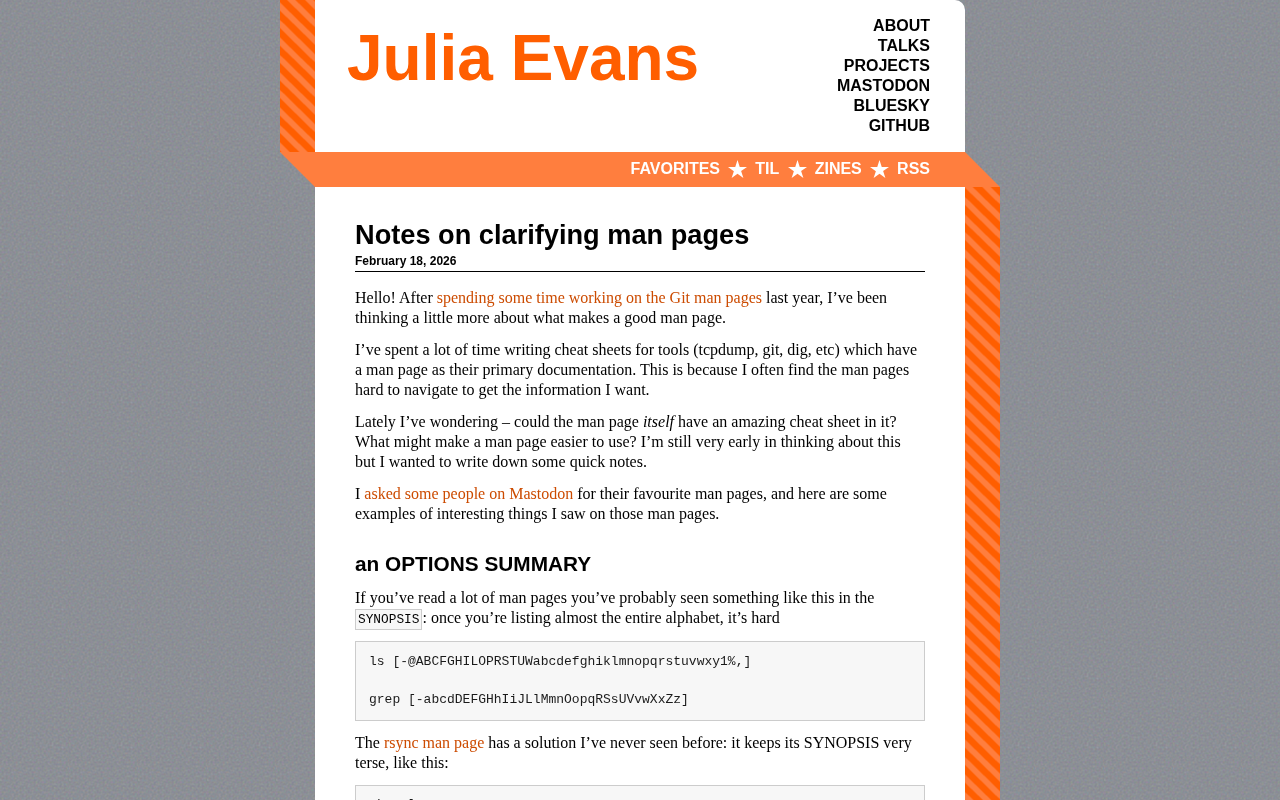
Developers who frequently use the command line probably share this experience: opening a man page, facing dense walls of text, yet unable to find the specific option they need. After spending considerable time creating cheat sheets for tools like tcpdump, git, and dig, Julia Evans began pondering a question—could the man page itself become an excellent cheat sheet?
This seemingly simple question actually touches on the core of technical documentation design: how to maximize information discoverability and usability within limited formatting constraints.
Design Patterns for Excellent Man Pages
OPTIONS SUMMARY
The SYNOPSIS section follows the command-line syntax notation defined by the POSIX specification. POSIX (Portable Operating System Interface) is a series of operating system interface standards developed by IEEE, aimed at ensuring portability across Unix-like systems. POSIX.1-2017 specifically defines the syntax representation conventions for command-line tools: square brackets [] indicate optional arguments, pipes | indicate mutually exclusive options, and ellipses ... indicate repeatable items. This symbol system is rigorous at the academic and standardization level, but its original design intent was machine-parseable formal grammar, not a human-friendly quick reference. When a tool has dozens or even hundreds of options (rsync has over 100 options, curl over 240), this linear enumeration completely loses its practical value—psychological research shows that human short-term memory capacity is approximately 7±2 chunks of information. Cramming all options into a single SYNOPSIS line exceeds the processing limits of human working memory. The root of the problem is that SYNOPSIS was designed to formally describe command syntax, not to help users quickly discover features—these two goals have been in inherent conflict from the start.
Many man pages list all option abbreviation letters in the SYNOPSIS section, such as:
ls [-@ABCFGHILOPRSTUWabcdefghiklmnopqrstuvwxy1%,]
grep [-abcdDEFGHhIiJLlMmnOopqRSsUVvwXxZz]
When nearly the entire alphabet is listed, this format is virtually useless. rsync's man page offers an elegant solution: keep the SYNOPSIS extremely concise, then add an "OPTIONS SUMMARY" section with one-line descriptions for each option:
--verbose, -v            increase verbosity
--info=FLAGS             fine-grained informational verbosity
--quiet, -q              suppress non-error messages
This design lets users quickly scan to find the option they need without having to read through the detailed explanation of each option in the full OPTIONS section.
Organizing Options by Category
strace's man page organizes options by functional category (such as "General", "Startup", "Tracing", "Filtering", "Output Format") rather than simple alphabetical ordering.
This addresses a common cognitive pain point: users typically operate in two modes when consulting documentation—"known-item search" (knowing the option name and just needing to confirm the syntax) and "exploratory browsing" (knowing the goal but not the corresponding option). The traditional linear structure of man pages can handle the first mode adequately but almost completely fails at the second. When you know what you want to accomplish (e.g., "filter output") but can't remember the specific option name, browsing by category is far more efficient than searching alphabetically. Julia attempted to reorganize grep's man page by category—while the results still need validation, this direction is worth exploring.
Built-in Cheat Sheets
Perl's documentation system includes man perlcheat, which provides a refined cheat sheet directly within a man page:
SYNTAX
foreach (LIST) { }     for (a;b;c) { }
while   (e) { }        until (e)   { }
if      (e) { } elsif (e) { } else { }
Creating high-density reference content within the constraints of 80-character-wide ASCII format is an admirable design approach.
Example-Driven: The Most Popular Element in Man Pages
Why Examples Matter So Much
In the feedback Julia collected, the most common sentiment was "I love any man page that has examples." There's deep cognitive science reasoning behind this: cognitive load theory divides learning burden into intrinsic load (the complexity of the content itself), extraneous load (additional burden caused by the presentation method), and germane load (effective burden that promotes understanding). The problem with man pages is primarily excessive extraneous load—dense text, lack of visual hierarchy, and scarcity of examples are all issues with presentation, not the content itself. Concrete examples transform abstract option descriptions into directly reusable operational templates, dramatically reducing users' extraneous cognitive load.
OpenBSD's tail man page provides examples of the two most common usage patterns at the end—concise and practical. The placement of examples is also worth considering: most man pages put EXAMPLES at the end, but rsync places examples at the beginning. When Julia improved the man pages for git-add and git rebase, she also chose to place brief examples at the beginning. For users in a hurry to solve problems, examples at the beginning can significantly reduce cognitive burden.
An Example for Every Option
curl's documentation architecture is an excellent model for open-source project documentation engineering. With over 240 command-line options, a traditional single documentation file would create serious collaboration bottlenecks at this scale. curl's solution is to split each option into an independent .d file stored in the docs/cmdline-opts/ directory. Each file contains structured fields such as Short, Long, Protocols, Help, Example, and See-also, which are automatically aggregated by build scripts to generate the final man page and website documentation. This approach not only solves the collaboration problem—different contributors can independently update the option documentation they're responsible for, and PR diffs are much clearer—it also enables automated documentation completeness checks, incorporating documentation quality assurance into the CI/CD pipeline. curl's maintainer Daniel Stenberg calls this system
Related articles
 Tutorials
ChatGPT Plus Subscription Guide: Are GPT-5.5, image-2, and Codex Worth the Upgrade?
A detailed look at ChatGPT Plus features — GPT-5.5, image-2, and Codex — with a Plus vs Pro comparison and a complete step-by-step subscription guide for users outside the US.
 Tutorials
Harness AI Engineering in Practice: Using Claude Code to Master Enterprise-Level E-Commerce Development
Deep dive into Harness AI Engineering: master enterprise e-commerce development with Claude Code using the Rules, Skills, Wiki, and Changes framework.
 Tutorials
Cursor + Codex Dual-IDE Collaboration: A Practical Methodology for Open-Source Project Customization
A complete methodology for open-source project customization based on real-world experience, detailing the Cursor+Codex dual-IDE workflow, seven-stage process, MVP validation, and AI source code reading techniques.