1Password for Agents: Let AI Log In for You, Without Ever Seeing Your Password
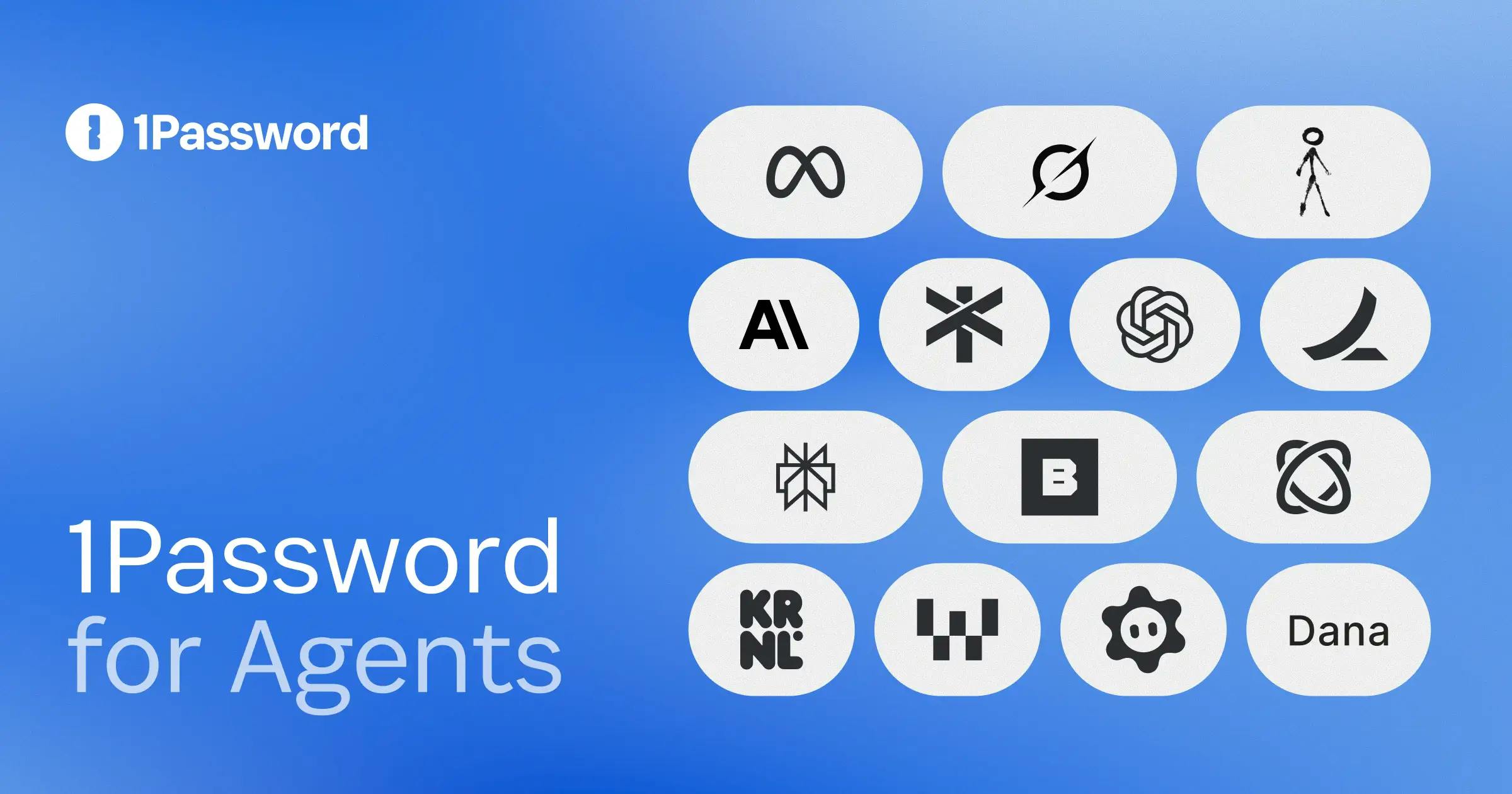
1Password launches for Agents, letting users approve AI agent logins without exposing passwords to agents.
1Password launched 1Password for Agents on Product Hunt to solve credential security when AI agents log into services. Its core mechanism is request—approve—fill: agents request, users approve on their devices, and 1Password fills passwords or OTPs directly, so agents never see plaintext credentials. Connecting an agent doesn't open the whole vault, reflecting least privilege. Meta Muse and Grok Bot are being integrated, and the ecosystem is early. Included in Individual and Family plans, it's a low-barrier add-on for existing users. Approval friction and ecosystem breadth are key to adoption.
AI agents are taking over more and more workflows, but there's an awkward reality: when an agent needs to log into a service, you either have to hand it your password or hardcode credentials into a config file. 1Password's new product 1Password for Agents, launched on Product Hunt, tries to solve this at the root—letting AI agents log in on your behalf while never seeing your password.
How it works: agents request, humans approve, passwords are filled directly
The core design of 1Password for Agents is a "request—approve—fill" chain. When a supported AI agent hits a step in its task that requires a login, it doesn't ask for credentials directly—it sends a request to 1Password. You receive an approval prompt on your own device and decide whether to approve or deny. Once approved, 1Password fills the password or one-time code directly into the login flow, and the agent never touches the plaintext password at any point.
The clever part of this design is that it separates "authorization" from "credential exposure." In the traditional approach, authorizing a login often means handing over the secret itself; here, your device is the trusted approval terminal, 1Password is the courier of credentials, and the agent is merely the party initiating the request. Each plays its own role, and the secret never lands on the agent's side.
One-time passwords (OTP) are temporary codes generated by the Time-based One-Time Password (TOTP) algorithm, typically refreshed every 30 seconds, and used for two-factor authentication (2FA). Unlike a fixed password, an OTP expires immediately after use and cannot be replayed. In the 1Password for Agents flow, 1Password not only fills the primary password but can also generate and fill an OTP—meaning that even if an agent intercepted the filled content, it couldn't reuse it in a later session, further reducing the risk of credential leakage.
Permission boundaries: connecting an agent ≠ handing over your entire vault
An easily overlooked detail is the scope of the connection. Many people's first reaction to "letting AI connect to a password manager" is caution: doesn't that expose the entire vault? 1Password explicitly states that connecting an agent does not open up your whole vault. In other words, what an agent can access, and under what conditions, is constrained rather than opened up wholesale.
This boundary is key to whether this kind of product can be accepted. The more autonomous AI agents become, the more important it is to narrow permissions. 1Password has brought the principle of "least privilege" into the agent scenario, letting users judge individual login actions rather than granting one-time trust to an entire vault of credentials.
Least privilege is a basic principle in information security: any entity (a user, a program, or an agent) should only be granted the minimum permissions necessary to complete its task, and those permissions should be time-limited. In the agent scenario, this means an agent should not be granted access to the entire password vault, but rather authorized on a per-request basis. 1Password's design, which lets users approve each login action individually rather than opening the whole vault at once, is exactly an expression of this principle.
Ecosystem progress: starting with Meta Muse and Grok Bot
Currently, the number of agents supported by 1Password for Agents is still quite limited. Official information shows that Meta Muse and Grok Bot are being integrated, with a waitlist available. This follows the typical path of early platform products: first connect with a handful of leading agents to validate the approval chain and the fill experience, then gradually expand the ecosystem.
Strategically, this step means more than just a feature. Password managers have long served as the hub for "human logins," but in the agent era, the entity logging in is becoming a machine. Whoever can secure a position in "how agents safely gain login capability" has a chance to become the identity-layer infrastructure of AI workflows. 1Password clearly doesn't want to give up that position.
User experience and product signals
On Product Hunt, the product received 129 votes and ranked 3rd for the day, with 2 comments. The vote count shows decent interest, but the sparse comments also mean there isn't much real, in-depth usage feedback yet. The product is included in the Individual and Family plans, which means it's more of a value add to existing subscriptions than a new standalone paid category—lowering the barrier for existing users to try it.
What needs to be viewed soberly is that the approval step itself is friction. If agent tasks frequently trigger logins, users will keep receiving confirmation prompts on their devices, and convenience will be diluted. Whether this kind of product ultimately gains a foothold depends on two things: whether approvals are smooth enough, and whether the supported agent ecosystem is broad enough.
Why this kind of solution matters
Handing passwords to AI agents is essentially expanding the attack surface and the trust boundary. 1Password's approach offers a reusable paradigm: credentials stay in a trusted execution environment, agents get "capability" without getting "secrets," and humans make the final call on key actions. For teams that are connecting agents to real business systems, this "human-in-the-loop" authorization model is more pragmatic than simply chasing full automation.
Of course, the limitations at this stage are obvious: limited supported agents, an approval experience yet to be validated, and deeper permission granularity not yet disclosed. It's more of a starting point in the right direction than a destination.
Human-in-the-loop is a system design pattern that introduces human confirmation or intervention at key decision points in an automated process. When AI agents execute tasks, full autonomy can bring uncontrollable risks, while full manual control loses efficiency. 1Password for Agents sets up human approval at the login authorization step, preserving the agent's automation capability while ensuring that sensitive operations are ultimately decided by a human—balancing efficiency and security.
One-line Summary
1Password launches for Agents, letting users approve AI agent logins without exposing passwords to agents.
Paragraph Summary
1Password launched the new product 1Password for Agents on Product Hunt, aimed at solving the credential security problem when AI agents log into services. Its core mechanism is "request—approve—fill": when an agent encounters a login step, it sends a request to 1Password, the user approves or denies on their own device, and once approved, 1Password directly fills the password or one-time code, with the agent never touching plaintext credentials. Connecting an agent does not open the entire vault; permissions are constrained, reflecting the principle of least privilege. Currently, Meta Muse and Grok Bot are being integrated, and the ecosystem is still in its early stages. The product is included in the Individual and Family plans, making it a low-barrier value add for existing users. Approval friction and the breadth of the agent ecosystem are the key variables determining whether it can become widespread.
Related articles

Build a Reasoning Model from Scratch: An 11-Hour Open-Source Course Breakdown
Sebastian Raschka releases a free 8-episode, ~11-hour video course teaching you to build a reasoning model from scratch with Python and PyTorch—from a small Qwen3 model through Verifier, Inference Time Scaling, GRPO, and distillation, with open-source code on GitHub.

An 11-Hour Reasoning Model Course in Practice: How Small Models Learn to Think
Starting from Sebastian Raschka's 11-hour reasoning model course and HN buzz, this analyzes small-model training, legal text version control, Anthropic data policy, and product reliability reviews.

Lightpanda: A Headless Browser Built for AI and Automation
Lightpanda is a headless browser built from scratch in Zig for AI and automation, with 37,852 GitHub stars. This analysis covers its technical approach, design choices, and use cases.