After Leaving Tailwind, These CSS Color Palette Tools Are Worth Bookmarking

A roundup of standalone CSS color palette solutions and generator tools for life after Tailwind
This article explores how developers can access quality color systems after leaving Tailwind CSS. It introduces three standalone palettes — uchū, Flexoki, and Reasonable Colours — along with color schemes from major design systems like Radix and Material Design, plus custom palette generators like Harmonizer and tints.dev. Core design concepts covered include perceptual uniformity, accessibility, and three-layer CSS variable architecture.
Why You Need a Standalone CSS Color Palette
When developers decide to move away from Tailwind CSS back to vanilla CSS, what they miss most often isn't the utility classes — it's Tailwind's carefully designed color system. Need a light blue? Use blue-100. Too light? Try blue-200. This intuitive approach to color selection is a huge convenience for developers who aren't great at choosing colors.
Tailwind CSS's color system isn't arbitrarily designed — it's built on the principle of perceptual uniformity with a 50-950 numerical scale. Each color includes 11 shades (50, 100, 200…900, 950), where lower numbers are lighter and higher numbers are darker, with the visual difference between adjacent shades deliberately calibrated to be roughly equal. This design lets developers make reasonable color choices based on numerical intuition alone, without needing deep knowledge of color theory.
It's worth understanding that achieving this perceptual uniformity is no simple task. Human perception of brightness is non-linear — in dark regions, tiny brightness changes are noticeable, while in bright regions, equivalent numerical changes are nearly invisible. Traditional RGB color space completely ignores this physiological characteristic, causing mechanically divided color steps to appear visually uneven. When building their palette, Tailwind's design team referenced research from perceptually uniform color spaces like CIELAB, manually calibrating the actual color values at each step to keep the "visual distance" between adjacent shades as consistent as possible. This explains why Tailwind's color values don't follow a simple linear pattern but are instead a carefully adjusted non-uniform distribution. This is exactly why developers feel the absence of this system so acutely when leaving the Tailwind ecosystem — it solves not just the problem of "having enough colors" but "how to make professional decisions without understanding color theory."
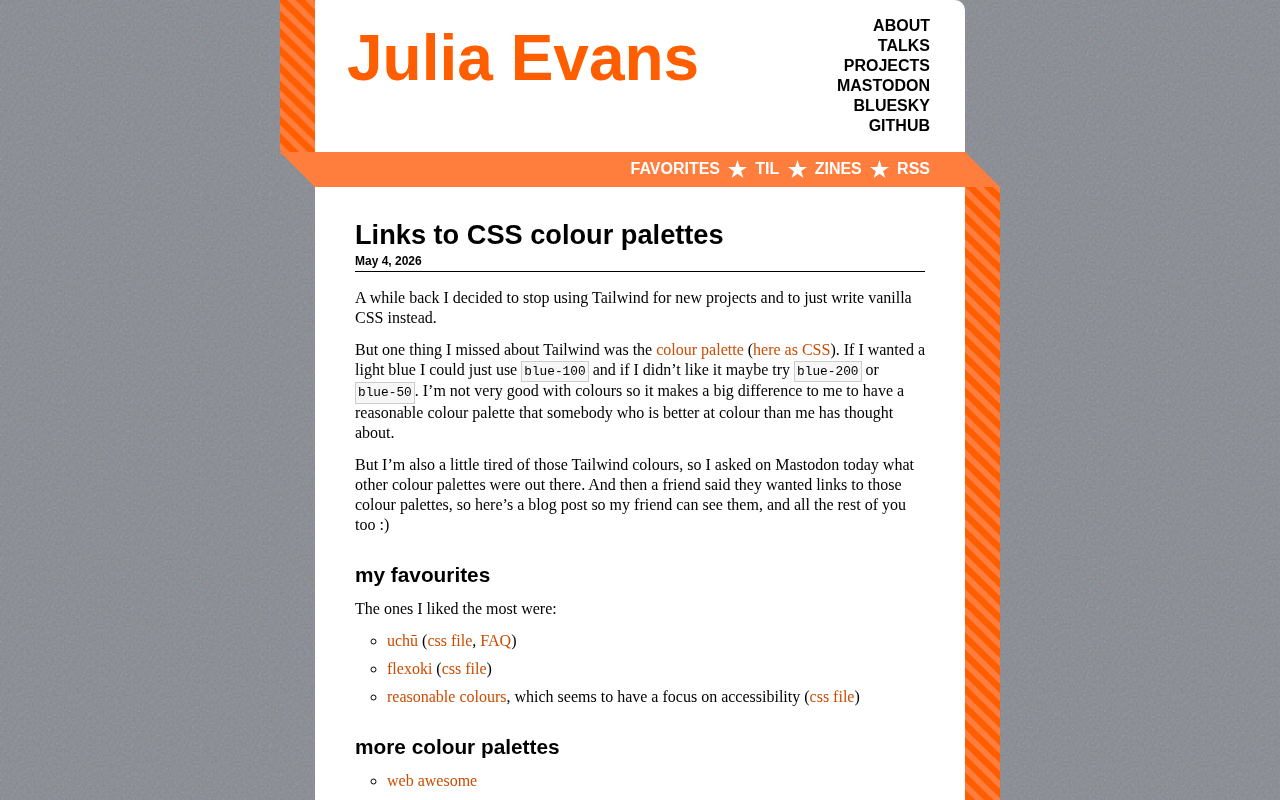
Recently, well-known tech blogger Julia Evans started a discussion on Mastodon: besides Tailwind's palette, what other excellent CSS color schemes are available? The community response was enthusiastic, yielding a collection of high-quality alternatives.
Three CSS Palettes Most Worth Your Attention
uchū — A Cosmic Color System
uchū (Japanese for "universe") offers a unique color system with a complete CSS file and detailed FAQ documentation. Its naming and color choices carry an elegant design sensibility, making it suitable for projects seeking a distinctive visual style.
Flexoki — Clean and Practical Low-Contrast Colors
Flexoki is another highly recommended choice, also providing a directly importable CSS file. Its design philosophy leans toward gentle, low-contrast tones, making it ideal for interfaces designed for extended reading.
Reasonable Colours — An Accessibility-First Color Scheme
Reasonable Colours deserves special attention because it places accessibility at the core of its design principles. For projects that need to meet WCAG standards, this is an excellent out-of-the-box choice that eliminates the hassle of manually checking contrast ratios.
WCAG (Web Content Accessibility Guidelines) is the international web accessibility standard established by W3C. Its color contrast requirements are divided into two levels, AA and AAA: AA requires normal text to have at least a 4.5:1 contrast ratio with the background, and large text at least 3:1; AAA requires 7:1 for normal text and 4.5:1 for large text. Insufficient contrast makes content difficult to read for users with visual impairments, color blindness, or anyone using devices in bright light conditions. Reasonable Colours builds this standard in as a design constraint, ensuring that any foreground-background color combination from the palette passes AA-level verification, fundamentally eliminating the burden of manual verification for developers.
It's worth noting that color-blind-friendly design and WCAG contrast standards are actually two complementary dimensions. WCAG contrast standards primarily ensure readability for low-vision users, while color blindness simulation (such as the functionality offered by ColorHexa) targets distinguishability for users with color vision deficiency. The human retina contains three types of cone cells sensitive to long-wave (red), medium-wave (green), and short-wave (blue) light respectively. The most common red-green color blindness affects approximately 8% of males and 0.5% of females. A truly accessible color scheme needs to pass validation on both the contrast and color blindness simulation dimensions.
Mature Color Schemes from Large Design Systems
Beyond the three "small but beautiful" solutions above, the community also recommended several palettes from major design systems:
- Web Awesome: A modern web component library color scheme
- Radix: From the Radix UI team, designed specifically for the React ecosystem
- US Web Design Systems: The official color palette for US government websites, emphasizing readability and standardization
- Material Design: Google's classic design language, with a mature color system and comprehensive documentation
In large design systems, color palettes are typically organized into three layers: Primitive Palette, Semantic Palette, and Component Palette. The primitive palette is the complete set of all available colors; the semantic palette assigns meaning to colors, such as --color-primary and --color-danger; the component palette binds colors to specific UI elements, such as --button-bg.
This three-layer architecture is almost always implemented using CSS Custom Properties (commonly known as CSS variables). Unlike Sass/Less preprocessor variables, CSS Custom Properties are dynamic at runtime — they can be modified via JavaScript, overridden in media queries, and naturally support dark mode switching. The primitive layer defines specific color values like --blue-500: #3b82f6, the semantic layer references the primitive layer like --color-primary: var(--blue-500), and the component layer references the semantic layer like --button-bg: var(--color-primary). When switching themes, you only need to remap the semantic layer under :root or a specific selector, and the entire UI's colors update in sync without modifying any component code.
Radix UI's palette design is particularly elegant — it defines 12 semantic color steps for each color, corresponding to different purposes like backgrounds, interactive states, borders, and text. Developers only need to select colors by semantic meaning without worrying about specific color values. This architecture means theme switching (including dark mode) can be achieved simply by swapping the semantic layer mappings.
These approaches each have their strengths: Material Design suits teams pursuing unified standards, while Radix is better aligned with modern frontend component-based development needs.
Palette Generators: Advanced Tools for Custom Color Schemes
For developers who want to create custom color schemes, the community also shared several practical generator tools:
- Harmonizer: Generates palettes based on color harmony theory
- tints.dev: Focused on generating tints and shades
- Coolors: A popular online palette generator
- colorpalette.pro: A professional-grade palette tool
Generators like Harmonizer that are based on color harmony theory derive their underlying logic from the traditional color theory rule system. Color Harmony describes color combinations with specific geometric relationships on the color wheel, primarily including: Complementary (180° hue difference), Analogous (within 30° of each other), Triadic (evenly distributed at 120°), Split-Complementary, and others. These rules work because they create visual balance or contrast tension on the color wheel. However, the traditional HSL color wheel has a perceptual non-uniformity flaw — hues that are equally spaced in HSL don't appear equally spaced to the human eye. This is precisely why OKLCH hue angles are better suited for generating harmonious palettes: on OKLCH's H axis, equal angle differences correspond to more consistent visual hue distances, making mathematical harmony relationships truly correspond to visual harmony perception.
These generators require some color proficiency and aren't as "plug and play" as preset palettes.
Related articles
 Tutorials
ChatGPT Plus Subscription Guide: Are GPT-5.5, image-2, and Codex Worth the Upgrade?
A detailed look at ChatGPT Plus features — GPT-5.5, image-2, and Codex — with a Plus vs Pro comparison and a complete step-by-step subscription guide for users outside the US.
 Tutorials
Harness AI Engineering in Practice: Using Claude Code to Master Enterprise-Level E-Commerce Development
Deep dive into Harness AI Engineering: master enterprise e-commerce development with Claude Code using the Rules, Skills, Wiki, and Changes framework.
 Tutorials
Cursor + Codex Dual-IDE Collaboration: A Practical Methodology for Open-Source Project Customization
A complete methodology for open-source project customization based on real-world experience, detailing the Cursor+Codex dual-IDE workflow, seven-stage process, MVP validation, and AI source code reading techniques.