agent-manager: An Open-Source Tool for Managing Multiple AI Coding Assistants with tmux

An open-source tmux-based TUI tool for managing multiple AI coding agents from one unified interface.
agent-manager is a lightweight, open-source Go binary built on tmux that lets developers monitor, interact with, and review code from multiple AI coding assistants (Claude Code, Codex, OpenCode) through a single TUI. It solves the attention-management problem of running parallel agents by providing unified status visibility, spacebar-driven interaction without terminal switching, and a full-file diff review workflow with inline feedback that flows back to agents automatically.
When Multiple Coding Assistants Work Simultaneously, Management Becomes the New Pain Point
As command-line coding agents like Claude Code, Codex, and OpenCode become more widespread, an increasing number of developers are experimenting with running multiple agents in parallel to handle tasks simultaneously. The "coding agents" referred to here are AI programming assistants capable of reading and writing files, executing commands, and performing multi-step reasoning directly in the terminal. Claude Code is a commercial product from Anthropic, Codex is OpenAI's terminal agent tool (emphasizing sandboxed execution and security), and OpenCode is a community-driven open-source alternative. Their common characteristic is using the terminal as the primary interaction interface, driving code generation and modification through natural language instructions. These three represent commercial closed-source, commercial open-source, and community open-source approaches respectively, but in daily developer workflows, they're often used interchangeably depending on task requirements.
But an unexpected problem has emerged: what truly eats up time isn't writing code itself, but managing the state of these agents.
One developer shared his frustration on Reddit: he typically runs three or four agents simultaneously, but without manually switching between terminal tabs, he has no way of knowing what state each agent is in. Worse still, an agent might have been stuck on a permission confirmation prompt for fifteen minutes without him noticing. To solve this problem, he built an open-source tool — agent-manager.
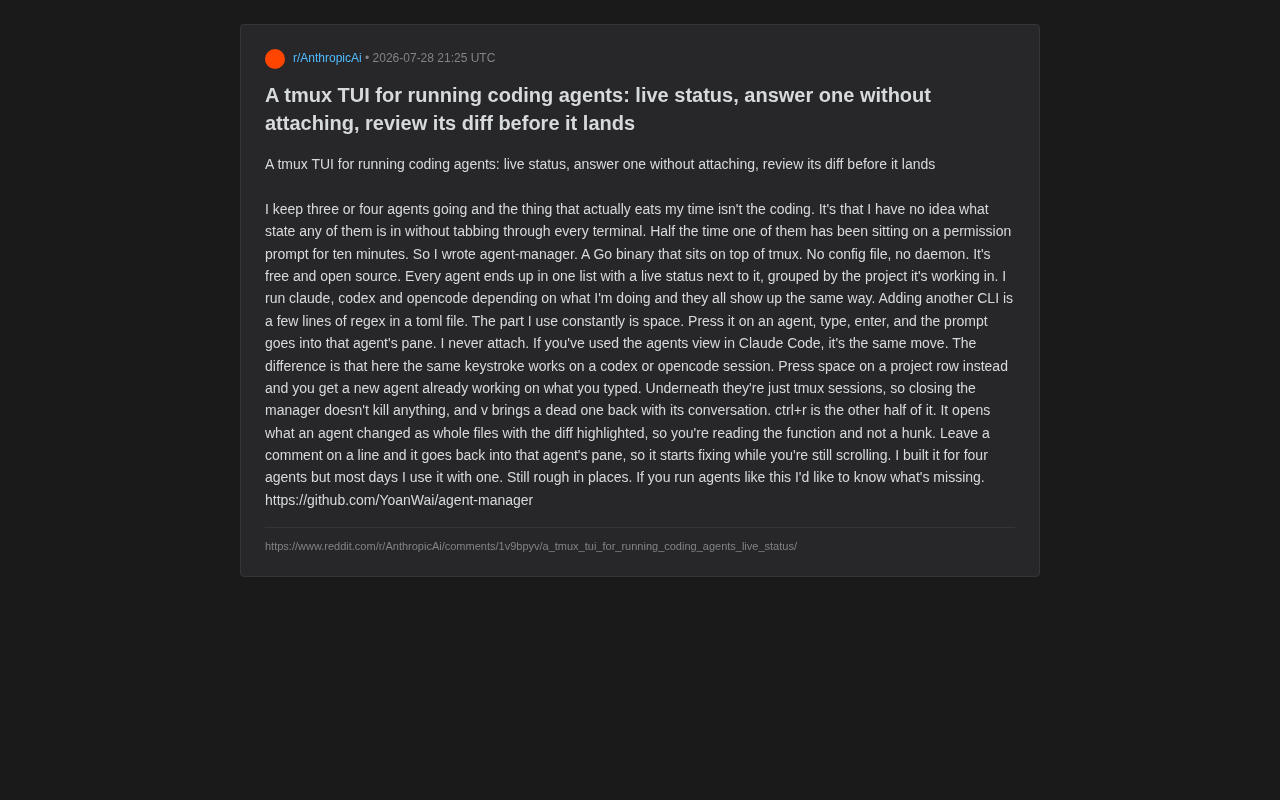
agent-manager: A Lightweight TUI Management Tool Built on tmux
agent-manager is a Go binary that builds on top of tmux. tmux (terminal multiplexer) is a terminal multiplexer that allows users to create, manage, and switch between multiple sessions within a single terminal window. Its most critical feature is session persistence — processes running in tmux won't terminate even if you close the terminal window. tmux's architecture consists of four layers: server, session, window, and pane, where pane is the smallest execution unit. This architecture is naturally suited as underlying infrastructure for agent management, since each agent can run independently in its own pane, isolated from others and with a lifecycle completely independent of the management interface itself.
agent-manager's design philosophy is remarkably restrained: no configuration files, no resident daemon processes, completely free and open-source. It uses a TUI (Text-based User Interface) as its interaction paradigm — a form of interface that sits between pure command-line and graphical interfaces, drawing GUI-like interactive elements (lists, buttons, highlights, etc.) using characters in the terminal. The Go ecosystem has mature TUI frameworks like Bubble Tea and tview that make building such tools efficient. Compared to Web UIs or Electron apps, TUI's advantages include zero dependencies, instant startup, extremely low resource usage, and a natural fit with developers' terminal-based workflows without requiring context switching.
Its core value lies in aggregating all running agents into a single unified list, with real-time status displayed next to each agent, grouped by the project they're working on. Whether you're running claude, codex, or opencode, they all appear in the same interface in the same way.
This uniformity is especially important for developers who mix multiple tools. The author mentioned that he switches between these three CLIs depending on the task, and agent-manager keeps them visually and operationally consistent. To integrate a new CLI tool, you only need to add a few lines of regex to a toml file — these regex patterns match status indicators in agent output (such as waiting for input, executing, completed, etc.), enabling the manager to automatically determine each agent's current stage.
Reply to Agents Without Switching Terminals
The author's most-used feature is spacebar interaction. Select an agent in the list, press space, type your input, hit enter, and the instruction is sent directly into that agent's pane. The entire process requires no attaching to specific terminals. Here, "attach" is a core tmux operation — normally you'd need to run tmux attach -t session_name to enter a session and interact with it, but agent-manager bypasses this step through tmux's send-keys API, enabling input to be sent to any pane without switching context.
Users familiar with the agents view in Claude Code will find this operation familiar. But agent-manager's difference is: the same keystroke also works for codex or opencode sessions, breaking through single-tool limitations.
If you position the cursor on a project row and press space, it creates a new agent and immediately starts it working on the task you just typed — essentially one-key task dispatch.
Code Review Workflow: Review the Diff Before Landing
Beyond state management, agent-manager's other half of value lies in the code review experience.
Since the underlying layer is tmux sessions, closing the manager doesn't kill any running agents. If a session unexpectedly disconnects, pressing v restores it along with the complete conversation history. This "process-interface decoupling" design prevents the management tool itself from becoming a single point of failure. This design philosophy is consistent with Unix tradition — a process's lifecycle shouldn't depend on a specific frontend interface, just as embodied by nohup and screen.
Use ctrl+r to View Full Function Context Instead of Fragmented Hunks
What truly demonstrates the review philosophy is the ctrl+r shortcut. It opens the changes made by an agent as a complete file with diff highlighted. The author specifically emphasizes: this way you read the full function context, rather than the disconnected hunks (diff blocks) typical of traditional diff tools.
Traditional diff tools (like git diff) display changes in hunk units, where each hunk typically includes only the changed lines plus three lines of context before and after. This presentation works well for small, human-written changes, but when an AI agent performs large-scale refactoring — potentially modifying a function's signature, internal logic, and calling patterns simultaneously — fragmented hunks make it difficult for reviewers to understand the semantic position and global impact of changes within the entire function or module. Displaying diffs as complete files with highlighting essentially upgrades code review from "block-by-block confirmation" to "global understanding," making it more suitable for reviewing AI-generated code.
Even more elegant is the review feedback loop: you can leave a comment on any line, and that comment is automatically sent back to the agent's pane. So while you continue scrolling through the review, the agent is already fixing things based on your feedback. This "review while fixing" asynchronous collaboration approach connects human review judgment with agent execution capability quite naturally.
Designed for Multi-Agent Parallel Scenarios, Equally Useful for Single Agents
Interestingly, the author admits that while this tool was designed for scenarios involving "four agents running simultaneously," most days he actually uses it to manage just one agent. This suggests that the core problems agent-manager solves — state visibility and pre-landing review — have practical value even in single-agent scenarios.
The author also honestly states that the tool is "still rough around the edges" and invites developers who work with agents in similar ways to provide feedback on missing features.
Trend Observation: Agent Orchestration Is Becoming the New Development Interface
agent-manager reflects a noteworthy trend: as AI coding assistants grow more capable, developers' focus is shifting from "writing code personally" to "orchestrating and supervising multiple agents". As agent count increases, the human bottleneck is no longer coding speed but attention allocation — knowing which agent is stuck, which needs confirmation, and which has produced changes worth reviewing.
The concept of agent orchestration originates from container orchestration (like Kubernetes for containers), with the core idea being to abstract the lifecycle management, state monitoring, and task scheduling of multiple autonomous execution units into a unified control plane. In the AI agent domain, similar orchestration needs are rapidly emerging: frameworks like Microsoft's AutoGen, CrewAI, and LangGraph address collaboration logic orchestration between agents — how to have multiple agents divide work to complete complex tasks together; while agent-manager addresses the interaction interface between human developers and multiple independent agents — how one person can efficiently supervise and direct multiple agents working in parallel. The two are complementary rather than competitive, corresponding to "agent-to-agent" and "human-to-agents" orchestration dimensions respectively.
The emergence of such tools is essentially building new operational interfaces for "multi-process programming with human-machine collaboration." tmux as the foundation provides stable session management, while the TUI layer is responsible for aggregating scattered states into a view that's both glanceable and actionable. It's foreseeable that as more developers adopt multi-agent workflows, orchestration layer tools like agent-manager will become a new niche direction worth deep investment. This space may further differentiate in the future: lightweight tools like agent-manager for individual developers, while heavier platforms might integrate task queues, conflict detection (multiple agents modifying the same file), resource quota management, and other enterprise-grade features.
Key Takeaways
Related articles

Merge: A Deep Dive into the AI-Powered Code Review Hiring Assessment Platform
Merge is an AI-native code review assessment platform that evaluates engineers' judgement through simulated PR reviews, scoring Bug Coverage, Communication, PR Quality, and Token Efficiency.

DataBlur: A Local Privacy Protection Tool That Blurs Sensitive Screen Data in Real Time
DataBlur is a 100% local privacy tool that auto-detects and blurs emails, card numbers, and API keys on screen in real time—no cloud, no AI, no signup required.

Is Cursor Worth Subscribing To? Real Developer Community Reviews and Usage Strategies
In-depth analysis of AI coding tool Cursor's real-world experience, covering community ratings, multi-model support, BYOK mode, and Chinese LLM integration strategies for developers.