ApexUIBridge: A UI Automation Framework That Lets AI Agents Control Windows Desktop Applications
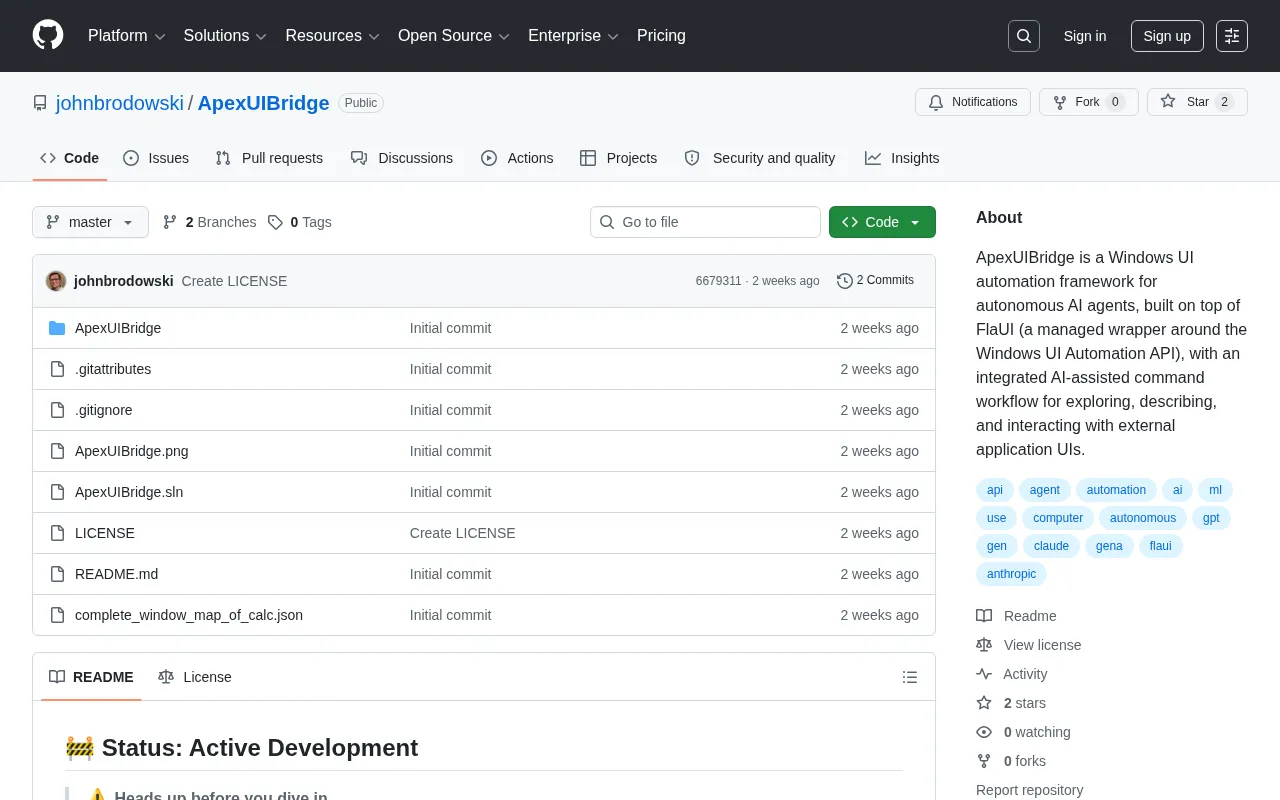
ApexUIBridge: A UI automation framework enabling AI agents to control Windows desktop applications.
ApexUIBridge is a C# framework built on FlaUI and Windows UI Automation API, designed specifically for AI agents to solve the pain point of controlling traditional desktop applications. It provides a three-step closed-loop workflow—explore, describe, interact—transforming UI elements into AI-understandable semantic descriptions. Compared to screenshot + vision model approaches, it offers superior precision, speed, and stability, though it's limited by application support for the UIA protocol. The project is still early-stage, with Semantic Kernel integration being the most natural path forward.
Project Overview: A Windows UI Automation Framework Designed for AI Agents
ApexUIBridge is a Windows UI automation framework designed specifically for Autonomous AI Agents. Autonomous AI agents refer to AI systems that can independently plan tasks, break down steps, invoke tools, and adjust strategies based on feedback—unlike traditional single-turn Q&A AI, they possess a complete "perceive-reason-act-feedback" loop. Current mainstream Agent architectures typically include a Large Language Model (LLM) as the reasoning engine, a memory system, tool-calling interfaces (such as OpenAI's Function Calling and Anthropic's Tool Use), and a planning module. ApexUIBridge essentially provides these Agents with a new "tool"—a Windows desktop UI manipulation tool—extending the Agent's capabilities from API calls and text processing to graphical interface interaction.
The framework is built on top of FlaUI—itself a managed wrapper around the Windows UI Automation API—and integrates AI-assisted command workflows for exploring, describing, and interacting with external applications' user interfaces.
The project is developed in C# and is currently in its early stages on GitHub (only 2 Stars), but its design philosophy and technical approach are worth following because it addresses a core pain point in the current AI Agent space: how to enable AI agents to truly control Windows desktop applications.
Technical Architecture Analysis: From System APIs to AI Command Interfaces
Underlying Dependencies: FlaUI and Windows UI Automation
Windows UI Automation (UIA) is a native accessibility framework provided by Microsoft that allows programs to programmatically access and manipulate UI elements of other applications—buttons, text boxes, menus, lists, and more. This framework was introduced starting with Windows Vista and is the successor to the earlier Microsoft Active Accessibility (MSAA). UIA's core design philosophy is to build a programmatically accessible Automation Tree for each UI element, where every node in the tree exposes standardized properties (such as Name, AutomationId, ControlType) and Control Patterns (such as InvokePattern for button clicks, ValuePattern for text input, SelectionPattern for list selection, etc.). This framework was originally designed to serve assistive technologies like screen readers, helping visually impaired users operate computers, but its structured UI element access capabilities are naturally suited for automated testing and RPA scenarios. Crucially, UIA supports cross-process access—one program can read and manipulate interface elements of a completely independent process, which is the technical foundation for AI agents controlling third-party applications.
FlaUI is a .NET wrapper around this underlying API, providing a more developer-friendly C# interface. Created by developer Roemer, FlaUI currently has over 2,000 Stars on GitHub and is one of the most active UI automation libraries in the .NET ecosystem. It supports both UIA2 (the legacy COM-based interface) and UIA3 (the newer Windows Runtime-based interface), allowing developers to choose flexibly based on target application compatibility. Compared to Microsoft's official System.Windows.Automation namespace, FlaUI's API design is more modern, supporting chained queries, conditional combination searches, automatic waits, and other advanced features that significantly reduce the complexity of writing UI automation code. Before FlaUI, common alternatives for .NET developers included White (now unmaintained) and Appium's WinAppDriver (official Microsoft but slow to update). FlaUI has gradually become the preferred choice thanks to continued community maintenance and solid API design.
ApexUIBridge further abstracts on top of FlaUI, packaging UI automation capabilities into command interfaces suitable for AI agent invocation. The design philosophy of this layered architecture is clear: the lower layer leverages mature, stable system-level APIs to ensure reliability, while the upper layer is specifically optimized for AI agents' usage patterns.
AI-Assisted Command Workflow: Explore, Describe, Interact
The project's core highlight is its "AI-assisted command workflow." This workflow is not simply a UI operation library but provides AI agents with a complete interface understanding and operation loop, encompassing three key capabilities:
-
Exploring: AI agents can traverse and discover the target application's UI element tree, understanding the interface's hierarchical structure and component distribution. UI element tree traversal is essentially a depth-first or breadth-first search of a tree structure. A typical Windows application might contain hundreds or even thousands of UI element nodes, and directly passing the complete element tree to an LLM is neither economical (massive token consumption) nor efficient (irrelevant information interferes with reasoning). Therefore, intelligent filtering and summarization strategies are crucial—elements need to be filtered based on properties like visibility, interactability, and control type, presenting only task-relevant key elements to the AI.
-
Describing: Translating UI elements' properties and states into semantic descriptions that AI can understand, bridging the gap between machine interfaces and natural language. This step involves converting machine-readable properties (such as AutomationId='btnSubmit', ControlType=Button, Name='Submit Order') into natural language descriptions (such as "There is a button named 'Submit Order' at the bottom of the page"). The quality of this translation directly determines whether the AI agent can correctly understand the interface and make reasonable operational decisions.
-
Interacting: Executing actual operations like clicking, typing, and selecting to complete specific business actions.
These three steps form a complete closed loop: the AI first understands the interface, then decides on an operation strategy, and finally executes actions and verifies results.
Why This Direction Deserves Attention
The "Last Mile" Problem of AI Agents Controlling Desktop Applications
Current mainstream AI Agent frameworks (such as AutoGPT, CrewAI, etc.) are already quite mature in calling Web APIs and processing text, but they remain inadequate when it comes to controlling traditional desktop applications without APIs. A large portion of enterprise core business systems—ERP, financial software, industrial control software—are traditional Windows desktop applications without open API interfaces.
Behind this pain point lies a massive market demand. The Robotic Process Automation (RPA) market has experienced explosive growth in recent years, with Gartner data showing the global RPA market exceeding $3 billion in size. Major players include UiPath, Automation Anywhere, Blue Prism, and Microsoft Power Automate. However, traditional RPA relies on predefined rules and fixed processes—once the interface layout changes, it easily breaks, resulting in high maintenance costs. The fusion of AI and RPA—commonly called "Intelligent Automation" or "Hyperautomation"—is changing this landscape: AI gives RPA bots the ability to understand unstructured content, handle exceptions, and adapt to interface changes. The technical direction represented by ApexUIBridge—combining LLM reasoning capabilities with system-level UI automation—is a concrete manifestation of this trend, with the potential to significantly reduce the development and maintenance costs of RPA workflows.
ApexUIBridge aims to solve exactly this pain point: using Windows UI Automation to enable AI agents to operate these desktop applications just like human users, bridging the last mile of AI automation.
Comparison with Screenshot + Vision Model Approaches
There is currently another mainstream approach in the market: using screenshots combined with multimodal vision models (such as GPT-4V) to understand and operate interfaces. In comparison, the UI Automation API-based approach has several clear advantages:
- Higher precision: Directly obtains structured information about UI elements without relying on image recognition accuracy
- Faster response: No need for screenshot transmission and visual reasoning, significantly lower operation latency
- Better stability: Not affected by visual factors like screen resolution, system themes, or DPI scaling
Of course, the API-based approach also has its limitations—not all applications fully support the UI Automation protocol, and some interfaces using custom-drawn controls or game engine rendering may not be correctly identified. For example, applications built with the Electron framework (like VS Code, Slack) have varying levels of UIA support, while application interfaces rendered via DirectX/OpenGL are almost entirely inaccessible through UIA. In actual production environments, using both approaches in a complementary manner is likely the more pragmatic choice—prioritizing UIA for structured information and falling back to vision model approaches in scenarios where UIA cannot provide coverage.
Current Limitations and Future Outlook
As an early-stage open-source project, ApexUIBridge currently has limited community attention, and its documentation and surrounding ecosystem are not yet fully developed. However, it represents an important technical direction: deeply integrating Windows system-level UI automation capabilities with AI agent frameworks.
As AI Agents gradually move from proof-of-concept to production deployment, the ability to control real desktop applications will become increasingly critical. If the project can expand to support integration with mainstream AI frameworks (such as LangChain, Semantic Kernel, AutoGen, etc.) and provide more robust error handling, state management, and retry mechanisms, it has the potential to become important infrastructure in the Windows platform AI automation space.
Regarding specific integration paths, these three major frameworks represent different schools of current AI Agent frameworks. LangChain is the most popular LLM application development framework in the Python ecosystem, implementing tool calling through Tool and Agent abstractions; Semantic Kernel is Microsoft's AI orchestration SDK, natively supporting C# and Python with deep integration with Azure OpenAI services, and its Plugin mechanism is naturally suited for encapsulating UI automation capabilities; AutoGen is a multi-Agent conversation framework from Microsoft Research, supporting multiple AI agents collaborating on complex tasks. For ApexUIBridge, since the project itself is developed in C#, integration with the equally .NET-based Semantic Kernel is the most technically natural—UI automation commands can be encapsulated as native Semantic Kernel Plugins, allowing AI agents to invoke them directly through natural language instructions. Integration with Python ecosystem's LangChain would likely require cross-language bridging solutions such as gRPC, REST API, or inter-process communication.
For developers exploring enterprise-grade RPA and AI integration solutions, ApexUIBridge's design philosophy—layered architecture, semantic descriptions, closed-loop workflows—provides valuable reference direction even though the project itself is still in its early stages.
Key Takeaways
- ApexUIBridge is built on FlaUI and Windows UI Automation API, providing AI agents with automation control capabilities for desktop applications
- The framework integrates a three-step AI-assisted command workflow—explore, describe, interact—forming a complete UI operation closed loop
- Compared to visual screenshot approaches, the UI Automation API-based approach has advantages in precision, speed, and stability
- The project targets a critical pain point for AI Agent deployment—controlling traditional desktop applications without APIs
- The project is in its early stages; integration with Semantic Kernel is the most natural technical path, with ongoing improvements needed in framework integration and ecosystem development
Related articles
Deep Dive into AI Agent Skill Design: …
Deep Dive into AI Agent Skill Design: Engineering Practices from Anthropic and Perplexity
A deep dive into Skill design philosophy from Anthropic's Claude Code team and Perplexity's Agent team, covering the Tax Test, Gotchas Flywheel, progressive disclosure, and Eval-First practices for building high-quality AI Agent skill systems.
Deep Dive into OpenAI's Official GPT-5…
Deep Dive into OpenAI's Official GPT-5.6 Prompting Guide: The Shift from Manual to Automatic
A deep dive into OpenAI's official GPT-5.6 Sol prompting guide: conciseness-first, outcome-oriented design, autonomy boundaries, tool routing, and reasoning intensity tuning.
 Deep Dives
Deep Dive into How OpenClaw (Open-Source Crayfish) AI Agent Works
Deep analysis of OpenClaw AI Agent internals: System Prompt, tool calling, SubAgents, Skill system, memory, and Context Engineering explained.