Bought a NAS Hard Drive Without Original Packaging: How to Tell Refurbished from Used

How to use SMART testing to spot a used or refurbished NAS drive and protect your return rights.
A Reddit user paid 330 euros on Amazon for a 6TB NAS drive, only to receive an unpackaged bare unit with no explanation beyond "that's how they're sold." This article breaks down the three likely origins of unpackaged drives (OEM bulk, refurbished, data center decommissioned), explains how to read SMART indicators like power-on hours and reallocated sectors, and recommends a two-step strategy: get written confirmation from the seller first, then open and run SMART — using any anomalies as grounds for a "not as described" refund.
A NAS Hard Drive Purchase Worth Being Cautious About
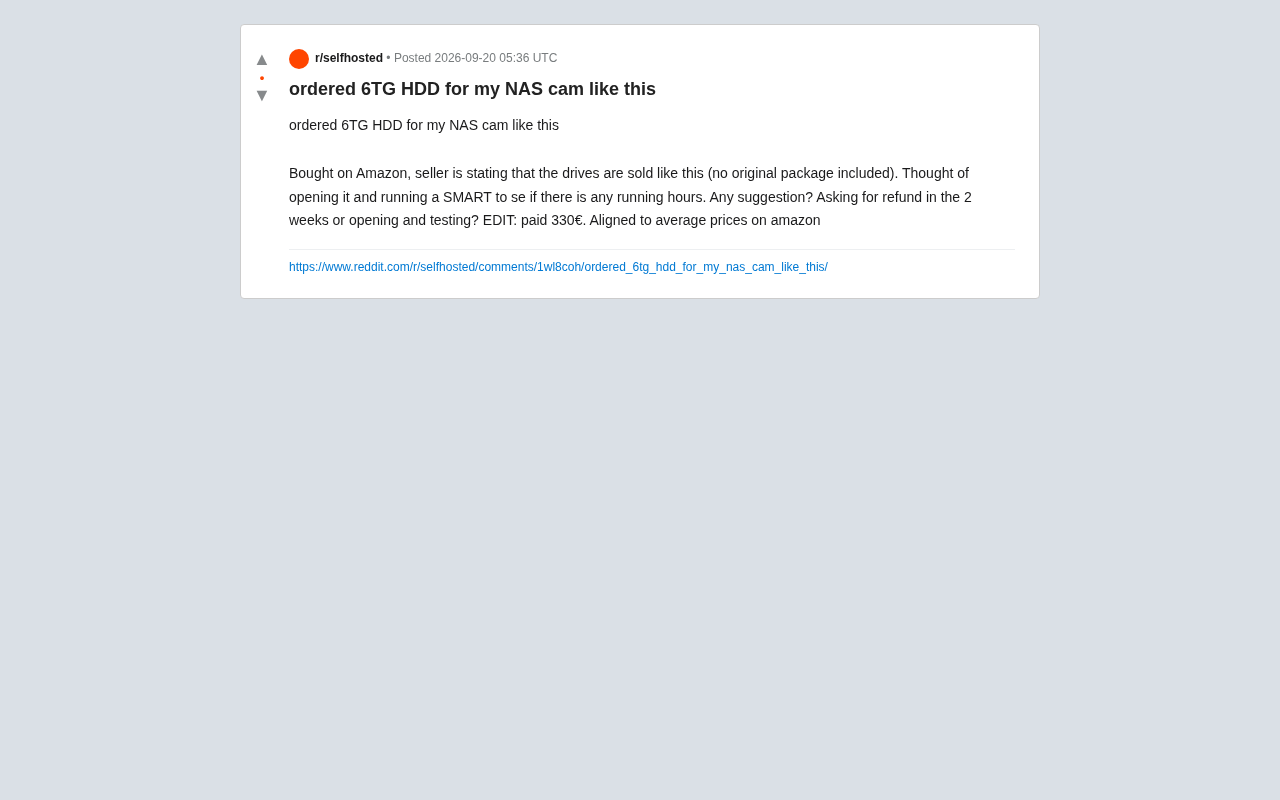
A Reddit user ordered a 6TB mechanical hard drive (HDD) from Amazon for their home NAS, only to find it arrived with no original packaging whatsoever — the seller's explanation was that "these drives are sold this way (without original packaging)." The user paid 330 euros, roughly in line with the average market price for similar products on Amazon.
Faced with this situation, they raised a question that any DIY storage enthusiast might encounter: should they request a refund within the two-week return window, or should they open the box, run a SMART check, and see whether the drive has any "hidden usage hours"?
This seemingly straightforward question touches on a long-standing gray area in hard drive purchasing — how to distinguish refurbished drives, used drives, and "white-label" OEM drives.
What Missing Original Packaging Actually Means
Brand-new hard drives sold through legitimate channels typically come with anti-static bags, foam padding, or dedicated hard drive shipping packaging (commonly known as clamshell boxes or bubble wrap sleeves). These aren't optional extras — mechanical hard drives are extremely sensitive to physical shock, and impacts during shipping can cause latent bad sectors or even platter damage.
When a seller uses "that's just how it's sold" to explain the lack of packaging, it's worth staying alert. This kind of response often points to one of several possibilities:
- OEM bulk drives: Bare drives shipped in bulk by manufacturers to system integrators, which may be brand new but lack the warranty backing that comes with retail packaging.
- Refurbished drives: Returns or repairs that have been reconditioned and resold.
- Data center decommissioned drives: Drives pulled in bulk from server farms, potentially having logged tens of thousands of hours of runtime.
The fact that 330 euros matches the average market price is actually more cause for concern, not less — if you're paying the same price as a new retail drive but receiving an unpackaged bare unit, the "value" you're getting is effectively discounted.
SMART Testing: The Key Decision Before and After Opening
The user's core dilemma was: open and test or return immediately.
From a technical standpoint, SMART (Self-Monitoring, Analysis and Reporting Technology) is the most direct tool for assessing a hard drive's true condition. Reading SMART data reveals several key indicators:
Key SMART Parameters to Watch
- Power_On_Hours: A brand-new drive typically shows only a few hours (factory testing). If it shows hundreds or even tens of thousands of hours, you can be almost certain it's a used or decommissioned drive.
- Power_Cycle_Count: Reflects how many times the drive has been powered on and off. An abnormally high count is another sign of prior use.
- Reallocated_Sector_Count: A non-zero value means bad sectors have already appeared on the platters and been remapped — a clear signal of declining health.
- Load_Cycle_Count: Helps assess the actual mechanical wear on the drive heads.
On Windows, CrystalDiskInfo can read this data. On Linux or NAS systems like Synology, use smartctl (part of the smartmontools package).
It's worth noting that some refurbished or decommissioned drives have their SMART data artificially reset before resale — zeroing out power-on hours and cycle counts to make them look new. This is technically feasible since SMART data is stored in the drive's firmware area and specific tools can modify these counters. To detect this kind of tampering, look at a few harder-to-fake details: raw error rates like "Raw Read Error Rate" and "Seek Error Rate" tend to accumulate more internal error logs on heavily used drives; check whether the drive's manufacturing date (verifiable via serial number on the manufacturer's website) is inconsistent with the SMART power-on hours; and physically inspect the drive for scratches or worn screw holes. Relying solely on SMART power-on hours isn't enough — a comprehensive assessment combining multiple metrics and a physical inspection gives a much more accurate picture of the drive's true origin.
Weighing Return Rights Against Opening the Box
There's a real tension here: many platform return policies require items to remain unopened for a full refund. Once you open the package for testing, you may face a blocked refund or a restocking fee.
The safer approach is a two-step strategy:
- Don't open it yet. Contact the seller or platform directly and explicitly ask whether the drive is "brand new," "OEM bulk," or "refurbished/used," and keep a written record of the exchange. If the seller listed it as new but delivered an unpackaged bare drive, that may already constitute a "not as described" claim — a strong basis for requesting a refund.
- If you decide to accept it and open the box, run SMART immediately. If power-on hours are significantly elevated or there are any reallocated sectors, file for a refund right away with screenshots as evidence — most platforms support returns for items "not as described," even if already opened.
Purchasing Advice for NAS Users
A NAS is a storage device designed to run 24/7 long-term. Hard drive reliability directly impacts data safety. Taking a risk on a drive of unknown origin could cost far more than 330 euros.
Based on this case, here are a few practical principles:
- Prioritize retail-boxed drives, especially NAS-optimized models (such as WD Red or Seagate IronWolf series), which include firmware tuning for always-on workloads.
- Run SMART immediately upon delivery — treat power-on hours, reallocated sectors, and power cycle count as acceptance criteria, and save screenshots for your records.
- Be suspicious of the "normal price, abnormal packaging" combination — a legitimate new drive has no reason to skip protective shipping packaging.
- Make use of your return window — the two-week cooling-off period is an important consumer protection; if testing reveals a problem, act on it promptly.
- Consider running a full disk scan (badblocks or an extended SMART self-test) — early-life failures in new drives often show up under stress testing.
Back to the original question: opening the drive to test it doesn't forfeit your right to a refund. The key is to establish evidence first, then decide. Confirming the product description with the seller in writing and running a SMART check lets the data speak for itself — that's the most rational way to handle this kind of purchase dispute.
On the topic of full disk scanning: badblocks is a widely used bad-block detection tool in Linux environments that can perform destructive or non-destructive read/write tests across an entire drive, catching physical bad sectors that SMART hasn't yet recorded. In Synology DSM, Storage Manager includes a built-in "Drive Health" diagnostic that can run quick or full S.M.A.R.T. tests. A full Extended Test typically takes several hours, traversing every sector with the read head — it's the most reliable method for catching early failures. For any newly purchased NAS drive, it's strongly recommended to complete at least one Extended SMART Test before storing any real data. If a problem surfaces at this stage, it both confirms a quality issue and keeps you within the return window, preserving your ability to act.
Related articles

A Single Prompt Triggers a Global PHP Security Storm: Is AI a Savior or a Hidden Risk?
A single AI prompt triggered a global PHP security crisis affecting Wikipedia and the Internet Archive. This article reviews the incident, analyzes the OpenAI-Amazon controversy, and explores the security paradox of lowered vulnerability discovery barriers in the AI era and developer response strategies.

When AI Is Taken Away: How Reliance on Shortcuts Undermines Your Problem-Solving Resilience
A study of 1,222 people found that after using AI to answer questions, once AI was removed, people gave up on more problems than a control group that never used AI. The article analyzes the impact of AI reliance on learning resilience and metacognition, and explores design implications for AI learning tools.

Carta and NewView Partner to Let Startup Employees Cash Out Equity Early
Carta and NewView Capital partner to simplify startup tender offers, helping employees sell equity early. Analysis of the mechanism, liquidity pain points, and impact.