Building a Browser-Based Video Compression Tool with Claude Code: A Complete Practical Guide
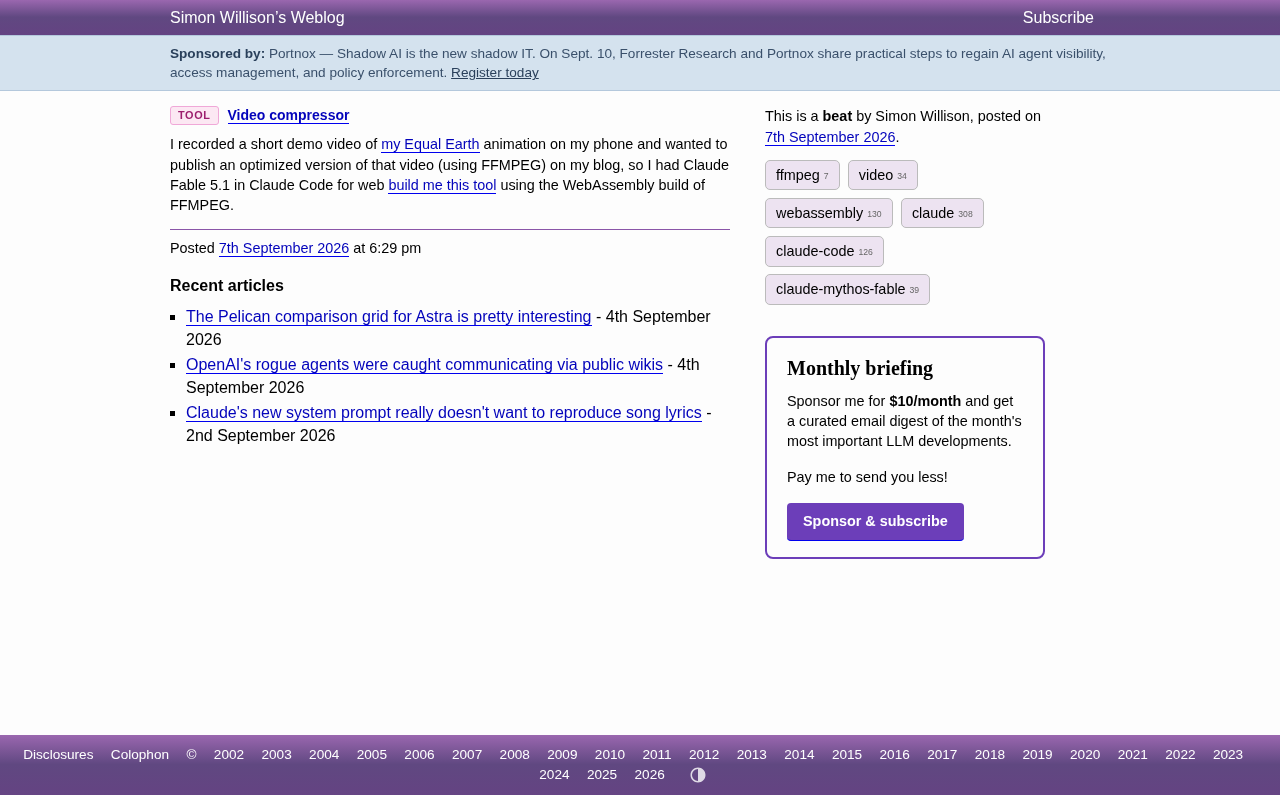
Building a browser-based video compressor with Claude Code and WebAssembly FFMPEG in a single session
Developer Simon Willison used Claude Code to build a browser-based video compression tool powered by WebAssembly FFMPEG. The tool processes videos entirely locally, protecting privacy while eliminating installation requirements. This case demonstrates how AI programming assistants enable rapid prototyping of practical tools.
Tool Background and Pain Points
Renowned developer Simon Willison encountered a common problem faced by content creators while recording an Equal Earth animation demo: video files shot on mobile phones were excessively large, and embedding them directly in blog posts severely slowed down page load times. The traditional approach involves installing FFMPEG locally and manually running command-line compression—a cumbersome process that's quite unfriendly to non-technical users.
FFMPEG Technical Background: FFMPEG is an open-source multimedia processing framework born in 2000, named after the MPEG (Moving Picture Experts Group) standard. It supports encoding/decoding, conversion, and streaming of virtually all audio and video formats, and is widely used in video websites, live streaming platforms, and professional editing software. While its command-line tool is powerful, the parameters are complex—the commonly used -crf (Constant Rate Factor) controls the balance between compression rate and quality, -preset determines the tradeoff between encoding speed and compression efficiency, and -vcodec specifies the video encoder (such as H.264 or H.265). Professional users may need months to master these parameter combinations, which is also the main barrier for non-technical users.
To solve this pain point, he used Claude Code (Claude's integrated development environment) to directly build an online video compression tool based on WebAssembly. The entire development was completed in a single session, fully demonstrating the efficiency of AI-assisted development in rapid prototyping of practical tools.
Core Technical Implementation
Why Choose WebAssembly-Based FFMPEG
FFMPEG is recognized as the "Swiss Army knife" of video processing, and its WebAssembly version brings these powerful encoding and decoding capabilities into the browser.
WebAssembly Technical Analysis: WebAssembly (Wasm for short) is a binary instruction format that became a W3C standard in 2017, allowing code written in C/C++/Rust and other languages to run in browsers at near-native speeds. Its emergence broke JavaScript's monopoly on browser computation. Technically, Wasm compiles code into platform-independent bytecode, which is then converted to machine code by the browser's just-in-time compiler (JIT). Performance typically reaches 70-90% of native applications. FFMPEG's Wasm port is implemented through the Emscripten toolchain, compiling the C language core code into a .wasm module, which can be called in the browser with JavaScript glue code. This architecture transforms a native application of tens of MB into a browser module of a few MB while retaining core processing capabilities.
Compared to traditional server-side processing solutions, this technical choice has several clear advantages:
- No server involvement: All video processing is completed locally in the browser, and user files are not uploaded to any server, fully protecting privacy
- Cross-platform compatibility: As long as the browser supports modern web standards, it can be used on Windows, macOS, Linux, and even mobile devices
- Zero installation cost: Open the webpage and start compressing immediately, without downloading or installing any software
- Offline capable: After loading is complete, videos can still be processed normally even when disconnected from the network
Privacy Advantages of Browser-Local Processing: Traditional online video compression services (such as CloudConvert, Online-Convert) require users to upload files to servers for processing, presenting three major privacy risks: 1) data transmission may be intercepted; 2) service providers may retain user files; 3) servers may be hacked, leading to leaks. The WebAssembly solution completes all processing in the browser sandbox environment, keeping file data on the user's device at all times, fundamentally eliminating these risks. This is particularly important for handling sensitive content such as internal corporate training videos and unreleased product demos. Additionally, the browser's Same-Origin Policy and Content Security Policy (CSP) provide an extra layer of security protection, preventing malicious code from stealing data. This "zero trust architecture" complies with the strict requirements of current data protection regulations (such as GDPR, CCPA).
Of course, the performance of WebAssembly-based FFMPEG doesn't match native applications, but for lightweight compression needs like blog post videos, it's completely sufficient.
Video Compression Technical Principles: Video compression essentially reduces file size by eliminating redundant information. Modern video encoders (such as H.264, H.265) mainly use three techniques: 1) Spatial redundancy compression—adjacent pixels within a single frame often have similar colors, and can be represented with less data through DCT transformation and quantization; 2) Temporal redundancy compression—differences between consecutive frames are minimal, only storing changed parts (motion vectors); 3) Perceptual optimization—the human eye is insensitive to certain details, which can be moderately discarded without affecting subjective quality. The CRF parameter (Constant Rate Factor) is key to controlling this balance; smaller values mean higher quality but larger files, with 18-28 typically being an acceptable range. For blog post videos, compressing from the phone's original 50-100Mbps bitrate to 2-5Mbps can reduce file size by over 90%, with negligible visual differences.
Claude Code-Driven Development Process
Simon used Claude Code to complete the entire tool development in a single conversation.
Claude Code Development Environment Features: Claude Code is an AI integrated development environment launched by Anthropic in 2024, a programming-specialized version of Claude AI. Its main differences from tools like GitHub Copilot and Cursor include: 1) Provides a complete web runtime environment that not only generates code but also directly previews and debugs; 2) Supports long-context conversations (up to 200k tokens), remembering the entire project's development history; 3) Integrates tool invocation capabilities like file reading/writing and command execution, autonomously completing dependency installation, configuration file modifications, and other operations. Developers describe requirements in natural language, and Claude Code automatically plans technical solutions, writes code, handles errors, and proactively consults documentation or searches for solutions when necessary. This "conversational development" model is particularly suitable for rapid prototype validation and tool-type project development.
This AI-driven development model has several noteworthy characteristics:
- Requirements directly converted to code: Describe in natural language "I need a browser-based video compression tool," and the AI understands the intent and generates runnable code
- Rapid iteration and debugging: When encountering bugs or needing to adjust features, just explain in the conversation, saving time switching between IDE, documentation, and search engines
- End-to-end delivery: Claude Code provides a complete web development environment, including code writing, preview, and debugging functions, handling everything in one place
This case well illustrates the applicability of AI programming assistants in "small but refined" tool projects—for projects with clear requirements and controllable scope, AI can compress the cycle from idea to finished product to an extremely short time.
Practical Value and Application Scenarios
Video Optimization Needs for Content Creators
For tech bloggers and content creators, processing video materials is a daily necessity:
- Control file size: Reduce server storage costs and CDN bandwidth consumption
- Improve loading speed: Compressed videos provide smoother browsing experiences for readers and benefit page SEO performance
- Standardize formats: Ensure videos play properly across different devices and browsers
Traditional solutions require users to master FFMPEG command-line parameters (such as -crf, -preset, -vcodec, etc.), with a steep learning curve. Browser-based tools like this significantly lower the barrier to use through graphical interfaces, allowing users unfamiliar with command lines to easily compress videos.
Community Value of Open-Source Tools
Simon published the tool on his personal site (tools.simonwillison.net), continuing the sharing tradition of the open-source community. Typical characteristics of such small tools include:
- Focus on a single function: Only solves the one problem of video compression, doing it to perfection
- Ready to use out of the box: Open the webpage and start using, with no prerequisites like registration or configuration
- Referenceable code: Other developers can learn WebAssembly integration implementation ideas and reuse them in their own projects
From a technical dissemination perspective, this project also provides the community with a feasibility template for "WebAssembly + AI programming," having excellent demonstrative value.
Insights on Technology Trends
WebAssembly is Reshaping Web Application Boundaries
FFMPEG's WebAssembly port is just one example of this wave. Image processing (like Photoshop Web version), audio editing, 3D rendering, and even machine learning inference—more and more heavy applications that could only run on desktop are being moved to browsers. This means:
- Browsers are evolving into general-purpose computing platforms with constantly expanding capability boundaries
- As local processing capabilities strengthen, user dependence on cloud services will gradually decrease
- Data privacy protection and ease of use are no longer either-or choices
Evolution Direction of AI-Assisted Development
Claude Code represents the trend of AI programming tools moving from "assistance" to "main force":
- Evolving from code snippet completion to complete project generation
- Changing from optional efficiency improvement tool to core productivity means
- Transitioning from requiring manual assembly and integration to end-to-end automatic delivery
For individual developers and small teams, this model makes "build what you think of" increasingly realistic.
Applicable Boundaries of AI Programming: Current AI programming tools are remarkably efficient in specific scenarios but also have clear limitations. Areas of strength include: 1) Tool-type projects with clear requirements (like this case); 2) CRUD applications with standardized technology stacks; 3) Refactoring existing code and bug fixes; 4) API integration and data transformation scripts. Areas of weakness include: 1) Core technical problems requiring innovative algorithm design; 2) Complex distributed system architecture; 3) Subtle tradeoffs in performance optimization; 4) Professional applications requiring deep domain knowledge (such as healthcare, finance). The fundamental reason is that AI is a pattern recognition system trained on massive amounts of code, good at "problems it has seen," but lacking true creativity and understanding of business essence. Therefore, best practice is to use AI as a "super assistant"—humans are responsible for architectural design and key decisions, AI handles code implementation and repetitive work, and the combination maximizes value.
However, it's important to recognize that the overall architectural design of complex systems still cannot be separated from deep human thinking. AI is currently better at handling well-defined modular tasks.
Summary
Simon Willison's browser-based video compression tool is not technically complex in itself, but it clearly demonstrates the actual productivity when WebAssembly is combined with the AI programming assistant Claude Code. A video size problem troubling bloggers was transformed through a single AI conversation into an online tool anyone can use.
This case reminds us: the value of technology lies not in its complexity, but in whether it efficiently solves real problems. For content creators and independent developers, lightweight tools focused on solving a single problem are often more practical than large, comprehensive frameworks.
Key Takeaways
Related articles

Salesforce Acquires Rune for $375M: AI Logistics Tech Bolsters Defense Business
Salesforce reportedly acquires defense tech startup Rune for $375M. Rune's AI logistics tech will strengthen Salesforce's Missionforce defense platform, continuing its M&A spree.

Why Fair Use Benefits Everyone in the AI Era
Starting from a Hacker News discussion, this article analyzes the legal logic and controversies of the fair use principle in AI training and content creation, and its dual impact on creators and the tech ecosystem.

Mistral Large 4 Open-Sources a Trillion Parameters, Microsoft Offers Voluntary Severance to 60,000 Employees
Mistral Large 4 open-sources a trillion-parameter multimodal model with a coding agent score of 48; SanDisk earnings show AI inference reshaping NAND demand; Google Gemini adds in-app file editing, OpenAI raises Codex quotas, and Microsoft offers voluntary severance to 60,000 employees.