Building an iNaturalist Observation Display Tool Entirely on a Phone with Claude Code
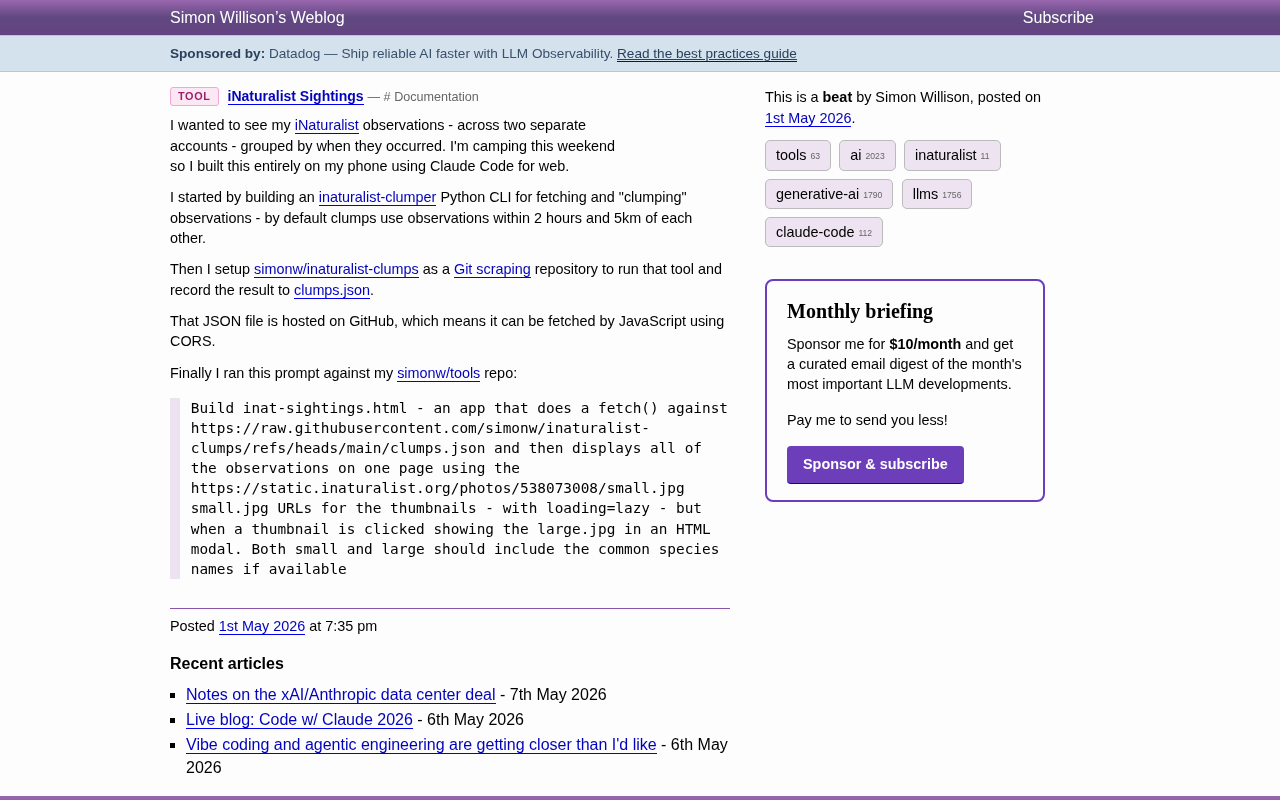
Simon Willison built a nature observation data display tool on his phone with an AI coding assistant while camping.
While camping, Simon Willison used only his phone and Claude Code for web to build a complete tool displaying iNaturalist nature observation records. The project uses a three-layer architecture: a Python CLI for spatiotemporal clustering data processing, Git Scraping for automated data updates, and a pure front-end static page for display. The entire system requires no servers and has zero maintenance costs, demonstrating a modern development pattern where AI handles execution while humans handle design.
Project Background: Writing Code While Camping
Simon Willison (renowned developer and creator of Datasette) recently shared a weekend project: while camping, he built a tool to display iNaturalist nature observation records entirely using his phone and Claude Code for web. No laptop, no local development environment—the entire process was completed in a mobile browser.
Simon Willison is one of the co-creators of the Django web framework and later created Datasette—an open-source tool that instantly transforms SQLite databases into interactive APIs and data browsing interfaces. He has long championed "data journalism" and "personal data infrastructure," believing that everyone should be able to easily explore and publish structured data. He's also one of the most active practitioners and documenters in the AI-assisted programming space, continuously sharing his experiences using LLMs for software development on his blog.
iNaturalist is one of the world's largest citizen science platforms, jointly operated by the California Academy of Sciences and the National Geographic Society. Users can upload photos of wildlife taken in the field, and the platform identifies species through AI image recognition and community expert collaboration. As of 2024, the platform has accumulated over 200 million observation records covering more than 400,000 species. iNaturalist provides a comprehensive open API that allows developers to query data by user, geographic region, taxonomic classification, and other dimensions—this is exactly the data foundation for Simon's project.
The project itself isn't functionally complex, but the development approach behind it is worth paying attention to—when AI programming assistants are powerful enough, developers can quickly turn ideas into usable tools in any scenario.
Detailed Three-Layer Architecture Design
Layer 1: Python CLI Data Processing Tool
Simon first built a Python command-line tool called inaturalist-clumper, responsible for pulling observation data from the iNaturalist API and performing "clumping" processing.
The core logic groups observation records that are within 2 hours of each other in time and 5 kilometers in geographic distance into a single clump, effectively organizing data by "single outing." This approach is clever—it doesn't require users to manually tag which observations belong to the same activity; the algorithm automatically infers this through spatiotemporal proximity.
This clustering method is essentially a density-based spatiotemporal proximity clustering, similar in concept to the classic DBSCAN (Density-Based Spatial Clustering of Applications with Noise) algorithm. DBSCAN discovers clusters of arbitrary shape by defining a neighborhood radius and minimum point count, while Simon's simplified version uses two intuitive thresholds—a 2-hour time window and 5-kilometer spatial distance—to determine whether two records belong to the same "outing." This approach avoids the limitation of algorithms like K-Means that require pre-specifying the number of clusters, making it particularly suitable for handling nature observation data with uneven spatiotemporal distributions.
Layer 2: Git Scraping for Automated Data Updates
Simon used the Git Scraping technique he himself popularized to create the simonw/inaturalist-clumps repository. GitHub Actions runs the CLI tool on a schedule, writes the results to clumps.json, and automatically commits them.
Git Scraping is a data collection pattern proposed and popularized by Simon Willison in 2020. Its core idea is to use GitHub Actions' scheduled task (cron job) functionality to periodically run scripts that fetch data from external APIs or web pages, store the results in JSON, CSV, or other formats in a Git repository, and automatically commit changes. Since Git naturally records the diff of each commit, this approach automatically creates a complete change history for the data—essentially a free time-series database. Compared to traditional scraper + database solutions, Git Scraping requires no database server maintenance, data inherently has version control, and GitHub's Raw file service comes with CDN and CORS support, allowing it to serve directly as a static API.
Git Scraping provides several practical benefits here:
- Zero maintenance: Data updates automatically with no servers to maintain
- Native front-end support: GitHub Raw files support CORS (Cross-Origin Resource Sharing), allowing front-end JavaScript to fetch directly. CORS is a browser security mechanism that by default prevents JavaScript on a webpage from requesting resources from a different domain than the current page. GitHub's Raw file service sets
Access-Control-Allow-Origin: *in its response headers, meaning front-end code from any domain can directly access file contents in GitHub repositories. This is the key technical prerequisite that enables the Git Scraping pattern to work seamlessly with pure front-end applications. - Traceable changes: Git commit history automatically records every data change
- Completely free: GitHub Actions provides completely free CI/CD runtime for public repositories, with 2,000 minutes of free quota per month for private repositories. For lightweight tasks like Git Scraping, each run typically takes only seconds to minutes—even executing hourly, the monthly total consumption stays well below the free quota limit. However, it's worth noting that GitHub imposes certain limitations on Actions cron scheduling: the minimum interval is 5 minutes, and scheduled tasks are automatically disabled after a repository has been inactive for an extended period (typically 60 days), requiring manual re-enablement.
Layer 3: Pure Front-End Display Page
The final step is the front end. Simon wrote a precise prompt for Claude Code requesting a single-page HTML application:
- Fetch JSON data from GitHub using
fetch() - Display all observation records using iNaturalist's small.jpg thumbnails
- Add
loading=lazyfor image lazy loading - Show an HTML modal with the large.jpg image when a thumbnail is clicked
- Display the common name of each species
The loading="lazy" attribute is HTML's native image lazy loading attribute, first implemented in Chrome in 2019 and now supported by all major browsers. When the browser encounters an <img> tag with this attribute, it only initiates a network request to load the image resource when the image is about to enter the viewport. For pages containing numerous thumbnails, lazy loading can significantly reduce initial page load time and bandwidth consumption. Previously, developers typically needed to use the Intersection Observer API or third-party JavaScript libraries to achieve similar functionality—the native attribute greatly simplified implementation costs.
Completing the entire front end with a single prompt demonstrates the execution efficiency of AI programming assistants when requirements are clearly defined.
Technical Highlights Analysis
The Phone as a Development Environment
The entire project was completed on a phone during a camping trip. Claude Code for web turns the browser into a development terminal, completely breaking the dependency on desktop environments.
Claude Code is an AI programming tool for developers launched by Anthropic. Its web version allows users to interact with Claude at the code level directly in the browser—including writing, debugging, and deploying code—without installing any local development environment. Unlike traditional IDE plugin-style AI assistants (such as GitHub Copilot), Claude Code for web is itself a complete development interface, meaning it can run on any device with a browser—including phones and tablets. This "zero-installation" characteristic is precisely the technical foundation that enabled Simon to complete the entire project with just a phone while camping.
For developers who frequently have ideas but aren't in front of a computer, this experience means "you can start building anytime, anywhere."
A Complete System Without Servers
Looking back at the entire architecture, no traditional servers are used:
| Function | Implementation |
|---|---|
| Data processing | GitHub Actions scheduled execution |
| Data storage | JSON files in a GitHub repository |
| Front-end hosting | Pure static HTML page |
| Maintenance cost | Zero |
All components are free and maintenance-free, making this particularly suitable for personal projects and prototype validation.
The Key to Prompt Engineering: Precise Technical Specifications
Although Simon's prompt was just a single paragraph, it contained complete technical details: data source URL, image URL construction rules, interaction behavior definitions, performance optimization strategies, and content display requirements. This kind of precise requirement description is the prerequisite for effectively using AI programming tools. Vague prompts only lead to repeated revisions; precise prompts get it right the first time.
Takeaways for Developers
This project isn't large in scope, but it demonstrates a reusable modern development pattern:
- Layered decoupling: Data acquisition, data storage, and data display are each independent—any layer can be replaced individually
- Leverage free infrastructure: GitHub Actions + GitHub Raw + static pages can support a large number of lightweight applications
- AI handles execution, humans handle design: Developers focus their energy on architectural thinking and requirement definition, leaving code implementation to AI
- Progressive building: First build a CLI tool to validate logic, then add an automation pipeline, and finally add front-end display—incrementally building the complete system
If you also want to quickly build personal data display tools, the combination of "Git Scraping + static front end + AI programming" is worth trying. No servers needed, no complex deployment processes, and you don't even need a computer—a phone is enough.
Related articles
 Tutorials
ChatGPT Plus Subscription Guide: Are GPT-5.5, image-2, and Codex Worth the Upgrade?
A detailed look at ChatGPT Plus features — GPT-5.5, image-2, and Codex — with a Plus vs Pro comparison and a complete step-by-step subscription guide for users outside the US.
 Tutorials
Harness AI Engineering in Practice: Using Claude Code to Master Enterprise-Level E-Commerce Development
Deep dive into Harness AI Engineering: master enterprise e-commerce development with Claude Code using the Rules, Skills, Wiki, and Changes framework.
 Tutorials
Cursor + Codex Dual-IDE Collaboration: A Practical Methodology for Open-Source Project Customization
A complete methodology for open-source project customization based on real-world experience, detailing the Cursor+Codex dual-IDE workflow, seven-stage process, MVP validation, and AI source code reading techniques.