Building Azure SQL Apps with AI Coding Agents: A Hands-On Demo

Microsoft demos building and migrating Azure SQL apps fast with GitHub Copilot and SQL Agent Skills.
Based on the Data Exposed episode, this article explores how AI coding agents are reshaping app development. Azure SQL PM Ikra shows how to use GitHub Copilot and Microsoft SQL Agent Skills to launch a task-tracking app in a local container from a sample prompt in the Azure SQL Developer Hub, then seamlessly migrate it to cloud Azure SQL without writing SQL. The article highlights agents evolving from code suggestions to personal assistants executing complex tasks, with the data layer as the core concern. Microsoft SQL Agent Skills package SQL best practices into reusable modules, the plugin is cross-compatible with VS Code, Claude Code, and Codex, and Azure SQL scales smoothly from hobby projects to production.
In the latest episode of Data Exposed, host Anna Hoffman sat down with Ikra, a Product Manager for Azure SQL, to explore how AI coding agents are transforming the application development workflow. They also gave a live demo of how to use GitHub Copilot and Microsoft SQL Agent Skills to quickly build a task-tracking app connected to Azure SQL.
The Developer Ecosystem Shift: From Code Suggestions to Autonomous Agents
Ikra pointed out that development tools have gone far beyond simple code suggestions—every developer can now have their own "personal agent." These agents can understand context, execute complex tasks, and even manage the entire application lifecycle. In this trend, the data layer becomes especially critical—no matter what app you're building, the core question is always "Where does my data live?" And Azure SQL is the answer to that question.
AI coding agents are fundamentally different from traditional code completion tools (such as early IntelliSense or basic Copilot completion). Code completion tools predict the next chunk of code based on the context at the cursor, functioning as passive, fragment-level assistance. Coding agents, by contrast, have goal decomposition, tool invocation, and multi-step execution capabilities—they can read files, run commands, call external services, and self-correct on failure. Agents are typically driven by large language models, paired with a set of pluggable "skills" or "tools" that extend their capabilities—for example, accessing databases or running migration scripts. This architecture allows agents to handle end-to-end tasks from scaffolding to deployment and migration, while developers move into a supervisory and decision-making role. Understanding this distinction helps grasp the technical implications of the claim that "every developer can have their own personal agent."
Azure SQL Developer Hub: A One-Stop Starting Point
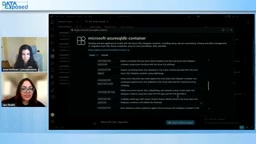
Microsoft recently launched the Azure SQL Developer Hub, a getting-started guide for developers. It offers a rich set of sample prompts, setup guides, and multiple starting paths to help developers quickly try out new apps or run AI skills on existing software. The Hub supports multiple coding tools, including GitHub Copilot, Codex, Claude Code, and more, so developers can choose based on their preferences.
Live Demo: From Local Container to Cloud Migration
Using GitHub Copilot as an example, Ikra demonstrated the complete development workflow. First, install the GitHub Copilot and MS SQL extensions in VS Code, then copy a sample prompt for a task-tracking app from the Developer Hub. Copilot automatically loads the Microsoft SQL Agent Skills, which help the agent understand SQL best practices and accelerate app startup.
The agent first launches the app in a local Azure SQL DB container. Developers can modify code directly in VS Code, and changes sync to the running app in real time—without writing a single SQL query.
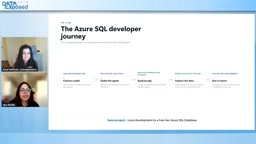
Next, Ikra demonstrated how to migrate the app to an Azure SQL database in the cloud. Using the Azure SQL DB Schema Migration skill and Microsoft Entra authentication, the agent seamlessly migrates the app from the container to a pre-provisioned cloud instance. The entire process happens inside VS Code, showcasing an end-to-end development experience.
Azure SQL DB containers refer to Azure SQL database instances running locally as containers, typically based on SQL Server container images and emulating Azure SQL's compatible behavior for development and testing. They give developers a near-production database experience without connecting to the cloud, enabling offline development, rapid iteration, and cost control. Schema Migration refers to the process of moving database structures (tables, indexes, constraints, etc.) from one environment to another. In the demo, the agent uses the Schema Migration skill to automatically generate and execute migration scripts, while Microsoft Entra authentication handles cloud connection configuration. Entra (formerly Azure AD) provides identity-based access control, replacing traditional username/password connections as the standard practice for secure cloud access. Combined, these two capabilities make the switch between "local development and cloud runtime" nearly transparent to developers.
From Hobby Projects to Production-Grade Scale
Ikra emphasized that Azure SQL is not only great for quickly starting hobby projects or side projects—it also supports smooth scaling from prototype to production. As projects grow, Azure SQL offers comprehensive capabilities to handle scale challenges, so you don't need to worry about data-layer bottlenecks.
Microsoft SQL Agent Skills: A New Way to Transfer Knowledge
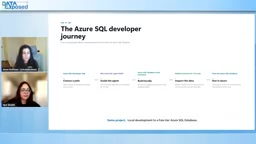
Anna described Agent Skills as "a new form of samples and best practices." These skills essentially distill the knowledge of Microsoft's SQL engineering teams and the community into reusable modules that agents can pull in as needed. Ikra revealed that Microsoft SQL Agent Skills and the Azure SQL Developer Hub were released just a few weeks ago, and the team is actively collecting feedback and plans to roll out more features in the coming months. Community contributions and an evaluation framework are also in the works.

Agent Skills can be understood as structured knowledge packages for agents: they organize domain-specific operational guidelines, best practices, sample code, and constraints into modules that agents can load on demand, rather than stuffing everything into the system prompt at once. This design reduces context usage, improves task relevance, and allows knowledge to be independently versioned and updated. Compared with traditional documentation or sample code, Agent Skills emphasize "executability"—the agent can not only read the advice but also use it to plan steps, invoke tools, and verify results. The community contributions and evaluation framework mentioned in the article mean that in the future, Skill quality will be measured by quantifiable task success rates rather than solely by human authorship. This model is becoming one of the mainstream forms of knowledge transfer in the AI tool ecosystem.
Cross-Tool Compatible Plugin
It's worth noting that this plugin works not only in VS Code but also in other coding tools like Claude Code and Codex. This means developers can get database management capabilities—previously available only through the MS SQL extension or SSMS—without being locked into a specific IDE.
How to Get Started
Want to reproduce the demo? Just visit the Azure SQL Developer Hub, copy a sample prompt, and you can launch your own AI-driven app in minutes. Meanwhile, Azure SQL DB containers are currently in preview, and developers are welcome to try them out and provide feedback.
One-line Summary
Microsoft demonstrates how to quickly build and migrate Azure SQL apps with GitHub Copilot and SQL Agent Skills.
Paragraph Summary
Based on the Data Exposed episode, this article explains how AI coding agents are reshaping the application development workflow. Ikra, a Product Manager for Azure SQL, shows how, with GitHub Copilot and Microsoft SQL Agent Skills, you can copy a sample prompt from the Azure SQL Developer Hub to launch a task-tracking app in a local container and seamlessly migrate it to Azure SQL in the cloud without writing any SQL. The article emphasizes that agents have evolved from code suggestions into personal assistants capable of executing complex tasks, with the data layer becoming the core concern for apps. Microsoft SQL Agent Skills package SQL best practices into reusable modules, the plugin is compatible across VS Code, Claude Code, Codex, and other tools, and Azure SQL supports smooth scaling from hobby projects to production-grade workloads.
Related articles
Ollama+RAG Local Knowledge Base Setup: A Step-by-Step AnythingLLM Tutorial
Based on a Bilibili tutorial, this guide details building a local RAG knowledge base with Ollama + AnythingLLM: from general LLM knowledge limits and RAG principles to document upload, vector storage, and verification.
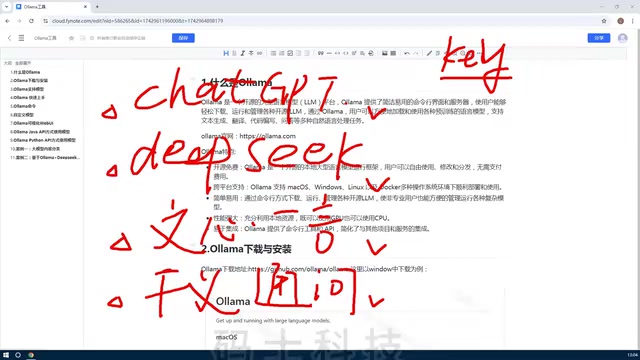
The Ultimate Ollama Tutorial: A Beginner's Guide to Running Large Models Locally for Free
Ollama is an open-source local large model management tool supporting free download and deployment of models like DeepSeek, with command-line and Web UI, cross-platform, automatic GPU/CPU scheduling — ideal for AI beginners and private deployment.
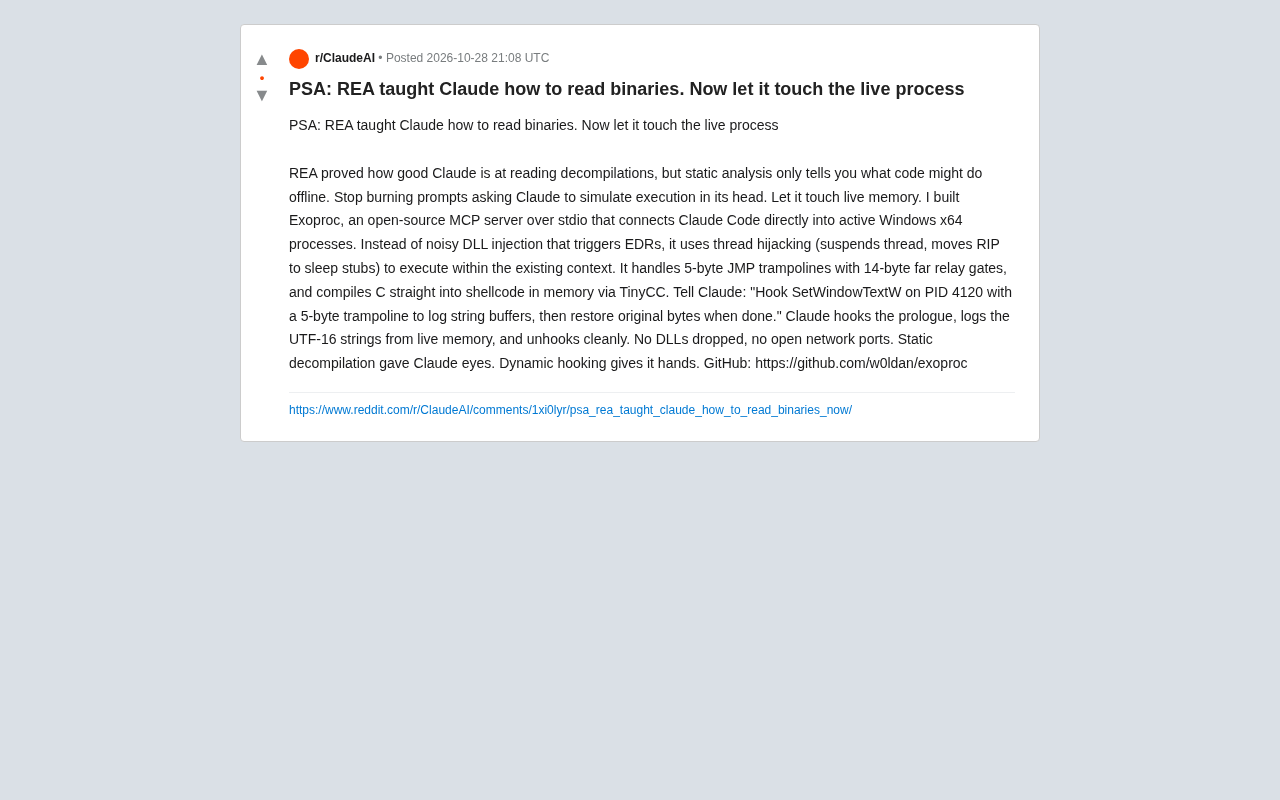
Giving Claude "Hands": Exoproc Open-Source MCP Server Enables Live Process Hooking
Exoproc is an open-source MCP server enabling Claude Code to hook live Windows x64 processes via thread hijacking, bypassing EDR for dynamic analysis. Static decompilation gave Claude eyes; dynamic hooking gives it hands.