Burrow: Run Windows and Linux on Mac for Free with One Click

Burrow is an open-source VM tool for one-click, free Windows and Linux on Mac, still in its early stage.
Burrow is a new Mac VM tool on Product Hunt that offers one-click launch, is completely free and open source, and aims to lower the barrier to running Windows 11 or Linux on Mac. The article notes its one-click experience likely wraps Apple Virtualization.framework or QEMU, so performance will be close to—not beyond—these frameworks, suitable for lightweight office work and development testing but not for large 3D apps or heavy gaming. Being free and open source means maintenance relies on the community, and update adaptation may be slower. With only 74 upvotes and 1 comment, it's in an early stage, and details like chip support, Linux distribution coverage, snapshot and shared folder features, and image trustworthiness remain unverified.
Running Windows or Linux on a Mac has traditionally meant either paying up (Parallels Desktop) or wrestling with configuration (UTM, VirtualBox). A tool called Burrow recently surfaced on Product Hunt, pitching "one-click launch, completely free" in an attempt to lower the barrier to virtual machines as much as possible.
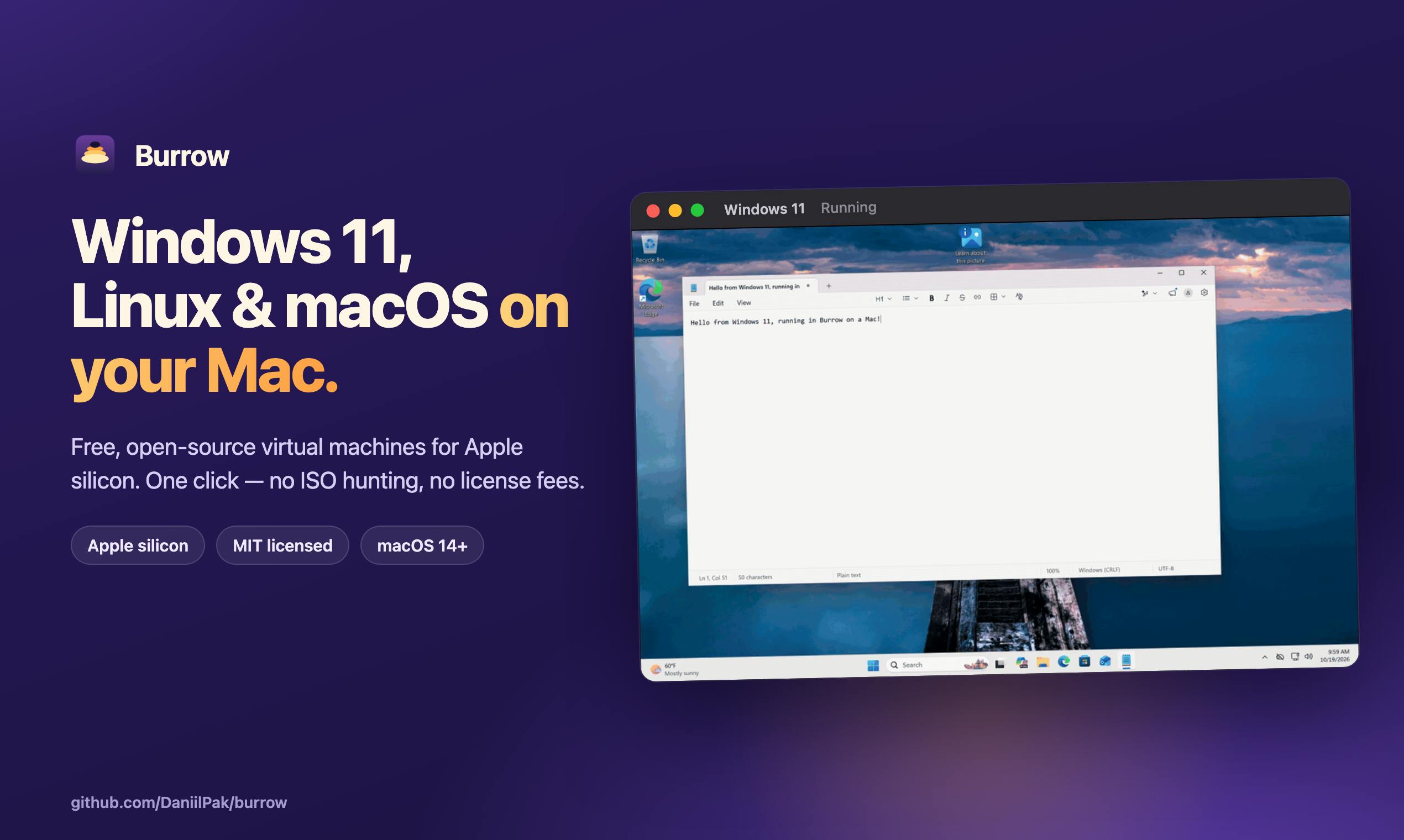
What problem does it solve
Mac users have always had a need for Windows/Linux virtual machines: developers need to test cross-platform compatibility, and ordinary users occasionally need some Windows-only software. Among existing options, Parallels offers the best experience but requires a subscription, while UTM is free and open source but its initial setup isn't exactly friendly to non-technical users.
Burrow's positioning is straightforward—turning "download, install, click once" into a complete flow, claiming it can run Windows 11 or any Linux distribution "instantly." Judging by its Product Hunt tags (Open Source, GitHub), it takes the open-source route with no paywall, which is the main reason it reached #13 of the day with 74 upvotes.
What's the cost of free and one-click
The two selling points of "one-click" and "free" need to be understood within the technical reality of virtual machines.
VM performance depends on the host machine's CPU, memory, and disk speed. If Burrow can simplify configuration, it most likely wraps existing virtualization frameworks under the hood (commonly Apple Virtualization.framework or QEMU on macOS) and preconfigures image downloads and launch parameters. This means its actual performance will be close to—not beyond—these underlying solutions. It's sufficient for lightweight office work and development testing, but don't expect too much for running large 3D applications or heavy Windows games.
Free and open source also means maintenance depends on the community. Commercial products have dedicated teams handling driver compatibility and system update adaptation, whereas open-source tools usually move more slowly in this regard—for example, changes to virtualization interfaces after a new macOS release often require the community to catch up.
Apple Virtualization.framework is Apple's official virtualization framework shipped with the system since macOS 11 (Big Sur), designed specifically for hardware-accelerated scenarios on Apple Silicon and Intel Macs. It directly calls the low-level virtualization capabilities provided by Hypervisor.framework, allowing third-party apps to create and run virtual machines without bundling kernel extensions, giving it advantages in security, power efficiency, and system integration over traditional approaches. Compared with general-purpose emulators like QEMU that must handle CPU instruction translation and device emulation themselves, Virtualization.framework can achieve near-native performance when running ARM-based Windows or Linux guests, but its support for x86 guests is limited, and its feature set (such as USB passthrough and graphics acceleration) is relatively restrained. Understanding this difference helps assess the practical performance boundaries of Burrow on Macs with different chips.
QEMU is a mature open-source machine emulator and virtualization tool that supports emulating multiple CPU architectures and peripherals on a host machine. Its strengths lie in extremely broad platform coverage and strong customizability, and it's often used as a backend engine by graphical frontends such as UTM. The trade-off is complex configuration and significant performance overhead, especially when instruction translation is required (such as running x86 systems on Apple Silicon), where speed drops noticeably. If Burrow uses QEMU as a backend in some scenarios, its "one-click" experience is more about simplifying parameters and image management than eliminating the performance cost of emulation.
Product details worth noting
Based on the product page information, Burrow was launched by two makers, with categories covering Productivity, Open Source, GitHub, and the Apple ecosystem. With only 1 comment and 74 upvotes, it's clearly still in an early stage, and community discussion has yet to take off.
For potential users, the things most worth verifying in the early days are: which Mac chips are supported (the virtualization paths for Apple Silicon and Intel differ greatly), the range of Linux distributions covered, whether practical features like snapshots and shared folders are offered, and whether the image sources are trustworthy. These details determine whether it's a "toy" or a tool that can be used long-term.
The difference in virtualization paths between Apple Silicon and Intel Macs deserves separate explanation. Apple Silicon uses the ARM architecture, and running ARM versions of Windows or Linux can achieve hardware acceleration through Virtualization.framework with high efficiency; however, running traditional x86 versions of systems or software requires instruction translation or full emulation, causing a significant performance drop. Intel Macs naturally support x86 guests, but Apple has gradually been phasing out system support for Intel models, and the adaptation priority for new frameworks is also declining. Therefore, the same VM tool may have vastly different feature completeness, image compatibility, and performance on the two types of machines, and users must first confirm their chip type when evaluating Burrow.
Who should try it
If you're an engineer who needs to quickly spin up a Linux environment for development testing, or someone who occasionally needs Windows software but doesn't want to pay for Parallels, Burrow is worth adding to your candidate list. If you want an out-of-the-box stable experience, USB passthrough, or high-performance graphics, commercial solutions or the mature UTM remain the safer choices.
Competition among open-source VM tools is essentially a contest of experience. Whether Burrow can turn "free" into a sustainable product will depend on future version iterations and community feedback.
One-line Summary
Burrow is an open-source VM tool focused on running Windows and Linux on Mac for free with one click, still in its early stage.
Paragraph Summary
Burrow is a newly emerged Mac VM tool on Product Hunt, featuring one-click launch, completely free and open source, aiming to lower the barrier to running Windows 11 or Linux distributions on Mac. The article notes that its "one-click" experience most likely wraps underlying virtualization solutions such as Apple Virtualization.framework or QEMU, so performance will be close to—not beyond—these frameworks, suitable for lightweight office work and development testing but not for large 3D applications or heavy gaming. Being free and open source also means maintenance depends on the community, and the pace of system update adaptation may be slower. The product currently has only 74 upvotes and 1 comment, placing it in an early stage, and details such as chip support, Linux distribution coverage, snapshot and shared folder features, and image trustworthiness remain to be verified.
Related articles
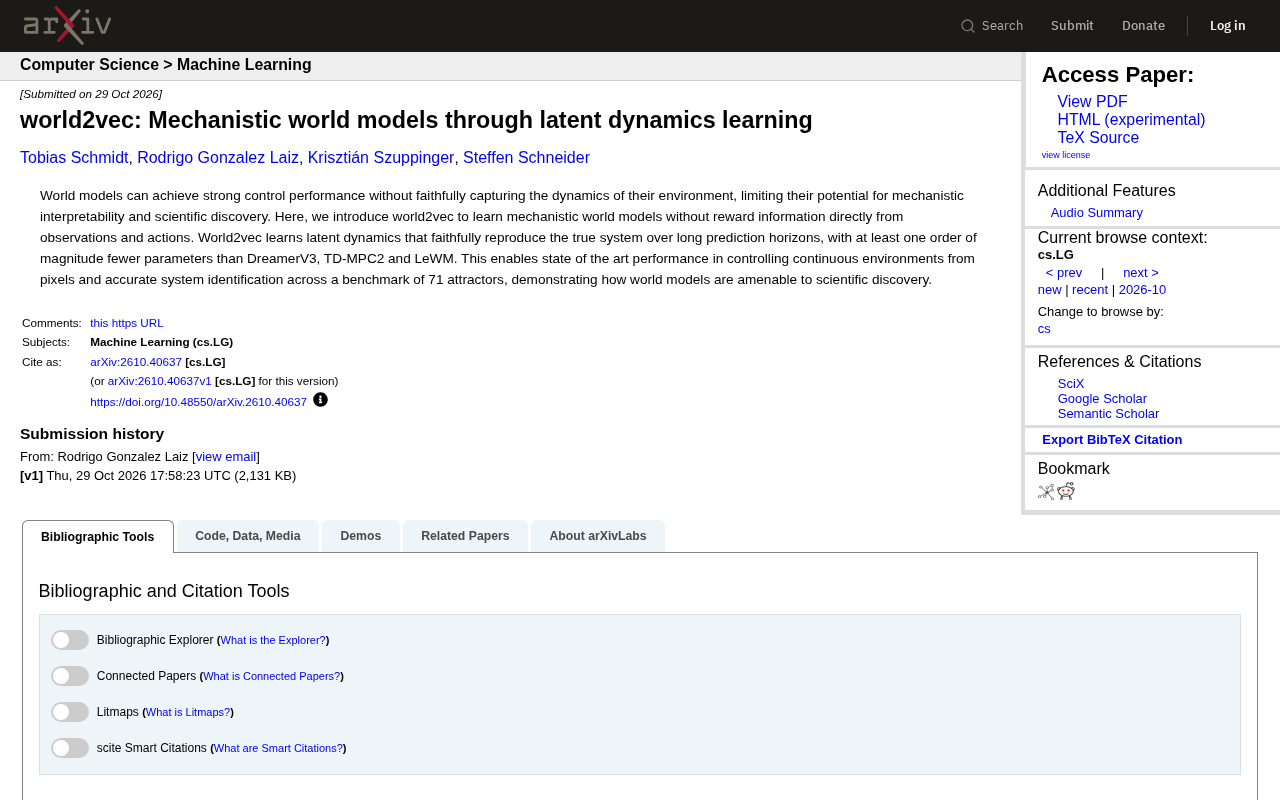
world2vec: Building Mechanistic World Models with Latent Dynamics Learning
world2vec proposes a reward-free method for learning mechanistic world models via latent dynamics, faithfully reproducing systems over long horizons with at least an order of magnitude fewer parameters than DreamerV3, TD-MPC2, and LeWM, and achieving accurate system identification on 71 attractor benchmarks.

A New KL-DRO Paradigm: Adaptive Scenario Generation Around a Learned Density Model
KL-DRO research proposes centering the KL ball on a learned density model instead of the empirical distribution, with adaptive scenario generation guiding sampling toward the worst case. Experiments show lower cost under distribution shift when records are scarce and the model can extrapolate, with comparable in-distribution cost.

ODE Samplers for Discrete Diffusion Models: Exponential Residual Flows Accelerate Generation
Discrete diffusion models lack deterministic ODE sampling? This article introduces Exponential Residual Flows (ERFs), which introduce continuous residual variables per token to construct piecewise ODEs for deterministic sampling and support consistency distillation acceleration. Superior to prior methods on code and text generation tasks.