Canned Web: The Kiosk Tool That Instantly Turns Your Mac Into a Display Terminal

Canned Web locks your Mac to a single webpage in Kiosk mode for a one-time €49 fee—no MDM needed.
Canned Web is an indie macOS tool that fills the platform's long-missing Kiosk mode gap. For a one-time payment of €49, it locks a Mac to a single domain in fullscreen, blocking Spotlight, Cmd-Tab, screenshots, and external navigation. Password-protected exit makes it ideal for trade show demos, digital signage, and public terminals—without the complexity or cost of enterprise MDM solutions.
The Missing Kiosk Mode in macOS
At trade shows, product demos, digital signage installations, and similar scenarios, we often need to lock a device to a single webpage—preventing visitors from freely navigating, switching apps, or exiting fullscreen. iPads have native "Guided Access" for this, and Windows offers a built-in Kiosk mode, but macOS has always lacked an out-of-the-box solution.
Kiosk mode is an operating mode that restricts a computing device to running only a specific application or accessing specific content. The concept originates from self-service terminals in public spaces—bank ATMs, airport check-in kiosks, mall directory screens, and the like. Technically, Kiosk mode typically requires intercepting system-level user actions (such as task switching and system menu invocations) at the OS level, while also restricting file system access and app launch permissions. Windows 10/11 includes "Assigned Access," which can lock a device to a single UWP app; Chrome OS natively supports Kiosk mode; and iPad's "Guided Access" is activated by triple-pressing the Home button or side button. Because macOS is positioned toward professional creators and developers, Apple has never provided Kiosk mode as a system-level feature.
For Mac users, achieving so-called "kiosk mode" in the past meant either relying on complex and expensive MDM (Mobile Device Management) solutions, or resorting to scripts and third-party tools with tedious configurations. MDM is a technology framework used by enterprise IT departments to remotely configure, manage, and secure organizational devices. In the macOS ecosystem, major MDM solutions include Jamf Pro, Mosyle, Kandji, and others. These platforms communicate with devices through Apple's MDM protocol, delivering Configuration Profiles to restrict system functions, lock applications, and control network access. To achieve a Kiosk effect on Mac through MDM, administrators need to: register an Apple Business Manager account, configure DEP (Device Enrollment Program), write and test configuration profiles, and potentially deploy custom scripts. The learning curve for this entire process is steep, and mainstream solutions like Jamf Pro typically cost tens to hundreds of dollars per device annually. For small teams or individuals who simply want one Mac to stably display a webpage, this is clearly overkill.
Recently launched on Product Hunt, Canned Web targets precisely this pain point. Its positioning is crystal clear: lock a Mac to a single website in fullscreen—no MDM required.
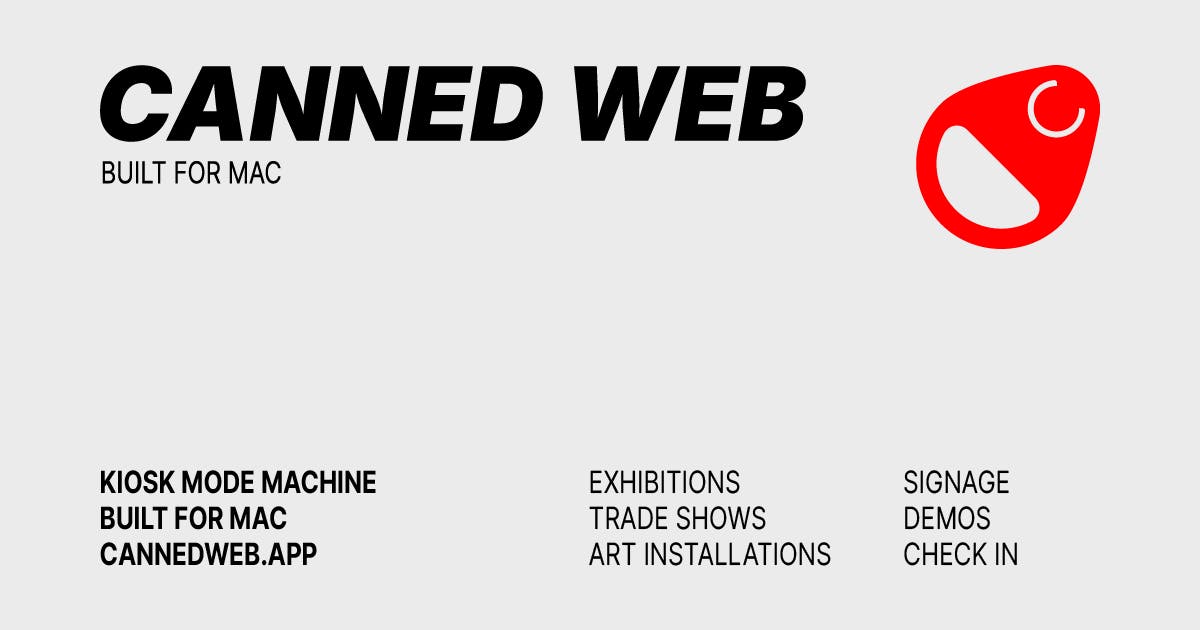
Canned Web Core Features: Lock Down Equals Security
Canned Web's core logic is "lockdown." When running, it completely binds your Mac to your specified domain and enters fullscreen display mode. To prevent visitors from going "out of bounds," it blocks several key system interaction entry points:
- Spotlight: Cannot launch other applications or files via search;
- Cmd-Tab: Cannot switch to other background applications;
- Screenshot function: Prevents sensitive information or demo content from being casually captured;
- Domain locking: Even if the webpage contains outbound links, access is restricted to your specified domain.
Intercepting these system-level keyboard shortcuts on macOS is a technically challenging task. Shortcuts like Cmd-Tab and Cmd-Space (Spotlight) are captured and handled by macOS's WindowServer process before reaching the application layer—regular apps cannot intercept them through conventional APIs. Developers typically need to use the CGEvent Tap mechanism in the Core Graphics framework to insert event listeners at a lower level to intercept and discard these key events. Additionally, macOS's security model (strengthened since Catalina) requires apps to obtain "Accessibility" permissions to monitor and manipulate system-level input events. Blocking screenshots requires intercepting Cmd-Shift-3/4/5 combinations and preventing Screenshot.app from launching. These technical implementations all require elevated system privileges, which explains why such tools are more challenging to implement on macOS than on other platforms.
Most critically, exiting this locked state requires entering a password. This means when trade show staff step away, there's no need to worry about passersby accidentally touching or maliciously manipulating the device to expose the desktop or other content. This "configure once, run unattended" design is the most essential value proposition of Kiosk-type tools.
Canned Web Use Case Analysis
According to the official description, Canned Web primarily targets the following use cases:
Product Demos and Trade Show Booths
At trade shows, exhibitors typically set up several Macs to display product websites or web application demos on loop. With Canned Web, booths don't need dedicated staff watching constantly, and there's no worry about visitors clicking the interface into disarray, switching to the desktop, or accessing unrelated websites—significantly reducing on-site maintenance costs.
Digital Signage and Exhibitions
For museums, exhibition halls, retail stores, and other venues requiring long-term looping webpage content, Canned Web provides a lightweight signage solution. Digital signage is a massive and continuously growing market—Grand View Research projects the global digital signage market to reach approximately $45 billion by 2030. Traditional digital signage solutions typically rely on dedicated hardware (such as BrightSign players) or custom Android/Linux-based systems, paired with cloud-based CMS (Content Management Systems) for remote content updates. But for budget-constrained small merchants and exhibitors who already have Mac hardware, converting existing Macs into digital signage terminals is a more economical choice. Previous Mac-side solutions mainly included SaaS platforms like ScreenCloud and Rise Vision, but they typically use monthly subscription models and still require additional configuration to achieve true device lockdown. Compared to solutions that require enterprise-level device management platforms, Canned Web's deployment threshold is significantly lower.
Public Information Terminals
Any scenario requiring public access to a single webpage service—such as event check-in pages, internal information query terminals, etc.—can be quickly set up with Canned Web. Exit is password-protected, providing basic security assurance.
Pricing and Product Positioning
Canned Web uses a one-time payment of €49 model—no subscription, no MDM dependency. In today's SaaS-dominated landscape, this pricing strategy carries distinct differentiation value. While subscription models provide developers with predictable recurring revenue (MRR/ARR), for users of utility software, ongoing payments often mean long-term costs far exceeding the product's actual value. Take Jamf Pro, for example: at approximately $4-8 per device per month, annual management costs for a single device can reach $50-100, and management capabilities are lost the moment you stop paying. Canned Web's one-time purchase pricing lowers the user's decision threshold (no need to calculate long-term TCO—Total Cost of Ownership) and aligns with its "single-function tool" product character. This pricing strategy is increasingly popular in the indie developer community—Sketch, Sublime Text, and other well-known tools adopted similar models in their early days.
This is particularly friendly to small teams and indie developers—it avoids the steep licensing fees and complex deployment processes of enterprise device management solutions.
From a product positioning perspective, Canned Web is clearly a "small but beautiful" utility product: focused functionality, clear objectives, transparent pricing. It doesn't try to become a comprehensive device management platform, but precisely solves one specific need: "lock a Mac to a single webpage."
The product is currently built independently by developer David Pfluegl. It has gained initial attention on Product Hunt, and while votes and comments are still modest, the niche pain point it addresses is quite real.
Brief Assessment and Thoughts
Canned Web's emergence essentially fills a long-standing functional gap in the macOS ecosystem. For users who rely on Macs for on-site presentations, it offers a low-cost, subscription-free solution that requires no IT management background to get started.
Of course, as a newly launched indie tool, there are areas worth watching: support for multi-device batch deployment, the security strength of the lockdown mechanism (whether it can resist more advanced bypass methods—such as sending specific key combinations via external keyboards, escaping through VoiceOver accessibility features, or resetting in recovery mode), and stability performance during long-term display (WebKit memory leaks, recovery mechanisms after network disconnection, etc.)—all still need more real-world usage feedback for validation.
But what is indeed true is that between "professional MDM" and "manually hacking together scripts," Canned Web provides a perfectly positioned middle option. For users who simply want one Mac to quietly display a webpage, the peace of mind that comes with a one-time €49 payment is very likely a worthwhile deal.
Key Takeaways
Related articles

Gemini 4 Argon Hands-On: AI Builds Board Games, Constructs Temples, and Trains Robots Autonomously
Gemini 4 Argon hands-on roundup: AI autonomously builds a desk racetrack and temple in Blender, writes a ray tracing engine, trains a humanoid robot to sink 7 shots, plus API pricing and developer access.

The Magic Octagonal Coin: Why Only 9% of People Can Predict Its Flip?
Only 9% of people can correctly predict the Magic Octagon coin flip. This article explains its spatial rotation mechanism, common cognitive pitfalls, and a new hypothesis based on Relevance Theory, exploring the limits of human spatial reasoning.

Sam Altman: AI Is Entering the Era of Scientific Discovery — Math Breakthroughs Will Replicate in Biology and Energy
Sam Altman says AI is entering the era of scientific discovery — math breakthroughs will replicate in biology, materials science, and energy to help develop new drugs and energy sources.