Chrome DevTools for Agents: The Closed-Loop Debugging Powerhouse for AI Coding Agents

Chrome DevTools for Agents brings closed-loop browser feedback to AI coding agents via Lighthouse, input simulation, and device emulation.
Announced at Google I/O, Chrome DevTools for Agents gives AI coding agents browser-level self-verification capabilities through three core features: Lighthouse performance audits, simulated user input, and device emulation. By creating a closed feedback loop, agents can autonomously iterate on front-end code without human review, and the tool is open to integration with any major coding agent.
When Debugging Tools Meet AI Agents
At Google I/O, a lighthearted exchange during a live demo pointed to a new direction from the Chrome team — DevTools for Agents. The demo opened with "Where can I find a Chrome expert?", guiding the audience toward the Chrome booth before landing on the key question: "Have you heard about DevTools for Agents?"
Beneath that casual banter lies an increasingly critical engineering challenge: as more development work shifts to AI coding agents, how can these agents actually "see" how the code they write performs in a real browser? Traditional Chrome DevTools is a visual debugging panel designed for human developers — DevTools for Agents is built to open that same powerful capability up to AI agents.
Background on AI Coding Agents: AI coding agents are autonomous software development systems built on large language models (LLMs). They can interpret natural language requirements and generate, execute, and debug code. Unlike early code completion tools (such as the original GitHub Copilot), coding agents support multi-step planning, tool invocation, and environment interaction. Notable examples include Devin, Claude Code, and Cursor Agent. Their core architecture typically follows a "perceive–plan–execute" loop — but the "perceive" layer for front-end development has long been missing. That's exactly the gap DevTools for Agents aims to fill.

What Is DevTools for Agents
Based on the demo, the core value of DevTools for Agents is clear: creating a closed feedback loop for AI agents.
Why Closed-Loop Feedback Matters
In the past, AI coding agents generating front-end code were essentially flying blind. They could output HTML, CSS, and JavaScript, but had no way to perceive how that code actually ran in a browser. Was the page loading slowly? Did an interaction trigger an error? Did it behave as expected across different devices? These questions previously required manual review by human developers.
Closed-loop feedback is a foundational concept in control theory — it means the system's output is monitored and fed back into the input, forming a self-correcting cycle. In the context of AI agents, this mechanism determines whether an agent can truly operate autonomously without human intervention. An agent without feedback is fundamentally an open-loop system: it can only execute instructions in one direction and has no way to assess the quality of its own outputs. Research from Google DeepMind and others has shown that incorporating environment feedback is one of the most critical factors for improving agent success rates on complex tasks — far more impactful than simply scaling up model size.
By introducing a closed feedback loop, agents can autonomously iterate through a "generate code → run verification → receive feedback → revise code" cycle. This represents a pivotal shift from "one-way generation" to "verifiable generation" — and it's the essential infrastructure AI agents need to genuinely handle front-end development tasks.

Three Core Capabilities Explained
The demo highlighted three key capabilities DevTools for Agents provides to coding agents, each addressing real-world development and debugging scenarios.
Lighthouse Performance Audits
Agents can run LighthouseAd audits directly, generating quantitative scores across performance, accessibility, SEO, and best practices. This means AI agents can go beyond just making things work — they can proactively optimize page quality. For example, an agent might detect that an image is uncompressed or that a script is blocking rendering, then adjust the code accordingly.
Lighthouse is Google's open-source automated page quality tool, originally released in 2016 as a Chrome DevTools extension and now built into Chrome. It loads target pages via headless Chrome and produces quantitative scores across five dimensions: Performance, Accessibility, Best Practices, SEO, and PWA. Key performance metrics include LCP (Largest Contentful Paint), FID (First Input Delay), and CLS (Cumulative Layout Shift) — the core Web Vitals. Exposing Lighthouse to AI agents means agents can access objective scores that are directly tied to real user experience, rather than relying solely on code review to infer performance.
Simulating User Input
With the simulate user input capability, agents can simulate real user actions — clicks, text entry, scrolling — to verify that interaction logic works correctly, rather than just inspecting static rendered output. This is especially critical for scenarios like form validation, button responses, and dynamic content loading. Essentially, this injects the capabilities that the browser automation ecosystem has long refined (similar to how Playwright and Puppeteer drive interactions) directly into the agent's toolbox, giving agents a "perceive the page like a real user" dimension.
Emulating Device Capabilities
Emulating device capabilities allows agents to test page behavior across different device environments, covering screen sizes, network conditions, device performance, and more. This directly supports responsive design validation and cross-device compatibility testing.
Chrome DevTools' device emulation is built on a multi-layer stack: CSS media query interception handles screen dimensions; the Chrome DevTools Protocol (CDP) provides network throttling interfaces to simulate 2G/3G/4G conditions; User-Agent string overrides spoof server-side response logic; and CPU throttling simulates the compute performance of low-end devices. When AI agents can invoke these interfaces, cross-device compatibility verification shifts from "manually testing one device at a time" to "automated batch verification by the agent," dramatically reducing the manual cost of quality assurance.

Open to Mainstream Coding Agents
Notably, DevTools for Agents is not tied to any specific AI tool — it takes an open integration approach. Developers can "install DevTools for Agents for the coding agent of your choice."
This design philosophy reflects a clear strategic positioning by the Chrome team: rather than building a product that competes with AI agents, they're constructing foundational debugging and verification infrastructure. Regardless of which coding agent a developer uses, they can connect to this toolset and gain browser-level real-world feedback capabilities. This aligns closely with the industry trend around standardized agent integration protocols like MCP (Model Context Protocol).
MCP is an open protocol released by Anthropic in November 2024, designed to standardize how AI models interact with external tools and data sources — analogous to a "USB interface" for AI agents. MCP uses a client-server architecture: tool providers simply implement an MCP Server, which can then be invoked by any compatible AI agent, completely decoupling tools from specific models. Chrome DevTools for Agents' choice to embrace open integration rather than a closed ecosystem aligns closely with MCP's design philosophy, and echoes the broader trend of OpenAI, Microsoft, and other major players announcing MCP support. It reflects a concerted effort by tool providers to build unified, reusable capability interfaces for AI agents.

Why This Matters
From a broader perspective, DevTools for Agents addresses a core bottleneck in the evolution of AI-assisted programming.
Today's AI coding tools are quite capable at code generation, but they still rely heavily on human intervention during the verification and debugging phase. This creates a paradox: the faster agents generate code, the heavier the burden on humans to review and debug it. For truly end-to-end autonomous development, agents must be capable of self-verification.
DevTools for Agents is the key attempt to fill that gap. It transforms the DevTools capabilities that human developers have long depended on — performance profiling, interaction simulation, environment emulation — into standard interfaces that agents can call, enabling agents to be accountable for their own output even when running unattended. From a software engineering evolution perspective, this carries similar historical significance to the emergence of CI/CD pipelines: both automate the verification layer to remove the bottleneck that manual review places on iteration speed.
Conclusion
While the publicly available information is still largely at the demo level — with specific technical details and integration documentation yet to be released — the direction DevTools for Agents signals is already clear: future development tools must serve not only human developers, but AI agents as well.
As coding agents become more deeply embedded in real engineering workflows, whoever can first provide these agents with reliable "senses" and a feedback loop will hold a critical gateway into the AI-native development ecosystem. Chrome's moves in this space are worth close attention from every developer who cares about the future of AI-assisted programming.
Key Takeaways
Related articles
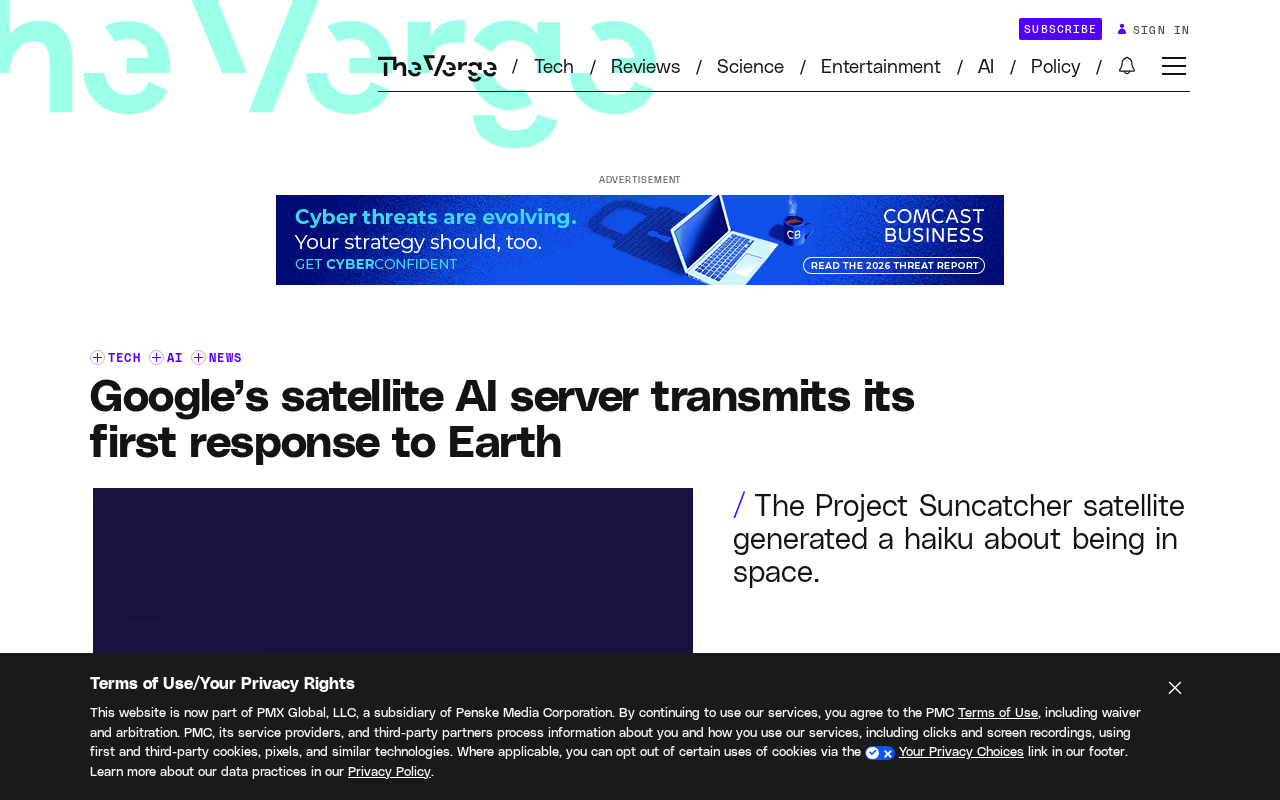
Google's Satellite AI Server Reaches Orbit: Gemma Model Generates First Reply in Space
Google's TPU-equipped satellite powers up in orbit, with the onboard Gemma 4 model generating the first reply from space. This article analyzes the technical path, real-world constraints, and implications for edge computing and satellite remote sensing.
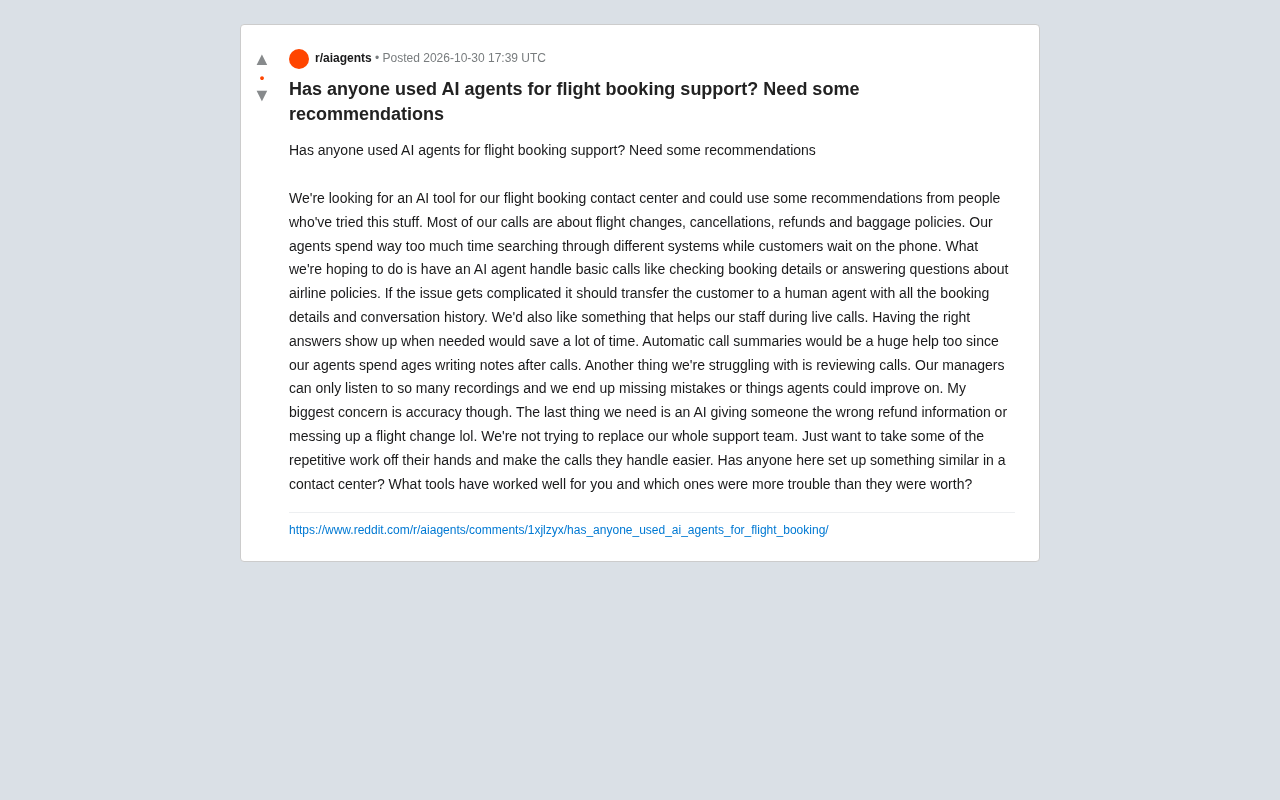
AI Agents for Flight Booking Customer Support: Real Needs and Implementation Challenges
Starting from a real Reddit question, this article breaks down four needs for introducing AI Agents into flight booking call centers: basic Q&A, agent assist, call summarization, and quality inspection, and analyzes accuracy concerns and handoff boundary design.
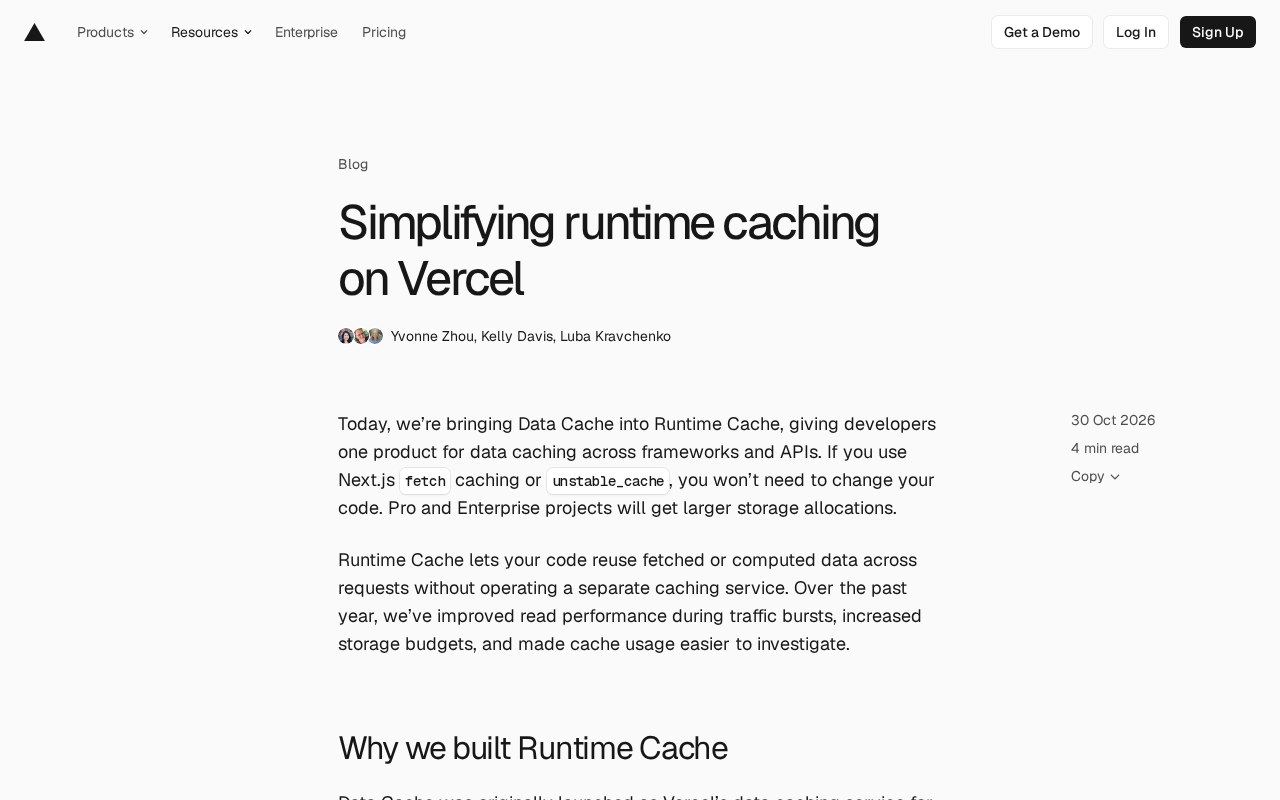
Vercel Unifies Runtime Cache: Data Cache Merges into Runtime Cache
Vercel merges Data Cache into Runtime Cache, unifying storage quotas and billing for Next.js fetch cache, unstable_cache, getCache, and use cache: remote. Pro and Enterprise projects get more storage, and cache reads/writes are now billed at Runtime Cache pricing.