Claude Code: A Complete Guide to Installation and Development in China

A full guide to installing Claude Code in China and using it effectively in real development workflows.
Claude Code is Anthropic's agentic AI coding tool that reads your codebase, understands project structure, and autonomously handles multi-file edits and test runs. This guide walks Chinese developers through the complete journey: Node.js setup, API key configuration, and a practical workflow covering requirement description, code generation, automated verification, and human review. It also covers core prompt engineering principles and a three-phase learning path leading from hands-on tool use to deeper topics like RAG and fine-tuning.
Why Claude Code Deserves Your Attention
Claude Code is an AI coding assistant for developers built by Anthropic. Unlike traditional conversational AI, it's designed to actively participate in real development environments — writing code, debugging, and managing projects. It's one of the most talked-about AI programming tools right now. For developers in China, successfully navigating network restrictions and account limitations to get it up and running is often the very first hurdle to clear.
This article is based on tutorial content from Bilibili and walks through the complete journey of using Claude Code — from environment setup and installation to hands-on coding — to help beginners build a solid mental model and avoid unnecessary trial and error.

Claude Code's Product Positioning and Core Capabilities
Before diving in, it's worth clarifying what Claude Code actually is. At its core, it's a developer tool that wraps the capabilities of Anthropic's Claude model family into a form usable from the command line and code editors. It can understand project context, make changes across multiple files, run tests, and automatically iterate based on feedback.
How It Differs from Conversational AI
Ordinary conversational AI operates in a "question-and-answer" loop — developers manually copy and paste code snippets. Claude Code's core value is different: it can read your entire code repository, understand the project structure, and autonomously carry out a series of development actions once given permission. This "agentic" way of working represents the dominant direction AI programming tools are evolving toward.
For developers looking to get started with large model application development, understanding this distinction is critical — the tool is powered by large model capabilities, but the tool itself determines how effectively those capabilities translate into real engineering practice.

It's worth briefly explaining the technical foundation of "agentic" programming tools. An Agent refers to an AI system that can perceive its environment, form a plan, and execute a series of actions to accomplish a goal — fundamentally different from a traditional model call that simply returns a result in one shot. In Agent mode, Claude Code first analyzes the project directory tree and relevant file contents, then breaks down complex tasks into multiple sub-steps and executes them sequentially. Along the way, it can invoke shell commands, read and write files, run tests, and use other external tools — forming a "perceive → plan → act → feedback" loop. This architecture places high demands on the model's context window length and instruction-following capability. The Claude 3.x model series supports context windows of over 200,000 tokens, which is one of the key underlying conditions that makes this kind of workflow possible.
Installation and Setup in China
The main challenges of using Claude Code in China center on two things: network access and account acquisition. Below is a verified installation process designed to help even complete beginners get up and running.
Basic Environment Requirements
Before installing Claude Code, you'll need the following foundational development environment:
- Node.js runtime: The Claude Code CLI depends on Node.js — install the LTS version
- Code editor: VS Code is recommended for best compatibility
- Reliable network access: Ensure you can reach Anthropic's services
- A valid account or API key: You'll need an Anthropic account or a corresponding API Key
Step-by-Step Installation
For beginners, the recommended approach is "get the minimal working environment running first, then expand gradually":
- Complete Node.js installation and verify it works
- Install the Claude Code CLI via npm
- Configure your API key and verify the model connection
- Once basic functionality is confirmed, move on to actual project configuration
This incremental approach effectively reduces the frustration that often comes from environment issues in the early stages of learning.

Hands-On Coding: Getting AI Truly Involved in Development
Once installation and configuration are complete, the real value of Claude Code emerges in actual coding. It's no longer a back-and-forth "you write a line, it answers a line" interaction — it can handle the complete loop from understanding requirements to delivering working code.
A Typical Workflow
A battle-tested Claude Code workflow looks roughly like this:
- Describe the requirement: Explain the feature you want to implement in natural language — the more specific, the better
- Context understanding: The tool automatically reads the current project's file structure and relevant code
- Code generation and modification: Automatically generates or modifies code across multiple files based on your requirements
- Run and verify: Executes tests or runs the program, automatically iterating fixes based on error output
- Human review: The developer reviews key changes to ensure code quality remains under control
The Importance of Prompt Engineering
The real-world effectiveness of Claude Code depends heavily on prompt quality. The following principles help improve the accuracy of generated code:
- Be specific about requirements: Avoid vague descriptions — clearly define inputs, outputs, and edge cases
- Provide sufficient context: Specify the tech stack, framework versions, and project conventions in use
- Set constraints: Such as coding standards, performance requirements, and compatibility needs
- Break complex tasks into steps: Split large requirements into smaller tasks and complete them incrementally
Prompt engineering is the critical interface for efficient human-AI collaboration, and it's a core skill that gets emphasized repeatedly in any large model application development learning path.
Prompt Engineering as a standalone technical discipline presents a fundamental challenge: large language models are probabilistic prediction systems, and the same semantic intent expressed differently can produce significantly different outputs. In code generation scenarios, a few well-validated structured techniques stand out. First, role assignment — start the prompt with something like "You are a front-end engineer experienced in TypeScript and React." Second, few-shot examples — provide 1–3 paired input/output examples showing what you expect. Third, chain-of-thought prompting — ask the model to describe its implementation approach before writing any code. Understanding the reasoning behind these techniques has far more long-term value than memorizing specific phrasings.
Learning Path and Where to Go Next
Zooming out, Claude Code is just one entry point into large model application development. The hands-on experience with AI programming assistants can naturally lead into deeper technical directions.
Advice for Beginners
For developers new to this space, a "start with the tool, follow up with the principles" learning strategy works well:
- Phase 1: Use tools like Claude Code to experience AI-assisted programming firsthand and build intuition
- Phase 2: Study the fundamentals of prompt engineering and Agent development
- Phase 3: Gradually fill in foundational knowledge of large models — understand advanced techniques like RAG and fine-tuning
This keeps learning momentum going while avoiding the trap of "knowing how to use the tool but not understanding why it works."

RAG (Retrieval-Augmented Generation) and fine-tuning — mentioned in Phase 3 — are two very different approaches to extending large model capabilities, and beginners often confuse when to use each. RAG's core idea is "retrieve at query time": private documents or knowledge bases are vectorized and stored, and when the model answers a question, it first retrieves relevant passages to inject as context, without touching the model's weights. This is low-cost, keeps knowledge updatable at any time, and suits use cases like Q&A and document assistants. Fine-tuning, by contrast, performs additional training on model weights using domain-specific data, producing lasting changes in the model's style, format, or specialized capabilities. It's more expensive and best suited for scenarios with large annotated datasets and strict output format requirements. For most application developers, RAG is the more practical starting point.
Conclusion
Claude Code represents the shift in AI programming tools from "assisted completion" toward "autonomous collaboration." For developers in China, once you've cleared the installation and configuration hurdle, the real value lies in integrating it into your daily development workflow and continuously optimizing human-AI collaboration through prompt engineering.
One important note: the original content this article draws from comes from a training organization's course promotion, which includes marketing elements like giveaways and raffles. When choosing learning resources, focus on the technical substance itself, approach promotional messaging with healthy skepticism, and treat Anthropic's official documentation and hands-on practice as your most reliable learning foundation.
Related articles
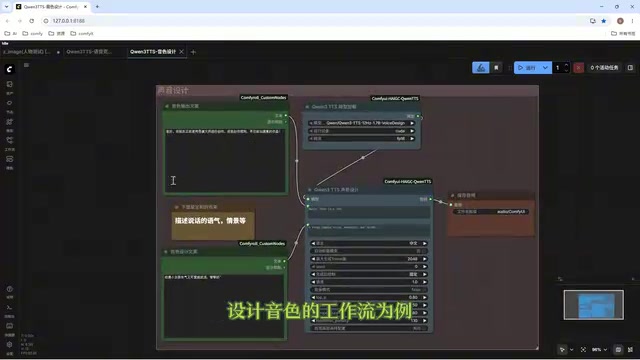
Director Master Tutorial: Full Workflow for AI Character Voice Design and Binding
Based on a Bilibili tutorial, this guide details how to design and bind AI character voices in Director Master: uploading voices, generating them via ComfyUI workflows, producing voice profiles alongside character design, and automatically inheriting voices in storyboard prompts.
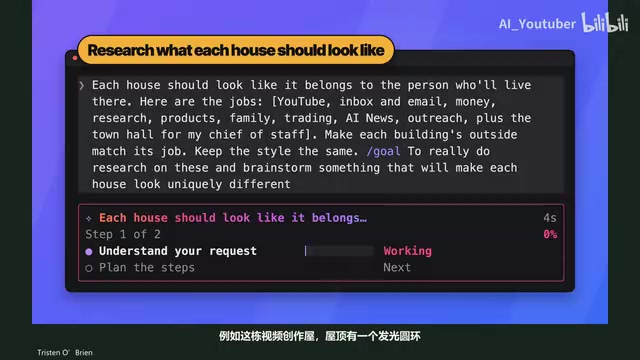
3.5 Hours and $47: Building an AI Agent Village Step by Step
A Bilibili creator built an AI Agent village in 3.5 hours for about $47: Claude Code handles logic and behavior, Higgs Field generates art. Seven steps cover maps and buildings, chief of staff and director roles, walkable areas and behavior rules, connecting to real tools like email and calendars, proving ground meetings, and retaining final human approval—including a cost ledger and prompt design thinking.
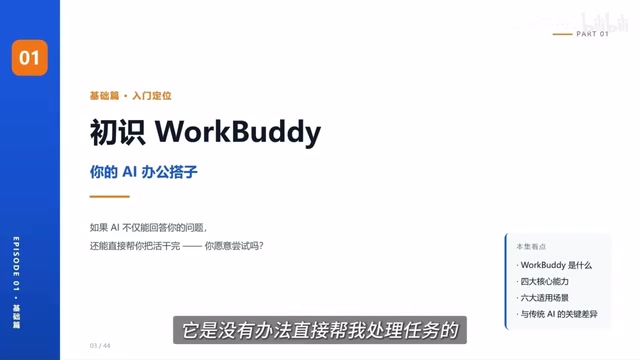
WorkBuddy Complete Beginner's Guide: Master Your AI Digital Employee in 7 Days
A detailed breakdown of the WorkBuddy beginner's guide: how this domestic Codex alternative works, its four advantages over traditional AI, and a learning path for newcomers.