Claude Code Advanced Guide: 9 Overlooked Advanced Features Explained
Master 9 overlooked Claude Code advanced features for AI-powered parallel development and automation
Claude Code offers powerful capabilities beyond basic code completion. This guide explores 9 advanced features: custom sub-agents for specialized tasks, Skills workflow templates, event-driven Hooks, MCP protocol integration with external tools, Git Worktree for true parallel development, Headless mode for CI/CD automation, checkpoint-based rollback, and advanced session management with branching support.
Introduction
Claude Code, as an AI-assisted development tool, has seen widespread adoption of its basic features. However, many developers haven't fully leveraged its deeper capabilities—custom sub-agents, workflow automation, parallel development, and other advanced features that can significantly boost development efficiency and code quality.
This article provides an in-depth analysis of 9 core features in Claude Code that are often overlooked, complete with practical demonstrations to help you upgrade Claude Code from a "code completion assistant" to an "AI collaborative development platform."
Custom Sub-agents: Building Your Dedicated AI Team
Claude Code's sub-agent mechanism allows developers to create specialized AI assistants. Unlike auto-generated temporary agents, custom sub-agents have clearly defined responsibilities and tool permissions, enabling them to precisely handle different types of development tasks.
The sub-agent design philosophy stems from Multi-Agent System (MAS) architecture, a classic paradigm in distributed artificial intelligence. In large language model applications, the context window is a core bottleneck—when conversation history and code snippets accumulate to a certain length, the model's attention mechanism experiences performance degradation, manifesting as "forgetting" early information and declining reasoning quality. By delegating tasks to independent context spaces, sub-agents essentially employ a "divide-and-conquer strategy," where each agent only needs to focus on information within its scope of responsibility, improving single-task processing quality while avoiding context bloat in the main thread.
Sub-agent Configuration Method
Create a docs/agents/ directory in your project root and define agent attributes using Markdown files:
- Name and Description: Determines when the agent is invoked
- Tool Collection: Limits the scope of operations available to the agent
- Runtime Model: Allows specifying different AI models for different agents to control costs
Practical Use Cases for Sub-agents
In actual development, you can create specialized agents like Reviewer (code review) and Debugger (debugging). When the main thread encounters relevant tasks, it automatically delegates them to the corresponding sub-agent.
The core advantage of this architecture is context isolation—each sub-agent has its own independent context window, avoiding performance degradation caused by excessive context length in the main thread. Taking Claude 3.5 Sonnet's 200K token context window as an example, while industry-leading, it can still be filled up in large projects involving multi-file modifications. The context isolation mechanism ensures each agent works in a "clean" window, maintaining high-quality reasoning output.
To verify if the configuration is effective, run the context command, and the system will list all registered custom agents.
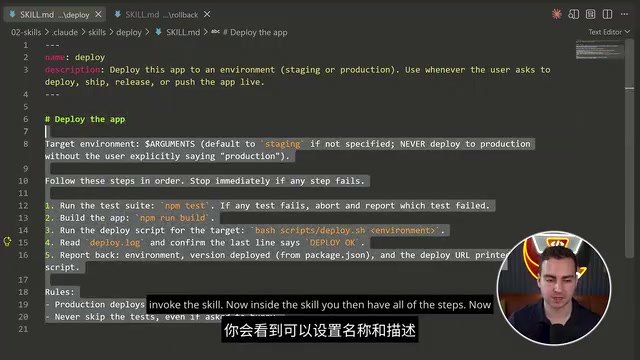
Skills: Reusable Workflow Templates
Skills are Claude Code's process encapsulation mechanism—essentially Markdown files containing execution steps. They solve the automation problem for repetitive tasks, similar to script templates that AI can understand and execute.
Unlike traditional Shell scripts or Makefiles, Skills' unique feature is that they describe execution processes in natural language, with AI interpreting and executing each step. This means Skills have stronger adaptability—the same deployment Skill can automatically adjust specific execution commands based on different project structures and environments, without needing to write different scripts for each situation.
Core Features of Skills
- Auto-trigger: AI automatically matches and invokes relevant Skills based on task descriptions
- Manual invocation: Force execution via
/<skill-name>command - Parameterized execution: Supports passing context parameters during invocation, e.g.,
/deploy staging
Invocation Control: Preventing Accidental High-risk Operations
By setting the DisableModelInvocation: true flag, you can set a Skill to "manual invocation only" mode. This is especially important when handling sensitive operations (like production deployments, data rollbacks), preventing AI from accidentally triggering high-risk processes. This design embodies the "human-in-the-loop" safety philosophy—AI can prepare and suggest, but critical decision-making authority always remains with humans.
Use the context -skills command to view all available Skills; locked Skills will display a special indicator.
Hooks: Event-driven Automation Mechanism
The Hooks system allows developers to inject custom logic into Claude Code's lifecycle events. This is a powerful but less understood feature that enables deep workflow customization.
The Hooks mechanism borrows from event-driven architecture (EDA) and aspect-oriented programming (AOP) widely used in software engineering. Git Hooks (like pre-commit, post-merge, etc.) are the most familiar similar implementation for developers. Claude Code's Hooks define multiple injection points in the AI tool's lifecycle where developers can inject custom logic without modifying the tool's code itself. Controlling flow through return exit codes (zero for pass, non-zero for block) is a classic Unix philosophy design, allowing Hooks to be implemented in any programming language, greatly increasing flexibility.
Supported Event Types
- Session Start/Setup: Session initialization phase, suitable for loading project configurations, setting environment variables, and other preparation work
- User Prompt Submit: When user submits instructions, can be used for input preprocessing or logging
- Pre-tool-use / Post-tool-use: Before and after tool execution—this pair of hooks is particularly powerful: the former can act as a "gatekeeper" to intercept dangerous operations, while the latter can act as a "cleanup crew" to automatically fix formatting issues
- Context Compaction: When context compression occurs, triggered when conversation exceeds window limits and needs summary compression
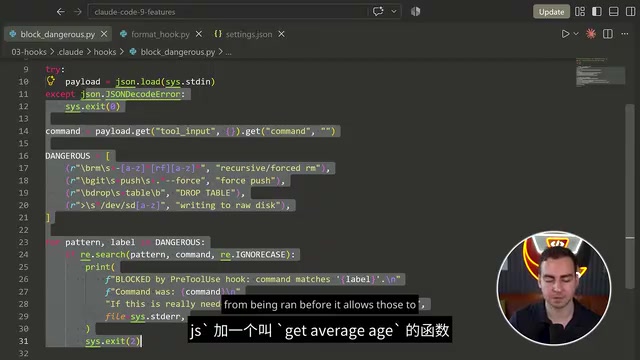
Hooks Practical Cases
- Auto-formatting: Run Prettier in Post-tool-use event to ensure automatic formatting after each code modification. Prettier is currently the most popular code formatter, supporting JavaScript, TypeScript, CSS, JSON, and other languages, eliminating team debates about code style through unified formatting standards.
- Dangerous operation interception: Check if commands contain dangerous operations (like
rm -rf) in Pre-tool-use, blocking execution by returning non-zero exit codes. This sets hard boundaries for AI agent behavior—even if AI judges a dangerous operation necessary, the Hook will still forcibly intercept it. - Automatic testing: Automatically run test suites after file modifications, achieving a "modify-then-verify" rapid feedback loop.
Configuration is done via YAML files, supporting conditional checks and environment variable injection. This mechanism transforms passive AI assistance into active development process control.
MCP Integration: Connecting to External Tool Ecosystems
Model Context Protocol (MCP) is Claude Code's standard interface for interacting with external services. Through MCP Server, various third-party tools and data sources can be seamlessly integrated into the development workflow.
MCP is a standardized protocol open-sourced by Anthropic in late 2024, designed to address the fragmentation problem of lacking unified interfaces between large language models and external tools and data sources. MCP adopts a design approach similar to LSP (Language Server Protocol)—LSP allows any editor to gain intelligent features like code completion and jump-to-definition through standardized interfaces, while MCP enables any AI application to invoke external tools through a similar client-server architecture. The protocol is based on JSON-RPC 2.0, supporting three core capabilities: resource discovery, tool invocation, and prompt templates. Developers only need to write an MCP Server once for multiple MCP-supporting AI applications (like Claude Code, Claude Desktop, and an increasing number of third-party tools) to use the service simultaneously.
Recommended Integration: Granola AI Notes
Granola provides an official MCP Server supporting features like querying meeting transcriptions and extracting learning notes. Unlike traditional meeting bots (like Otter.ai, Fireflies, etc., which require joining meetings as "participants"), Granola uses a local audio capture approach, directly capturing the device's system audio for transcription without intruding on meetings, suitable for privacy-sensitive scenarios.
After connecting Granola in Claude Code, you can directly query historical meeting content through natural language, for example: "Tell me the technical requirements mentioned in last week's client meeting." The AI will automatically call the MCP interface, retrieve relevant transcriptions, and extract key information. This integration demonstrates MCP's core value—seamlessly connecting AI's reasoning capabilities with external data sources, allowing AI not only to process current code but also to access the project's complete knowledge graph.
The MCP ecosystem is rapidly expanding, already supporting database queries (like PostgreSQL, MongoDB MCP Server), API calls, document retrieval (like Notion, Confluence integration), and other scenarios worth continuous attention.
Git Worktree Parallel Development: Say Goodbye to File Conflicts
When multiple AI agents need to simultaneously handle different parts of the same project, Git Worktree is the best solution. It creates independent working directory copies for each agent, fundamentally avoiding file conflicts.
Git Worktree is a feature introduced in Git 2.5 that allows a repository to have multiple working directories simultaneously, each corresponding to a different branch. In traditional practice, developers need to use git stash to temporarily store work states or git clone multiple repository copies to achieve parallel development—the former easily loses work states, the latter wastes disk space and cannot share Git objects. Worktree's underlying mechanism is sharing the same .git directory (i.e., object database and references), but each Worktree has independent working tree and index files (HEAD, index). This means multiple working directories are completely isolated while sharing commit history and branch information, saving storage space while ensuring data consistency.
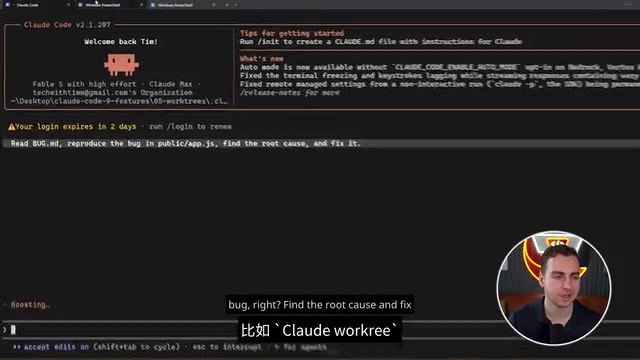
Git Worktree Usage
# Create bug fix Worktree
code --worktree fix-auth-bug

# Create new feature Worktree in another terminal
code --worktree feature-dark-mode
Two agents each work in independent environments without interfering with each other. When complete, run Claude Code in the main Worktree, and AI will automatically detect changes in all Worktrees and assist with merging and conflict resolution.
Core Advantages of Parallel Development
- True parallel development, no queuing required
- Automatic isolation, zero conflict risk—this eliminates the possibility of two agents writing to the same file simultaneously at the filesystem level
- Preserves complete Git history for easy retrospection and auditing
This mode is particularly suitable for large refactorings, multi-feature parallel development, and similar scenarios. For example, one agent handles migrating old REST APIs to GraphQL while another simultaneously implements dark theme for the frontend, with neither blocking the other.
Headless Mode: Scripted AI Invocation
Claude Code's Headless mode allows running in non-interactive environments, enabling CI/CD integration and batch processing—a key component of automated workflows.
Headless mode refers to software running without graphical interface or interactive terminal, a basic requirement for industrial-grade automation. In modern DevOps processes, each step in CI/CD pipelines (like GitHub Actions, Jenkins, GitLab CI) executes in containerized non-interactive environments. Claude Code's Headless mode enables it to serve as an automated node in CI/CD pipelines—for example, automatically executing AI code reviews before code merges, or automatically analyzing logs and generating fix suggestions when builds fail. This capability extends AI from a developer's personal interactive tool to team-level automation infrastructure.
Headless Mode Basic Usage
# Pipeline input
cat build.log | code -p "Analyze build failure cause"

# JSON format output
code -p "Summarize error messages" --format json | jq '.summary'

# Limit tool permissions
code -p "Check code" --allow-tool read
JSON format output support enables seamless integration with tool chains like jq (command-line JSON processor) and Python scripts, building programmable AI analysis pipelines. The --allow-tool parameter embodies the principle of least privilege, ensuring AI can only perform explicitly authorized operations in automated scenarios.
Output Metadata
- Total token consumption (for monitoring API costs)
- Execution rounds (reflecting AI reasoning complexity)
- Duration statistics
Can be combined in Bash scripts to build automated workflows. For example, invoke Claude Code for code review in Git pre-commit hooks, blocking commits if review fails. Can also set cost budget alerts based on token consumption data to prevent unexpected high costs in automation processes.
Checkpoints and Rollback: Time-travel Debugging
Claude Code automatically saves every code state in conversation history as checkpoints. When AI introduces errors or deviates from direction, you can quickly revert to a previous working version.
Checkpoints have a deep history in computing, from database transaction savepoints to virtual machine snapshots—the core idea is always to save complete system state at critical moments for rollback. Claude Code's checkpoint implementation is particularly elegant—it saves not only filesystem changes (underlying Git commit mechanism) but simultaneously saves corresponding conversation context state. This "code + conversation" dual snapshot design solves a subtle but critical problem: if only code is rolled back without rolling back conversation, AI's internal understanding state becomes inconsistent with actual code, causing confusion in subsequent interactions. This is essentially the "state consistency" problem in distributed systems manifesting in the AI-assisted development scenario.
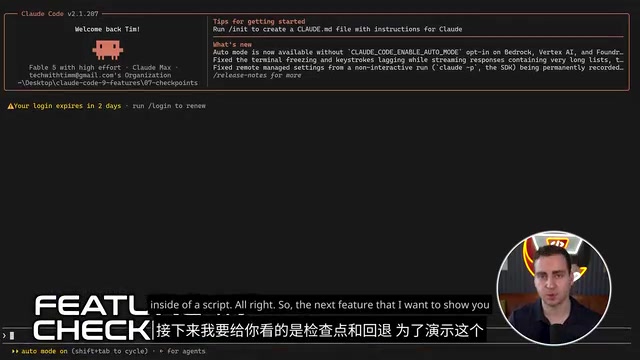
Checkpoint Rollback Operation Flow
- Enter
recommand to view checkpoint list - Select target node (like "Rewrite application" or "Rename function")
- Confirm "Restore code and conversation"
- System rolls back to complete state at that point in time
This not only restores code but also restores corresponding conversation context, ensuring AI's understanding state synchronizes with code. For experimental changes and aggressive refactoring, checkpoints are an indispensable safety net. In practice, actively confirm checkpoint existence before large-scale changes, like confirming backups before database migrations.
Session Management: Multi-task Parallel Processing
Advanced session management features support named sessions, branching, and cross-directory recovery, suitable for managing complex multi-task development scenarios.
In traditional AI conversation tools, sessions are usually linear and temporary—conversation history becomes difficult to recover after closing the window. Claude Code's session management borrows from version control systems' branching model, treating conversations as persistable, forkable, mergeable structured data. This design recognizes that software development itself is a non-linear exploration process where developers often need to maintain multiple lines of thought simultaneously.
Session Management Core Commands
code -n <name>: Create named session, giving semantic names for easy retrievalcode res <name>: Restore specified session, can continue even after daysbranch: Create branch from current conversation, preserving main thread integrity while opening experimental spacezoom: View session tree structure, displaying hierarchical relationships of all sessions and branches in tree view
Branch Exploration Practical Scenario
Suppose when refactoring a module you want to try two approaches—incremental improvement vs complete rewrite. You can create branches for aggressive experiments, returning to main session if it fails, or merging the branch if successful. This non-linear exploration mode significantly improves trial-and-error efficiency—in traditional development, trying two approaches means either doing one then the other (serial waiting) or manually maintaining two code copies (easily confusing). Branch sessions make this process lightweight and controllable.
Sessions are persisted locally; even when switching projects or closing terminals, they can be restored anytime by name or ID. This means you can start a complex refactoring conversation before lunch, seamlessly continue in the afternoon, and AI still maintains understanding of full context.
Multi-source Verification and Feature Stability
This article's content is based on practical verification from multiple independent sources, including in-depth reviews from technical communities and practical demonstrations from developer channels. Core features like sub-agents, Git Worktree, and Hooks show consistent performance across multiple platforms, proving their stability and practicality.
Some advanced features (like specific MCP integration implementations) have subtle differences across sources, mainly because the MCP ecosystem is still in rapid iteration, and interface details of various MCP Servers may change with version updates. It's recommended to adjust configurations based on official documentation and actual project conditions, and follow Anthropic's official update logs for the latest compatibility information.
Summary
Claude Code's advanced features elevate it from an "intelligent code completion tool" to an "AI collaborative development platform." Through proper configuration of sub-agents, Hooks, and Git Worktree, you can build highly automated, multi-agent collaborative development environments. For teams that frequently refactor, develop in parallel, or require CI/CD integration, these features can significantly reduce development costs and collaboration complexity.
It's recommended to start with Skills and checkpoint features, gradually exploring more complex Hooks and MCP integrations. As understanding of the tool deepens, these advanced features become indispensable efficiency multipliers in daily development. Worth noting is that these features don't exist in isolation—sub-agents can combine with Git Worktree for true multi-agent parallel development, Hooks can add safety layers to Skills, and MCP can provide external data access capabilities for sub-agents. Understanding the combinatorial effects between these features is key to fully unleashing Claude Code's potential as an AI collaboration platform.
Key Takeaways
Related articles
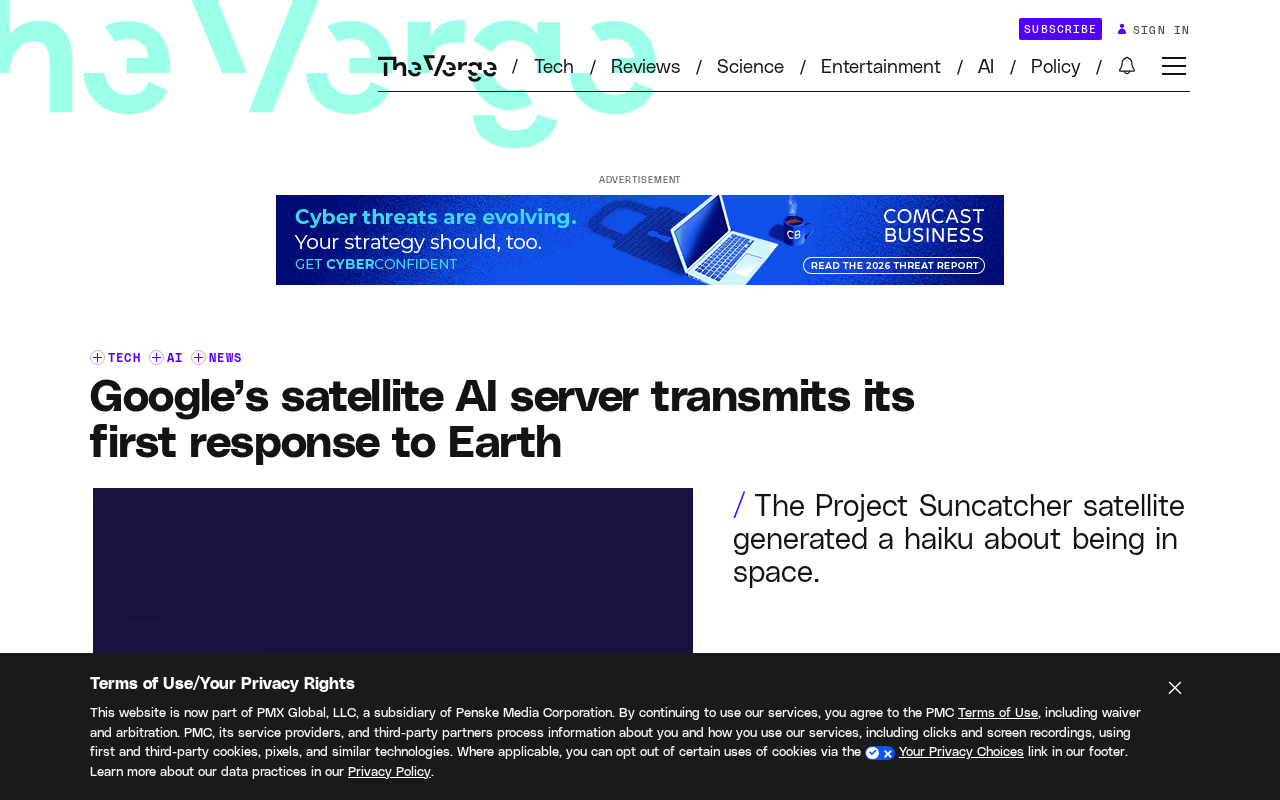
Google's Satellite AI Server Reaches Orbit: Gemma Model Generates First Reply in Space
Google's TPU-equipped satellite powers up in orbit, with the onboard Gemma 4 model generating the first reply from space. This article analyzes the technical path, real-world constraints, and implications for edge computing and satellite remote sensing.
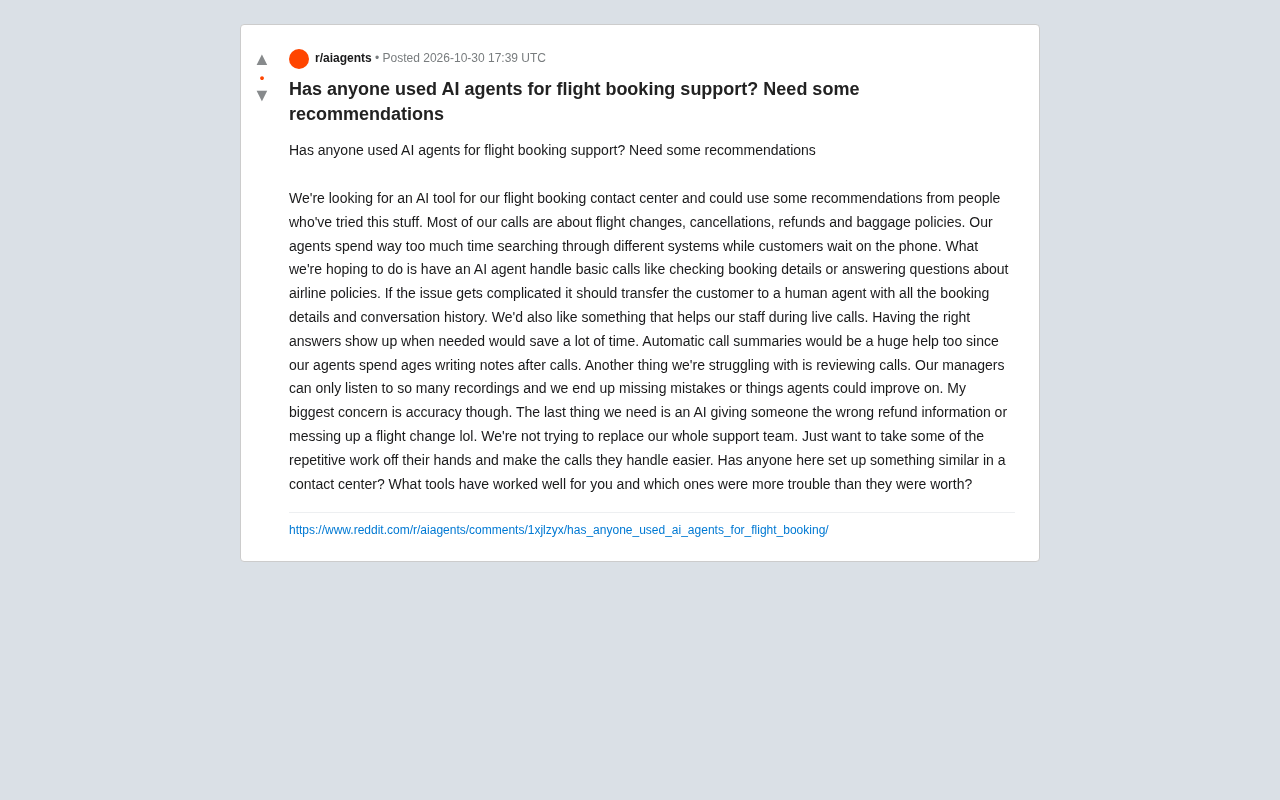
AI Agents for Flight Booking Customer Support: Real Needs and Implementation Challenges
Starting from a real Reddit question, this article breaks down four needs for introducing AI Agents into flight booking call centers: basic Q&A, agent assist, call summarization, and quality inspection, and analyzes accuracy concerns and handoff boundary design.
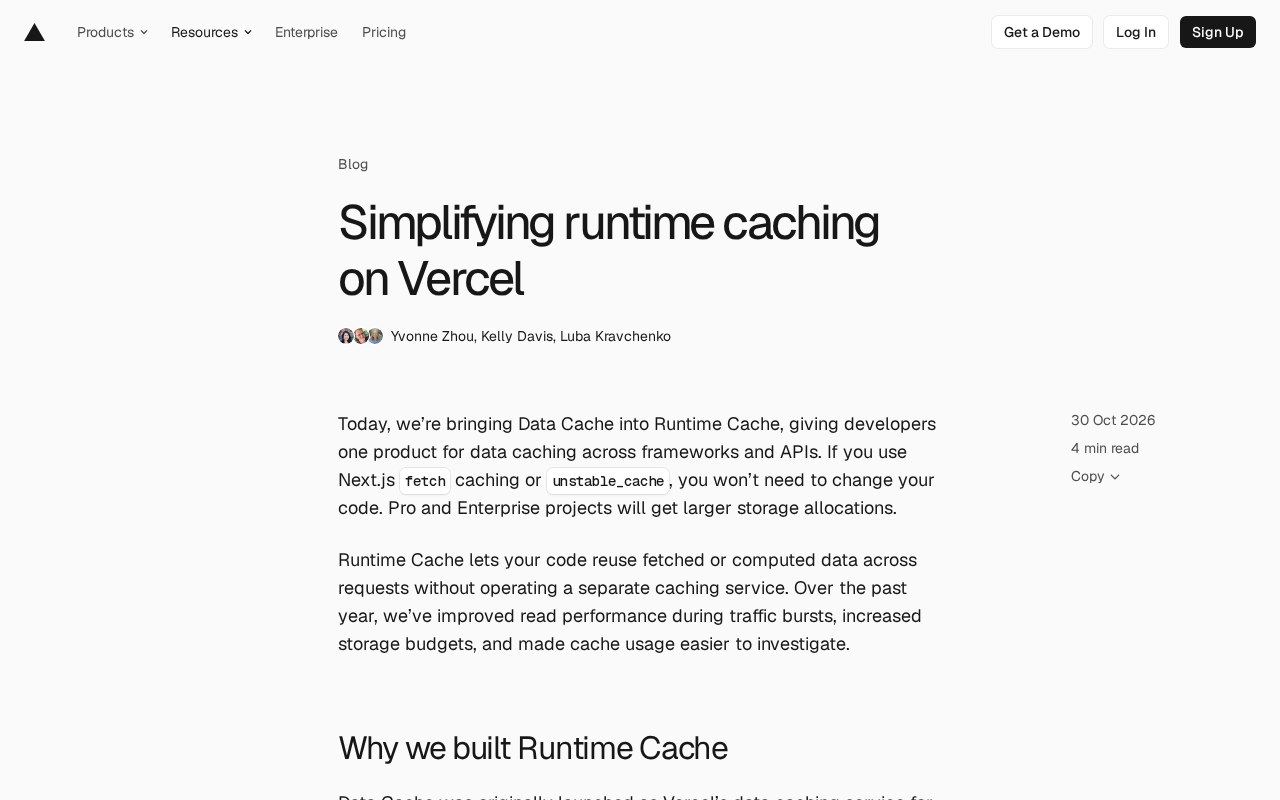
Vercel Unifies Runtime Cache: Data Cache Merges into Runtime Cache
Vercel merges Data Cache into Runtime Cache, unifying storage quotas and billing for Next.js fetch cache, unstable_cache, getCache, and use cache: remote. Pro and Enterprise projects get more storage, and cache reads/writes are now billed at Runtime Cache pricing.