Claude Code Exposé: 145,000 Deleted iPhone Photos Found Lurking in Hidden Cache

Claude Code scan finds 145,000 deleted photos lingering in hidden iPhone cache, revealing that deletion isn't disappearance.
A user used Claude Code to audit personal device storage and unexpectedly found 145,000 photos that should have been deleted from an iPhone in a hidden system cache. The incident sparked discussion on Hacker News and touches on the universal question of where data goes after deletion. The article analyzes causes—thumbnail and preview caches, third-party cache directories bypassing unified cleanup, and local cloud-sync intermediates—and offers practical advice on audits, using AI tools, post-deletion verification, and watching third-party cache policies.
An Accidental Data Archaeology
A user used Claude Code to perform a deep scan of their personal device, trying to find the culprit eating up storage space. The result was unexpected: deep in the system, a hidden cache directory held 145,000 photos that were supposed to have long been deleted from the iPhone. That's no small number—it's close to the total number of photos many users take over several years. The incident sparked discussion on Hacker News; though it didn't blow up (29 points, 4 comments), it touches on an issue everyone should care about: when we click "delete," where does the data actually go?
Claude Code Plays Data Detective
Claude Code is Anthropic's command-line AI coding assistant, skilled at understanding code, executing commands, and analyzing file systems in a terminal environment. This time it was used for a "storage audit": traversing directories, identifying anomalous files, and locating large caches. It was precisely this automated, programmable investigation capability that surfaced a hidden cache that an ordinary user would struggle to find manually.
The interesting part of this case is how the tool was used—not to write business code, but as a system diagnostic assistant. The user only had to describe the goal (find files that were deleted but still occupy space), and Claude Code generated and executed the corresponding search commands, ultimately pinpointing where the 145K photos were hiding.
Claude Code is an agentic command-line programming tool launched by Anthropic in 2025. Its biggest difference from ordinary chat-based AI is that it can autonomously execute multi-step operations in a local terminal: reading files, running shell commands, traversing directories, analyzing output, and deciding the next action based on intermediate results. It is typically installed as an npm package, runs on the user's own machine, and calls model capabilities via API, so it has actual access to the local file system. This "hands-on" capability makes it suitable for tasks like code refactoring, log troubleshooting, and batch file processing, and also explains why some users treat it as a system diagnostic assistant to scan storage.
Deletion Doesn't Mean Disappearance
Why do deleted photos remain on the device? Common reasons include:
- Caching and thumbnail mechanisms: To ensure a smooth experience, photo apps generate thumbnails, previews, and temporary copies at multiple levels. When the original image is deleted, these derivative files are not necessarily cleaned up in sync.
- Residue beyond "Recently Deleted": The system photo album's recycle bin has a retention period, but some third-party apps or system services create their own cache directories, bypassing the unified cleanup logic.
- Intermediate states of sync and backup: Local caches for iCloud or other cloud services may retain copies of deleted content, waiting for the next sync cycle to actually release them.
Each of these mechanisms is reasonable on its own, but together they create a privacy blind spot where "deleted data resides long-term." The scale of 145,000 photos shows that the problem is not an occasional file or two, but a systemic gap in cache management.
Several commonly confused concepts need to be distinguished: "deletion" at the file system level usually only removes the directory entry's reference to data blocks; the data blocks themselves remain recoverable until overwritten by new data. "Deletion" at the application level often only removes records from the app's own database, while derivative files (thumbnails, preview caches, edit history) may be completely unaffected. iOS's "Recently Deleted" album provides a 30-day retention period as a system-level unified mechanism, but third-party apps and some system services (such as photo analysis and machine learning indexing) create independent caches that bypass this mechanism. Thus "deletion" has different meanings at different layers, and residue often occurs at the boundaries between layers.
The Double Cost of Privacy and Storage
The significance of this goes beyond "saving some space." Deleted photos may contain sensitive information, private scenes, or content the user doesn't want retained. They should have disappeared with the delete operation, yet they continue to occupy storage without the user's knowledge and can be read by other programs. For privacy-conscious users, this is a signal that proactive checking is needed.
From a storage perspective, massive hidden caches are also a hidden driver of device space shortages. Users often think app size is ballooning, when the real culprit is hiding in unseen corners.
From a privacy compliance perspective, this kind of residue involves the principles of "data minimization" and "storage limitation": personal data should not be retained after the purpose has been fulfilled. Article 17 of the EU GDPR, the "right to be forgotten," requires controllers to erase personal data without undue delay when there is no legitimate reason, and deleted photos residing long-term in caches technically constitute continued processing. For ordinary users, this means there may be a gap between the deletion request and actual data processing; for enterprises, it suggests that cache lifecycle management should be incorporated into data governance rather than treated merely as a performance optimization issue.
Lessons for Ordinary Users
This incident offers several actionable ideas:
- Conduct regular storage audits: Don't just look at the storage overview in system settings. Use command-line or professional tools to dig into directory levels and find abnormally large cache folders.
- Use AI tools to lower the barrier: Command-line assistants like Claude Code can turn complex file system investigation into natural-language-driven tasks, enabling ordinary users to perform operations that previously required some technical background.
- Verify after deletion: For sensitive data, confirm after deletion whether related cache directories have been cleaned up in sync, and manually clear app caches if necessary.
- Pay attention to third-party app caching policies: Not all apps follow the system's cleanup conventions. The more permissions an app is granted, the more worth watching its data retention behavior.
The Double-Edged Sword of Tools
It's worth emphasizing that having Claude Code scan a personal device's file system itself requires a basis of trust. It can efficiently locate problems, which also means it can "see" these files. Users should understand the tool's permission boundaries, operate in a local environment, and avoid exposing sensitive paths to untrusted services. Technology gives us the ability to discover problems, while also requiring us to manage access permissions more carefully.
This discovery of 145,000 photos is less a curiosity story than a mirror: in digital life, the semantics of the "delete" button are far more complex than we imagine. Proactive auditing, understanding cache mechanisms, and making good use of AI tools are habits every device user can cultivate today.
One-line Summary
Claude Code scan finds 145,000 deleted photos lingering in hidden iPhone cache, revealing that deletion doesn't mean disappearance.
Paragraph Summary
The article recounts how a user used Claude Code to conduct a storage audit on a personal device and unexpectedly found 145,000 photos that should have been deleted from an iPhone stored in a hidden system cache. The incident sparked small-scale discussion on Hacker News but touches on the universal issue of "where data goes after deletion." The article analyzes the causes of residue: thumbnail and preview caches, third-party cache directories that bypass unified cleanup logic, and local intermediate states of cloud sync. The author points out that this brings a double cost to privacy and storage, and offers ordinary users suggestions such as regular audits, using AI tools to lower the barrier, verifying after deletion, and paying attention to third-party caching policies, while reminding that using command-line AI tools to scan local files requires attention to permission boundaries.
Related articles

Ollama+RAG Local Knowledge Base Setup: A Step-by-Step AnythingLLM Tutorial
Based on a Bilibili tutorial, this guide details building a local RAG knowledge base with Ollama + AnythingLLM: from general LLM knowledge limits and RAG principles to document upload, vector storage, and verification.
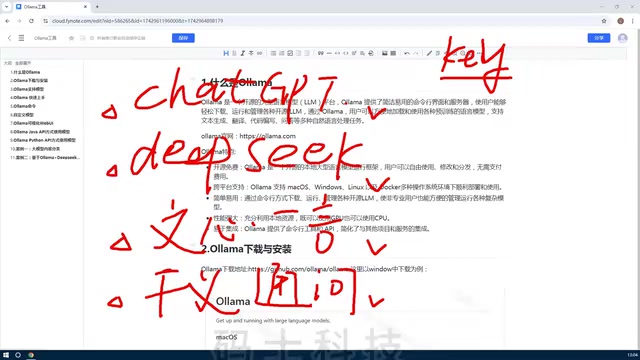
The Ultimate Ollama Tutorial: A Beginner's Guide to Running Large Models Locally for Free
Ollama is an open-source local large model management tool supporting free download and deployment of models like DeepSeek, with command-line and Web UI, cross-platform, automatic GPU/CPU scheduling — ideal for AI beginners and private deployment.
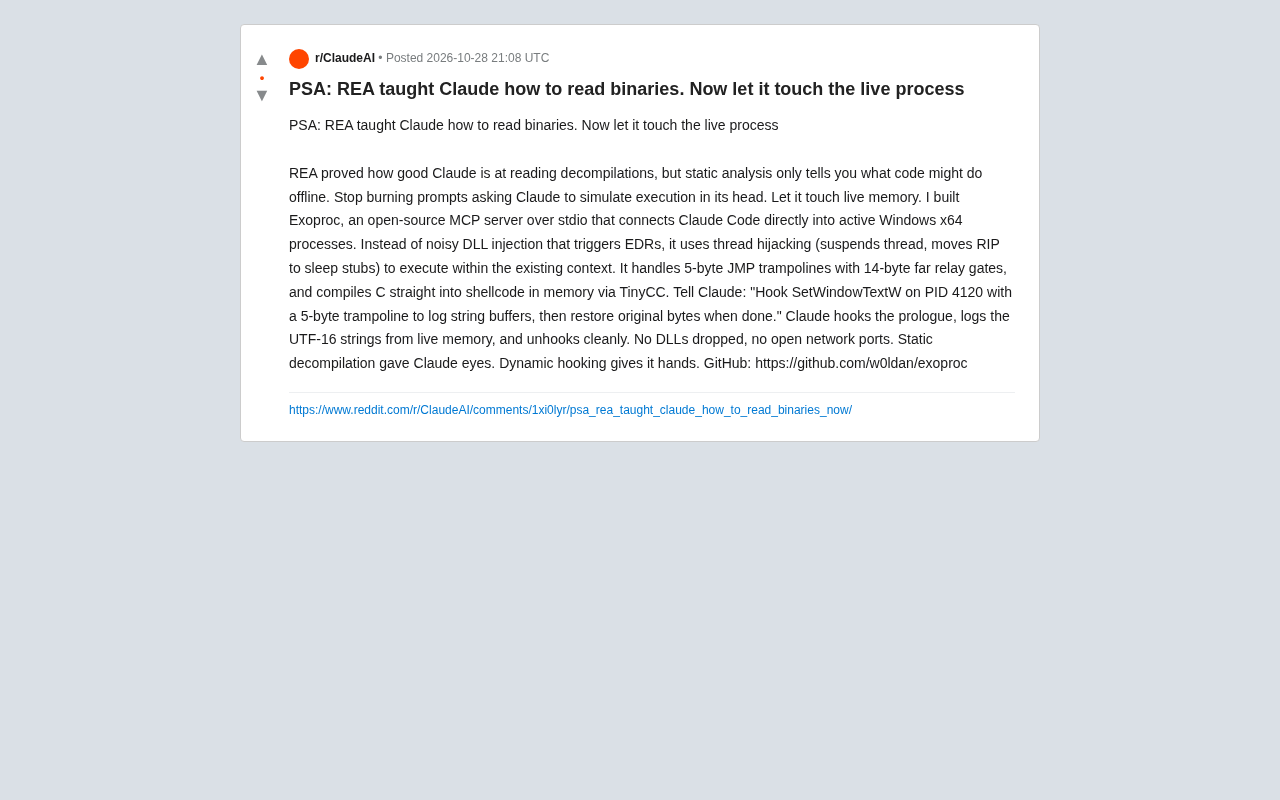
Giving Claude "Hands": Exoproc Open-Source MCP Server Enables Live Process Hooking
Exoproc is an open-source MCP server enabling Claude Code to hook live Windows x64 processes via thread hijacking, bypassing EDR for dynamic analysis. Static decompilation gave Claude eyes; dynamic hooking gives it hands.