CloakBrowser: A Third-Generation Anti-Detection Browser Built from Source-Level Modifications

CloakBrowser eliminates browser automation fingerprints by modifying Chromium at the source code level
CloakBrowser is an open-source anti-detection browser that directly modifies and recompiles Chromium source code to eliminate automation fingerprints at the foundational level. With 50+ source-level patches covering Canvas, WebGL, audio, font, and other detection dimensions, plus human-like behavior simulation, it passes Cloudflare Turnstile, reCAPTCHA v3, and other mainstream detection systems. It retains the native Playwright API interface, making it highly valuable for the AI Agent ecosystem.
Introduction: Why Does Cloudflare Keep Blocking Your Scraper?
If you've ever written a web scraper, done automation testing, or recently been blocked by Cloudflare's verification page while building an AI Agent, you know the frustration — all your logic, planning, and data processing are ready, but you can't even get past the first step.
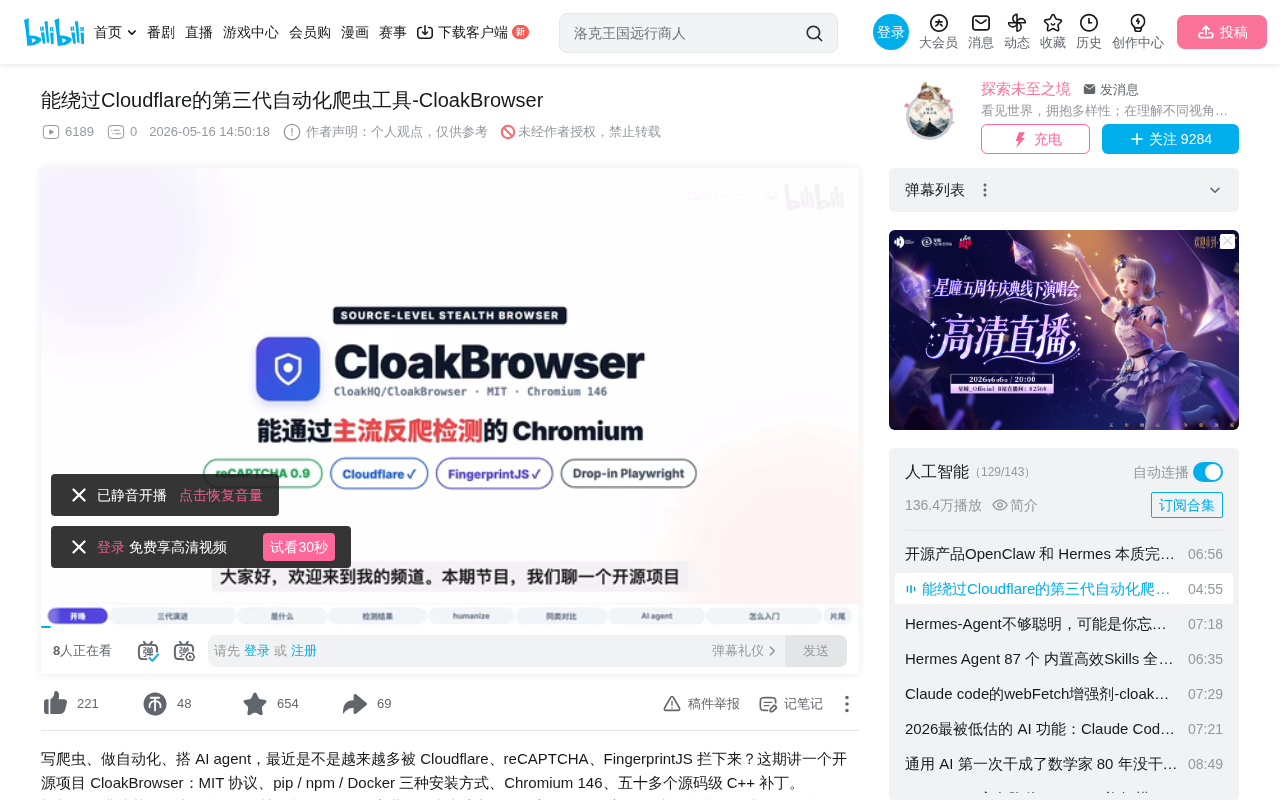
Today's open-source project, CloakBrowser, takes a fundamentally different approach from traditional anti-detection tools: it directly modifies the Chromium source code to eliminate automation fingerprint characteristics at the root level.
Three Generations of Anti-Detection Tools
To understand CloakBrowser's technical positioning, you first need to understand how anti-detection tools have evolved.
First Generation: Runtime Script Injection
After the browser launches, a JavaScript snippet is temporarily injected into the page to override API return values that would expose automation identity (e.g., navigator.webdriver). The representative tool is Playwright Stealth.
Problem: Every browser update can break the overrides, and detection systems have learned to identify traces of this "after-the-fact patching."
Second Generation: Launch Parameters and Configuration Modifications
Instead of modifying the browser itself, only startup parameters and external configurations are changed. The representative tool is Undetected ChromeDriver. It's essentially adding a disguise layer on top of a standard browser — and in the past two years, it has been largely detected by mainstream systems.
Third Generation: Source-Level Recompilation
Directly modify the browser source code and recompile it into an entirely new browser. The fingerprint isn't disguised after the fact — it's "grown" differently from the ground up. This is exactly the path CloakBrowser takes.
Core Technical Features of CloakBrowser
50+ Source-Level Patches Covering Major Detection Dimensions
CloakBrowser currently includes over 50 source-level patches covering the following detection dimensions:
- Canvas/WebGL: Rendering fingerprints
- AudioContext: Audio fingerprints
- Font Enumeration: System font lists
- GPU Information: Graphics card model and renderer
- Screen Parameters: Resolution, color depth, etc.
- Network Characteristics: WebRTC, connection info
- Keyboard/Mouse Input: Input event timing
All patches are compiled into the browser binary — no additional scripts need to be injected at runtime.
Real-World Detection Results
The project's performance on multiple real detection platforms:
| Detection Platform | Result |
|---|---|
| reCAPTCHA v3 | Server-side score of 0.9 (human level) |
| Cloudflare Turnstile | Non-interactive challenges pass automatically; managed challenges pass with a single click |
| FingerprintJS | Returns data normally, not blocked |
| BrowserScan | Rated Normal, passes all four checks |
These results were verified using real detection sites, not self-reported by the author.
Human-Like Behavior Simulation
Fingerprint spoofing alone isn't enough — modern detection systems also analyze user behavior. CloakBrowser provides a Humanize toggle that, when enabled:
- Mouse movement: Follows Bézier curves with slight overshoot effects
- Click actions: Simulates realistic hold durations
- Keyboard input: Types character by character with random pauses, occasionally simulating typos and corrections
- Scroll behavior: Natural scrolling with acceleration followed by deceleration
Crucially, your existing page interaction code doesn't need any modifications — the framework automatically converts operations into human-like mode.
CloakBrowser vs. Other Anti-Detection Tools
| Project | Generation | Foundation | Maintenance Status | Main Issues |
|---|---|---|---|---|
| Playwright Stealth | 1st Gen | Script injection | Moderate | Breaks with browser updates |
| Undetected ChromeDriver | 2nd Gen | Config modification | Long unmaintained | Widely detected |
| Camoufox | 3rd Gen | Firefox source | Active | Smaller community, average stability |
| CloakBrowser | 3rd Gen | Chromium source | Active | Retains native Playwright interface |
CloakBrowser's core advantage: it's based on the mainstream Chromium engine, retains the native Playwright API interface, and its maintenance cadence closely follows browser major versions (typically within one to two weeks).
Significance for the AI Agent Ecosystem
Current mainstream AI Agent frameworks — Browser Use, Crawl4AI, LangChain, Stagehand, Scrapybara, etc. — all rely on Playwright or Chromium to operate browsers. But none of them solve the anti-detection problem.
This means: when you send an Agent to visit a Cloudflare-protected website, it gets blocked at the first step, and all subsequent planning, reasoning, and data extraction are wasted.
CloakBrowser's role in this ecosystem is crystal clear: replace the underlying browser that gets blocked with one that doesn't. Upper-layer code requires virtually no changes.
Quick Start Guide
Installation Methods
Three installation methods are supported: pip, npm, or Docker. The first launch automatically downloads the ~200MB browser binary.
Minimal Migration Cost
If you're already writing scrapers with Playwright, you basically only need to change two import lines to switch to CloakBrowser — all page interaction code remains unchanged.
Recommended High-Security Configuration
For heavily protected target websites, the official recommendation is a "four-piece combo":
- Real residential proxies: Avoid data center IPs being directly blocked
- Geolocation matching: Ensure timezone and language match the proxy IP's region
- Headed mode: Don't use headless mode
- Enable human-like behavior: Turn on the Humanize toggle
Using all four together covers over 90% of scenarios.
Usage Boundaries and Ethical Reminders
The project uses the MIT license, is fully open-source, with no subscriptions or usage limits.
Suitable scenarios: Legitimate data collection, personal research projects, self-hosted AI Agents.
Unsuitable scenarios: Mass coupon abuse, score manipulation, bypassing paywalls. The author explicitly warns that abuse will lead to targeted crackdowns on the entire open-source ecosystem, ultimately harming all legitimate users.
Summary
CloakBrowser represents a paradigm shift in anti-detection tools — from "disguising" to "reshaping." Through source-level modifications, it fundamentally solves the identity exposure problem of automated browsers while maintaining perfect compatibility with mainstream frameworks. For developers building AI Agents or data collection systems, this is an infrastructure-level tool worth paying attention to.
Related articles
 Tutorials
ChatGPT Plus Subscription Guide: Are GPT-5.5, image-2, and Codex Worth the Upgrade?
A detailed look at ChatGPT Plus features — GPT-5.5, image-2, and Codex — with a Plus vs Pro comparison and a complete step-by-step subscription guide for users outside the US.
 Tutorials
Harness AI Engineering in Practice: Using Claude Code to Master Enterprise-Level E-Commerce Development
Deep dive into Harness AI Engineering: master enterprise e-commerce development with Claude Code using the Rules, Skills, Wiki, and Changes framework.
 Tutorials
Cursor + Codex Dual-IDE Collaboration: A Practical Methodology for Open-Source Project Customization
A complete methodology for open-source project customization based on real-world experience, detailing the Cursor+Codex dual-IDE workflow, seven-stage process, MVP validation, and AI source code reading techniques.