Devin AI UI Rendering Performance Optimization in Practice: Frontend Engineering Challenges with Streaming Data
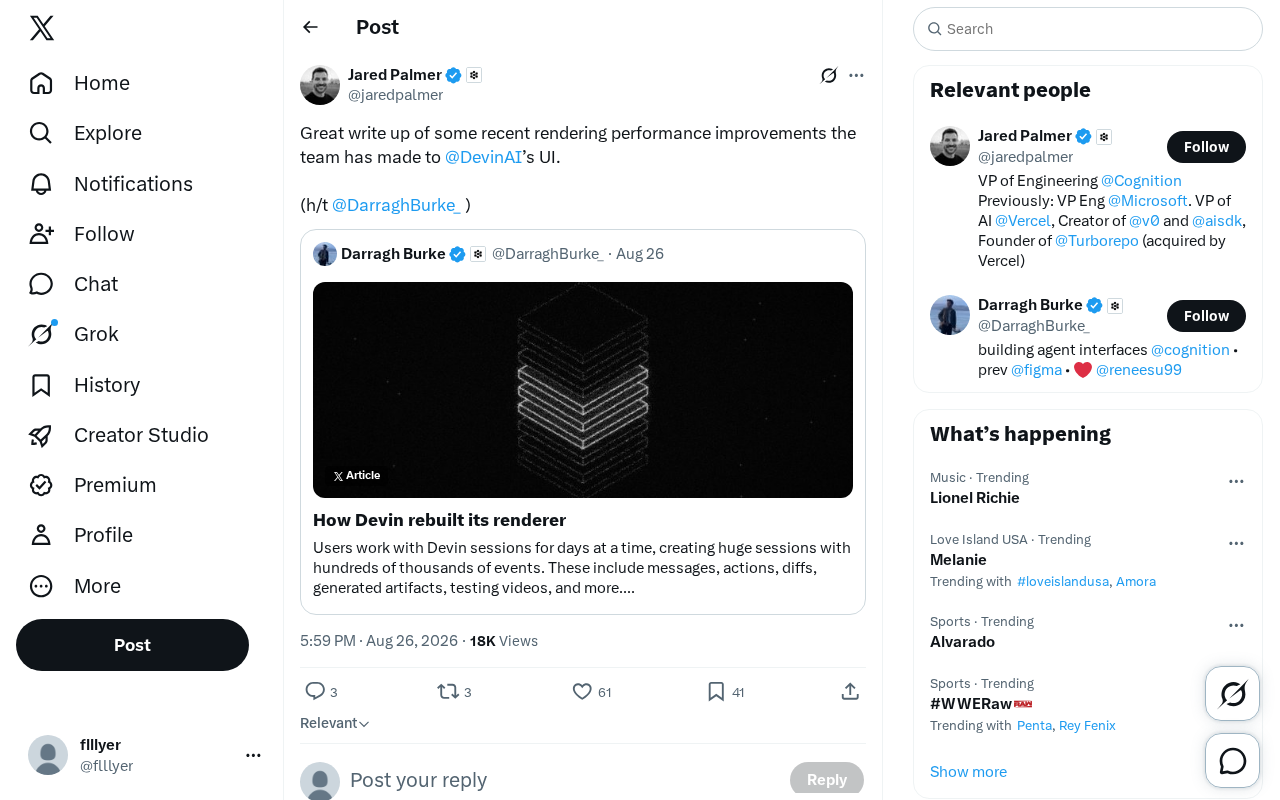
How Devin AI tackles frontend rendering challenges with streaming data in AI coding interfaces.
The Devin AI team shared insights on optimizing UI rendering performance for their autonomous AI software engineer. This article explores the unique frontend challenges of streaming AI data—including high-frequency updates, ANSI terminal rendering, and complex content formats—and breaks down key strategies like batched updates, virtual scrolling, Web Workers for offloading computation, and precise component re-render control.
The Performance Bottleneck of AI Tools Goes Beyond the Model Layer
When discussing AI coding assistants, most people focus on underlying model capabilities, code generation quality, and Agent reasoning logic. But one dimension is consistently underestimated — frontend UI rendering performance. The Devin AI team recently shared a technical summary on UI rendering performance optimization (driven by team members including Darragh Burke), giving us a glimpse into the engineering effort behind a smooth AI interaction experience.
Devin positions itself as an autonomous AI software engineer, and its user interface needs to present a large volume of dynamic information in real time: code editing, terminal output, task planning, file changes, and the Agent's reasoning process. This content refreshes at high frequency, putting enormous pressure on frontend rendering. Even subtle stutters and delays tangibly affect developers' experience and workflow.
Why Rendering Performance Is So Critical for AI Interfaces
The Unique Challenge of High-Frequency Data Streams
Devin's core scenario involves an AI autonomously completing software engineering tasks, requiring the interface to continuously receive and render the Agent's output stream. Compared to traditional web applications, data produced by AI Agents has several distinctive characteristics:
- High-frequency updates: The Agent's reasoning process, code generation, and execution results are typically streamed out token by token or chunk by chunk
- Complex content formats: Involves code syntax highlighting, Markdown rendering, terminal ANSI escape sequences, diff comparisons, and other rich text formats
- High state density: Multiple parallel tasks, file tree changes, and real-time execution logs need to be displayed simultaneously
Streaming rendering is a critical interaction pattern of the AI era. Unlike traditional request-response patterns, streaming pushes data incrementally via Server-Sent Events (SSE) or WebSocket, allowing users to see AI-generated content in real time. Large language models typically generate dozens of tokens per second — if each token triggers a UI update, it results in dozens of component re-renders per second. Through batching techniques, multiple tokens can be accumulated within a 16ms window (corresponding to 60fps) and updated all at once when the window closes, reducing render frequency from ~50 times per second to 60 frames, dramatically improving performance without compromising the perception of real-time output.
Terminal ANSI escape sequences are another complex piece of the puzzle. ANSI Escape Codes are a standard for controlling terminal text formatting, used for colored text output, cursor movement, etc. — for example, \033[31m represents red. AI coding assistants need to display code execution output in real time, including compilation errors (red), warnings (yellow), build progress bars, and other complex formatting. In a web environment, these escape sequences need to be parsed and converted to HTML/CSS — a computationally intensive process that requires dedicated parsing libraries combined with incremental processing and virtual scrolling techniques.
In this scenario, if every data update triggers large-scale DOM repaints or component re-renders, the interface will quickly experience frame drops and stuttering, and in severe cases, the browser may become unresponsive.
Developers Have Extremely Low Tolerance for Poor Performance
Developers are arguably the most performance-sensitive user group. A sluggish AI coding interface directly disrupts a developer's flow state, which in turn erodes their trust in the tool. Rendering performance optimization is therefore not just a technical issue — it's a critical factor in whether a product can establish a foothold.
Breaking Down Core Frontend Rendering Optimization Strategies
Based on common engineering practices for AI interface products, teams typically approach rendering performance optimization from the following directions.
Precise Control of Component Re-renders
In modern frontend frameworks like React, excessive component re-rendering is the most common performance killer. React's core mechanism is the Virtual DOM — when state changes, a new virtual DOM tree is created, diffed against the old tree, and the minimal set of changes is calculated before batch-updating the real DOM. This process is called reconciliation.
However, by default, when a parent component re-renders, all child components recursively re-render, even if their props haven't changed. In high-frequency AI Agent data stream scenarios, dozens of state updates per second can trigger massive amounts of unnecessary component re-renders and virtual DOM diff calculations, severely consuming CPU resources.
For streaming data scenarios, typical engineering approaches include:
- Fine-grained state management: Completely decouple high-frequency update data from static UI structures to prevent a local data change from triggering a re-render of the entire component tree
- Memoization strategies: Properly use
React.memo,useMemo, anduseCallbackto cache computation results and component instances. React.memo performs shallow comparison of props, only re-rendering when props actually change; useMemo caches computation results; useCallback caches function references. These APIs trade a small amount of memory for significant computation savings and are the foundation of React performance optimization - Batched updates: Merge multiple streaming data arrivals within a short time window into a single render, effectively reducing render frequency. React 18 introduced automatic batching, but in extremely high-frequency scenarios, manual debouncing or throttling is still necessary
Virtual Scrolling for Massive Content
When an interface needs to display hundreds or thousands of lines of logs, code output, or file lists, mounting all DOM nodes to the page at once incurs unacceptable performance costs.
Virtual Scrolling (Windowing) is a mature solution for long list performance, with the core principle of "render on demand." The traditional approach of rendering 10,000 log lines requires creating 10,000 DOM nodes — even though the user only sees about 20 lines on screen, the browser still has to maintain layout and style calculations for all nodes.
The virtual scrolling mechanism works as follows: calculate the visible area height, determine which index range of data should currently be rendered based on fixed or dynamic item heights (typically rendering a few extra items above and below as a buffer). The container uses a tall empty div to simulate the total height and maintain normal scrollbar behavior, while actual content is positioned correctly using absolute positioning or transforms. During scrolling, the render range is dynamically calculated and updated.
Mainstream libraries like react-window and react-virtualized can limit the DOM node count of a 10,000-item list to under 50, achieving performance improvements of over 100x. For a product like Devin that needs to display large terminal outputs and code diffs, virtual scrolling is practically a must-have.
Offloading Rich Text Processing from the Main Thread
Code syntax highlighting and Markdown parsing are computationally intensive operations — if executed entirely on the main thread, they can easily block user interactions.
JavaScript has traditionally been single-threaded, with all code running on the Main Thread, which is also responsible for handling interactions, layout calculations, and painting. When the main thread is occupied by intensive computation, the interface freezes.
Web Workers are a browser-provided multithreading solution that allows JavaScript to run in independent background threads. Worker threads communicate with the main thread via postMessage without sharing memory. Tasks well-suited for Workers include large file parsing, complex calculations, image processing, and other CPU-intensive operations.
Common optimization techniques include:
- Migrating parsing tasks to Web Workers for asynchronous processing. Syntax highlighting requires lexical analysis and regex matching; Markdown parsing requires building an AST tree — both are typical computationally intensive scenarios. After migrating to Workers, even when processing large code blocks, the main thread can maintain 60fps, allowing users to scroll, click, and type smoothly
- Adopting incremental parsing strategies that only process new or changed portions
- Pre-rendering and caching static content that no longer changes to avoid redundant computation
These measures can significantly free up main thread resources, keeping the interface responsive even when large volumes of data are streaming in. Note that Workers cannot directly manipulate the DOM — they can only return computation results for the main thread to render.
What Devin's Practices Reveal About AI Product Engineering Maturity
Performance Optimization Is a Long-Term Engineering Investment
The fact that the Devin team is willing to invest time writing technical documentation to organize and share rendering performance improvements speaks to an important trend: the maturity of an AI product is measured not just by how powerful the model is, but by how solid the engineering fundamentals are. As AI Agent products move from prototype demos to daily production environments, user expectations for stability, smoothness, and usability will only continue to rise.
The Frontend Has Become a Core Component of the AI Experience
In traditional software, the frontend primarily serves as the presentation layer. But in AI Agent products, the frontend is the core window through which users understand AI behavior and intervene in AI decisions. Whether each step of the Agent's operations can be presented clearly, in real time, and smoothly directly determines the efficiency of human-AI collaboration. The strategic importance of frontend performance optimization within the AI product ecosystem has far exceeded what it was in the past.
Practical Advice for AI Application Development Teams
Devin's technical sharing offers several actionable insights for teams building AI applications:
-
Consider streaming rendering from the architecture design phase: How high-frequency data updates are handled should be determined during technology selection, not patched after performance issues emerge
-
Establish a quantifiable performance measurement system: Modern web performance monitoring has formed a comprehensive metrics framework. Google's Core Web Vitals include LCP (Largest Contentful Paint) for measuring loading performance, INP (Interaction to Next Paint, replacing FID in 2024) for measuring interactivity, and CLS (Cumulative Layout Shift) for measuring visual stability. For AI application streaming interfaces, you also need to monitor FPS (frames per second, ideally 60fps), Long Tasks (main thread tasks exceeding 50ms that cause stuttering), memory usage, Time to Interactive, and more. In engineering practice, use the Performance API for data collection, Chrome DevTools for bottleneck identification, LighthouseAd for comprehensive assessment, RUM (Real User Monitoring) for collecting user data, and integrate performance testing into CI/CD pipelines
-
Prioritize decoupling between the frontend and data layer: AI Agent output data structures are often unstable and complex — the frontend needs sufficient flexibility to adapt to various data formats
-
Publicly sharing technical practices creates a positive feedback loop: Sharing engineering experience not only helps consolidate team knowledge but also enhances the product's technical credibility within the developer community
Final Thoughts
Devin AI's technical sharing on UI rendering performance serves as a wake-up call for the entire industry: for AI products to be truly useful, model capability and engineering quality are both indispensable. As competition in this space enters deeper waters, teams willing to invest effort in underlying details like frame rates, memory management, and data stream architecture are the ones that will pull ahead on user experience. Frontend performance optimization should not be a peripheral topic for AI products — it should be a core engineering direction that receives sustained investment.
Key Takeaways
Related articles

Salesforce Acquires Rune for $375M: AI Logistics Tech Bolsters Defense Business
Salesforce reportedly acquires defense tech startup Rune for $375M. Rune's AI logistics tech will strengthen Salesforce's Missionforce defense platform, continuing its M&A spree.

Why Fair Use Benefits Everyone in the AI Era
Starting from a Hacker News discussion, this article analyzes the legal logic and controversies of the fair use principle in AI training and content creation, and its dual impact on creators and the tech ecosystem.

Mistral Large 4 Open-Sources a Trillion Parameters, Microsoft Offers Voluntary Severance to 60,000 Employees
Mistral Large 4 open-sources a trillion-parameter multimodal model with a coding agent score of 48; SanDisk earnings show AI inference reshaping NAND demand; Google Gemini adds in-app file editing, OpenAI raises Codex quotas, and Microsoft offers voluntary severance to 60,000 employees.