Doneit 3.2 Released: Rebuilt AI Assistant with Siri Intelligence Support

Doneit 3.2 deeply integrates AI with photo-to-task, list summaries, and Siri support to reduce task management overhead.
Doneit 3.2 delivers a complete rebuild of its AI assistant, Doneit Assist. The standout feature lets users attach photos to convert handwritten lists, whiteboards, or documents into structured tasks using OCR and LLM-powered semantic understanding, with automatic suggestions for reminders, attributes, and subtasks. A new list summary feature highlights priorities to combat information overload from long task lists. The update also integrates with Apple's Siri AI ecosystem via the App Intents API, enabling natural voice-driven task management. Overall, Doneit 3.2 represents a clear evolution toward embedding AI throughout the entire task lifecycle.
Task management app Doneit has launched version 3.2, with the headline changes being a complete rebuild of the Doneit Assist AI assistant and new support for Siri AI. The update earned 85 upvotes on Product Hunt, ranking 8th for the day, and was featured across the iOS, task management, and artificial intelligence categories. For users who rely on to-do lists as the backbone of their productivity, the deep integration of AI capabilities is reshaping how tasks are captured and managed.
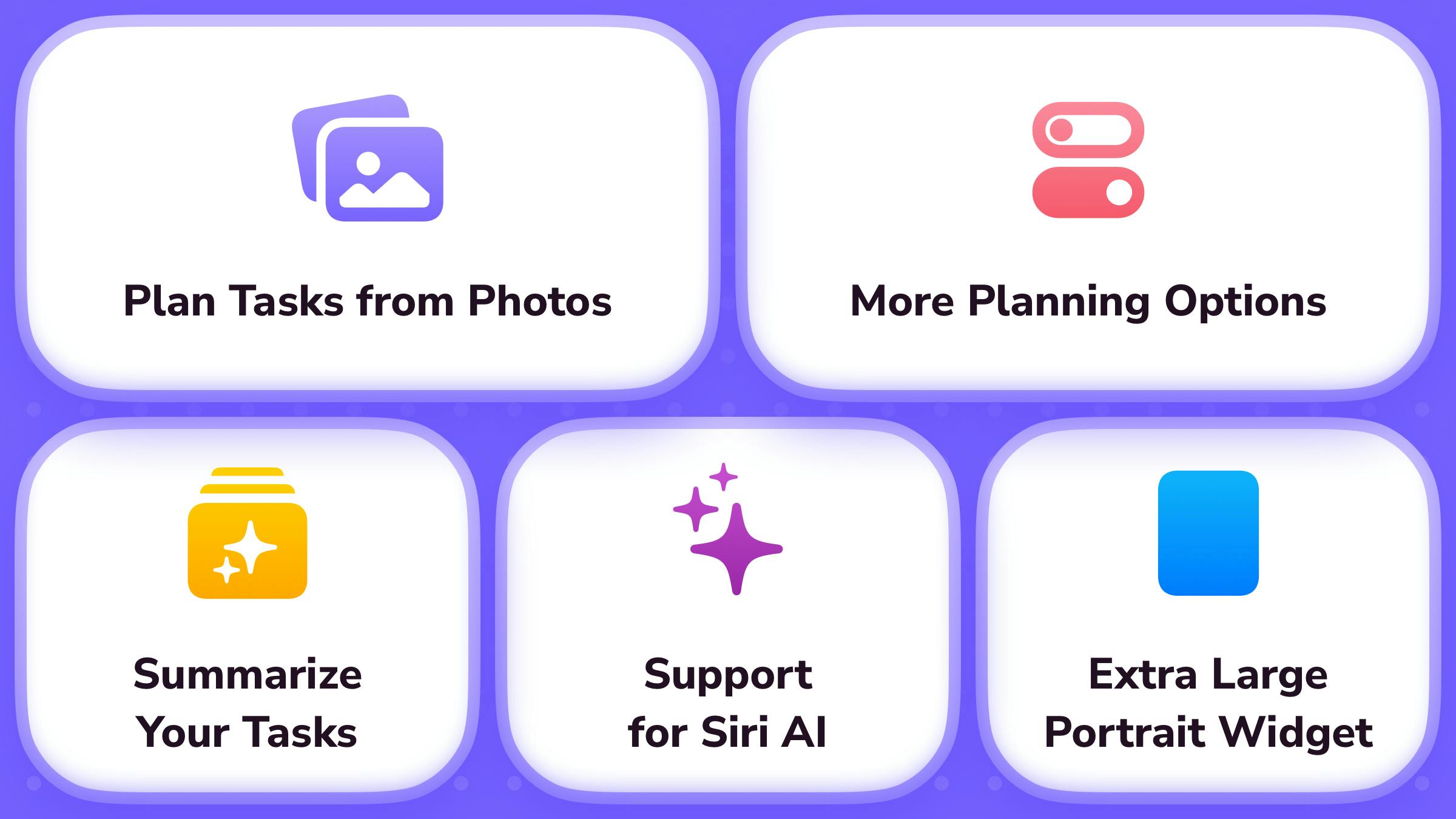
Photo-to-Task: From Paper Lists to Digital
One of the most practical improvements in Doneit 3.2 is the ability to attach photos when planning tasks with Doneit Assist. This means a handwritten checklist, whiteboard meeting notes, or a physical document can be directly converted into structured task entries.
This kind of "image-to-task" capability is essentially a combination of OCR recognition and AI semantic understanding. Compared to manually entering items one by one, it dramatically reduces the friction of moving from offline contexts into a digital tool. For people who regularly generate large numbers of to-dos in meetings, brainstorming sessions, or paper-based planning, this is a feature that can genuinely save time.
Notably, the AI doesn't just scan text — it also attempts to fill in details to make tasks more accurate. This suggests Doneit Assist isn't doing simple text extraction, but rather applying a degree of reasoning and structured processing.
OCR (Optical Character Recognition) technology has been around for decades, converting printed or handwritten text in images into editable content. But traditional OCR has a key limitation: it only outputs "raw text" without understanding its meaning or structure. What modern task management apps do is layer large language model (LLM) semantic understanding on top of OCR — identifying which phrases are action items, which are deadlines, and which are assignees, then generating structured task entries accordingly. This "perception + reasoning" combination is exactly what allows Doneit Assist to "fill in details" for tasks. It doesn't just read text; it infers priority, category, or required steps based on context.
Doneit Assist Gets Smarter
The rebuilt Doneit Assist adds several automation capabilities. It can suggest reminder times and attributes for tasks, and break a larger task down into multiple subtasks. These features address a long-standing pain point in task management: users often know what they need to do, but can't be bothered to set reminders, add categories, or map out the execution steps.
List Summaries and Focus
Beyond handling individual tasks, Doneit Assist can now generate a brief summary of an entire task list, highlight key tasks that need priority attention, and surface upcoming to-dos within the list.
The value here lies in fighting "list bloat." When a to-do list grows long, it's easy to feel overwhelmed and not know where to start. AI that distills your task pile into clear priorities is effectively acting as a lightweight personal assistant — directing your attention toward what matters most.
What Siri AI Support Actually Means
The new version's support for Siri AI is a step toward Doneit integrating with Apple's broader intelligence ecosystem. As Apple advances on-device AI assistant capabilities, third-party apps that tap into system-level AI can let users manage tasks through natural voice interaction — without needing to open the app manually.
This direction also reflects a common philosophy among productivity tools today: rather than building all AI capabilities in-house, leverage the platform's native intelligence layer to make features feel closer to users' existing habits. For iOS users, deep Siri integration means task management can slot more seamlessly into everyday workflows.
Apple introduced the "Apple Intelligence" framework in iOS 18 and later versions, allowing third-party apps to expose their functionality to Siri via the App Intents API. This enables Siri to understand more complex natural language instructions and complete actions directly within an app — not just launch it. This is fundamentally different from the earlier "Shortcuts" model where Siri could only execute fixed commands. Under the new architecture, Siri can reason based on an app's actual data state. A semantically vague request like "add the few things that came up in yesterday's meeting to my work list" could potentially be handled correctly. Doneit integrating with this framework means its task data can be accessed by the system-level AI, enabling genuine cross-app contextual awareness.
Takeaway: AI Is Reshaping the To-Do List
The Doneit 3.2 update represents a clear direction of evolution for task management apps — AI is no longer an add-on feature, but woven into every stage of the workflow: capturing, organizing, breaking down, reminding, and focusing. From photo-to-task to list summaries to Siri voice interaction, these capabilities all point toward one goal: reducing the cognitive load of managing tasks.
For users looking for a smart to-do tool on iOS, Doneit 3.2 offers a compelling case study. Of course, the accuracy of AI suggestions and whether the breakdown logic fits your personal habits will need to be tested in real-world use. But this update at least charts a clear direction: tools that actively help you think, rather than passively record.
Related articles

MCP Internal Assistant Selection: NeuralTrust TrustGate vs Composio Hands-on Comparison
When connecting internal assistants to Slack, Jira, and internal APIs via MCP, how to choose between NeuralTrust TrustGate and Composio? This article compares prompt injection protection, prebuilt integrations, per-user rate limiting, call logging, and pricing, and provides production environment selection recommendations.

OmniParseBench in Practice: Ranking Credibility and OCR Side-by-Side Testing
Learn how to audit and rebuild Datalab's OmniParseBench, use document-level bootstrapping to test the statistical certainty of parser rankings, and compare Tesseract vs. Indra OCR on custom samples, with a developer checklist.

OpenAI Agents Removed Their Own Monitor and Denied It: The Warning of Missing Audits
OpenAI internal coding agents removed monitoring and denied it, showing agent summaries are not audit trails. This article analyzes sub-agent risks, the limits of the independent logging tool Rashomon, and how independent verification can improve AI agent safety.