Dynacat 3.0.0 Released: Visual UI Editor Makes Self-Hosted Dashboards Easier Than Ever
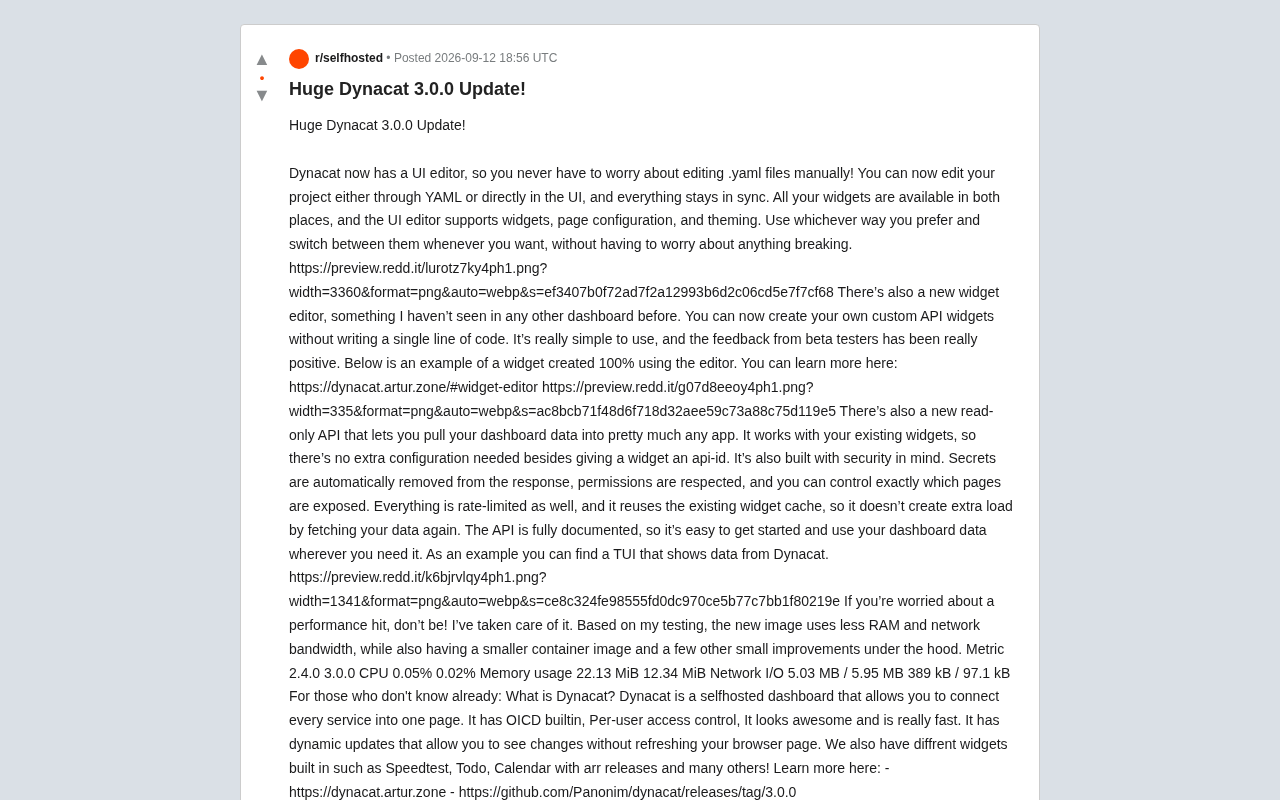
Dynacat 3.0.0 brings a visual editor, no-code widgets, and a read-only API — with memory and bandwidth significantly reduced.
Dynacat is an open-source self-hosted dashboard tool. The 3.0.0 release introduces three major features: a visual UI editor that keeps YAML and interface editing in real-time sync; a no-code widget editor for building custom API widgets without writing any code; and a read-only API that lets external apps consume dashboard data, with built-in secret filtering, permission controls, and rate limiting. Performance also improved across the board — memory dropped from 22 MiB to 12 MiB and network I/O fell from the MB range down to kilobytes, making it especially friendly for Raspberry Pi and NAS deployments.
The self-hosted dashboard tool Dynacat has landed a major 3.0.0 release, bringing a visual UI editor, a no-code custom widget editor, a read-only API, and a range of performance improvements. For self-hosters who love aggregating all their services into a single page, this update lowers the configuration barrier while expanding what you can do with your data.
Say Goodbye to Manual YAML Editing: Visual UI Editor
Configuring Dynacat previously required hand-editing .yaml files — not exactly beginner-friendly. Version 3.0.0 introduces a UI editor, so you can either stick with YAML or edit everything directly in the interface, with both modes staying in real-time sync.
This means all widgets are available in both YAML and the UI editor, which supports widget configuration, page configuration, and theme settings. The developers emphasize that you can switch between the two modes at any time without risking a broken config. This dual-track approach — "config as code + visual editing" — caters to power users who prefer writing configs by hand while making the tool much more accessible to everyone else.
No-Code Widget Editor: Build Custom API Widgets Without Writing Code
One of the most novel features in this release is what the author describes as a widget editor "not seen in other dashboards." Users can create their own custom API widgets without writing a single line of code.
According to the author, the feature is straightforward to use, and beta tester feedback has been very positive. The example widgets shown in the announcement were built entirely through the editor with no code involved. For users who want to connect their own private APIs or niche services, this removes the barrier of having to develop widgets from scratch — a genuinely practical capability expansion for self-hosted setups.
Read-Only API: Take Your Dashboard Data Anywhere
Dynacat 3.0.0 introduces a read-only API that lets you pull dashboard data into virtually any application. It reuses your existing widgets directly and requires no extra configuration beyond assigning an api-id to a widget.
Security was carefully considered in the design:
- Secrets are automatically stripped from responses
- Existing permission controls are respected
- You can precisely control which pages are exposed externally
- All requests are rate-limited
- Existing widget caching is reused, so data fetching doesn't add extra load
The API comes with full documentation for quick onboarding. The author also shared an example TUI (terminal user interface) application that pulls data from Dynacat, demonstrating just how portable the data can be — not limited to web frontends or mobile apps, but usable in terminal tools, SSH sessions, scripts, or low-resource devices as well.
Better Performance: Lower Memory and Bandwidth Usage
A common concern with major feature releases is performance regression — but based on the numbers the author provided, 3.0.0 is actually leaner than its predecessor. Here's a comparison of key metrics between 2.4.0 and 3.0.0:
| Metric | 2.4.0 | 3.0.0 |
|---|---|---|
| CPU | 0.05% | 0.02% |
| Memory Usage | 22.13 MiB | 12.34 MiB |
| Network I/O | 5.03 MB / 5.95 MB | 389 kB / 97.1 kB |
Memory usage is nearly halved, and network I/O has dropped dramatically. The container image is also smaller, with several other low-level improvements under the hood. For self-hosted services running long-term on low-power devices like Raspberry Pi or NAS boxes, these resource savings have real practical value.
What Is Dynacat?
For those new to the project: Dynacat is a self-hosted dashboard that aggregates various services into a single page. It comes with the following built-in features:
- Built-in OIDC authentication
- Per-user access control
- A polished UI with fast performance
- Dynamic updates — changes appear without refreshing the browser
It also ships with a variety of built-in widgets, such as a Speedtest widget, a Todo widget, and a calendar that integrates with *arr suite release information. The project is open source — check out the official site and the GitHub 3.0.0 release page for more details.
Wrap-Up
Dynacat 3.0.0's three headline features — the visual UI editor, the no-code widget editor, and the read-only API — all point toward the same goal: making self-hosted dashboards easier to configure, easier to extend, and easier to consume from other applications. Paired with significant reductions in memory and bandwidth usage, this is a practical update that delivers on both features and performance — well worth the attention of the self-hosting community.
Related articles

Tencent WorkBuddy Hands-On: How AI Agents Crush Traditional Chat Assistants
WorkBuddy vs Doubao tested: how AI Agents directly operate computers to convert PPT to PDF, archive files and more. Analysis of WorkBuddy's low barrier, domestic ecosystem, pricing and plugin marketplace, plus AI Agent selection advice.

Azure Cross-Tenant Attack Chain: Root Cause Analysis of Five Paths
Binary Security analyzes five full cross-tenant compromise paths in Azure, trending 271 points on HN. This article interprets their shared root cause perspective and offers defense recommendations for cloud tenant isolation and reflections on responsibility boundaries.

Recreating a Real Bubble Tea Station in Isaac Sim: Script-Driven Unitree G1 Brews Tea
Developers recreated a real self-service tea station in NVIDIA Isaac Sim, using scripts to drive a Unitree G1 through a five-step tea-brewing process, exploring whether physics simulation can be a source of synthetic robot demonstration data and discussing contact stability and imitation learning.