Exploring Workflow Automation Solutions for Course Production
A practical breakdown of workflow automation for course production, from scripting to multi-platform distribution.
A brief Reddit question surfaces a common efficiency pain point for course creators. Course production spans topic research, scripting, recording, subtitles, cover design, and uploading — and repetitive work multiplies fast as output grows. This article breaks the solution into three levels: using LLMs and AI subtitle tools to speed up content production; connecting scattered tools with low-code platforms like Zapier, Make, or n8n to eliminate manual transfers; and automating multi-platform distribution with templates and scheduling tools. The key advice: start with your single most time-consuming step and iterate, rather than building a complex system all at once.
A Real Question from the Community
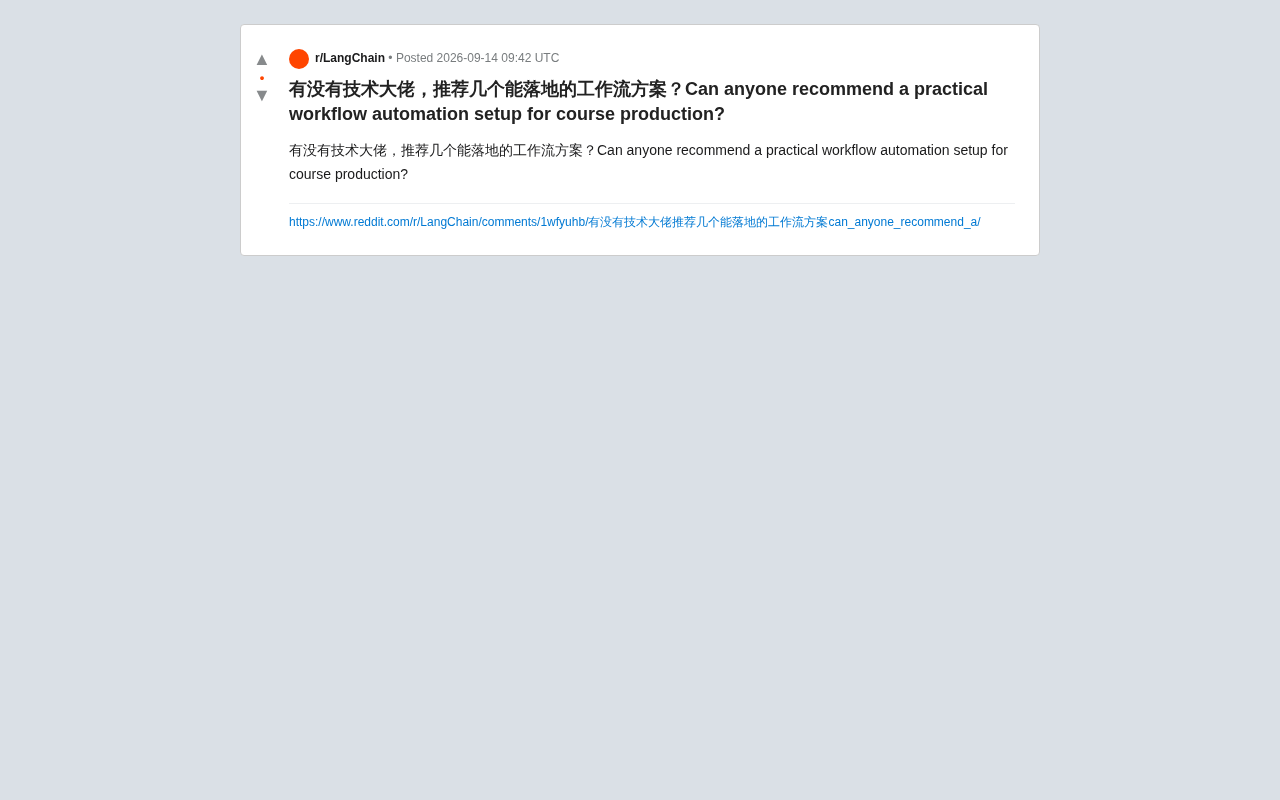
In a Reddit tech discussion thread, a notably representative question surfaced: Is there a workflow automation solution that actually works for course content production?
The question sounds simple, but it touches on a pain point that content creators and educators widely face — how to use automation tools to connect tedious, repetitive production steps, freeing up energy for the content creation work that truly matters.
Unfortunately, the original post was just a single sentence, with no details about the specific use case, preferred tools, or tech stack. This article attempts to map out a general approach to course production automation based on that direction, as a reference for anyone facing similar challenges.
Why Course Production Needs Workflow Automation
Course production is a multi-stage system. From topic research and scripting to recording, editing, subtitle generation, cover design, platform uploading, and distribution — each step may involve different tools and manual operations.
As the volume of courses grows, this repetitive work quickly eats into a creator's time. The core value of workflow automation is handing off these standardized, repeatable steps to tools, leaving humans to handle only decisions and creative work.
An ideal automated setup should be able to pass data between different tools automatically, reducing low-value operations like manual copy-pasting, format conversion, and file transfers.
Practical Workflow Ideas
Content Production Stage
For scripting and copywriting, large language models (LLMs) can help generate first drafts, refine wording, and produce course outlines. Once video recording is done, AI subtitle tools can automatically generate and proofread subtitles, significantly cutting down post-production time.
Tool Integration Stage
The real meaning of a "workflow" lies in connecting scattered tools. Common automation platforms can listen for a trigger event (such as a new file upload) and automatically execute follow-up actions (such as transcoding, renaming, archiving, and sending notifications). These no-code or low-code platforms are a practical choice for creators without a technical background.
Publishing and Distribution Stage
Distributing finished courses across multiple platforms can also be automated. Using preset templates and scheduling tools, you can produce once and publish everywhere, with descriptions, tags, and covers synced automatically.
Practical Advice for the Original Poster
To get a more targeted recommendation, it helps to include the following details when asking: the course format (video, text/image, or live replay), team size, existing tool stack, budget range, and which bottleneck you most want to address first.
Automation is not a one-and-done project. It's better to start with the single most time-consuming, most standardized step, validate the results, and then gradually expand — rather than chasing a large, complex system from the very beginning.
Summary
This community question reflects a widespread need for content creation automation, but with limited information in the original post, it's not possible to offer a single optimal solution for any specific scenario. For anyone looking to build a course production workflow, clearly identifying your own pain points and iterating from small steps is almost always more effective than piling on tools without direction.
Related articles

Salesforce Acquires Rune for $375M: AI Logistics Tech Bolsters Defense Business
Salesforce reportedly acquires defense tech startup Rune for $375M. Rune's AI logistics tech will strengthen Salesforce's Missionforce defense platform, continuing its M&A spree.

Why Fair Use Benefits Everyone in the AI Era
Starting from a Hacker News discussion, this article analyzes the legal logic and controversies of the fair use principle in AI training and content creation, and its dual impact on creators and the tech ecosystem.

Mistral Large 4 Open-Sources a Trillion Parameters, Microsoft Offers Voluntary Severance to 60,000 Employees
Mistral Large 4 open-sources a trillion-parameter multimodal model with a coding agent score of 48; SanDisk earnings show AI inference reshaping NAND demand; Google Gemini adds in-app file editing, OpenAI raises Codex quotas, and Microsoft offers voluntary severance to 60,000 employees.