FeelMyMac: A New Way to "Feel" Textures Through Your Mac Trackpad

FeelMyMac uses the Mac's built-in Taptic Engine to give cursor movement and scrolling a tactile texture sensation.
FeelMyMac is a Mac app that expands the Taptic Engine's role from single-click feedback to continuous haptic sensation during cursor movement and scrolling, simulating various surface textures through subtle vibrations. Users can enable haptics separately for cursor movement and scrolling, adjust intensity, and layer in optional sound effects and keyboard typing sounds for a full multi-sensory experience. Rather than targeting productivity needs, it's aimed at niche Mac users who crave personalized interaction quality — and its real value lies in revealing the long-underutilized potential of the Taptic Engine.
Bringing Haptic Feedback to Cursor Movement
Mac trackpad users are well accustomed to that subtle "click" feedback when pressing down. But FeelMyMac wants to extend that tactile experience beyond the moment of a click — stretching it across every movement of the cursor. This Mac app, which landed on Product Hunt, uses Apple's Taptic Engine to simulate the sensation of different surface textures. As you move the cursor or scroll through a page, your fingertip can "feel" subtle vibrations, as if gliding across a physical material.
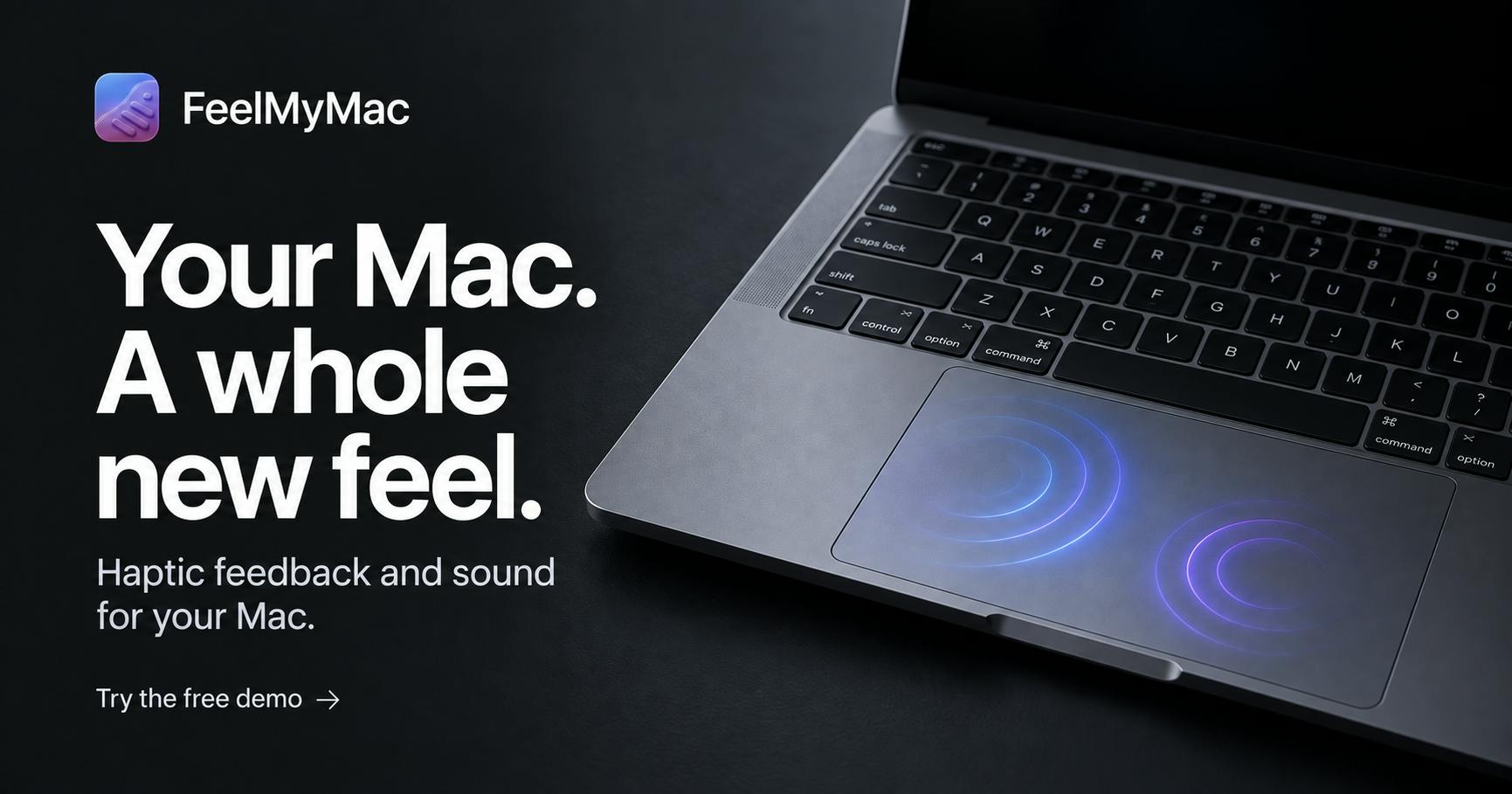
The core idea is straightforward: if the Taptic Engine on iPhone can simulate the feel of buttons and dials through precise vibrations, why can't the same hardware in the Mac trackpad be used for richer tactile expression? FeelMyMac builds on exactly this hardware capability, turning haptic feedback into a continuous, perceptible interaction layer.
The Taptic Engine is Apple's proprietary linear actuator motor, first introduced with the Apple Watch in 2014 and later brought to iPhone and MacBook trackpads. Compared to traditional eccentric rotating mass motors, linear actuators can generate precisely controlled vibration pulses with clear directionality and adjustable amplitude — with latency in the millisecond range — by carefully shaping the electrical waveform. This allows them to replicate not just simple buzzing, but nuanced tactile sensations like key rebounds, watch crown detents, and the feel of turning pages. MacBook's Force Touch trackpad has integrated the Taptic Engine since 2015, eliminating the traditional physical click mechanism entirely — the "click" users feel is a purely software-driven haptic illusion. It's this foundation of "programmable haptics" that gives apps like FeelMyMac room to operate.
Feature Breakdown: Haptics, Sound, and Customization
According to its official description, FeelMyMac offers several granular controls. Users can enable haptic feedback separately for cursor movement and scrolling, meaning you could limit the textured sensation to scrolling only while keeping regular cursor movement quiet — avoiding fatigue from constant vibration.
The app includes multiple built-in materials and textures, each mapped to a different vibration pattern. Users can also customize vibration intensity to dial in exactly how strong the "feel" is. Beyond pure haptics, FeelMyMac layers in optional sound effects and a dedicated keyboard typing sound, adding an auditory dimension to the overall interaction.
In short, it aims to build a "visual + tactile + auditory" multi-sensory feedback system — all running on the Mac's native Taptic Engine, with no additional hardware required.
What Problem Does It Solve, and Who Is It For?
Objectively, FeelMyMac isn't a productivity tool solving a pressing pain point. It reads more like an exploration of "interaction texture." For most users, whether cursor movement carries a tactile sensation has no bearing on work efficiency. But for Mac users who enjoy personalizing their experience and tinkering with fine details, this kind of app offers a fresh sensory novelty.
From a product positioning standpoint, it shares the same psychology as mechanical keyboard enthusiasts who obsess over "feel" — some people are willing to pay for a more nuanced, ritualistic interaction experience. The inclusion of optional sound effects and keyboard sounds confirms that it's targeting a niche audience that values experiential atmosphere.
There are also legitimate open questions: Could continuous haptic feedback become redundant or even distracting over long sessions? Are the different material textures distinct enough to tell apart? These are things that only hands-on use can answer. Its current Product Hunt stats — 67 upvotes, 3 comments, ranked 15th — suggest it's attracted some attention, but hasn't sparked a viral level of discussion.
The Value of Experience-Driven Innovation
FeelMyMac's significance may lie less in its practical utility and more in the idea it demonstrates: the capabilities of existing hardware are often underestimated by software. On Mac, the Taptic Engine has long served a single purpose — click feedback. FeelMyMac uncovers its potential as a "continuous haptic output device."
This approach of creatively repurposing existing hardware is highly representative of the indie developer community. It reminds us that there are still many unexplored interaction gaps between operating systems and hardware, waiting for imaginative developers to fill. Whether FeelMyMac ever goes mainstream, its answer to the question of "how haptics can enrich digital interaction" is worth examining on its own merits.
For curious Mac users, this is a low-commitment experiment — no workflow changes required. It simply adds an unexpected layer of texture to your everyday fingertip interactions.
Apple provides developers with the Core Haptics framework (available since iOS 13) and the NSHapticFeedbackManager interface for Mac Force Touch trackpads, allowing third-party apps to invoke the Taptic Engine for custom haptic patterns. However, the haptic APIs on Mac are far less feature-rich and open than those on iPhone, and simulating continuous textures often requires developers to hand-craft vibration sequences while working around system constraints. This is precisely why building "continuous dynamic haptics" on Mac is significantly harder than on iPhone — making FeelMyMac's choice of direction technically notable in its own right. Indie developers mining undocumented or semi-public hardware capabilities within the Apple ecosystem have long been an important source of innovation in niche Mac apps.
Related articles

AI Is Not a Replacement: Human-AI Collaboration Through the Lens of Factory Root Cause Analysis
Starting from factory root cause analysis, this article explains how AI accelerates evidence chain construction rather than replacing human experts, exploring the pragmatic implementation logic and business value of 'AI supporting people rather than replacing them.'

AI Agent Decision Auditing: Building an Evidence Chain in Regulated Workflows
Starting from a Reddit discussion, this article analyzes three core issues in AI agent decision auditing within regulated workflows: what fields audit records should contain, how to handle feedback latency for erroneous decisions, and how to continuously calibrate LLM judge consistency with human judgment.

Apple Opens Multiseat Subscription Purchasing: App Subscriptions Can Now Be Sold in Bulk to Businesses and Schools
Apple opens multiseat purchasing for auto-renewable subscriptions: businesses and schools can bulk-buy via Apple Business and Apple School Manager, adding or removing seats anytime. Enabled by default in App Store Connect—developers should verify settings; group purchasing sandbox testing opens October 2026.