Floot MCP: Build and Deploy Full-Stack Apps Directly Inside Claude and ChatGPT

Floot MCP turns Claude/ChatGPT into a full-stack dev environment for building and deploying apps in chat.
Floot MCP is a full-stack development tool that integrates with Claude or ChatGPT via the Model Context Protocol, aiming to compress the entire app lifecycle — from build to deployment — into a single AI chat window. It includes a built-in database, user authentication, hosting, and a live URL, with no software to install and no separate AI inference fees. Projects can be published to Web, iOS, and Android, with ongoing updates pushed from the same conversation. Debuting at #3 on Product Hunt, Floot spans developer tools, AI, and no-code categories — representing the emerging "dev environment in AI chat" paradigm, though its performance in complex real-world scenarios remains to be seen.
In a crowded landscape of AI coding tools, one product is turning heads by letting you go from idea to live app without ever leaving the chat window. Floot MCP debuted on Product Hunt and quickly climbed to #3 for the day, earning 141 upvotes. Its core pitch is straightforward: connect Floot to Claude or ChatGPT, and you can build and publish a complete full-stack application right from the chat interface.
What Problem Does Floot MCP Actually Solve?
Traditional app development requires juggling multiple tools: an IDE for writing code, a separate setup for databases, a custom-built authentication system, and yet another workflow for deployment. Even with AI coding assistants in the mix, developers still have to manually take the AI-generated code and wire it into an actual runtime environment.
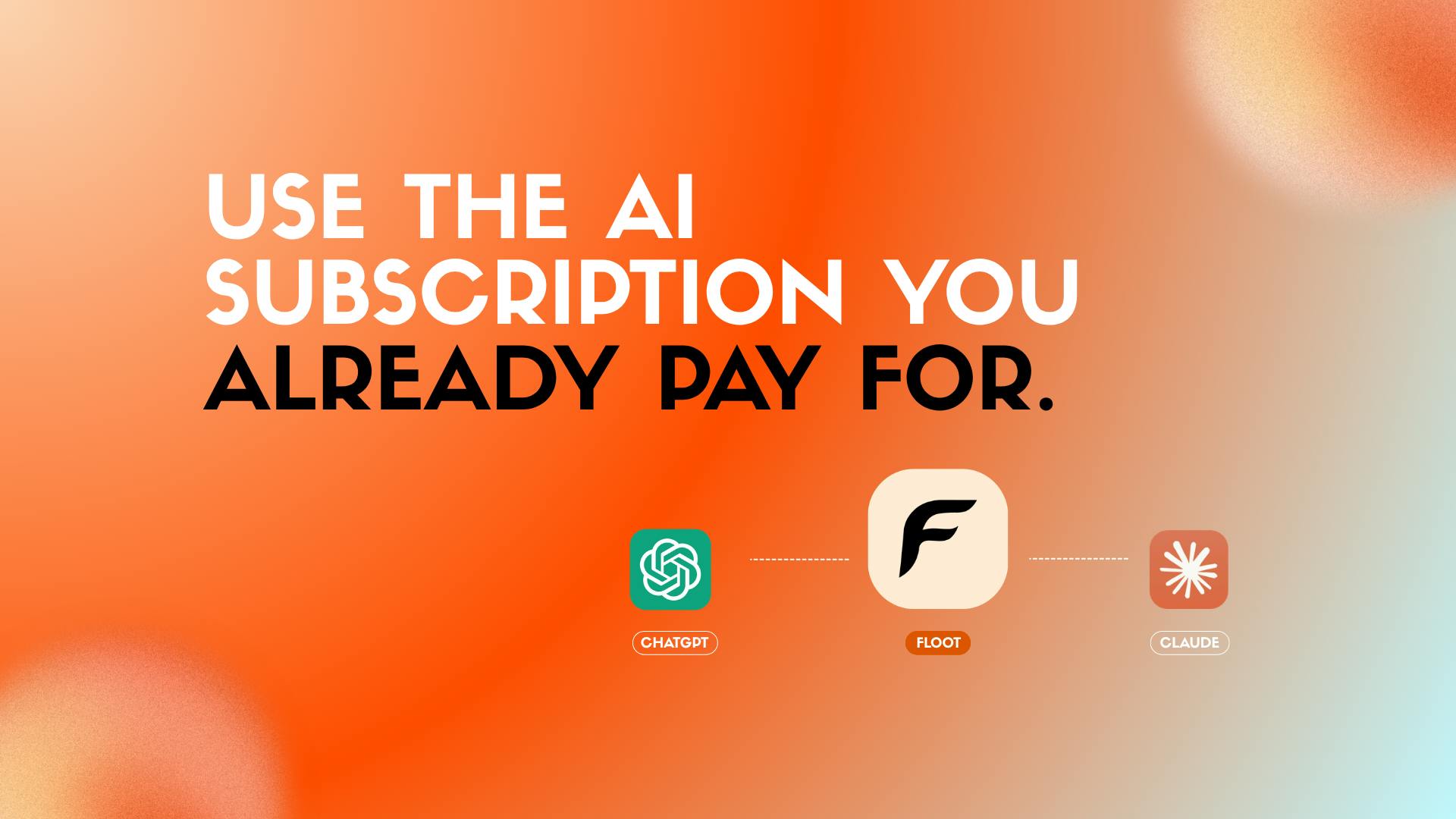
Floot's approach is to fold all of that complexity into the conversation itself. Through MCP (Model Context Protocol), Floot gives the AI a ready-to-use workspace — complete with a built-in database, user authentication, hosting, and a live accessible URL. No software to install, no environment to configure. Whatever the AI builds can run directly in that space.
Riding the MCP Wave: A New Paradigm for AI Dev Tools
Floot's choice to build on MCP reflects a trend that's gaining real momentum. MCP is a protocol that standardizes how large language models connect with external tools and data sources, and a growing number of developer tools are building ecosystems around it. For Floot, plugging into MCP means it can function as a native "capability extension" for Claude or ChatGPT, rather than needing to build its own AI interaction layer from scratch.
This architecture creates a notable commercial advantage: Floot doesn't charge for AI usage. The product page makes it explicit — "your existing Claude or ChatGPT subscription does the thinking." In other words, the cost of model inference is covered by subscriptions users are already paying for, while Floot only provides the infrastructure to host and execute. For cost-conscious indie developers and small teams, that's a pricing model worth paying attention to.
What is MCP? MCP (Model Context Protocol) was proposed and open-sourced by Anthropic in late 2024 to address the fragmentation problem in integrating large language models with external tools. Before MCP, every tool had to build a separate adapter for each AI platform — expensive to maintain and impossible to interoperate. MCP defines a unified client-server architecture: the AI model acts as the client, while external tools (databases, code execution environments, file systems) act as servers, exchanging capability descriptions and call instructions through a standardized protocol. Developers only need to implement the MCP server once to be compatible with all MCP-supporting AI platforms. Claude (Anthropic) and parts of the ChatGPT plugin ecosystem already support MCP, and editors like VS Code and Cursor are following suit, making it an emerging de facto standard for AI tool interoperability.
Build Once, Publish Everywhere
Another standout feature is cross-platform publishing. According to the official description, a single project can be deployed to Web, iOS, and Android. What makes this especially compelling is the maintenance story — developers can "continuously push updates from the same conversation," keeping both iteration and deployment inside the chat flow.
This means the entire lifecycle of an app — from initial build to multi-platform launch to ongoing updates — could theoretically close the loop within a single AI conversation. For validating product ideas or rapidly building an MVP, this kind of streamlined workflow is genuinely appealing. Whether the cross-platform output can match the quality of natively built apps, however, will require more real-world case studies to confirm.
Who Is Floot For?
Floot is listed under three Product Hunt categories: Developer Tools, Artificial Intelligence, and No-Code. That combination says a lot about its positioning — it serves technically proficient developers while also opening the door to creators without deep coding backgrounds who prefer describing what they want in natural language.
In this sense, Floot sits squarely on the "AI + no-code" track. Unlike traditional no-code platforms, it doesn't ask users to drag and drop components or configure visual workflows. It's entirely conversation-driven. The quality of the final application depends on the user's ability to articulate their vision and the AI's ability to understand it.
Conversational No-Code vs. Traditional No-Code: Platforms like Bubble, Webflow, and Adalo are built around a "what you see is what you get" paradigm — users describe interfaces and logic through drag-and-drop and property configuration, and the platform translates those visual operations into running code. This approach demands strong design intuition, carries a steep learning curve, and is constrained by each platform's component system. Floot's "conversational no-code" shifts the medium of expression from graphical manipulation to natural language: users simply describe what they want, and the AI interprets intent and generates the implementation. The potential upside is an extremely low barrier to entry. The open questions are also real: ambiguity in how the AI interprets requirements, precision when expressing complex logic, and the long-term maintainability of generated code are all challenges this paradigm still needs to prove it can handle.
Promising Direction, But Still Worth Watching
As a newly launched product, Floot MCP points in a direction that's genuinely exciting — but there's plenty still to be verified. How it handles complex business logic, fine-grained UI customization, and the maintainability of larger projects isn't clear yet from available information. The performance limits of the built-in database and hosting, along with the specifics of free vs. paid tiers, also remain to be explored through actual use.
That said, the core idea Floot represents — bringing the development environment into the AI conversation — speaks to a clear direction in how AI coding tools are evolving: reducing the friction between an idea and a working product, so that more people can turn creative impulses into real, runnable applications using the most natural interface available. For anyone tracking the AI coding and no-code space, this is a tool worth adding to the watchlist.
Related articles

AgentCore in Practice: Connecting Custom Tools and MCP Servers to Agents
DebuggerCafe tutorial shows how to connect custom tools and MCP servers to Amazon Bedrock AgentCore agents, covering tool contract design, MCP reuse, and production concerns.

816B Parameters Scores Only 39? The Real Cost-Effectiveness of the Open-Source LLM Parameter Race
Meta's 816B Muse Spark Open scores just 39 on Artificial Analysis, while 180B Qwen3.8-Flash-Next scores 40. This article analyzes 11 open-weight models' parameters vs. scores, exploring the real impact of activated parameters, quantized size, and deployment cost.

Aerial Manipulators: The Next Step for Drones from 'Seeing' to 'Changing'
Starting from a Reddit discussion, this article analyzes the technical challenges, potential applications, and deployment bottlenecks of aerial manipulators, exploring the key challenges for drones moving from environmental perception to physical manipulation.