Gemini New API Keys Not Working? AQ__ Format Compatibility Troubleshooting Guide

Fix Gemini AQ__ API key failures in Python by upgrading to google-genai SDK and updating initialization code.
Newly issued Google Gemini API keys prefixed with AQ__ are breaking Python integrations due to backend authentication changes. This guide covers the differences between old AIza and new AQ__ key formats, explains why outdated SDKs and mismatched initialization patterns cause 401/400 errors, and provides step-by-step solutions including upgrading to the google-genai SDK and regenerating keys.
Background: Compatibility Issues Caused by Gemini's New API Key Format
Recently, a growing number of developers have reported a frustrating issue on Reddit: newly issued Google Gemini API keys (prefixed with AQ__) are failing to work in Python environments. This change has caught many Gemini API developers off guard — code that was working perfectly suddenly throws authentication errors, leaving engineers confused.
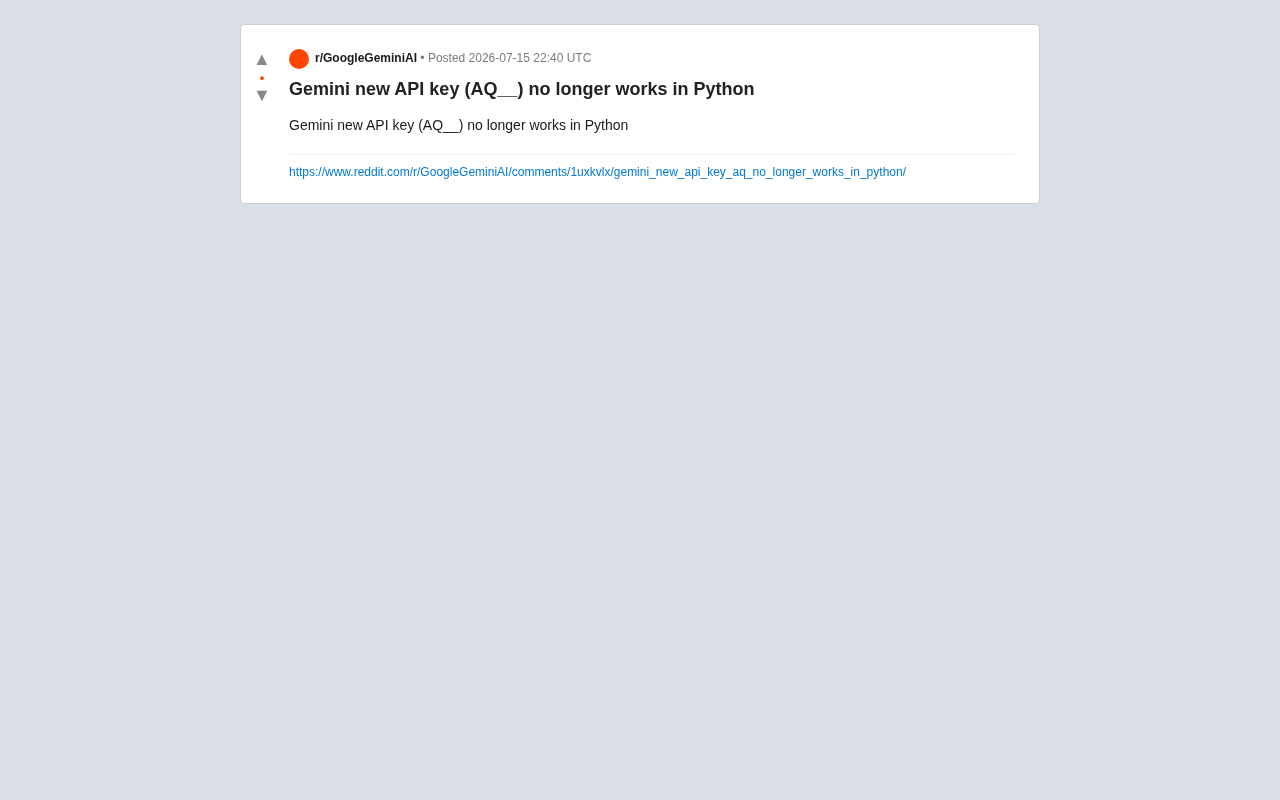
This type of problem is typically not a bug in the code logic itself, but rather stems from changes to the API key format or backend authentication mechanism. For applications running in production, such sudden changes can directly cause service outages — something every AI application developer should take seriously.
Old vs. New Key Format: From AIza to AQ__
Authentication Mechanism Changes Behind the Format Shift
Historically, API keys issued for Google Gemini (and the earlier PaLM API) typically began with AIza — a key format that Google Cloud has long used across its platform. To understand the deeper implications of this change, it helps to look back at how Google's API key system has evolved.
The AIza-prefixed keys were a product of Google's Simple API Access mechanism, originally used for public APIs like Maps and YouTube Data, and later adopted for PaLM 2 and early versions of Gemini. These keys are essentially static tokens passed via HTTP request parameters (?key=) or headers, validated through Google's API Gateway. The emergence of the AQ__ prefix suggests Google may be migrating toward short-lived credential mechanisms based on OAuth 2.0 or a next-generation identity federation system — a direction that aligns closely with the broader industry trend of API security hardening, where static long-lived keys are increasingly being replaced by dynamic short-lived credentials to reduce the risks of key exposure.
The new AQ__ prefix indicates significant changes to Google's backend authentication infrastructure. This format difference is not merely cosmetic — it typically corresponds to different authentication endpoints, permission validation logic, and potentially an entirely new service backend. When developers continue using older SDKs or existing calling patterns, the new key format may not be correctly recognized or validated, triggering authentication failures.
Typical Errors in Python Environments
Based on community reports, the issues are concentrated in the Python ecosystem. Whether using the google-generativeai library or calling the REST API directly, new-format keys may return the following errors:
- HTTP 401 (Unauthorized): The key is not recognized or fails validation
- HTTP 400 (Bad Request): The request format doesn't match the new endpoint
This typically indicates one of the following: the current SDK version hasn't been updated to support the new key format, the API endpoint has changed, or the key's permission scope doesn't match what's expected.
Root Cause Analysis: Three Most Common Sources of the Problem
1. Outdated SDK Version
The most common cause is a lagging SDK version. Google continuously iterates its AI-related Python libraries, and new key formats require a matching updated SDK to be handled correctly.
In the Python ecosystem, google-generativeai was Google's original Gemini SDK, while google-genai is the unified client library released afterward, designed to consolidate the calling interfaces for both Gemini API and Vertex AI — representing Google's official long-term direction. In engineering practice, it's recommended to use pip freeze > requirements.txt or poetry.lock to pin dependency versions, preventing incompatibilities caused by automatic upgrades in CI/CD pipelines. You can also use tools like pip-audit or dependabot to regularly scan for known vulnerabilities, striking a balance between stability and security.
The first thing to try is upgrading:
pip install --upgrade google-generativeai
If you've already switched to Google's officially recommended unified SDK, use the google-genai package instead:
pip install --upgrade google-genai
2. Confusion Between Key Sources
Google currently has multiple entry points for obtaining Gemini API keys, including Google AI Studio and Google Cloud Vertex AI. Understanding the fundamental differences between the two is critical.
Google AI Studio (formerly MakerSuite) is positioned as a low-barrier platform for individual developers and rapid prototyping. It offers a free tier, and key applications don't require binding to a GCP project — making it ideal for exploratory development. Vertex AI, on the other hand, is Google Cloud's enterprise-grade machine learning platform. Keys (actually Service Account credentials) are deeply tied to GCP projects and support granular IAM permission controls, VPC Service Controls, and audit logs — designed for production-grade deployments. The two systems differ fundamentally in authentication protocols, quota management, and data residency. Mixing them not only causes authentication failures but can also create compliance risks.
The AQ__-prefixed keys may originate from the new AI Studio interface, and are fundamentally different from traditional Vertex AI authentication mechanisms. Always confirm where a key came from and carefully follow the corresponding official documentation — never mix keys and SDKs from different systems.
3. Initialization Method Not Updated
The initialization syntax in the new SDK has changed. The old approach looked like this:
import google.generativeai as genai
genai.configure(api_key="YOUR_API_KEY")
The new unified SDK recommends this approach:
from google import genai
client = genai.Client(api_key="YOUR_API_KEY")
This change reflects a shift in design philosophy: from a global singleton configuration pattern to an explicit client instance pattern. The latter makes it easier to concurrently manage multiple API keys or multiple project configurations within the same application, and is more aligned with modern Python engineering best practices. Continuing to use the old initialization approach with new-format keys is a common trigger for compatibility issues.
Solutions and Best Practices
Upgrade and Switch to the Official SDK First
The most direct fix: upgrade to the latest official SDK and rewrite your initialization code according to the latest documentation. Google typically maintains a transition period during API evolution, but doesn't guarantee long-term availability of old interfaces — staying current is the key to avoiding pitfalls.
Regenerate Your API Key
If problems persist after upgrading the SDK, try deleting the old key in Google AI Studio and generating a new one. Some keys may be in an abnormal state due to backend migrations, and regenerating often resolves such authentication issues.
Strengthen API Key Security Management
API key management is not just an operations concern — it's an important part of security engineering. Once a key is leaked, attackers can make a large volume of calls before the quota is exhausted, causing financial losses or data risks. Store keys in environment variables or a dedicated secrets management service (such as AWS Secrets Manager, HashiCorp Vault, or GCP Secret Manager) rather than hardcoding them in source code. Use .gitignore to prevent accidental commits, and configure secret scanning tools (such as GitHub Secret Scanning) in your repository. For production environments, combine IP allowlisting with API key usage alerts for multi-layered protection, and implement regular key rotation to keep the lifespan of any single key within a reasonable range.
Stay on Top of Official Announcements and Community Updates
API format changes are typically accompanied by official announcements. Keep a close eye on the Google AI official blog, version changelogs, and developer communities like Reddit and Stack Overflow. When a large number of developers report the same issue at once, it's usually a platform-level change rather than a personal configuration error — and the official team will typically release a fix or explanation within a short time.
Broader Perspective: The Impact of API Stability on the Developer Ecosystem
The AQ__ key compatibility incident reflects the challenges that rapidly iterating AI platforms create for developer experience in the pursuit of feature innovation. A multi-entry-point key system and frequent format changes silently increase development and maintenance costs.
For product teams building on top of these APIs, the following points deserve close attention:
- Establish error monitoring: Capture authentication exceptions promptly to shorten incident response time
- Implement key rotation policies: Avoid the risks of using a single key for extended periods
- Manage SDK version dependencies: Pin stable versions and establish upgrade plans
- Abstract your API call layer: Isolate lower-level interface changes within an abstraction layer to minimize impact on business logic
From a broader perspective, this incident is also a reflection of the maturity level of the AI API ecosystem as a whole. Compared to SaaS APIs like Stripe and Twilio — which have been highly stable for over a decade — large model APIs are still in a phase of rapid evolution, with version iteration frequencies far exceeding those of traditional APIs. This places greater demands on platform providers: when advancing authentication system upgrades, they should provide clear migration guides, adequate backward compatibility windows (the industry standard typically recommends no less than 12 months), and transparent change notifications — only then can they genuinely maintain the trust of their large developer ecosystems.
Summary
Gemini's new AQ__ format API keys failing in Python is fundamentally a compatibility growing pain caused by a platform authentication mechanism upgrade. Developers can systematically troubleshoot with the following steps:
- Upgrade to the latest official SDK (
google-genai) - Adopt the new client initialization approach
- Confirm the key source (AI Studio vs. Vertex AI)
- Regenerate the API key if necessary
In an era of rapid AI advancement, staying current with official documentation and community updates — and establishing robust key management and SDK version governance practices — is an essential skill for every AI application developer to mitigate risk.
Related articles

Cursor AI in Practice: Weighing Efficiency Gains Against Costs in an AI IDE
An in-depth look at Cursor AI IDE's interface layout, four modes (Agent/Plan/Debug/Ask), model selection, and Git context integration, with hands-on demos weighing subscription costs against going direct to Claude.

Free Landing Page Design Rules Library: A Practical Guide for Claude Code and Cursor
A free landing page design skill for Claude Code and Cursor: MIT licensed, nearly 9,000 stars, asks about offer/audience/action before planning 12 sections with hard font and spacing constraints.

Cursor Keeps Writing Wrong Code? The Problem May Be Context, Not Prompts
Cursor keeps writing wrong code? The problem may be context, not prompts. Learn how to supply relevant files, full error messages, and expected results, plus a plan-first, small-step, test-driven workflow to reduce AI coding errors—while remembering code review remains the developer's job.