Getting Started with Loop Engineering: Making AI Agents Run Workflows Autonomously

Loop Engineering lets AI agents autonomously run workflows via triggers, shared files, and contracts.
Loop Engineering builds an environment layer around AI agents using four core components — Codebase Harness, shared file systems, triggers, and Loop Contracts — enabling them to move from passive responders to autonomous operators. Multiple loops sharing the same knowledge layer create a powerful compounding effect, where one loop's insights feed into another's actions.
What Is Loop Engineering?
The AI world has been churning out new concepts lately — Prompt Engineering, Context Engineering, Agent Harness… and now, a more advanced concept is gaining traction among an increasing number of teams: Loop Engineering.
In simple terms, Loop Engineering is about building an environment layer around your agents' runtime — using triggers, shared file systems, and logging mechanisms — so that agents no longer need manual prompting each time. Instead, they can autonomously and continuously get work done. As one content creator shared, their team's codebase was still receiving PR submissions at 1 AM — not because anyone was burning the midnight oil, but because their agent loops were automatically discovering issues and picking up tasks. Their Growth Loop had been running continuously for two days, producing 20 to 40 high-quality pages per day and steadily driving traffic to the company.
This isn't science fiction — it's a real-world application of Loop Engineering.
From Prompting to Loops: The Evolution of How We Use AI
Looking back at how large language models have been used, three clear stages emerge:
2023: The Prompt Engineering Era. When the GPT-3.5/GPT-4 APIs first launched, what we did was straightforward — feed the API an input and have the model generate text. The core skill was figuring out how to put the right context into model calls to guide behavior.
2024: The Context Engineering Era. Model context windows exploded from 4K to 128K, with Google even pushing to 1 million tokens. With larger windows, we started equipping models with tools (like MCP) and letting them execute round after round until the task was done. Around the question of "how to get useful information into the window," a whole suite of techniques emerged — System Prompt optimization, long conversation compression, Skills extensions, and more.
2025: The Loop Engineering Era. We started handing models longer, larger tasks. Many people are already accustomed to letting Claude Code run for 30 minutes or even two hours. We no longer expect a single agent to handle everything end-to-end. Instead, we spin up multiple agent sessions simultaneously, each responsible for a portion of the work.
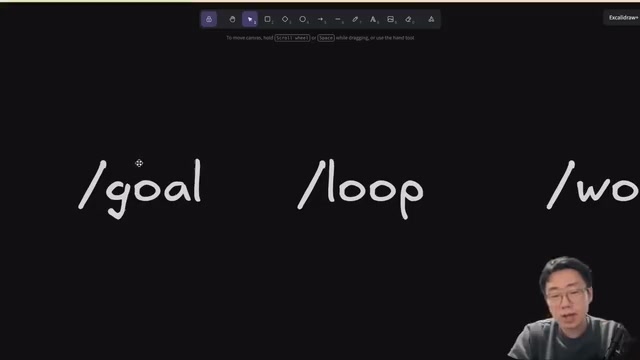
This demands a mechanism to track state across different sessions so every agent knows where things stand — and that's exactly the problem Loop Engineering solves.
The Core of Loop Engineering: The Compounding Effect
The real power of Loop Engineering isn't in any single loop — it's in the compounding effect produced when multiple loops stack together.
Take a customer support agent as an example: you have it run every 30 minutes, pull all support tickets, auto-reply to ones it can handle, and log user pain points and improvement ideas. That loop alone is already valuable. But here's where it gets powerful — the ideas it logs can trigger a coding agent to implement some of those improvements directly, and those agents can continue monitoring the results. If customers later run into similar issues, the support agent can even tell them the relevant fix has already shipped.

Here are several loops one team is currently running:
- Support Loop: Triggers every 30 minutes, processes support tickets, logs user pain points and ideas to a Signals folder
- SEO Loop: Pulls data every morning at 9 AM, publishes SEO pages, and identifies signals like conversion gaps
- Product Loop: Analyzes product session data and prioritizes experiments
- Growth Loop: Continuously produces high-quality content pages
The key is: all Loops read from and write to the same shared folder system. For example, if the SEO Loop discovers a keyword with decent click-through rates but lacking organic traffic content, that Signal feeds back to the Growth Loop, which then prioritizes producing content for those keywords. Different Loops may run hourly or daily, but they share the same "brain" — and the compounding effect kicks in.
Four Core Components for Building Loops
1. Codebase Harness: Giving Agents the Right Working Environment
The core goal is to make the codebase clear enough for agents to understand where to make changes and what to change, while also being able to run and verify those changes. Specific practices include:
- Agent's MD files kept to around 100 lines, with detailed information pointing to a documentation system for agents to look up on their own
- Custom Lint rules: You can't expect agents to find the right information every time, but you can encode rules into Lint checks so warnings pop up automatically when something's wrong
- Zero-cost DevServer startup: Local scripts spin up the entire server stack so agents can focus their attention on the actual work
- WorkTree-friendly setup: Ensure that running 5 agents simultaneously still lets each one start its own dev server and run tests without conflicts

The verification step is especially important: it's recommended to use Playwright CLI to let agents operate a browser and record videos to attach to PRs. You should also add end-to-end test coverage for critical flows (like upgrades, sign-ups, etc.), and don't let agents fully verify their own work — the PR skill should require detailed specs, and a read-only Verifier Agent should be spun up for review.
2. File System: The Shared Knowledge Layer
The file system serves as the abstraction layer for Loop Engineering and contains three main types of files:
Artifacts: The outputs or discoveries of agents — the core of the shared knowledge layer. Types include Docs, Signals, Tasks, and more. Each Artifacts folder contains a README explaining the schema, and each entry includes Metadata, body content, and a change Timeline.
Signals: Feedback, ideas, or observations captured by loops. Agents can create a Signal and link it to original feedback or support ticket Artifacts. These Signals are shared across multiple loops and serve as the key vehicle for the compounding effect.
Logs: A global WorkLog that records cross-domain context. Entries are written after completing significant chunks of work and the most recent 5 to 10 entries are read before starting new work.
3. Triggers: Making Loops Run Automatically
Triggers can be scheduled tasks, another agent, server events, or even webhooks. Once awakened, an agent typically investigates first, then takes action, and finally produces a backlog or list of ideas — dispatching tasks to other agents when necessary.
4. Loop Contract: The "Agreement" of a Loop
Each loop defines a Contract that includes its goals, the Workflow to follow, and a Backlog list. Every time a loop is triggered, it reads the Contract, goals, workflow, and history — and these determine what to do next.
Hands-On: Building a Support Loop

Using a customer support Support Loop as an example, here's the full setup process:
Step 1: Prepare Skills. This includes Common Skills for pulling tickets, Stripe payment and subscription data queries, Supabase analytics data queries, and more. You'll also need to prepare a Claude MD file for business context and an Architecture MD file.
Step 2: Define the Workflow. Each time the loop triggers, it pulls tickets updated in the past X hours, investigates user issues, creates ticket-related Artifacts, records feedback and ideas, and writes operation logs.
Step 3: Manual Calibration. Run it manually first as a test, calibrating the workflow together with the agent to confirm it meets expectations. Once confirmed, have the agent create a README as the Contract, clearly documenting the goals, workflow, and schedule.
Step 4: Set Up Automatic Triggers. Configure the Loop to trigger automatically once per hour. The agent will automatically process tickets, generate Artifacts, identify customer feedback, and log engineering bugs.
Takeaways and Recommendations
The essence of Loop Engineering is upgrading agents from "passive responders" to "autonomous operators." You don't need to build a complex multi-loop system from the start. Begin with the simplest possible Loop — like processing support tickets once an hour or generating one SEO article per day.
The first step I genuinely recommend is: get your codebase to a state where agents can verify their own results. Even without writing loops, this step alone will dramatically improve your collaboration efficiency with AI. Once your first Loop is running stably, gradually introduce a shared file system so that multiple Loops can compound off each other — and that's where the true power of Loop Engineering lies.
Related articles
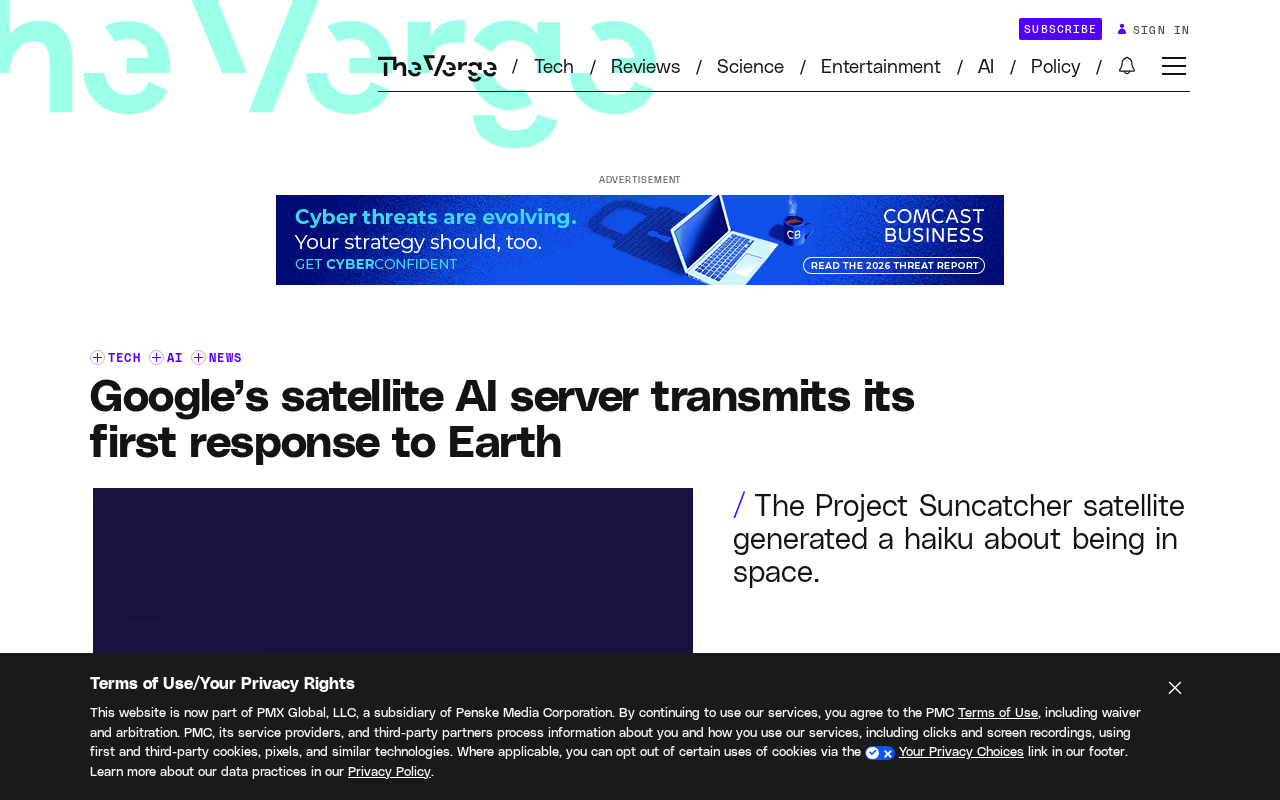
Google's Satellite AI Server Reaches Orbit: Gemma Model Generates First Reply in Space
Google's TPU-equipped satellite powers up in orbit, with the onboard Gemma 4 model generating the first reply from space. This article analyzes the technical path, real-world constraints, and implications for edge computing and satellite remote sensing.
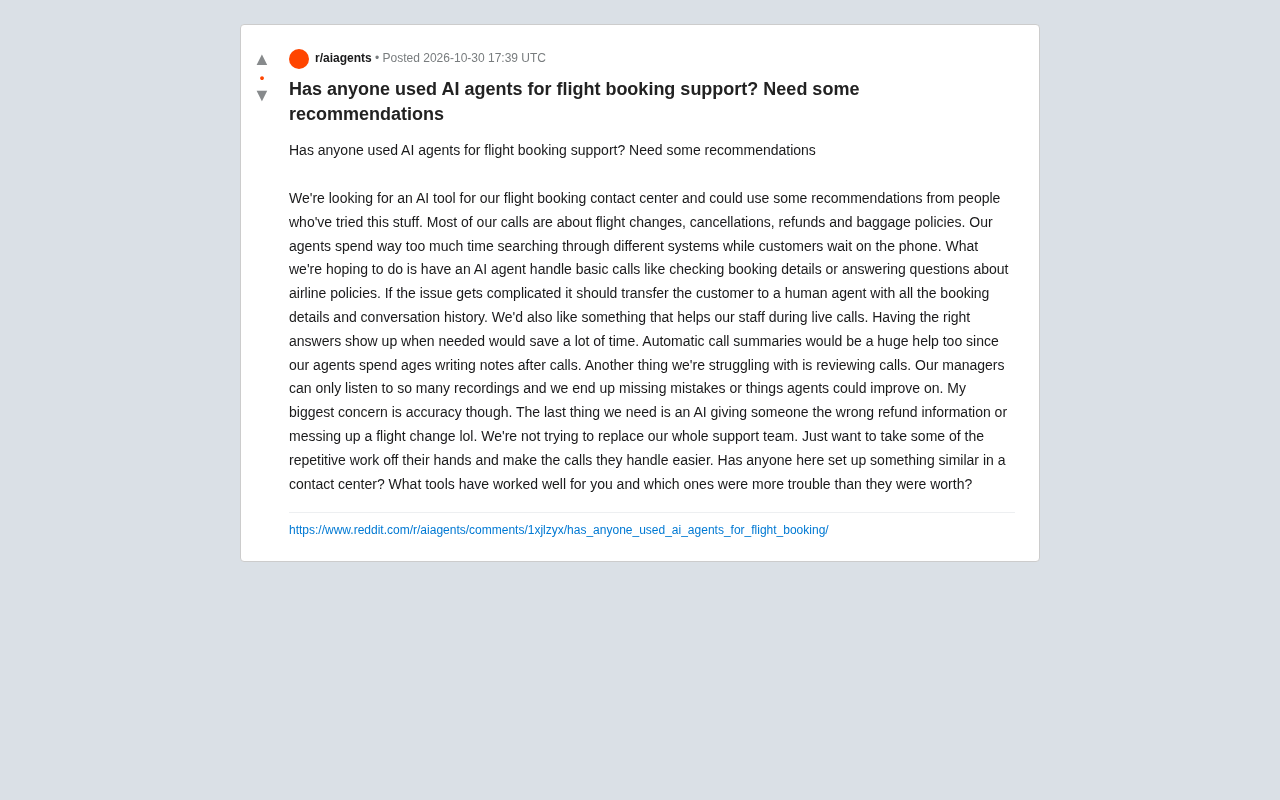
AI Agents for Flight Booking Customer Support: Real Needs and Implementation Challenges
Starting from a real Reddit question, this article breaks down four needs for introducing AI Agents into flight booking call centers: basic Q&A, agent assist, call summarization, and quality inspection, and analyzes accuracy concerns and handoff boundary design.
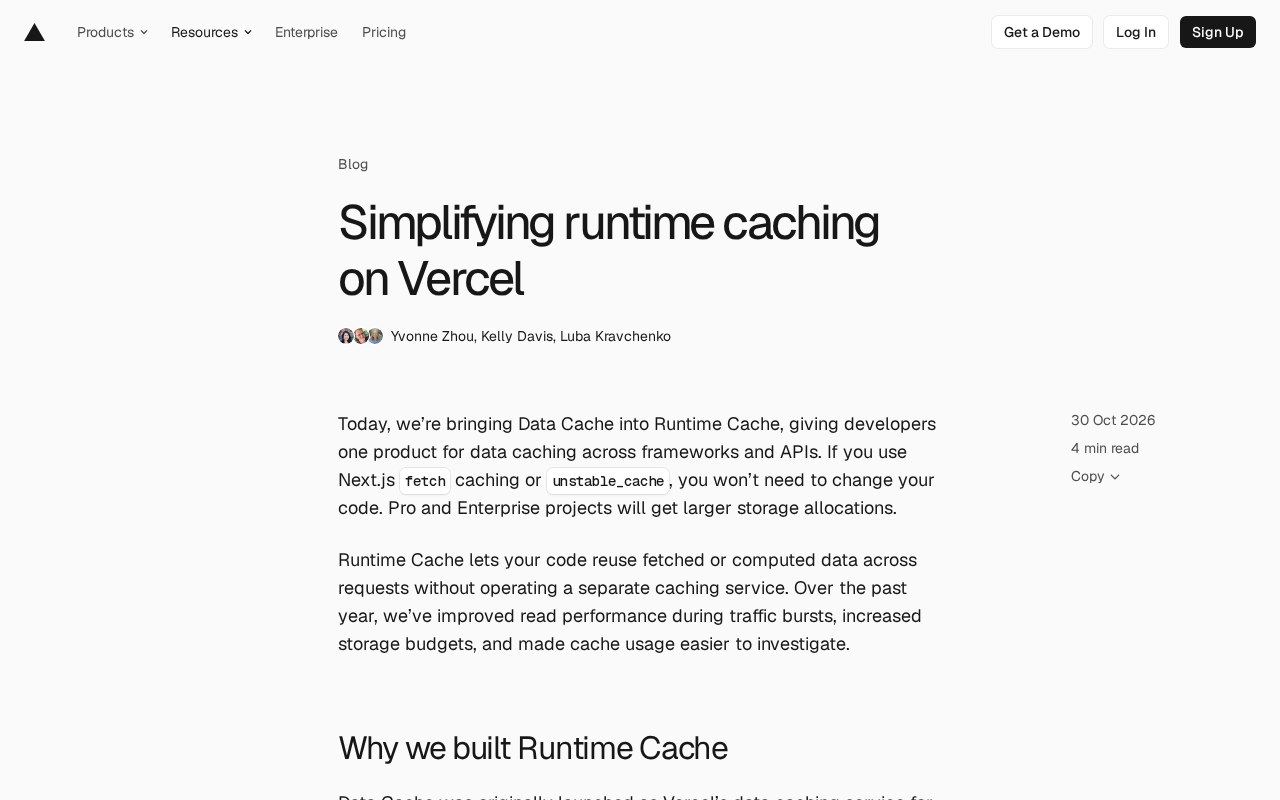
Vercel Unifies Runtime Cache: Data Cache Merges into Runtime Cache
Vercel merges Data Cache into Runtime Cache, unifying storage quotas and billing for Next.js fetch cache, unstable_cache, getCache, and use cache: remote. Pro and Enterprise projects get more storage, and cache reads/writes are now billed at Runtime Cache pricing.