Homebrew 7.0.0 Released: Major Update for the macOS and Linux Package Manager
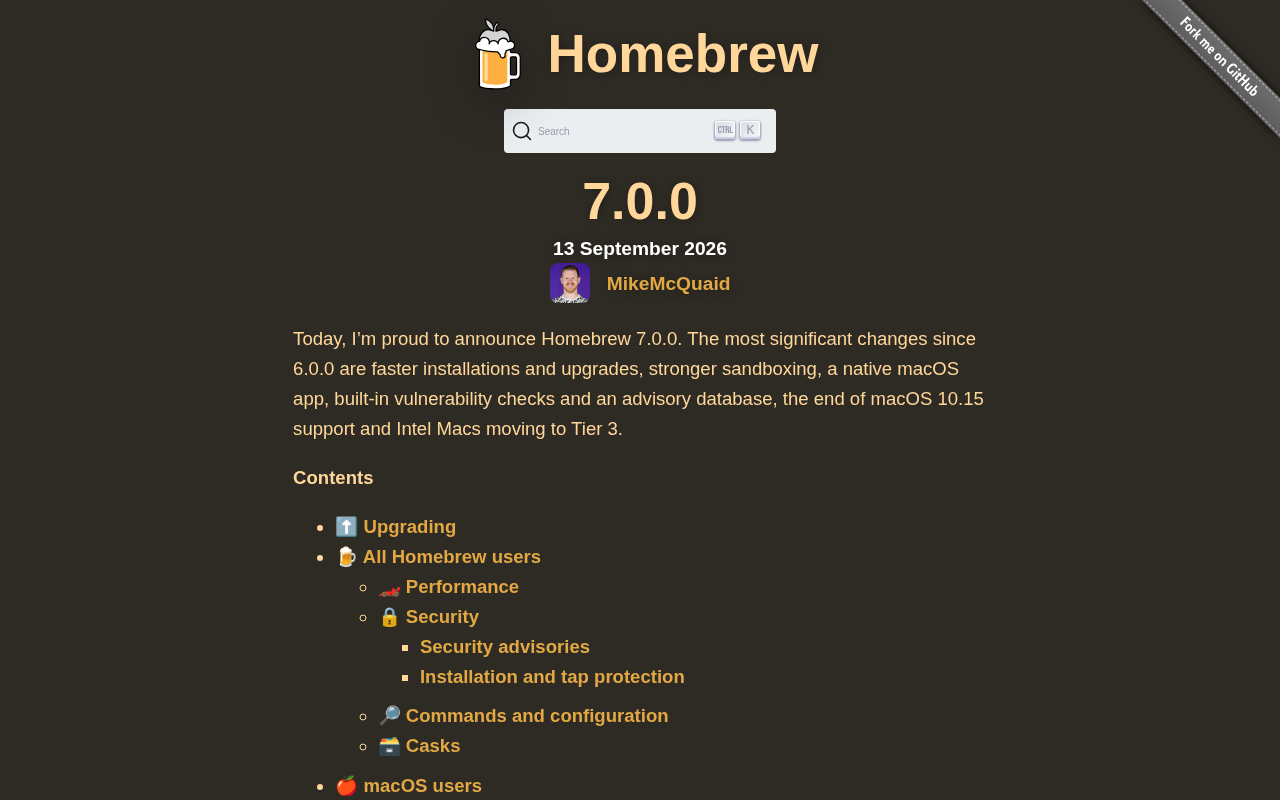
Homebrew 7.0.0 lands with breaking changes — here's what developers need to know before upgrading.
Homebrew 7.0.0 is the latest major release of the go-to package manager for macOS and Linux, earning nearly 300 upvotes and hundreds of comments on Hacker News. The article covers Homebrew's core value — filling macOS's package management gap via Formulae and Casks — and explains why a major version bump under SemVer signals breaking changes that teams using Homebrew in CI/CD pipelines should carefully review. For most users, upgrading is as simple as running `brew update`, with `brew doctor` available to diagnose any post-upgrade issues.
Homebrew 7.0.0 Released: Major Update for the macOS and Linux Package Manager
Homebrew, the most popular open-source package manager for macOS and Linux, has just shipped its 7.0.0 major release. The announcement quickly gained 292 upvotes and over 120 comments on Hacker News, reflecting the developer community's ongoing reliance on this tool. As a piece of infrastructure that's essentially standard equipment on every Mac developer machine, each major Homebrew release is worth paying attention to.
Why Homebrew Matters
For most developers working on macOS, Homebrew has long since moved beyond being an "optional tool" — it's typically the very first thing installed when setting up a development environment. A simple brew install command lets users install everything from CLI utilities and language runtimes to full desktop applications (via Cask), eliminating the tedium of manual compilation and dependency configuration.
Homebrew's core value lies in filling the gap Apple left in package management. macOS lacks a mature, system-level package manager comparable to apt or dnf on Linux distributions, and Homebrew fills that gap through community-driven effort. Its Linux support (Linuxbrew has been merged into the main project) also allows cross-platform developers to maintain a consistent toolchain management experience across operating systems.
Homebrew's software repository consists of two types of resources: Formulae and Casks. Formulae describe how command-line tools and libraries are compiled and installed — think git, ffmpeg, or python. Casks are specifically designed to manage macOS GUI applications (.app bundles) such as VS Code, Chrome, and Docker Desktop, letting users install and uninstall them with the same brew install --cask command. Together, they give Homebrew complete coverage from low-level toolchains to desktop apps. By default, Homebrew installs software into a dedicated Cellar directory (/usr/local/Cellar on Intel Macs, /opt/homebrew/Cellar on Apple Silicon), exposing executables via symlinks without touching system directories — a key design decision that lets it coexist peacefully with the OS.
What a Major Version Bump Signals
Jumping from 6.x to 7.0.0 typically signals significant changes in architecture, compatibility strategy, or core behavior. Under Semantic Versioning conventions, a major version increment usually comes with breaking changes — deprecated commands, adjusted default configurations, improved support for newer operating systems or chip architectures, and so on.
For teams that rely on Homebrew in automated scripts or CI/CD pipelines, major version upgrades warrant extra caution. Before upgrading, it's worth reviewing the official release notes to confirm whether existing workflows might be affected — especially any scripts that depend on specific command output formats or environment variable behavior.
Semantic Versioning (SemVer) is a widely adopted versioning convention formatted as MAJOR.MINOR.PATCH. A PATCH increment indicates backward-compatible bug fixes; MINOR indicates new backward-compatible features; and MAJOR explicitly signals breaking changes. For foundational tools like Homebrew that are embedded in countless CI/CD pipelines, a MAJOR release means that hardcoded assumptions about command behavior, output formats, or directory paths in your scripts may break. Common breaking change scenarios include: deprecated subcommands or flags, changes to the JSON output structure of commands like brew info, adjustments to the Ruby API (used by tap maintainers), and increased minimum macOS version requirements.
What the Developer Community Is Watching
The lively discussion this release sparked on Hacker News speaks for itself regarding Homebrew's standing in the developer community. Among the nearly 300 upvotes and hundreds of comments, the conversation typically centers on a few key themes: installation experience, performance improvements, optimization for Apple Silicon, and fixes for long-standing issues.
It's also worth noting that as a project maintained entirely by volunteers, Homebrew's ability to sustain an active update cadence and a massive software repository (formulae and casks alike) is genuinely uncommon in the open-source world. Its longevity comes from both a clear contribution model and the broader community's trust in infrastructure-level tooling.
How to Upgrade to 7.0.0
For existing Homebrew users, the upgrade process is straightforward — just run:
brew update
This updates Homebrew itself to the latest version. Afterward, confirm the current version with brew --version. To update your installed packages as well, follow up with brew upgrade.
For new users, the official installation script is the recommended approach — see brew.sh for instructions. If you run into issues after a major version upgrade, brew doctor is your first line of defense: it inspects your environment and flags potential configuration conflicts or path problems.
Wrapping Up
Homebrew 7.0.0 reinforces this tool's position as critical infrastructure in the macOS and Linux ecosystem. While the full technical details of this release are best explored in the official release notes, the major version bump itself signals that the project continues to evolve. For developers who rely on Homebrew day-to-day, staying informed about version changes and carefully handling compatibility concerns in automated workflows is the smart way to keep your development environment stable and reliable.
Related articles

A New Paradigm for Text Editing in Compose: TextFieldState Replaces the Old API
Jetpack Compose introduces the TextFieldState API to fix dropped characters and cursor jumps from async input. The old value/onValueChange callbacks will be deprecated in 1.13. This article covers InputTransformation, OutputTransformation, four state hoisting patterns, and new formatted text editing capabilities.

Remote Compose: A New Document-Driven Paradigm for Cross-Platform UI on Android
Remote Compose transmits compact binary documents instead of screen pixels, enabling efficient UI rendering on remote surfaces like Wear OS and widgets. This article covers its document creation API, expression animations, size optimization techniques, and Wear OS progress.

How Crashlytics Eliminates Android Memory and Responsiveness Issues
Through the Chroma Clip case study, this article explains how Firebase Crashlytics uses Application Exit Info, Profiling Manager, GWP ASAN, and ARM MTE to pinpoint ANRs, OOMs, memory limit terminations, and native memory corruption—solving the challenge of stack traces that don't point to the real culprit.