How to Fix AI Tool Error 1076? Root Cause Analysis and Solutions

Analysis of causes and solutions for the AI tool "Something went wrong 1076" error.
This article examines the widely reported "Something went wrong 1076" error in AI tools, analyzing its potential causes including server overload, session/authentication anomalies, and client-server version mismatches. It explains why AI services are inherently more prone to such errors due to limited GPU elasticity, complex dependency chains, and explosive user growth, then provides a practical three-step troubleshooting guide for affected users.
What Is Error 1076? A Wave of User Reports
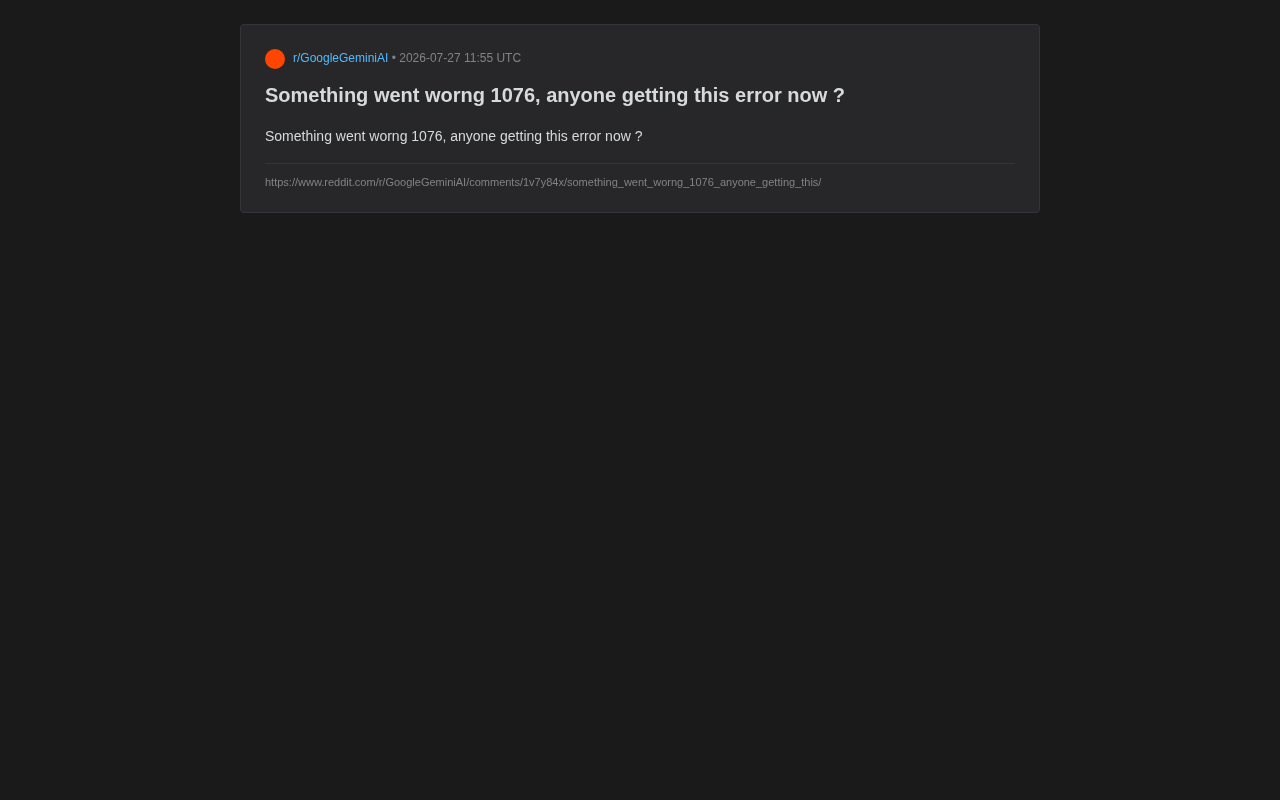
Recently, many AI tool users have reported encountering a puzzling error message on social platforms — "Something went wrong 1076." The issue was first raised on Reddit, where a user posted: "Anyone getting this error now?" — immediately triggering a flood of similar reports.
On the surface, this is just an ordinary error code, but it reflects the stability challenges that AI services face under high-load, high-concurrency conditions. High concurrency refers to scenarios where a large number of users simultaneously send requests to a server within the same time window. In traditional web applications, high concurrency is typically measured in thousands to tens of thousands of requests per second. However, because the computational cost of each AI request far exceeds that of a regular web request, even relatively low concurrency levels can place enormous pressure on the system. For users who rely on AI tools for their daily work, these sudden errors often mean task interruptions, and may even cause data loss or workflow disruptions.
Common Causes of Error Code 1076
In software engineering, numeric error codes are typically used to identify specific types of failures. This practice originated from early operating system design — for example, Windows' well-known "Blue Screen error codes," and HTTP protocol status codes like 404 (Page Not Found) and 500 (Internal Server Error) all use specific numbers to help developers quickly identify problem categories. Unlike the HTTP standard status code system, error code 1076 is an application-layer custom error number whose meaning is internally defined by the specific product's development team. While the official definition of this particular code remains unclear, based on experience with similar scenarios, such errors typically point to the following possibilities.
Server Overload or Temporary Outage
When an AI service experiences a sudden traffic spike, backend servers may fail to respond to all requests in time, returning errors instead. At the technical implementation level, most AI services deploy Rate Limiting and Circuit Breaker mechanisms to protect backend systems. Rate limiting proactively rejects some requests when volume exceeds preset thresholds, preventing servers from being completely overwhelmed; circuit breakers automatically cut off call chains when downstream service anomalies are detected, preventing cascading failures. When these protective mechanisms are triggered, users receive error codes like 1076. In such cases, errors are often temporary and regional, with multiple users reporting them during the same time period being a typical characteristic. The phrasing "anyone getting this error now" in the Reddit post clearly indicates a real-time, collective outage.
Session State or Authentication Anomalies
Some error codes relate to user sessions. In modern web applications, user authentication is typically implemented through Token mechanisms, with JWT (JSON Web Token) being the most common approach. After a user logs in, the server issues an encrypted token containing identity information and an expiration time, which the client carries with each subsequent request to prove identity. Many AI platforms also use the OAuth 2.0 protocol for third-party authorization login, with the entire authentication flow involving multiple steps such as authorization code exchange and access token refresh. When login credentials expire, tokens become invalid, refresh tokens have also timed out, or account status becomes abnormal (such as subscription expiration or permission changes), the system may refuse to continue providing service and throw a corresponding error code. Notably, the probability of token invalidation increases significantly in scenarios involving simultaneous multi-device logins or frequent network environment switches.
Client-Server Version Mismatch
In the context of rapid product iteration, version mismatches between frontend applications and backend APIs can also trigger errors. Modern software products widely adopt frontend-backend separation architecture, where the frontend (user interface) and backend (service logic) are developed and deployed independently as separate systems. The backend typically provides data and functionality to the frontend through RESTful APIs or GraphQL interfaces. When the backend API is upgraded — for example, modifying request parameter formats, adjusting return data structures, or deprecating old interfaces — while the frontend hasn't been updated accordingly, version incompatibility issues arise. Although the industry promotes Semantic Versioning and API version management (such as adding v1, v2 identifiers in URLs) to mitigate this problem, version mismatches still occur under the high-frequency iteration pace of AI products. This is especially common when mobile apps and web versions are updated in parallel, since mobile app updates require app store review and often have delays of several days.
Why AI Products Are More Prone to Such Errors
Compared to traditional web applications, AI services consume computing resources at an entirely different magnitude. Behind every inference request, expensive GPU resources must be scheduled. This creates several inherent stability challenges:
First, limited resource elasticity. GPU resources cannot be scaled nearly infinitely like regular servers, making queuing and rate limiting during peak periods almost inevitable. Traditional CPU servers can complete elastic scaling within minutes through cloud computing platforms, while GPU instances — especially those equipped with high-end inference chips like NVIDIA A100 and H100 — face chronic global supply shortages. Even leading cloud providers (such as AWS, Azure, and Google Cloud) frequently experience GPU instance quota exhaustion in specific regions. Furthermore, the inference process of large language models has extremely high demands for video memory (VRAM), and a model with tens of billions of parameters may require multiple GPUs working in coordination to complete a single inference, making the resource cost per request far higher than traditional applications. This rigid constraint at the resource level inherently makes AI services less capable of handling traffic surges compared to traditional web services.
Second, complex dependency chains. A single AI request may involve multiple stages including model inference, context retrieval, and content moderation — a problem in any stage can cause an overall error. Specifically, a seemingly simple AI conversation request may traverse the following pipeline on the backend: first, user input undergoes Content Moderation to filter potentially violating content; then, the system may retrieve relevant documents from external knowledge bases through RAG (Retrieval-Augmented Generation) technology to provide reference context for the model; next, a complete prompt is constructed and sent to the large language model for inference; after inference is complete, the output still needs to undergo secondary review and formatting. Under a microservices architecture, each of these stages may be handled by different service modules independently, communicating through API calls or message queues. Latency spikes, timeouts, or anomalies at any node can propagate up the call chain, ultimately presenting to end users as a generic error code.
Third, explosive user growth. User bases of leading AI products can double in short periods, and infrastructure scaling speed may not fully keep pace, causing capacity bottlenecks. Take ChatGPT as an example — it surpassed 100 million monthly active users just two months after its early 2023 release, setting a historical record for internet product growth speed. This growth curve far exceeds the planning cycles of traditional internet products, and even with the full support of Microsoft's Azure cloud platform, frequent service degradation and access restrictions occurred in the early period. Similar challenges continue to replay across the entire AI industry.
For these reasons, encountering sudden error codes while using AI tools is not a rare occurrence but rather a normalized manifestation of the industry's current development stage.
Practical Solutions for Error 1076
When facing temporary errors like "Something went wrong 1076," users need not panic excessively. Follow these steps to systematically troubleshoot and resolve the issue.
Step 1: Determine If It's a Server-Side Issue
If multiple users are simultaneously reporting the same error in community forums, it's most likely a server-side fault. In this case, the most effective approach is to wait patiently. Monitor the official Status Page or social media accounts for official outage announcements and recovery progress. Status Pages are an industry standard practice — most mature SaaS and AI products maintain a public service status page that displays the real-time operational status of various services (such as normal, degraded, or disrupted). Common Status Page service providers include Atlassian Statuspage and Instatus. Additionally, users can use third-party monitoring tools (such as DownDetector) to determine whether a service is experiencing a large-scale outage — the platform aggregates user reports to generate outage heat maps that intuitively display the scope and timeline of issues. It's worth knowing that mainstream AI products typically promise SLA (Service Level Agreement) uptime of 99.9% or higher, meaning approximately 43 minutes of unplanned downtime per month is contractually permitted.
Step 2: Try Basic Troubleshooting
If you confirm it's not a large-scale outage, try the following operations in sequence:
- Refresh the page or restart the application to rule out temporary connection anomalies. This works by having the client re-establish its connection with the server, discarding potentially corrupted WebSocket long connections or cached error responses
- Log out and log back in to refresh session state and identity tokens. Re-logging triggers the complete authentication flow, obtaining fresh access tokens and refresh tokens, resolving permission issues caused by token expiration
- Clear browser cache or update the app to the latest version. Browser cache may store outdated JavaScript scripts or API configurations; clearing the cache ensures the latest frontend code is loaded
- Switch network environments, such as from Wi-Fi to mobile data, to rule out network-layer issues. In some cases, DNS resolution failures from specific ISPs, enterprise firewall security policies, or regional CDN node anomalies can prevent requests from properly reaching AI service servers
Step 3: Save Error Information and Submit Feedback
Record the error code, time of occurrence, and specific operational context, then submit feedback through official channels. It's also recommended to capture detailed information from the browser developer tools (press F12 to open) Network panel and Console panel. These technical logs contain critical data such as HTTP status codes, response body content, and request duration, which are extremely valuable for development teams in locating the root cause. Detailed error information helps development teams quickly identify the problem source and accelerates the fix process.
What Error 1076 Reveals About AI Service Reliability
This seemingly minor "Error 1076" incident actually poses a thought-provoking question for the entire AI industry: While pursuing breakthroughs in model capabilities, how do we ensure service stability and reliability?
For AI product teams, comprehensive error messaging mechanisms, transparent service status disclosure, and rapid incident response capabilities are becoming important indicators of product maturity. A clear, understandable error message does far more to calm users and reduce churn than a cold string of numbers. From a technical governance perspective, the industry is promoting Observability system construction, achieving comprehensive monitoring of system operational status through three pillars: Logs, Metrics, and Traces. Meanwhile, Chaos Engineering — the practice of proactively injecting failures into production systems to verify system resilience — is being adopted by an increasing number of AI companies to proactively discover and fix potential stability risks.
For users, rationally viewing occasional fluctuations in AI services while developing habits of saving work progress and maintaining multi-channel backups allows for composed responses when unexpected issues arise. Specific recommendations include: periodically copying key output content during long AI conversations, avoiding making AI tools the sole node in your workflow, and preparing alternative AI tools or traditional solutions for critical tasks.
As AI infrastructure continues to evolve — including increased inference chip production capacity, maturation of model compression and quantization techniques, and edge computing offloading cloud inference pressure — such temporary errors are expected to gradually decrease. But until then, maintaining good communication between users and vendors remains the key to resolving these frustrations.
Key Takeaways
Related articles

VICE Platform: An AI Security Scanning Tool Review for Indie Developers
VICE Platform scans web app vulnerabilities from an attacker's perspective, with open-source CLI and GitHub Action integration. Covers leaked secrets, Supabase RLS misconfigs, and exposed APIs for indie developers.

ScreenMark: A Mac Screen Annotation Tool with iPhone Remote Control for Freer Presentations
ScreenMark is a macOS menu bar screen annotation tool with live drawing, zoom, whiteboard overlay, recording, and a free iPhone remote app for teachers, presenters, and developers.

Switchy: One-Click Switching of Magic Keyboard, Mouse, and Trackpad Between Multiple Macs
Switchy is a macOS menu bar tool that lets you switch Magic Keyboard, Trackpad, and Mouse between multiple Macs with one click—no manual Bluetooth re-pairing needed.