JustForms: A Free, Open-Source Client-Side PDF Form Editor
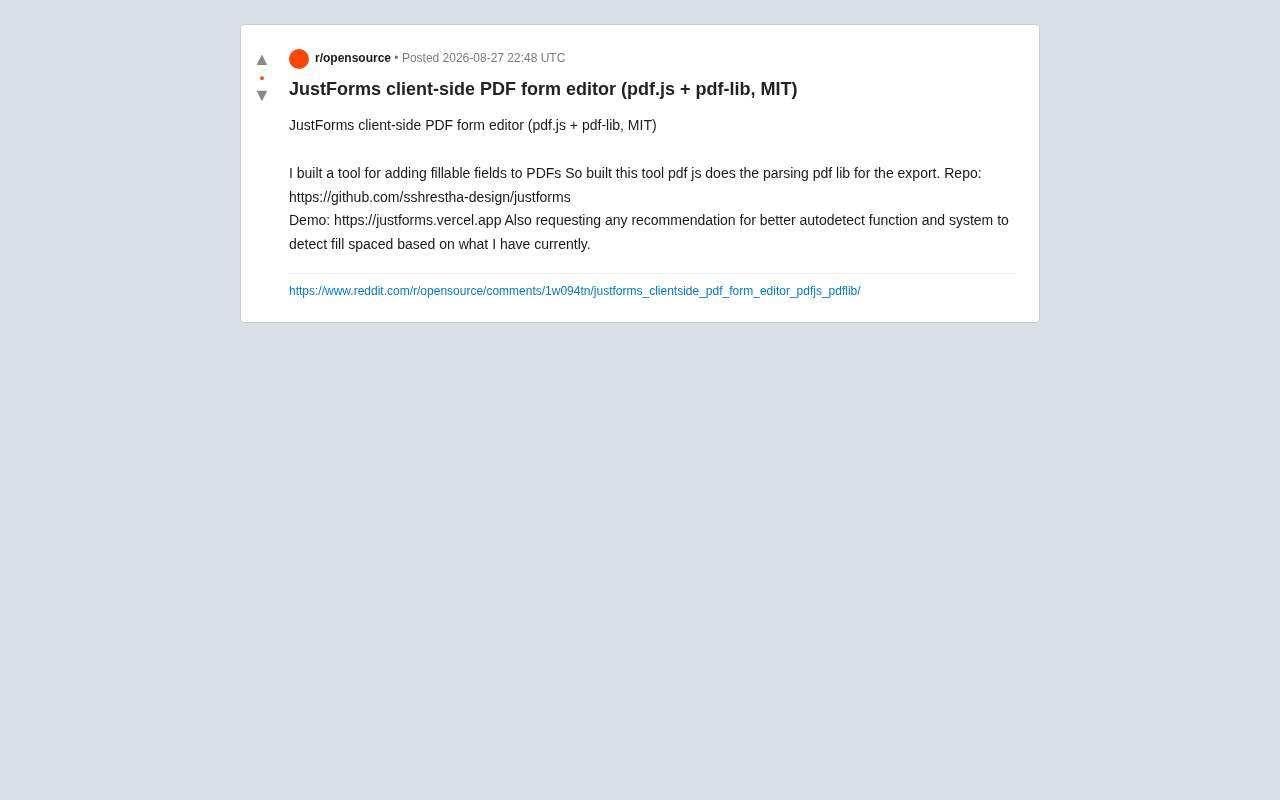
Open-source client-side tool for adding fillable fields to PDFs without file uploads
JustForms is an MIT-licensed, client-side PDF form editor that allows users to add fillable fields to any PDF without uploading documents to servers. Built with pdf.js for rendering and pdf-lib for form field creation, it offers a lightweight, privacy-focused alternative to commercial solutions like Adobe Acrobat.
An Open-Source Tool for Adding Fillable Fields to PDFs
Filling out PDF forms has long been a pain point in everyday office work and document processing. Many PDF files lack interactive fillable fields, forcing users to either print and handwrite, or rely on expensive commercial software like Adobe Acrobat to add input fields. Recently, a developer shared an open-source tool called JustForms on Reddit, aiming to solve this problem in a lightweight, free, and privacy-focused way.
To understand the root of this problem, we need to look back at the history of the PDF format. Adobe released PDF in 1993 with the primary goal of achieving consistent cross-platform document presentation—essentially creating "electronic paper." PDF form functionality (AcroForm) wasn't introduced until the PDF 1.2 specification, which allowed embedding interactive controls like text fields, checkboxes, and dropdown menus in documents. However, many PDF files were created without using this functionality. Documents generated from scans or exported directly from software like Word often contain only static text and graphic layers, lacking interactive form field definitions. This creates a widespread practical problem: users receive a PDF that needs filling out but cannot complete it directly on their electronic devices.
JustForms is a client-side PDF form editor that allows users to add fillable fields to any PDF document. The project is released under the MIT open-source license, hosted on GitHub, and provides an online demo for immediate testing.
- Code repository: https://github.com/sshrestha-design/justforms
- Live demo: https://justforms.vercel.app
Technical Architecture: Combining pdf.js and pdf-lib
JustForms' core technology stack reflects the mainstream approaches for frontend PDF processing. Its workflow can be broken down into two key stages:
PDF Parsing: pdf.js
The tool uses pdf.js to parse and render PDF documents. pdf.js is an open-source library led by Mozilla that can parse and render PDF content directly in browsers without any plugins or server-side support. It converts uploaded PDF documents into visual pages, providing the foundation for placing form fields on those pages.
pdf.js was initiated by Mozilla in 2011 with the goal of providing native PDF reading capabilities for the Firefox browser, replacing solutions that relied on Adobe Reader plugins. Its core mechanism works by parsing the binary structure of PDF files (including cross-reference tables, object streams, and page description instructions), then converting PDF drawing operators (such as path drawing, text rendering, and image placement) into HTML5 Canvas API calls to achieve pixel-perfect PDF rendering in browsers. pdf.js also supports Web Worker multithreading for parsing, avoiding main thread blocking and ensuring smooth page interaction. It has become the technical foundation for built-in PDF readers in mainstream browsers like Chrome and Firefox, and is the de facto standard library for PDF reading scenarios in the frontend ecosystem, with over 50,000 stars on GitHub.
PDF Export: pdf-lib
After field addition and editing is complete, JustForms uses pdf-lib to generate the final exportable PDF file. pdf-lib is a full-featured PDF creation and modification library that supports writing form fields (AcroForm), text, graphics, and other elements into existing documents. Through it, the fillable fields users add can be truly embedded into the exported PDF, becoming standard interactive forms.
pdf-lib is a pure JavaScript PDF manipulation library developed by Andrew Dillon. Its greatest advantage is zero external dependencies and support for both Node.js and browser environments. Unlike pdf.js, which focuses on "reading and rendering," pdf-lib focuses on "creating and modifying"—it can create PDF documents from scratch or insert pages, text, images, and form fields into existing PDFs. For form handling, pdf-lib can manipulate AcroForm data structures in the PDF specification, creating standards-compliant interactive form fields (PDFTextField, PDFCheckBox, PDFDropdown, etc.). This means form fields generated through pdf-lib can be correctly recognized and filled in Adobe Acrobat, macOS Preview, and various PDF readers, offering excellent cross-platform compatibility.
This division of labor—"pdf.js handles reading, pdf-lib handles writing"—is a mature and proven combination for pure frontend PDF processing scenarios.
Client-Side Design: Balancing Privacy and Convenience
The most noteworthy aspect of JustForms is its client-side positioning. This means the entire process of PDF parsing, editing, and exporting happens locally in the user's browser, with no document data uploaded to any server.
This pure client-side architecture represents an important trend in web applications in recent years—migrating computation-intensive tasks from servers to browser execution. This trend benefits from significant improvements in modern browser performance, continuous optimization of JavaScript engines (like V8 and SpiderMonkey), and the maturation of technologies like WebAssembly. Similar tools following this philosophy include Squoosh (Google's client-side image compression tool) and TinyWow. This architectural pattern is also called "Local-first Software," proposed and advocated by Ink & Switch research lab in 2019, emphasizing principles like user data ownership, offline availability, and end-to-end encryption.
For scenarios involving sensitive documents like contracts, forms, and personal information, this design brings significant privacy advantages:
- Data never leaves the local device: Avoids potential leakage risks from uploading documents to third-party servers and eliminates compliance complexity under data protection regulations like GDPR
- No registration or payment required: As an open-source tool, users can use it directly or self-host it
- Simple deployment: The demo is hosted directly on Vercel, indicating it's a standard static web application that can be easily self-hosted
In an era where more users remain vigilant about data privacy, this "local-first" tool design philosophy is gaining wider recognition.
Outstanding Challenge: Automatic Form Field Detection
Worth noting is that the developer candidly identified a technical challenge the tool currently faces and openly solicited suggestions from the community: how to better automatically detect locations in PDFs where fillable fields should be placed (fill spaces).
Automatically identifying form fill areas is a challenging task that essentially falls within the Document Understanding domain. PDF document layouts vary tremendously, and fill areas might appear as:
- An underline
- A blank box or rectangle
- Blank space after label text (like "Name: ____")
- Empty cells in tables
Accurately determining these positions without explicit structural information typically requires combining text layout analysis, graphic element recognition, and even computer vision or machine learning methods.
At the traditional method level, you can parse PDF content streams to extract text coordinates and graphic elements (lines, rectangles), using heuristic rules to identify typical patterns like underlines and blank boxes. Further, you can leverage OCR (Optical Character Recognition) technology to identify text and layout structures in scanned documents. In recent years, deep learning-based document intelligence models have made significant progress. For example, Microsoft's LayoutLM series models can jointly understand text semantics and spatial layouts, and Google's Document AI platform provides form parsing capabilities. In the open-source space, Detectron2 paired with the PubLayNet dataset can achieve document layout analysis, and datasets specifically for form understanding like FUNSD (Form Understanding in Noisy Scanned Documents) provide a foundation for model training. However, integrating these models into pure client-side applications still faces challenges with model size and inference performance, typically requiring frameworks like ONNX Runtime Web or TensorFlow.js for browser-side inference.
The developer has already implemented basic auto-detection functionality but hopes the community can provide better algorithmic approaches and implementation solutions. This is precisely the value of open-source projects—through open collaboration, more contributors can participate in tackling difficult challenges.
Summary: A Lightweight PDF Form Solution
JustForms demonstrates a typical open-source practice of "using modern frontend technology to solve real document processing needs." Built on pdf.js and pdf-lib, it has created a free, open-source, privacy-focused PDF form editing tool, providing a lightweight alternative for users who need to temporarily add fillable fields.
For developers, this project is also an excellent example for learning browser-based PDF processing—it clearly demonstrates the collaborative pattern between pdf.js and pdf-lib and how to build a document processing tool that's completely independent of backend infrastructure. The challenge it faces in automatic field detection leaves room for contributors interested in document intelligence recognition, OCR, or frontend algorithms to participate. Interested readers should visit its GitHub repository or online demo to experience it firsthand and consider contributing code.
Related articles

Cursor AI in Practice: Weighing Efficiency Gains Against Costs in an AI IDE
An in-depth look at Cursor AI IDE's interface layout, four modes (Agent/Plan/Debug/Ask), model selection, and Git context integration, with hands-on demos weighing subscription costs against going direct to Claude.

Free Landing Page Design Rules Library: A Practical Guide for Claude Code and Cursor
A free landing page design skill for Claude Code and Cursor: MIT licensed, nearly 9,000 stars, asks about offer/audience/action before planning 12 sections with hard font and spacing constraints.

Cursor Keeps Writing Wrong Code? The Problem May Be Context, Not Prompts
Cursor keeps writing wrong code? The problem may be context, not prompts. Learn how to supply relevant files, full error messages, and expected results, plus a plan-first, small-step, test-driven workflow to reduce AI coding errors—while remembering code review remains the developer's job.