KREA 2 Turbo Style Library Major Update: One Prompt Fix Revives 397 Styles

A silent field drop during wildcard conversion broke 290 AI styles — adding names back fixed them instantly.
When converting wildcards to ComfyUI nodes for the KREA 2 Turbo style library, the author of clio-style-preview discovered a systemic bug: the "name: description" format had its name field silently dropped, leaving 290 of 397 styles without their names in the prompt. Generic descriptions alone couldn't guide the model accurately. The fix was minimal — adopting `Style: {name}: {description}` — and immediately restored iconic features like The Simpsons' yellow skin. Five additional styles required manual rewrites to correct hidden associations like "clean line art" triggering Tintin portraits. The update highlights a key prompt engineering rule: silent field loss in batch processing causes systemic drift, and manual review remains essential.
In AI image generation, the details of a prompt can make or break your results. Recently, the author of the open-source tool clio-style-preview pushed a significant update to the KREA 2 Turbo style library — re-rendering 397 styles, rewriting 5, and adding 1 new one. On the surface it looks like routine maintenance, but underneath lies a technical lesson every prompt engineer should take to heart.
One Missing Name Broke 290 Styles
The core discovery behind this update came from feedback by GitHub user JackPinette. The original style library was sourced from wildcards created by Reddit user u/Dear-Spend-2865, formatted as "style name: description" pairs. When the author converted those wildcards into ComfyUI nodes, only the description was kept — the style name was silently discarded.
This seemingly trivial oversight meant that up to 290 out of 397 styles never had their names included in the final prompt. The problem is that many style descriptions are quite generic — something like "bold flat cartoon, thick outlines, solid color fills." Without a distinguishing identifier, the model has no way of knowing which cartoon style you actually want.
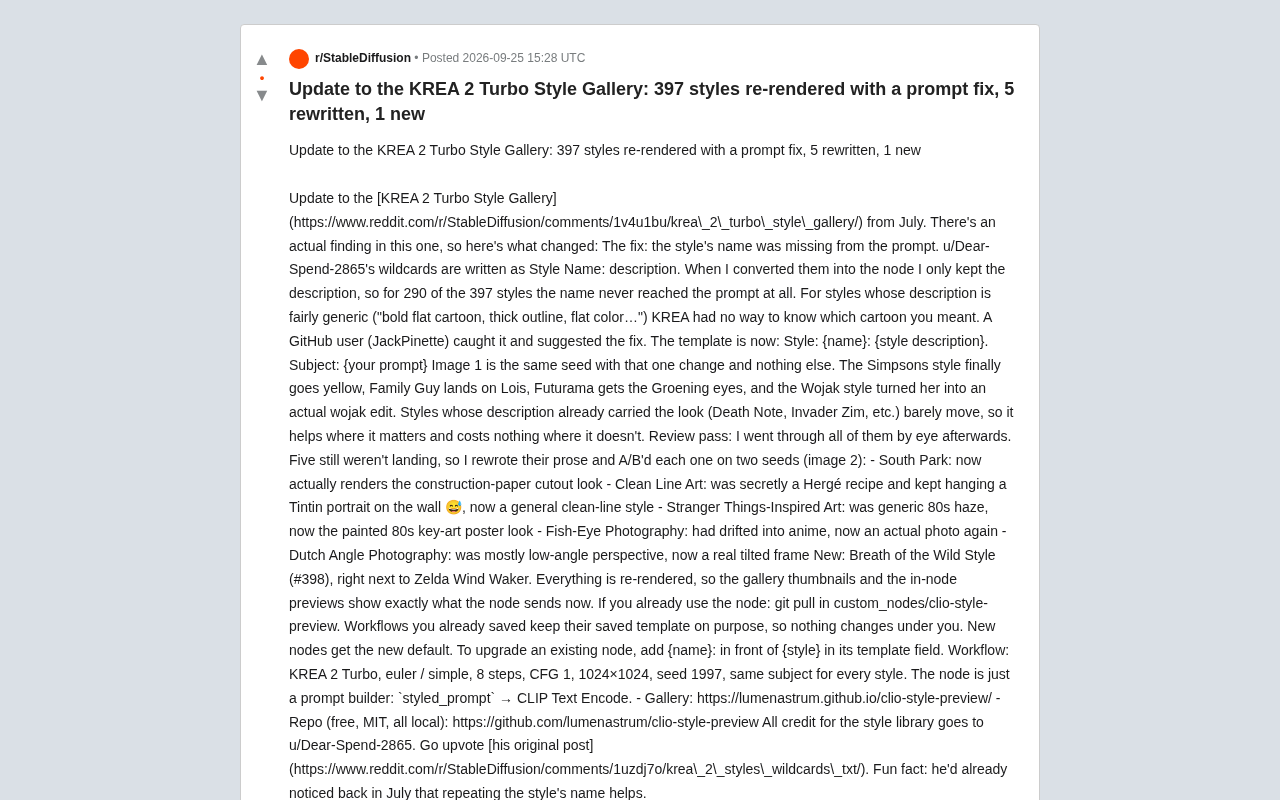
The fix was elegantly simple. The new prompt template became: Style: {name}: {style description}. Subject: {your prompt}. Just adding the style name back in produced immediate, visible results.
Wildcards are a widely used prompt organization method in the Stable Diffusion ecosystem — essentially plain text files with multiple candidate lines, where an extension randomly or sequentially picks one to substitute into a placeholder in your prompt. They're commonly used for batch-generating stylistically diverse images without manually editing prompts one by one. Converting wildcards to ComfyUI nodes requires restructuring the text file content into node parameter fields — and that conversion step was exactly where this bug originated. The original wildcards used a two-field "name: description" format per line, but the conversion script only extracted the description field; the name field was silently dropped with no error thrown.
After the Fix: Names Back In, Styles Finally "Right"
The author ran comparison tests using the same seed, with the only variable being the addition of the style name. The results were dramatic:
- The Simpsons: Finally rendered with the iconic yellow skin
- Family Guy: Accurately landed on Lois's character design
- Futurama: Restored the classic Groening-style big eyes
- Wojak style: Actually transformed characters into genuine wojak meme faces
One telling detail: styles whose descriptions already contained sufficient visual characteristics (like Death Note or Invader Zim) showed almost no change. This confirms a clear pattern — adding the name "helps enormously where it matters and costs nothing where it doesn't." That's the ideal "low-cost, zero side-effect" improvement in prompt optimization.
Manual Review: Targeted Rewrites for 5 Stubborn Styles
The template fix alone wasn't enough. The author then manually reviewed every style and found 5 that still weren't rendering correctly, so their descriptions were rewritten and A/B tested across two seeds:
- South Park: Now correctly renders the paper cutout collage aesthetic
- Clean Line Art: Previously had Hergé baked into it, consistently producing Tintin portraits — now corrected to a generic clean linework style
- Stranger Things style: Evolved from vague 80s haze to a hand-drawn 80s poster key-art aesthetic
- Fish-Eye Photography: Had drifted into anime territory — now restored to realistic photographic feel
- Dutch Angle Photography: Previously leaned toward low-angle perspective — now genuinely achieves tilted framing
These cases reveal a fascinating phenomenon: certain words in a prompt can "silently" introduce unexpected associations (e.g., line art summoning Tintin), and this kind of hidden bias can only be caught through actual rendering and manual comparison.
Hergé was a Belgian cartoonist best known for The Adventures of Tintin. His signature style, known as "Ligne Claire" (Clear Line), is characterized by clean uniform outlines, flat color fills, and minimal shading — a major influence on European comics. Because "Clean Line Art" overlaps heavily with Ligne Claire in visual language, and Hergé's work is highly represented in training data, models easily form a strong association between "clean line art" descriptions and Tintin's specific visual style rather than the abstract concept of clean linework. This kind of "high-frequency IP word anchoring" is common in image models: the more a style's representative works appear in training data, the more likely the model is to map that style term to specific characters or scenes rather than treating it as an abstract aesthetic.
New Style and How to Upgrade
This update also adds style #398 — The Legend of Zelda: Breath of the Wild — sitting alongside the existing Wind Waker style. All styles have been re-rendered, so gallery thumbnails and in-node previews now accurately reflect what each node is actually sending.
For existing users, upgrading is straightforward: run git pull in the custom_nodes/clio-style-preview directory. The author notes that saved workflows intentionally preserve the original template so nothing changes without your knowledge; newly created nodes default to the new template. To manually upgrade an existing node, simply add {name}: before {style} in the template field.
The full workflow parameters used are: KREA 2 Turbo, euler/simple sampling, 8 steps, CFG 1, 1024×1024 resolution, seed 1997, with the same subject across all styles. The node is fundamentally just a prompt builder, outputting styled_prompt to CLIP Text Encode.
The project is completely free, MIT-licensed, and runs entirely locally. Full credit for the style library goes to u/Dear-Spend-2865 — who, as it turns out, had noted early on that "repeating the style name would be helpful."
Lessons for Prompt Engineering
This update is small in scope but rich in practical lessons for prompt engineering. It reminds us: in batch processing or format conversion of prompts, any silently dropped field can introduce systemic bias; descriptive prompts need sufficient specificity — generic descriptions leave the model guessing; and manual review remains irreplaceable even within automated pipelines. For Stable Diffusion and KREA users who rely on open-source style libraries, this kind of detail-level refinement often improves output quality more directly than switching to a different model.
Background Note
A seed is an integer value that controls the initial state of the random number generator in image generation. Fixing the same seed means every generation with otherwise identical parameters produces exactly the same image; changing just one parameter (like the prompt) lets you attribute differences precisely to that variable. This makes seed the core tool for A/B testing prompts: by locking the seed and comparing outputs with and without the style name, you eliminate randomness as a confounding factor and can directly verify whether the name field actually influenced the model's style interpretation — rather than just getting lucky with a nicer-looking result.
Related articles

iPhone Duo Hands-On: Is the $2,000 Small-Screen Foldable Worth It?
YouTube's Allison shares her iPhone Duo hands-on: dual-screen multitasking doubles efficiency, great video viewing, nice matte finish—but thick body, small outer screen, and a $2,000 luxury price.

Sentry's Ad Cracks Up Developers: Can On-call Actually Be Fun?
Sentry's ad short film taps into developers' on-call anxiety, using humorous dialogue to showcase its observability platform—errors, logs, traces, metrics, replays, and releases in one place.

LLM App Getting Worse With Every Change? Build an Effective Evaluation System in Three Steps
How do you know if your LLM app is getting better or worse? A Reddit-based guide to test sets, automated regression evaluation, LLM-as-judge scoring, and structured agent tracing.