Launch an AI Website for Free in 30 Seconds: A Cloudflare Drop Walkthrough

Cloudflare Drop deploys static sites in 30 seconds via drag-and-drop, generating temporary HTTPS links that must be claimed within 60 minutes.
Cloudflare Drop offers an extremely simple way to deploy static websites: drag a folder containing index.html to cloudflare.com/drop and get a real HTTPS link within 30 seconds, with no credit card or registration. The link works on any device and is ideal for quickly demoing AI-generated pages, but it's temporary—you must claim it with a free Cloudflare account within 60 minutes or the site is deleted. Treat the claim link like a password. Drop suits quick validation and temporary demos, not projects needing long-term stability, custom domains, or backend logic. The article also flags common deployment errors like entry file location and resource paths.
Generating a website with AI is only the first step—getting it onto the public internet so others can open it is often where most people get stuck. Domains, servers, HTTPS certificates, deployment pipelines—each one can send a batch of people running. Cloudflare's Drop feature compresses this process to under 30 seconds, with no credit card required at any point.
Three Steps to Go Live: Drag and Drop to Deploy
The whole flow is so simple there's almost nothing to learn. Open cloudflare.com/drop, drag your website folder straight into the page, make sure index.html sits at the top level of the folder, accept the terms of service, and your site is live. No sign-up step, no configuration panel, no build commands to remember.

This "drag-and-drop to deploy" design essentially tucks all the complexity of static site hosting into the background. You don't need to understand CDNs, and you don't need to manually request certificates—Cloudflare's network infrastructure automatically handles distribution and the security layer. For developers using AI coding tools like Cursor to rapidly produce prototypes, this handoff is very smooth: the AI generates code locally, and Drop turns it into an accessible link.
Static Site Hosting refers to services dedicated to hosting purely static files (HTML, CSS, JavaScript, images, etc.). Unlike dynamic hosting that requires a server-side runtime (such as Node.js or PHP), static hosting only needs files uploaded to object storage or an edge network, with the CDN distributing them directly. This architecture naturally offers high availability, low latency, and low cost, with no server maintenance required. Cloudflare Drop is exactly a static hosting service built on its global edge network: files you drag and upload are automatically distributed to the node nearest each visitor, and HTTPS certificates are configured automatically—eliminating the tedious steps of buying a server, configuring Nginx, and requesting a Let's Encrypt certificate in traditional hosting.
What You Get: A Real, Working HTTPS Link
Once deployment is done, you get a genuine HTTPS link on Cloudflare's network. That means any phone, anywhere, can open it directly—no more awkward "it runs locally but nobody else can open it."

This is especially valuable for demos. Send the link to a client, colleague, or friend, and they can click it and see the finished product—no environment setup, no local server needed. Compared with a screenshot or screen recording, a real, interactive URL is far more convincing.
HTTPS (Hypertext Transfer Protocol Secure) is a secure transport protocol that adds a TLS/SSL encryption layer on top of HTTP. It verifies server identity through certificates and encrypts transmitted data to prevent man-in-the-middle eavesdropping or tampering. For modern websites, HTTPS is now standard: browsers flag HTTP sites as "not secure," and many Web APIs (such as geolocation and Service Workers) are only available under HTTPS. Cloudflare Drop automatically assigns an HTTPS certificate to every deployed site, so users don't need to manually request or renew one. Behind this is Cloudflare's automated process as a public certificate authority (CA): certificates are typically issued by Let's Encrypt or Cloudflare's own CA, and TLS termination is completed at edge nodes, ensuring the link opens securely on any device.
One Limitation You Must Note: The Link Is Temporary
Drop is not permanent hosting. The generated link is time-limited—you need to claim it with a free Cloudflare account within 60 minutes, or the site will be deleted.

This rule defines Drop's positioning: it's a tool for quick validation and temporary demos, not a long-term deployment solution. If you just want to get an AI-generated page "running so you can see how it looks," 60 minutes is plenty; but if you plan to keep it online as an ongoing project, you'll need to complete the claim within that window.
Also, the video specifically reminds viewers: treat the claim link like a password. This link is equivalent to your control credential for the site—if it leaks, someone else can take over your deployment.
In the Cloudflare Drop flow, "Claim" means binding a temporarily deployed site to your Cloudflare account, thereby gaining long-term management rights. Unclaimed sites exist only in a temporary sandbox and are automatically cleaned up after 60 minutes. When claiming, you need to log in to a free Cloudflare account, and the system transfers the site into your account resources; afterward, you can continue using Cloudflare's DNS, caching, security protection, and other features. The claim link itself is a URL containing a unique token, equivalent to the site's management key—which is why the video emphasizes keeping it safe like a password. Once leaked, others can claim your site and take control, or even delete or replace its content.
Who It's For, and Who It's Not For
Drop's best-fit scenarios are clear: quickly launching static pages produced by AI coding tools, giving clients instant demos, and sharing clickable prototypes within a team. Its zero barrier to entry and zero cost fill exactly the gap between "the code is written but not yet deployed."
It's not suitable for projects that need long-term stable operation, a custom domain, or backend logic. The video's conclusion also mentions that the full tutorial covers "three common mistakes that break AI websites," showing that even though deployment itself is simple, AI-generated sites still have plenty of pitfalls at the launch stage—such as the entry file being in the wrong location or resource paths being written incorrectly—problems that often only surface after deployment.
For developers accustomed to rapid iteration with AI, adding Drop to the workflow is a sensible supplement: generate locally, drag to deploy, verify immediately—the entire process without leaving the browser.
Static pages generated by AI coding tools (such as Cursor and GitHub Copilot) often run into two types of deployment problems: first, the entry file is in the wrong location—for example, index.html is placed in a subfolder, causing root-path access to return 404; second, improper use of relative or absolute resource paths—for example, a CSS/JS reference is written as src="/static/app.js" when the actual file is at ./static/app.js, causing loading failures after deployment due to a path mismatch. In addition, case sensitivity issues are common: files that work fine in a local development environment (such as macOS, which is case-insensitive by default) return 404 after deployment to a Linux server because of case mismatches. Before deploying with Drop, make sure index.html is at the top level of the folder and check that all resource references use relative paths or correct absolute paths based on the root directory, so you don't discover problems only after going live.
One-line Summary
Cloudflare Drop lets you deploy a static website by dragging a folder in 30 seconds, generating a temporary HTTPS link that must be claimed within 60 minutes.
Paragraph Summary
Cloudflare Drop offers an extremely simple way to deploy static websites: just drag a folder containing index.html to cloudflare.com/drop and get a real HTTPS link within 30 seconds—no credit card or registration required. The link is accessible on any device and is ideal for quickly demoing AI-generated pages. But the link is temporary: you must claim it with a free Cloudflare account within 60 minutes, or the site will be deleted. Treat the claim link like a password. Drop is great for quick validation and temporary demos, but not for projects needing long-term stable operation, custom domains, or backend logic. The article also flags common deployment errors such as entry file location and resource paths.
Related articles
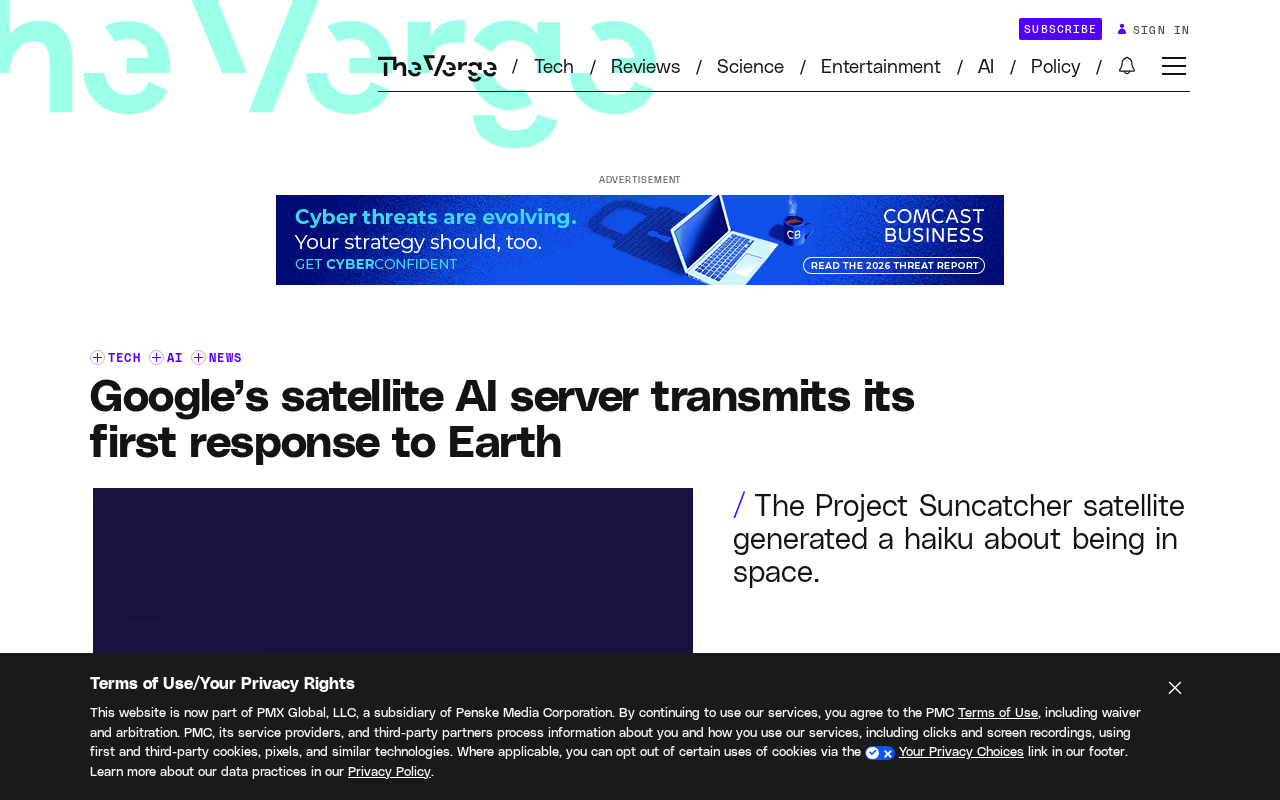
Google's Satellite AI Server Reaches Orbit: Gemma Model Generates First Reply in Space
Google's TPU-equipped satellite powers up in orbit, with the onboard Gemma 4 model generating the first reply from space. This article analyzes the technical path, real-world constraints, and implications for edge computing and satellite remote sensing.
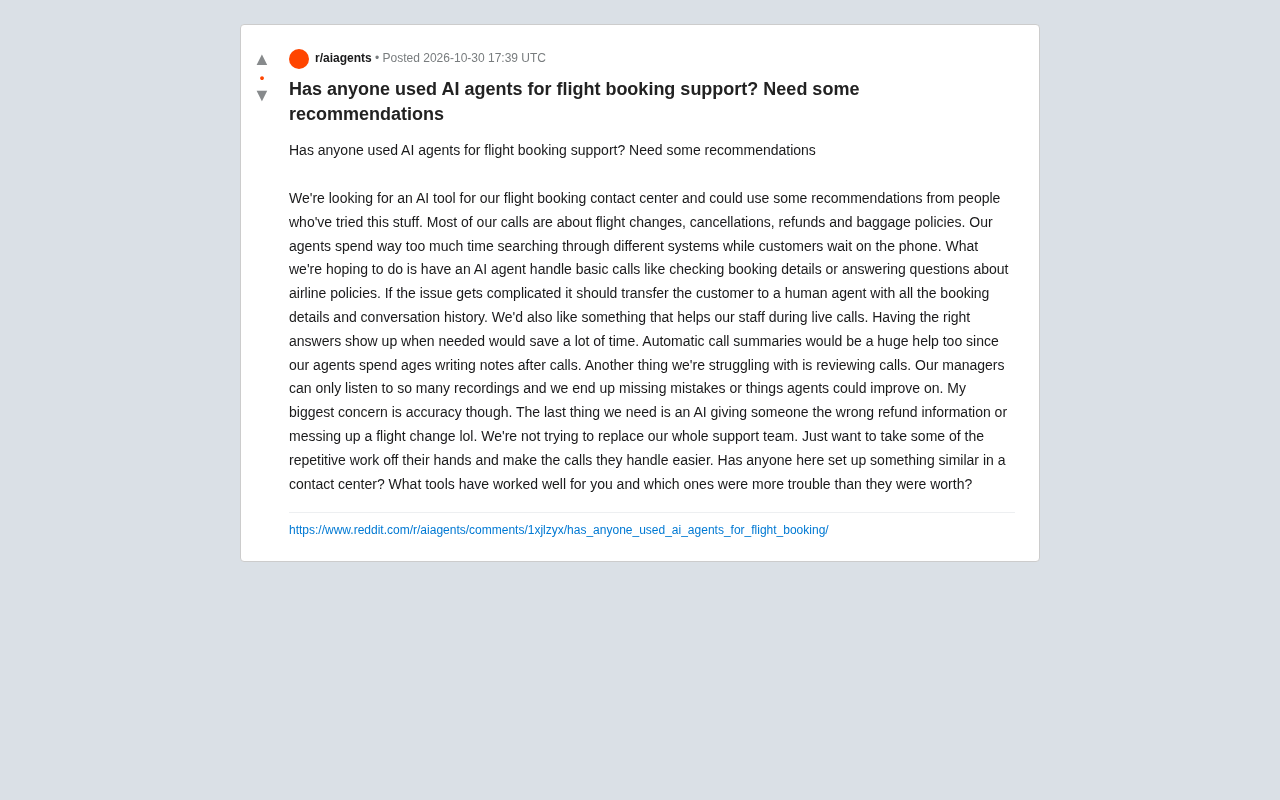
AI Agents for Flight Booking Customer Support: Real Needs and Implementation Challenges
Starting from a real Reddit question, this article breaks down four needs for introducing AI Agents into flight booking call centers: basic Q&A, agent assist, call summarization, and quality inspection, and analyzes accuracy concerns and handoff boundary design.
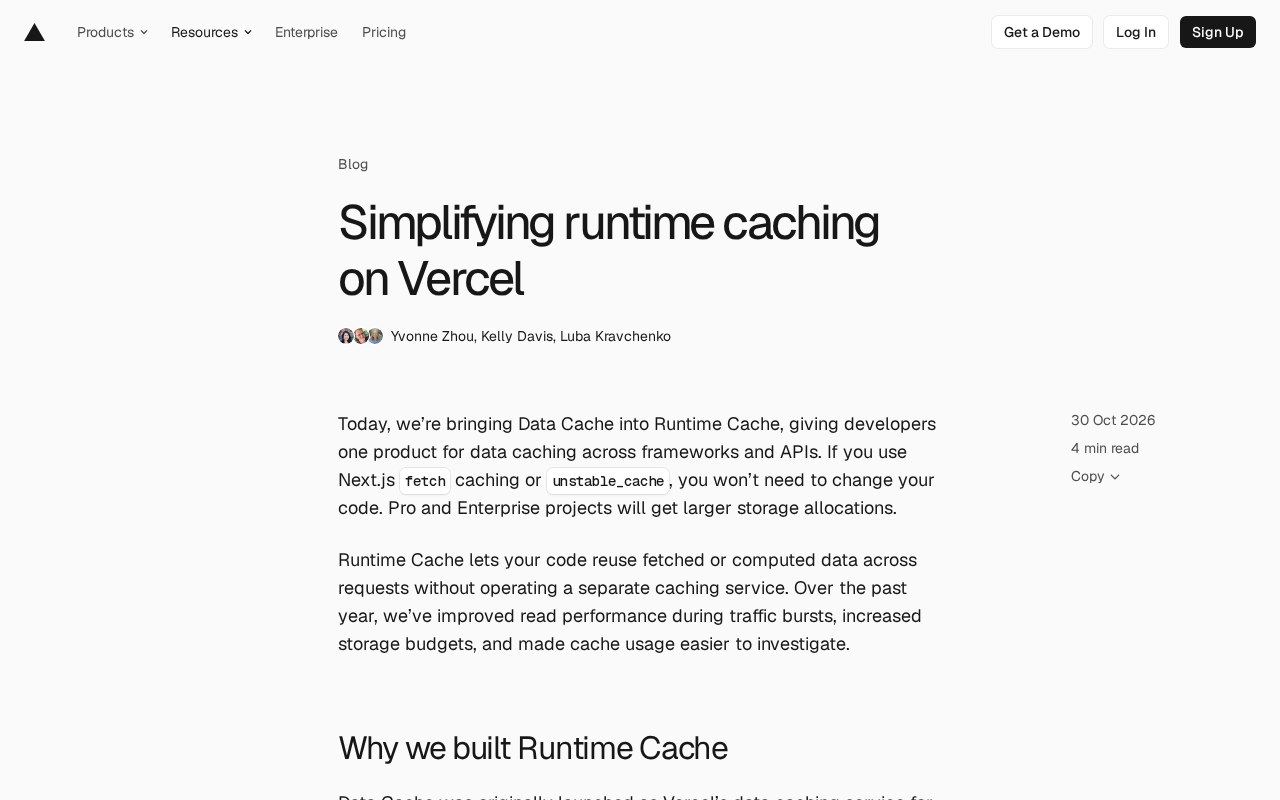
Vercel Unifies Runtime Cache: Data Cache Merges into Runtime Cache
Vercel merges Data Cache into Runtime Cache, unifying storage quotas and billing for Next.js fetch cache, unstable_cache, getCache, and use cache: remote. Pro and Enterprise projects get more storage, and cache reads/writes are now billed at Runtime Cache pricing.