Llama Windows: A Local AI Server That Unifies All Windows Apps
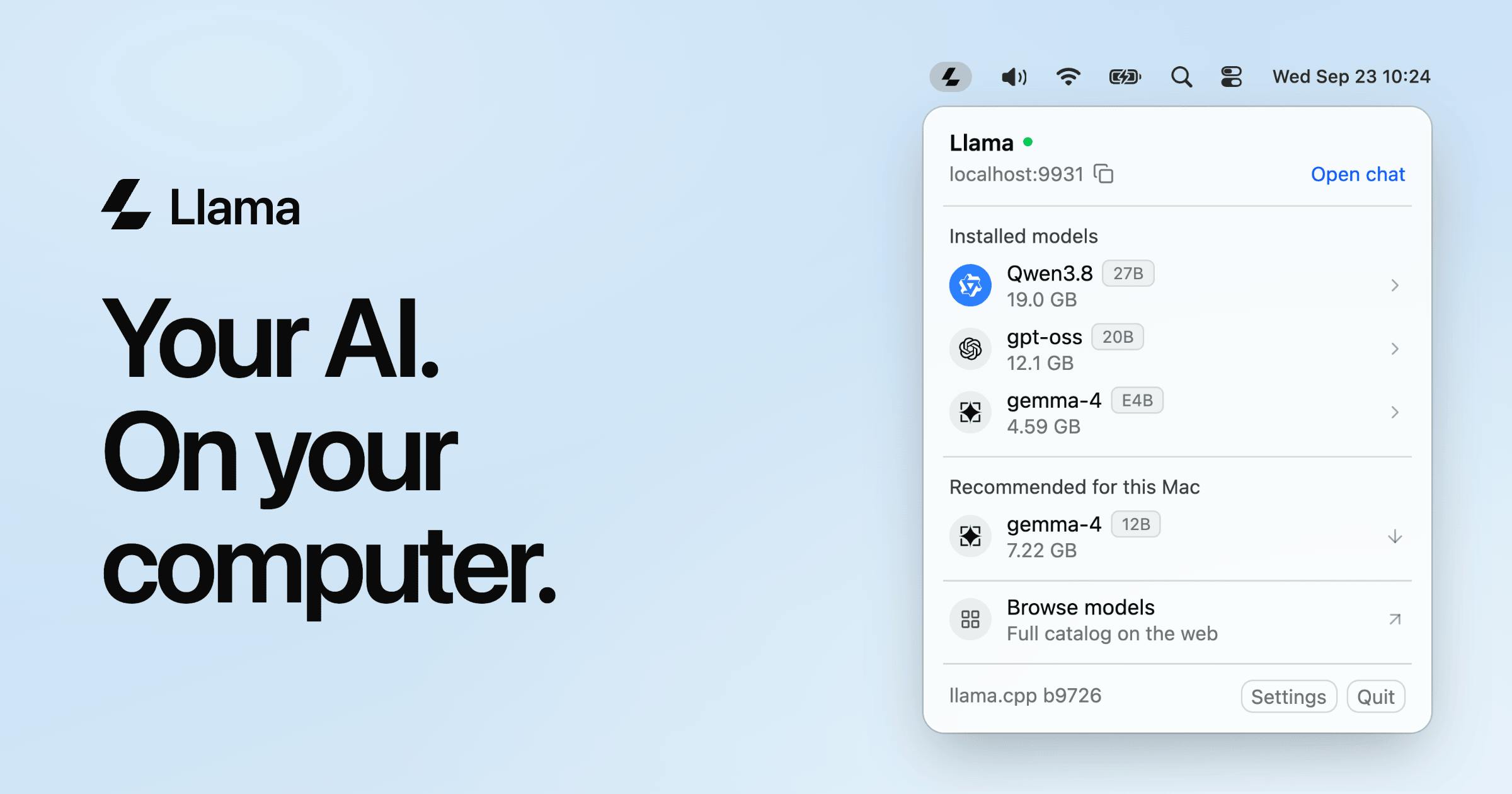
Llama Windows turns llama.cpp into a Win11 tray service with a shared local API.
Llama Windows is a free, open-source local AI server that wraps llama.cpp as a Windows 11 tray-resident service. It offers one-click Hugging Face downloads with a unified cache, an OpenAI-compatible local API for coding assistants, editors, and scripts to share one model instance, and Alt+Space quick chat. Unlike Ollama or LM Studio, it emphasizes Windows integration and multi-app sharing over a standalone app experience. Best for developers using multiple AI tools who value privacy, though background residency has continuous resource costs and small open-source projects face maintenance uncertainty.
Llama Windows: A Local AI Server That Unifies All Windows Apps
The hardest part of running large models locally often isn't the model itself—it's making it easy for different applications to call it. Llama Windows aims to solve this: it tucks llama.cpp into the Windows 11 system tray, providing a shared, OpenAI-compatible local API and model cache so that coding assistants, editors, and scripts can all use the same local model directly. The project received 83 votes on Product Hunt, ranking 8th, and is free and open source.
Design Philosophy: Making Local AI a System-Level Service
Llama Windows has a clear core positioning—it's not another chat client, but a local AI server. Once started, it stays in the system tray and runs the llama.cpp inference engine in the background. Users can download open-source models from Hugging Face with one click, and all models are managed in a unified cache to avoid redundant downloads by each application.
This design solves a common pain point in local AI usage: if you simultaneously use a VS Code extension, a command-line tool, and a script, each tool requires you to separately configure the model path and inference backend—repetitive and error-prone. Llama Windows unifies management through a central service, allowing applications to share the same model instance and API endpoint.
From a technical standpoint, being based on llama.cpp means it supports GGUF-format quantized models, which are relatively friendly to hardware requirements and can run on both CPU and GPU. The OpenAI-compatible API lowers the barrier to entry—any tool that already supports the OpenAI interface can theoretically switch to a local model by just changing the base URL.
llama.cpp is an open-source large language model inference engine written in C/C++, originally developed by Georgi Gerganov. Its core value lies in highly optimized low-level implementations (such as AVX, NEON instruction sets, and CUDA/Metal backends) that enable large models to run efficiently on consumer hardware without relying on expensive specialized accelerator cards. llama.cpp natively supports the GGUF format, a model container format designed for quantized inference that packages model weights, vocabulary, and configuration together, and supports multiple quantization precisions from 2-bit to 8-bit. Quantization significantly reduces VRAM and memory usage at the cost of slight precision loss. This is why llama.cpp has become the underlying inference backend for numerous local AI tools (including Ollama and LM Studio), and why Llama Windows chose it as its engine.
Feature Breakdown: Tray, Hotkey, and Shared API
Llama Windows' features span three layers.
Model Acquisition: Built-in Hugging Face integration for one-click download of open-source models. For users unfamiliar with command-line downloads and format conversion, this saves many steps. The model cache is centrally managed by the service, so new applications don't need to re-download.
Instant Chat: Pressing Alt+Space quickly brings up the chat interface, suitable for ad-hoc questions or testing model performance. This hotkey design makes it feel more like a system-level tool rather than an application requiring a separate window.
Shared Interface: This is the most valuable part for developers. Coding agents, editors, and scripts can access the model through the local OpenAI-compatible API, meaning you can use the same local model simultaneously for code completion, document Q&A, and automation scripts.
One detail: being free and open source means users can audit the code, modify it themselves, and alleviates long-term cost concerns.
OpenAI-compatible API refers to a server that mimics OpenAI's Chat Completions and other endpoints (such as /v1/chat/completions) in terms of interface paths, request bodies, and response structures, enabling existing clients to connect without code changes. Integration typically only requires changing the client's base_url from https://api.openai.com to http://localhost:<port> and filling in any placeholder value for the API Key. This convention has become the de facto standard for local inference tools, with ecosystem tools like LangChain, LlamaIndex, and Continue all supporting it out of the box. For Llama Windows, OpenAI API compatibility means it doesn't need to develop plugins for various applications itself, but can directly leverage the existing client ecosystem—this is also the technical prerequisite that makes the "shared interface" viable.
Competition and Trade-offs in Local AI Services
Llama Windows enters a heating-up race. Tools like Ollama and LM Studio are all working on local model running and management, but with different emphases. Ollama is known for its command-line and developer-friendly approach, while LM Studio offers a graphical model browser and chat interface. Llama Windows' differentiator is Windows system tray integration and multi-application shared cache—it emphasizes existing as a background service rather than a standalone application.
This positioning involves clear trade-offs. System tray residency means convenience, but also continuous resource usage; relying on llama.cpp ensures compatibility and performance, but is less flexible in model format support than some broader solutions. For Windows 11 users, if their daily workflow involves multiple tools that need to call local models, a unified server can reduce configuration burden; but if they only chat occasionally, a standalone client might be lighter.
The open-source model also brings uncertainty around community maintenance. The project is currently small in scale, and the stability of features and long-term update cadence need to be observed. However, for users willing to tinker with local AI, the value of such tools lies in centralizing fragmented configurations and making local models truly part of system capabilities.
Ollama and LM Studio are two frequently compared tools in the local model running space. Ollama is known for its command-line experience and simple ollama run workflow, with a built-in model library that automatically handles downloads and quantization, and exposes an OpenAI-compatible interface—popular among developers. LM Studio focuses on a graphical interface, offering model browsing, downloading, parameter adjustment, and a built-in chat window, making it more friendly to non-technical users. Both are based on or borrow from llama.cpp's inference capabilities. Llama Windows differs from them not in the inference engine but in product form: it turns the service into a Windows tray-resident program, emphasizing system-level integration and cross-application shared cache, rather than centering on a standalone application or command-line tool. Understanding this distinction helps determine whether it's suitable for embedding into daily workflows or merely for temporary trial.
Who Is Llama Windows For
From the feature design, the most obvious beneficiaries are developers and tech enthusiasts who use multiple AI tools simultaneously. For example, users who use VS Code with a coding assistant and then use scripts for batch processing can manage model calls through a single local API endpoint. For privacy-conscious users who want data to stay local, this is also a low-barrier starting point.
Ordinary users who just need a chat window can also satisfy basic needs with the Alt+Space quick chat, but must accept the resource overhead of background residency. Overall, Llama Windows is more like a piece of the puzzle filling in local AI infrastructure for the Windows ecosystem, rather than a general-purpose chat application for everyone.
One-line Summary
Llama Windows turns llama.cpp into a Win11 tray service with a shared local API.
Paragraph Summary
Llama Windows is a free, open-source local AI server that wraps the llama.cpp inference engine as a Windows 11 system tray-resident service. It features built-in one-click Hugging Face model downloads and a unified cache to avoid redundant downloads across applications; provides an OpenAI-compatible local API so coding assistants, editors, and scripts share the same model instance; and offers an Alt+Space hotkey to quickly bring up the chat interface. Compared with tools like Ollama and LM Studio, it emphasizes Windows system integration and multi-application sharing rather than a standalone app experience. The article concludes it's suitable for developers who use multiple AI tools and value privacy, but background residency incurs continuous resource overhead, and the long-term maintenance of a small open-source project is uncertain.
Related articles
Ollama+RAG Local Knowledge Base Setup: A Step-by-Step AnythingLLM Tutorial
Based on a Bilibili tutorial, this guide details building a local RAG knowledge base with Ollama + AnythingLLM: from general LLM knowledge limits and RAG principles to document upload, vector storage, and verification.
The Ultimate Ollama Tutorial: A Beginner's Guide to Running Large Models Locally for Free
Ollama is an open-source local large model management tool supporting free download and deployment of models like DeepSeek, with command-line and Web UI, cross-platform, automatic GPU/CPU scheduling — ideal for AI beginners and private deployment.
Giving Claude "Hands": Exoproc Open-Source MCP Server Enables Live Process Hooking
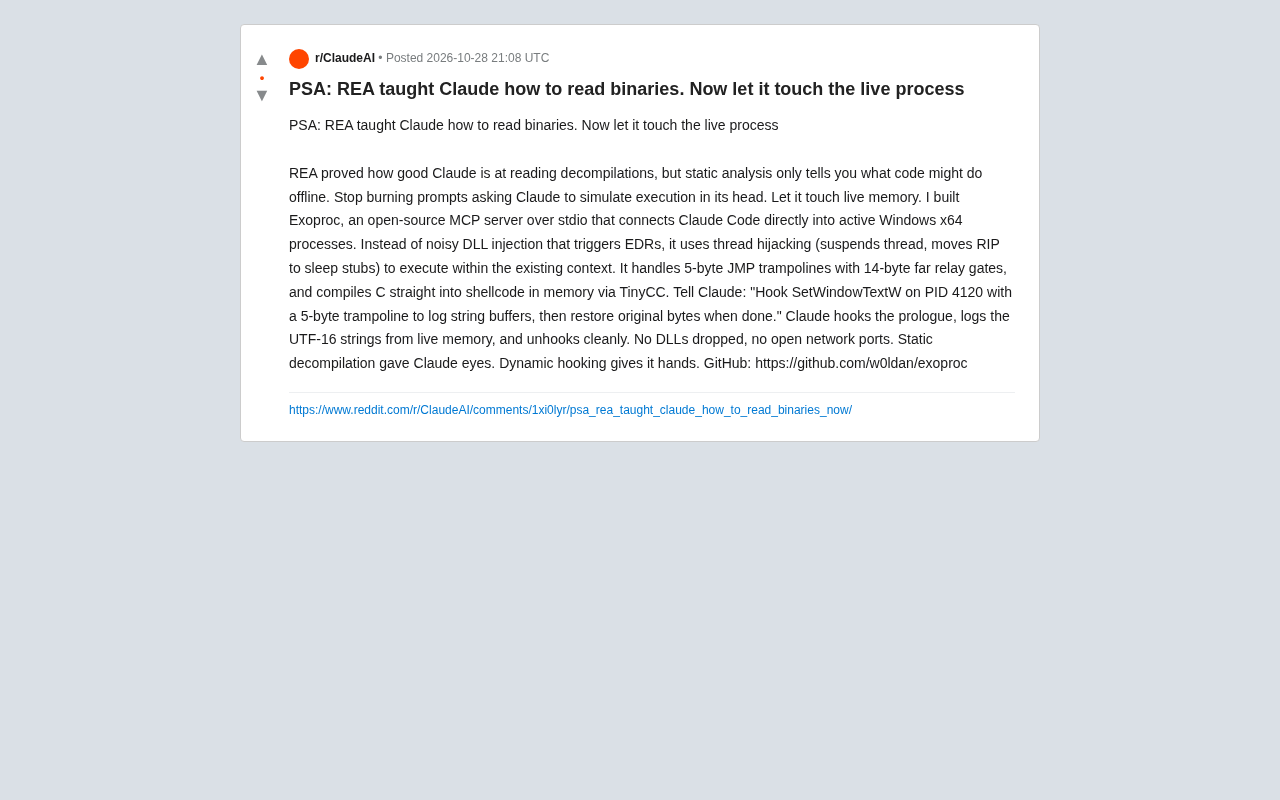
Exoproc is an open-source MCP server enabling Claude Code to hook live Windows x64 processes via thread hijacking, bypassing EDR for dynamic analysis. Static decompilation gave Claude eyes; dynamic hooking gives it hands.