M5 Ultra 80-Core Running GLM-5.3-Flash: Plenty of Memory, But GPU Becomes the Bottleneck

M5 Ultra 256GB has plenty of memory for large LLMs, but the GPU becomes the true inference speed bottleneck.
A user testing local LLM agentic inference on an M5 Ultra 256GB Mac Studio found that while Apple Silicon's unified memory architecture easily loads models beyond consumer GPU reach, the 80-core GPU is noticeably underpowered relative to the vast memory capacity — becoming the decisive bottleneck for inference speed. This raises the key question of whether upgrading to 512GB is worthwhile, since GPU compute doesn't scale with memory, potentially making larger models run even slower. The article advises users to weigh memory capacity, GPU core count, and target model size together, noting that a fast mid-sized model is usually more practical than a slow giant one for latency-sensitive agentic applications.
M5 Ultra Local LLM Benchmark: Memory Isn't the Problem — GPU Is
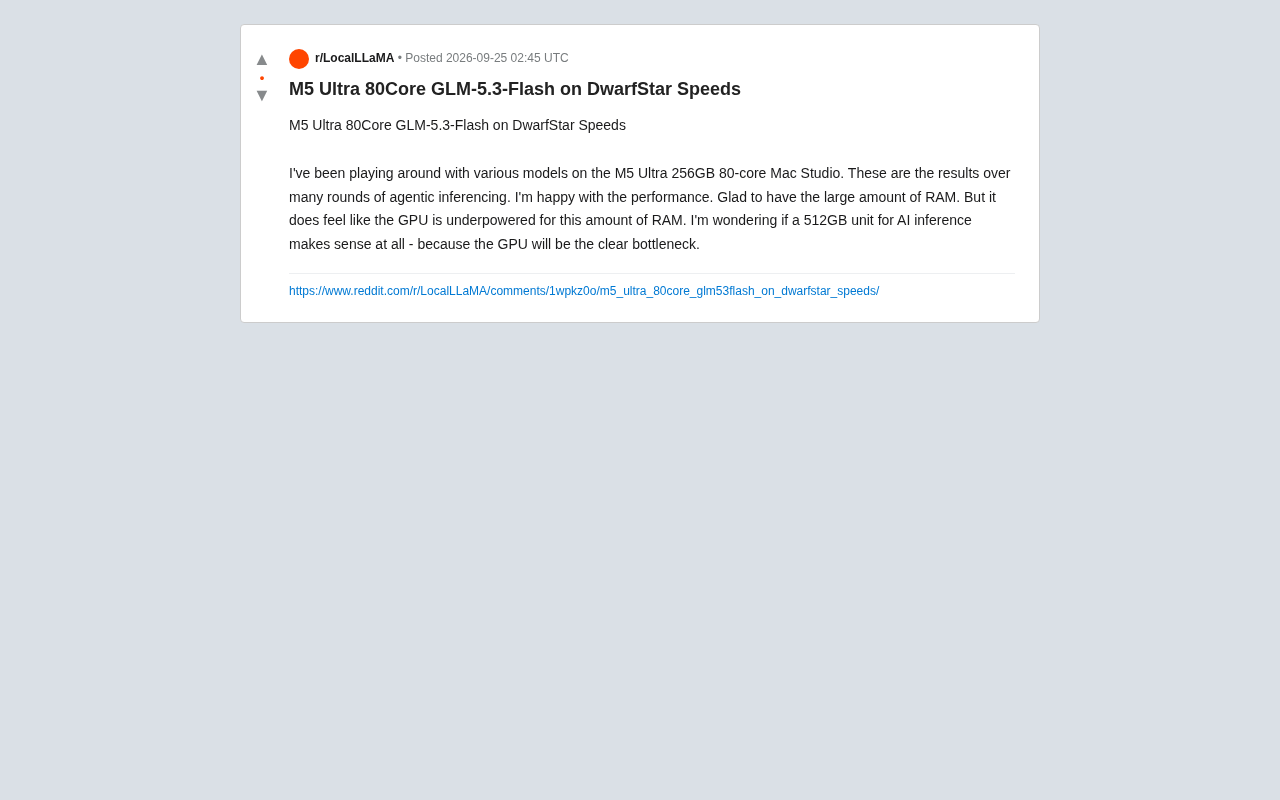
A Reddit user shared their hands-on experience running GLM-5.3-Flash and several other models on an M5 Ultra 256GB 80-core Mac Studio. After multiple rounds of agentic inference testing, they were generally satisfied with the overall performance — but raised a question worth every local LLM enthusiast's attention: When memory is no longer the bottleneck, does GPU compute become the new weak link?
Brief as the feedback was, it cuts to a core tension in Apple Silicon's Unified Memory Architecture (UMA) for AI inference: the imbalance between generous memory capacity and relatively limited GPU compute.
The Value of Large Memory: You Have to Load It First
For local LLM deployment, VRAM (or unified memory) capacity is often the hard threshold that determines whether a model can run at all. This user specifically noted they were glad they chose the 256GB configuration.
Under Apple Silicon's UMA, the CPU and GPU share the same pool of high-bandwidth memory. This means a 256GB configuration can easily load larger models, or even keep multiple models resident simultaneously while handling very long contexts — advantages that consumer discrete GPUs (typically starting at 24GB VRAM, with flagships rarely exceeding 48GB) simply can't match. For agentic workflows that require frequent tool calls and long session state, ample memory is especially critical.
Apple Silicon's Unified Memory Architecture (UMA) is fundamentally different from the traditional PC setup of CPU + discrete GPU. In conventional architectures, CPU memory and GPU VRAM are physically separate, and data transferred between them must pass through the PCIe bus — incurring both bandwidth limits and latency overhead. Apple Silicon integrates the CPU, GPU, Neural Engine, and all other compute units onto a single chip, sharing one pool of high-bandwidth, low-latency memory that any compute unit can access without cross-bus copies. This is extremely LLM-friendly, since inference requires model weights to remain resident in memory and be read repeatedly with every token generated — memory bandwidth directly caps inference speed. The M5 Ultra's memory bandwidth reaches hundreds of GB/s, far exceeding consumer discrete GPU VRAM bandwidth, which is why Apple Silicon often delivers better inference efficiency per GB of memory compared to discrete GPU solutions of equivalent capacity.
The New Bottleneck: GPU Compute Can't Keep Up with Memory Scale
Being able to load a model doesn't mean it will run fast. This user astutely pointed out: relative to such a large memory capacity, the GPU feels underpowered.
This is a structural issue with unified memory architectures that's easy to overlook. Vendors have been relatively aggressive in scaling memory capacity, but GPU floating-point compute hasn't grown at the same pace. The result: as model size increases and inference workloads become heavier, GPU compute throughput — not memory capacity — becomes the key factor determining token generation speed. In other words, you can load an enormous model, but it may not run at an acceptable speed.
For agentic inference — a multi-turn, latency-sensitive workload — the GPU compute gap gets further amplified. The wait time at each inference step accumulates into a noticeably degraded experience.
There are two core metrics for GPU inference capability: memory bandwidth (determines how fast weights are read, affecting per-token generation latency) and floating-point throughput (FLOPS, determines matrix operation speed, affecting the prefill phase — processing the input prompt). For local inference, especially interactive conversations with a batch size of 1, memory bandwidth is typically more important than raw FLOPS — the GPU bottleneck is often not "computing too slowly" but "reading weights too slowly." However, when model parameter counts are extremely large (e.g., 700B-scale), even with sufficient bandwidth, the number of parallel GPU cores becomes a limiting factor. The M5 Ultra's 80-core GPU is the highest consumer-grade Apple Silicon configuration available, but compared to data center GPUs like the NVIDIA H100/H200, its floating-point throughput is orders of magnitude lower. This means that when running very large models requiring dense matrix multiplications, the insufficient GPU core count becomes increasingly apparent.
Is the 512GB Version Worth It? A Question of Balance
Based on these observations, the user posed a characteristically representative question: Does it actually make sense to buy a 512GB machine for AI inference?
The reasoning is clear: if GPU is already a clear bottleneck at 256GB, doubling memory to 512GB won't increase GPU compute. You'd be able to load a larger model, but constrained by GPU throughput, it might actually run slower — making the value proposition questionable.
This is ultimately a classic hardware configuration balance problem. When buying a high-memory machine for local inference, a few questions are worth asking:
- Is your core need to "be able to run" or to "run fast"? If you simply want to load and experiment with very large models without caring about speed, more memory matters. If you prioritize response speed and high throughput, GPU is the deciding factor.
- Does the model scale match the memory? Memory far exceeding what the model actually needs is wasted — you're paying for capacity you won't use.
- Will you run multiple models simultaneously or process very long contexts? These are the scenarios that genuinely benefit from extreme memory capacity.
Takeaways for Local LLM Enthusiasts
This real-world feedback gives anyone considering a Mac Studio for local AI inference some practical perspective:
The "large" in unified memory is a double-edged sword. It lowers the barrier to running big models, but doesn't automatically translate to ideal inference speed. When making a purchase decision, don't fixate solely on the memory number — evaluate the overall fit between GPU core count, memory bandwidth, and your target model size.
For most agentic applications where speed and interactive experience matter, chasing 512GB of extreme memory is likely less worthwhile than shifting budget toward stronger GPU compute. After all, a mid-sized model that runs fast is almost always more practical than a giant model that runs slow.
It's worth noting that this article is based on a single Reddit user's subjective hands-on experience. Specific performance figures have not been verified through systematic benchmarking and should be taken as reference only. Results may vary significantly across different models and quantization schemes.
Quantization is an important tool for mitigating the memory-vs-compute imbalance. By compressing model weights from FP16/BF16 precision to lower-precision formats like Q4, Q5, or Q8, the memory footprint can be dramatically reduced — a 70B parameter model that originally requires ~140GB might only need around 40GB at Q4. This not only lets devices with less memory load larger models, but can indirectly improve token generation speed by reducing the amount of data that needs to be read per inference step. In mainstream local inference frameworks like llama.cpp and Ollama, the GGUF format has become the de facto standard for quantized models, offering multiple precision levels from Q2 to Q8 so users can balance memory usage against output quality. For M5 Ultra users, thoughtfully choosing a quantization level to find the optimal trade-off between memory footprint and inference speed is often more meaningful than simply chasing larger memory capacity.
Related articles

iPhone Duo Hands-On: Is the $2,000 Small-Screen Foldable Worth It?
YouTube's Allison shares her iPhone Duo hands-on: dual-screen multitasking doubles efficiency, great video viewing, nice matte finish—but thick body, small outer screen, and a $2,000 luxury price.

Sentry's Ad Cracks Up Developers: Can On-call Actually Be Fun?
Sentry's ad short film taps into developers' on-call anxiety, using humorous dialogue to showcase its observability platform—errors, logs, traces, metrics, replays, and releases in one place.

LLM App Getting Worse With Every Change? Build an Effective Evaluation System in Three Steps
How do you know if your LLM app is getting better or worse? A Reddit-based guide to test sets, automated regression evaluation, LLM-as-judge scoring, and structured agent tracing.