Marked Share: A Free Markdown Document Collaboration and Sharing Tool
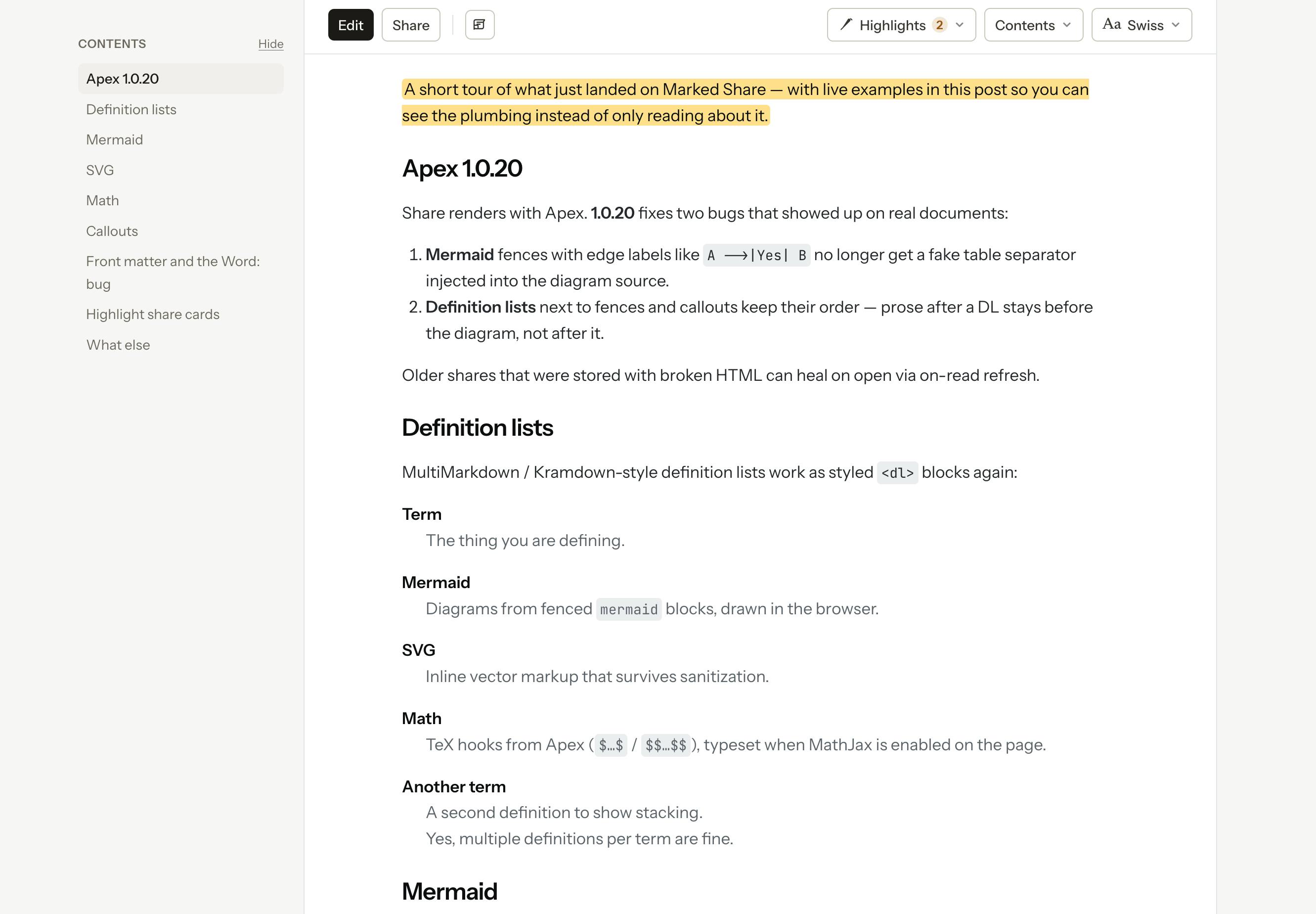
Marked Share is a free Markdown collaboration tool from Brett Terpstra with highlights, TextBundle, and RSS/Micro.blog publishing.
Marked Share is a free Markdown collaboration tool from developer Brett Terpstra, released as a standalone companion to Marked 3 — no Marked installation required. It addresses the pain points of sharing and collaborating on Markdown documents by supporting TextBundle for bundling text and media, offering a built-in editor alongside an open API, and enabling others to highlight and comment on shared documents. It also supports RSS/Atom blog feeds and Micro.blog integration for lightweight content publishing. For independent creators and small teams already working in Markdown, it's a low-barrier tool worth trying.
A Lightweight Tool Built for Markdown Collaboration
Marked Share is a new product from well-known developer Brett Terpstra, launched as a companion to Marked 3 on Product Hunt, where it reached #8 on the day's leaderboard with 77 upvotes. Unlike many similar tools, it operates independently of the Marked app itself — no installation of Marked required — and it's completely free.
For anyone who writes regularly in Markdown, editing is smooth, but collaboration and sharing have always been pain points. Plain text files don't handle embedded images or attachments well, and there's no built-in mechanism for others to annotate or comment. Marked Share targets exactly this gap, pushing Markdown documents from a "personal writing format" into a "shareable and collaborative" context.
Core Features: Edit, Annotate, and Publish
According to the official description, Marked Share covers the full content creation workflow.
Document Editing and Format Support
It supports both Markdown and TextBundle formats. TextBundle is a bundled file format that packages body text, images, and attachments into a single file — solving the problem of plain Markdown being unable to conveniently carry media assets. This means what users share isn't just text, but a complete document with all its images and attachments intact.
The tool includes a built-in editor for writing and editing directly within the app, while also offering a full API so users can connect their preferred editors or tools. This dual-track design — built-in editor plus open API — serves both the out-of-the-box crowd and those who want deeper customization.
Highlight and Comment Collaboration
Marked Share allows others to highlight and comment on shared documents. For writing scenarios that require review or feedback — technical documentation reviews, blog draft discussions, internal team approvals — this transforms a static share into a two-way collaborative process.
Blog Publishing and Subscription Integration
Going a step further, Marked Share can publish documents as a blog feed, with RSS/Atom output support and Micro.blog integration. This means users can go beyond one-off document sharing and use it as a lightweight content publishing channel, where readers can subscribe and stay updated over time.
Who It's For
Overall, Marked Share aims to sit at the intersection of several tool categories: it offers more than a plain Markdown editor with its collaboration and publishing features, yet remains lighter and more focused on native Markdown workflows than a full blogging platform or team documentation system.
It's a good fit for a few types of users: independent creators who write in Markdown and want an easy way to share documents with embedded media; writers or small teams who need others to annotate and give feedback on drafts; and bloggers who want a lightweight publishing channel via RSS or Micro.blog. The free pricing lowers the barrier to entry, letting users bring it into their workflow without changing how they already write and edit.
A Noteworthy Product Philosophy
Marked Share reflects a clear product insight: Markdown has become the default writing format for a large number of creators, yet there's still room for better collaboration and distribution tooling around it. Brett Terpstra has long been deeply involved in text processing and productivity tools, and the Marked series has earned a solid reputation among Mac users. Spinning off "sharing" as a separate, free companion product is both a natural extension of the existing ecosystem and a smart move to reach a broader audience.
It's worth noting that the publicly available information is currently based primarily on the Product Hunt listing. The actual editing experience, the completeness of the API, and the real-world performance of the collaboration features are all things that will need to be verified through hands-on use. For heavy Markdown users, it remains a tool worth watching — and one that's easy to try at no cost.
Related articles
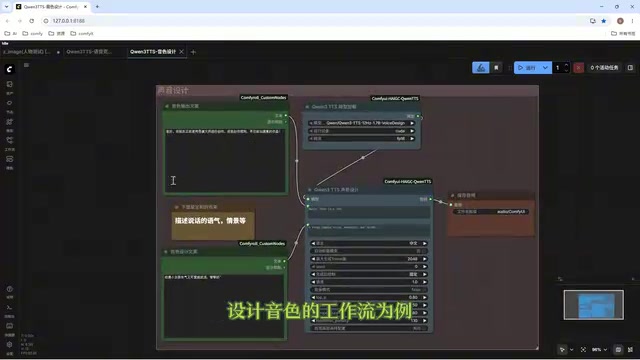
Director Master Tutorial: Full Workflow for AI Character Voice Design and Binding
Based on a Bilibili tutorial, this guide details how to design and bind AI character voices in Director Master: uploading voices, generating them via ComfyUI workflows, producing voice profiles alongside character design, and automatically inheriting voices in storyboard prompts.
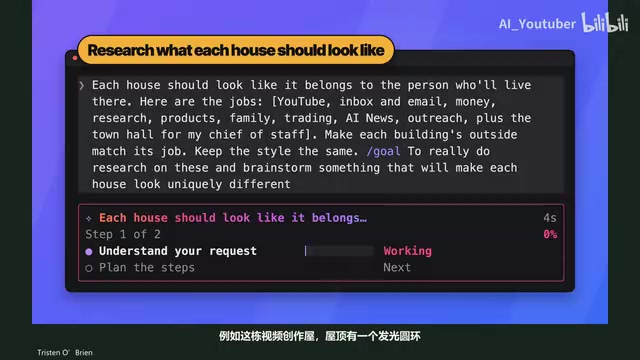
3.5 Hours and $47: Building an AI Agent Village Step by Step
A Bilibili creator built an AI Agent village in 3.5 hours for about $47: Claude Code handles logic and behavior, Higgs Field generates art. Seven steps cover maps and buildings, chief of staff and director roles, walkable areas and behavior rules, connecting to real tools like email and calendars, proving ground meetings, and retaining final human approval—including a cost ledger and prompt design thinking.
WorkBuddy Complete Beginner's Guide: Master Your AI Digital Employee in 7 Days
A detailed breakdown of the WorkBuddy beginner's guide: how this domestic Codex alternative works, its four advantages over traditional AI, and a learning path for newcomers.