MemoraX Code Hands-On Review: Adding Shared Memory Across AI Coding Agents
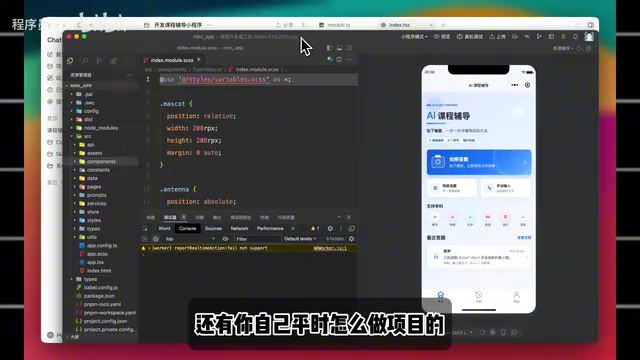
MemoraX Code adds a shared memory layer across AI coding agents to fix cross-session context loss.
This hands-on review tests MemoraX Code, a memory layer tool that solves a core pain point in AI-assisted development: context loss across sessions and tools. By preserving project constraints, decisions, and developer preferences, it enables seamless continuity when switching sessions in Codex or collaborating across Codex and Claude Code, eliminating the need to repeatedly explain project backgrounds.
The Biggest Pain Point in AI Programming: Repeatedly Explaining Project Context to Agents
Developers working on web coding projects have probably experienced this: the biggest time sink isn't changing requirements or fixing bugs — it's repeatedly explaining the project background to AI. According to a hands-on review shared by Bilibili creator Xiao You, even with the latest Claude 5.1 model, context forgetting and memory loss remain persistent problems in multi-turn conversation scenarios.
The root cause lies in the context window mechanism of current large language models. Even though models like Claude and GPT have expanded their context windows to hundreds of thousands or even millions of tokens, the model remains stateless whenever a new session is created — it retains no information from previous conversations. Furthermore, within a single long conversation, as the token count increases, the model's attention to earlier information gradually decays. This is what researchers call the "Lost in the Middle" phenomenon. This means that even without switching sessions, a sufficiently long conversation can cause critical information to be "forgotten."
Here's a concrete example: Xiao You has been working on a tutoring mini-program. Yesterday, he had Codex review the project structure and explained where images are uploaded and how OCR results should be cleaned. But when he opened a new session today, Codex had to re-read all of this from scratch.
Even more troublesome is the cross-tool collaboration scenario. If you use Codex to write features first, then switch to Claude Code for a review, the handoff cost is extremely high — Codex knows what was changed, but Claude Code has zero context. The same applies to any other AI tool; you'd have to re-explain the background requirements all over again. For context, Codex is OpenAI's terminal-based coding assistant built on their latest model, capable of executing tasks directly within code repositories; Claude Code is Anthropic's command-line programming tool, emphasizing its ability to understand complex codebases. Beyond these, there are also Cursor, Windsurf, Devin, and various other Coding Agents on the market. Each tool has its strengths, but their data and context are completely siloed from one another, creating the "Agent Island" problem.
What Is MemoraX Code: A Shared Memory Layer for Agents
To address this long-standing problem, Xiao You discovered MemoraX Code on GitHub. It's not a brand-new Coding Agent — rather, it's positioned as a memory layer. Its core function is straightforward: help various Agents remember what has already happened in a project.
"Memory Layer" is an emerging concept in AI infrastructure. Traditionally, a large model's "memory" relies primarily on three approaches: system prompts, Retrieval-Augmented Generation (RAG), and fine-tuning. The memory layer concept is closer to a variant of RAG — it structurally stores key information generated during project interactions and automatically retrieves and injects it into the context when a new session starts. Unlike simple chat history logs, a memory layer needs to filter, compress, and structure information, retaining high-value data like "decisions" and "constraints" rather than raw conversation streams.
Specifically, MemoraX Code captures and preserves:
- Project conventions and standards
- Previously attempted solutions and dead ends
- Pitfalls already encountered that don't need repeating
- The developer's own workflow habits and preferences
This article uses Xiao You's hands-on test of a "photo-to-answer mini-program" as an example. The mini-program's logic isn't complex: a user photographs a question, the frontend sends the image to the backend, the backend performs OCR recognition, feeds the question to an AI, and finally returns solution steps, knowledge points, and similar question types to the user. This pipeline involves a complete flow from image capture → OCR optical character recognition → text cleaning → LLM inference → result presentation. The OCR step is the weakest link in the chain — recognition accuracy for handwritten text, complex formulas (such as LaTeX-formatted math expressions), and mixed chart-text layouts remains unstable. That's why the subsequent tests specifically focus on "fallback handling for OCR recognition failures." In applications like this with multiple sequential stages where any node could fail, the accumulated exception-handling experience is especially valuable — precisely the kind of core knowledge a memory layer needs to preserve.
His typical workflow is: first have an Agent review the project and produce a plan, proceed with implementation if the plan looks good, and then have another Agent do a review after changes are complete. There's nothing wrong with this workflow, but as soon as you switch to a new session or a different Agent, the prior context easily breaks.
Installation and Configuration Walkthrough
Based on the hands-on test, MemoraX Code has a low barrier to entry. Before installation, make sure your local Node.js version is 20 or above, then run the installation command in the terminal.
The configuration steps are roughly as follows:
- After installation, registered users can run the login command; those who just want to try it out can directly run
setup - Enter your MemoraX Code username (pick a name)
- Obtain and enter your API Key from the platform
Interestingly, the API Key is scoped at the project level. This means you can create independent keys for each project, saving different projects' memories separately without interference. This project-level isolation design reflects important engineering considerations: in real-world development, different projects have vastly different tech stacks, architectural conventions, and API specifications. If all projects shared a single memory pool, context from different projects would pollute each other — for example, Project A uses a React frontend while Project B uses Vue, and mixing them would actually mislead the Agent. Project-level isolation ensures each project's memory space remains independent and clean, and also facilitates team collaboration by enabling per-project authorization, where different team members can share the same project's memory store.
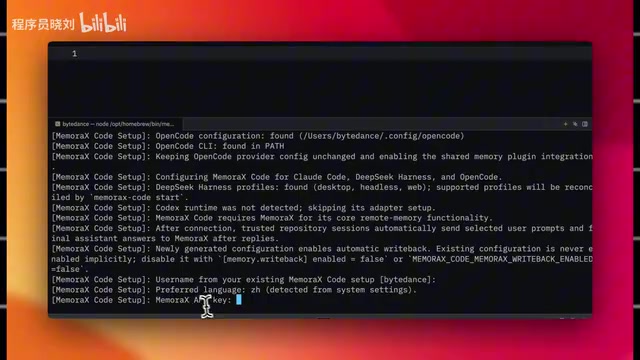
After copying the key and running it in the terminal, the system will initialize. Once complete, just restart Codex or Claude Code, and it will automatically connect to the Agents already installed on your machine — no need to change your existing workflow.
Test 1: Cross-Session Memory Continuity Within the Same Tool
The first test scenario covers memory continuity between different sessions of the same tool.
Xiao You first had Codex familiarize itself with the project, explaining that the current work involves photo-to-answer functionality, with image upload on the frontend and OCR plus AI explanation handling on the backend. He then closed the current session and opened a brand new one.
Normally, the new session would start as a blank slate — no context carryover whatsoever, requiring re-reading the code and re-asking about the background. But with MemoraX Code integrated, the project context accumulated earlier could be brought back directly. He simply asked the new session to continue optimizing the photo-to-answer feature, adding a fallback prompt for OCR recognition failures.

Even more interesting, the new session even outputted the author information that had been provided in the previous session. The platform's backend dashboard also shows whether memories were properly written — the summary data did indeed land on the MemoraX platform as expected.
Test 2: Cross-Tool Collaboration Between Codex and Claude Code
The second test scenario better reflects real-world development: cross-tool collaboration. Xiao You first had Codex build the photo-to-answer feature, then switched to Claude Code for a review, focusing on three aspects:
- Does the frontend show a clear prompt when image upload fails?
- Does the backend have fallback handling when OCR returns empty results?
- Are the results returned to the frontend stable?
Previously, switching to Claude Code meant sending a long paragraph of background: what the project does, which files were changed, why they were handled that way, which approaches were tried but didn't work. Now, all of these "things already done" are recorded through MemoraX Code. When Claude Code takes over, it no longer starts from zero — it can pick up directly from the prior context to continue the review.
The Core Value of Memory: Preserving Project Experience, Not a Running Log
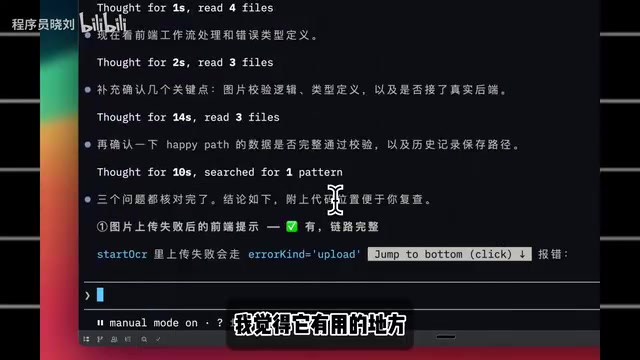
Xiao You emphasized a key insight during testing: where MemoraX Code truly shines is not in storing two days' worth of activity logs — nobody's going to scroll through entries one by one. What it actually preserves are the valuable experiences and constraints accumulated during a project:
- Why a particular approach didn't work before
- Which APIs have limitations or special requirements
- Which features must be tested after modification
- Your own work habits (e.g., "plan first, then code, then make a checklist" or "keep answers direct")
Once these preferences and constraints are stated once, subsequent sessions will remember them. Next time you start a new session, you can skip the project background and jump straight into actual development.
When Is MemoraX Code Worth Using?
A tool's value must be evaluated in the context of specific scenarios. As Xiao You noted, if you only occasionally have AI write a small script, the difference won't be very noticeable.
But if your situation matches the following, MemoraX Code's value becomes quite significant:
- Long project cycles: Work that spans several days or longer
- Frequent multi-tool switching: Regular back-and-forth collaboration between Codex and Claude Code
- Complex project context: Multiple modules and various API constraints involved
Every time you avoid repeating background explanations, you can get into development mode faster, leading to a noticeable overall efficiency boost.
From a broader perspective, MemoraX Code represents a direction in the evolution of AI programming toolchains: as Coding Agents proliferate, how to share and maintain project context across different tools is becoming a key factor in improving multi-Agent collaboration efficiency. This trend is one of the most important paradigm shifts in AI engineering during 2024-2025 — moving from a single Agent executing tasks to multiple specialized Agents dividing work collaboratively (e.g., one for coding, one for review, one for testing). This model is known as a Multi-Agent System. Google's Agent2Agent (A2A) protocol and Microsoft's AutoGen framework are both advancing this direction. But one of the core challenges in multi-Agent collaboration is "shared state management" — how each Agent knows what other Agents have done. The memory layer is essentially solving the state synchronization problem in distributed systems, except that the "nodes" here are different AI Agents. The emergence of the memory layer is, in a sense, filling an infrastructure gap for multi-Agent collaboration.
Note: This article is based on a single-source hands-on test by Bilibili creator Xiao You. Actual results may vary depending on project complexity and usage habits. Interested developers are encouraged to try it out with their own workflows.
Related articles
Google's Satellite AI Server Reaches Orbit: Gemma Model Generates First Reply in Space
Google's TPU-equipped satellite powers up in orbit, with the onboard Gemma 4 model generating the first reply from space. This article analyzes the technical path, real-world constraints, and implications for edge computing and satellite remote sensing.
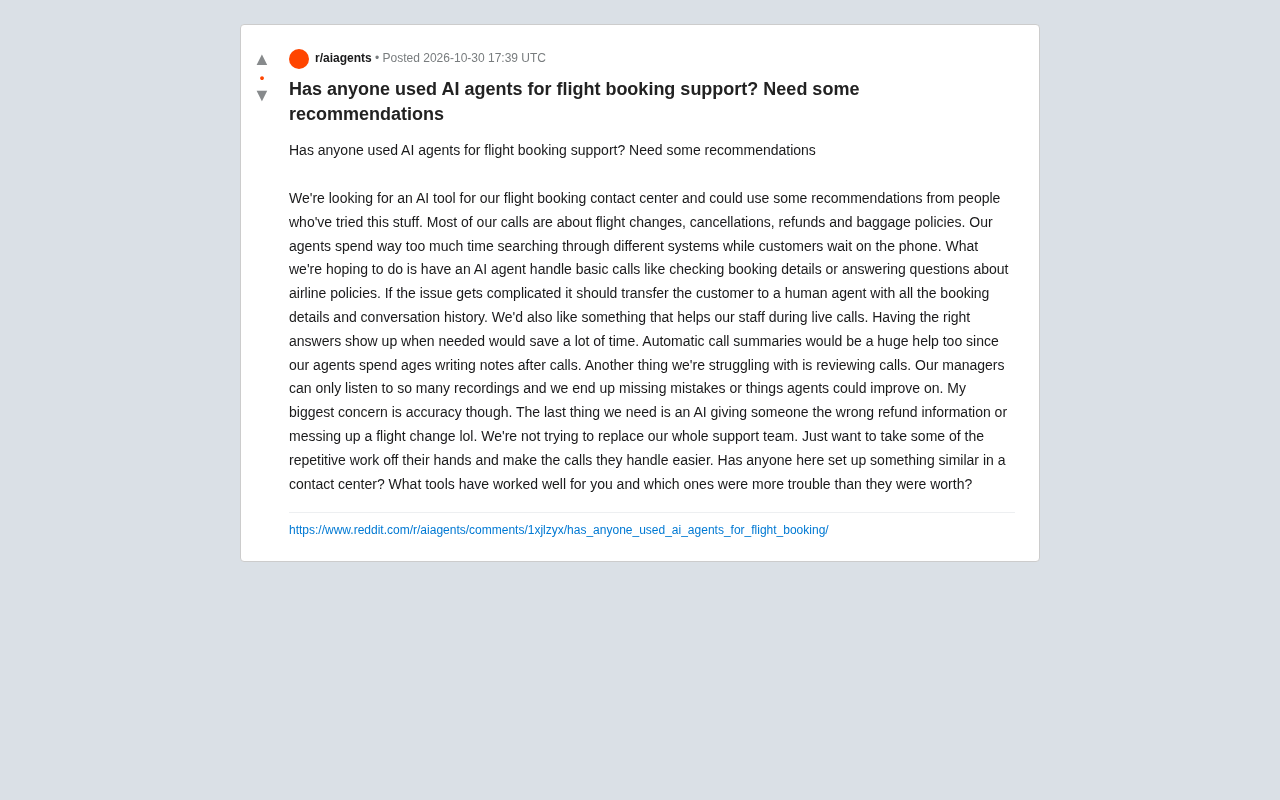
AI Agents for Flight Booking Customer Support: Real Needs and Implementation Challenges
Starting from a real Reddit question, this article breaks down four needs for introducing AI Agents into flight booking call centers: basic Q&A, agent assist, call summarization, and quality inspection, and analyzes accuracy concerns and handoff boundary design.
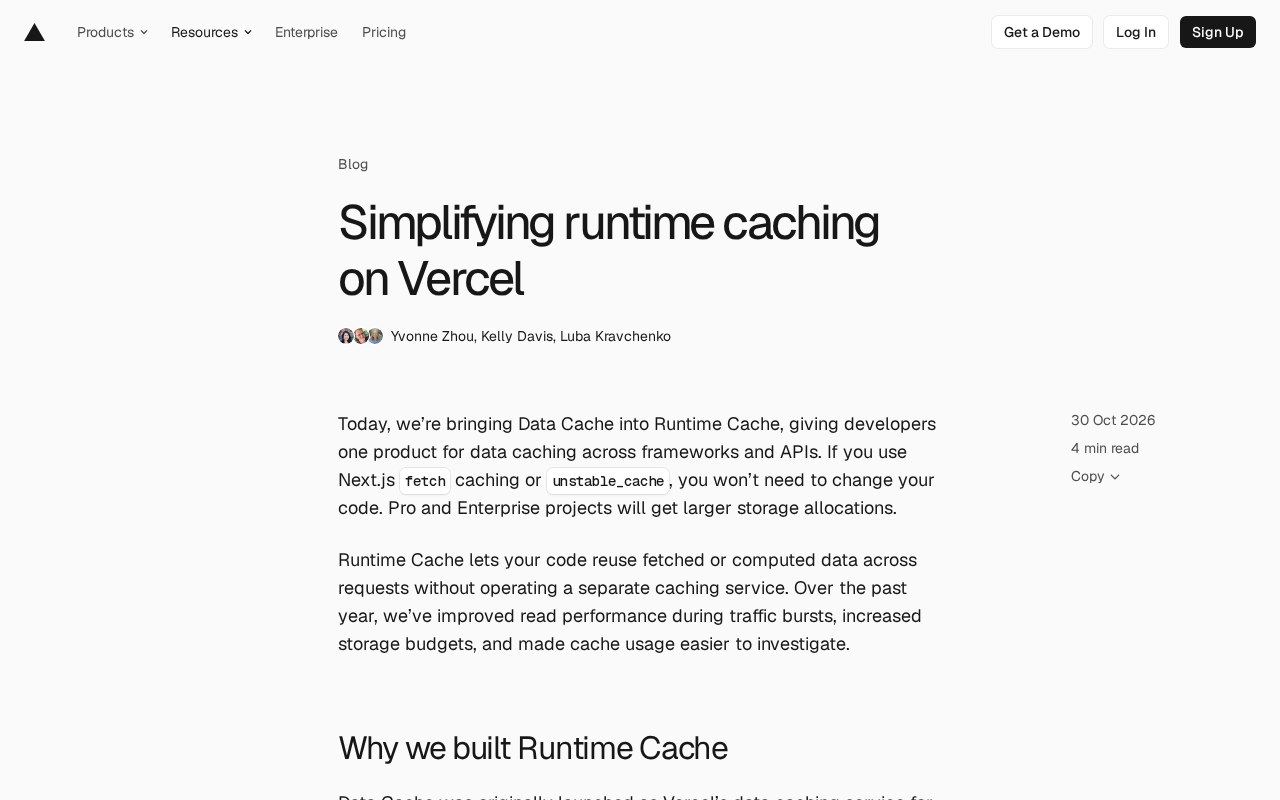
Vercel Unifies Runtime Cache: Data Cache Merges into Runtime Cache
Vercel merges Data Cache into Runtime Cache, unifying storage quotas and billing for Next.js fetch cache, unstable_cache, getCache, and use cache: remote. Pro and Enterprise projects get more storage, and cache reads/writes are now billed at Runtime Cache pricing.