NanoBanana PPT Skills: An Open-Source AI Tool for Auto-Generating High-Quality Presentations
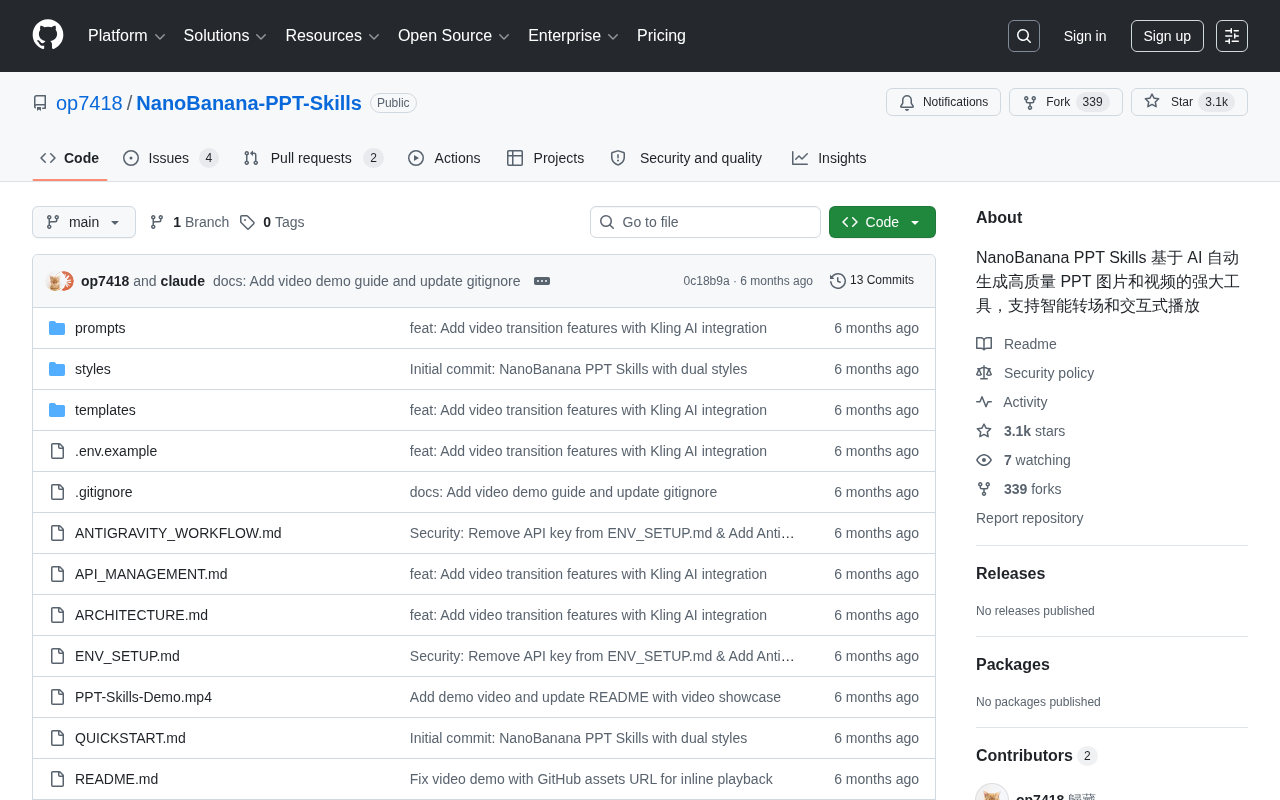
NanoBanana PPT Skills is a Python open-source tool that uses AI to auto-generate presentation images, transitions, and videos.
NanoBanana PPT Skills (GitHub: op7418/NanoBanana-PPT-Skills) is a Python-based open-source tool designed to automate presentation creation through AI. Its three core capabilities are: AI-driven high-quality image generation, intelligent transitions matched to content logic, and multi-format output supporting interactive playback and video export. With 2,576 Stars, it targets content creators, educators, product teams, and developers with customization needs. While it excels at automating routine presentation tasks, output quality depends on underlying model capabilities, and human review is still recommended for formal use.
NanoBanana PPT Skills: An Open-Source AI Tool for Auto-Generating High-Quality Presentations
Creating a professional presentation typically demands significant time investment in layout design, image selection, and animation effects. An open-source project on GitHub called NanoBanana PPT Skills (op7418/NanoBanana-PPT-Skills) aims to redefine this workflow using AI — it automatically generates high-quality PPT images and videos, with support for intelligent transitions and interactive playback. The project has accumulated 2,576 Stars and 301 Forks, with Python as its primary language, and has built a solid following within the community.
Project Focus: End-to-End Automation from Content to Final Output
Unlike traditional PPT template tools, NanoBanana PPT Skills emphasizes generation over population. Its core philosophy is to leverage AI to directly produce image assets suited for presentation contexts, organize them into complete slide decks with transition effects, and even export the result as a video.
This means users no longer need to manually select images, adjust layouts, or configure animations — the tool handles visual rendering based on an understanding of the content's intent. For users who regularly produce reports, educational materials, or product demos, this all-in-one automation can significantly cut down on preparation time.
The project is written in Python, aligning with the mainstream AI toolchain ecosystem and making it easy for developers to extend or integrate into existing automated workflows.
Three Core Capabilities
Based on the project's description, NanoBanana PPT Skills focuses on three key capabilities that set it apart from generic generative tools.
High-Quality Image Generation
The visual quality of a presentation depends heavily on its imagery. This tool integrates AI image generation directly into the PPT creation workflow, ensuring that each slide's visuals are thematically relevant rather than pulled from generic stock libraries. This is especially valuable for visually driven scenarios such as product launches and creative pitches.
AI image generation in PPT tools typically relies on diffusion models or multimodal LLM APIs — such as Stable Diffusion, DALL·E, or Flux. These models synthesize images from text prompts (prompts), and output quality is influenced by prompt precision, model version, and resolution settings. Unlike stock image retrieval, generative images can be customized on demand — theoretically, every slide's visuals can match a specific color scheme, style, and composition. However, generative images come with known limitations: ambiguous copyright ownership, and occasional visual artifacts (such as distorted text or malformed hands). Human review is recommended before use in formal presentations.
Intelligent Transitions
Transition effects are key to a smooth presentation experience, but configuring them manually is often tedious and prone to excess. NanoBanana PPT Skills' intelligent transitions aim to automatically match appropriate transition styles based on the logical relationships between content sections, resulting in a more coherent and natural flow throughout the presentation.
Interactive Playback and Video Export
Beyond static slides, the project also supports interactive playback and video output. Video-format presentations are ideal for auto-play and distribution scenarios where no presenter is present — such as on trade show screens, social media, or online courses — significantly extending the usability of the final output.
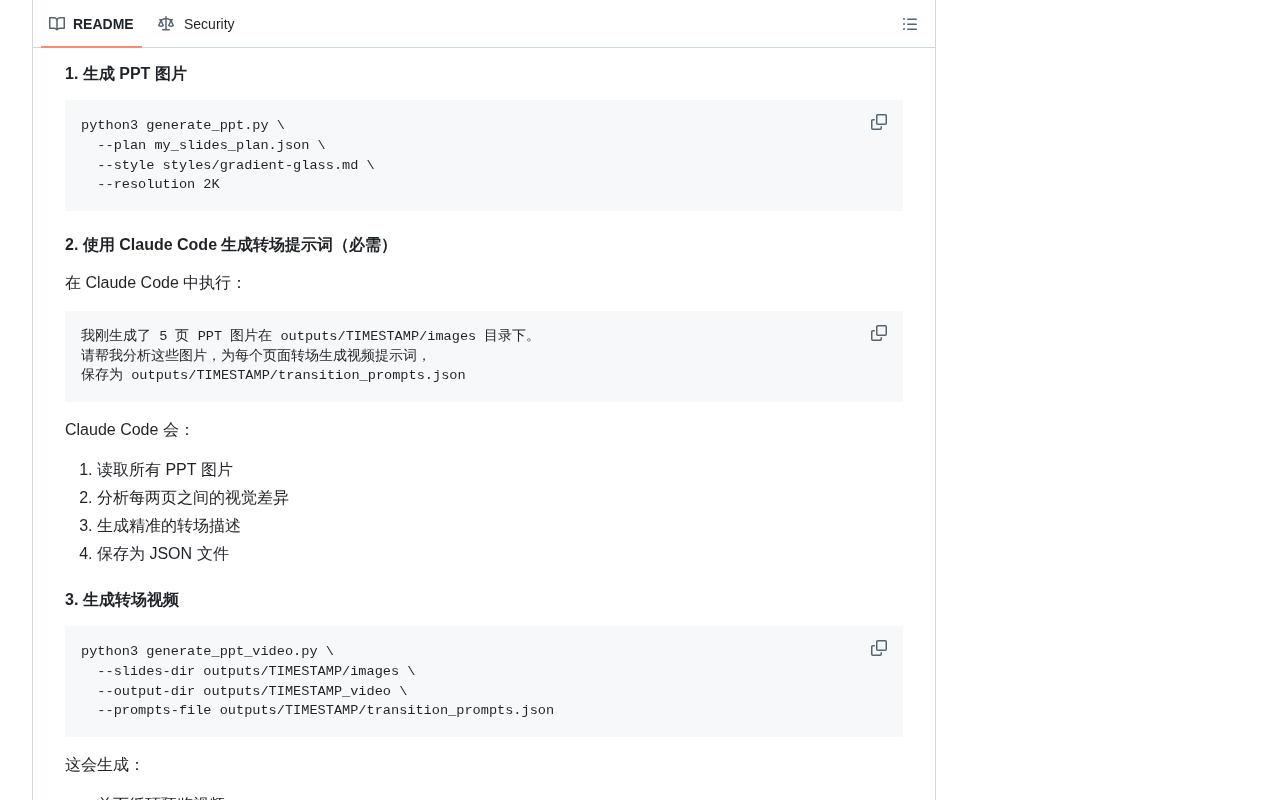
Video export functionality is typically implemented using Python ecosystem libraries such as moviepy, OpenCV, or ffmpeg, compositing frame-by-frame slide images and transition animations into common formats like MP4. Interactive playback may be built on web technologies (such as reveal.js or a custom HTML/JS rendering layer), allowing viewers to control playback pace via clicks or keyboard input. These two output formats serve distinctly different distribution scenarios: video suits one-way broadcasting and unattended auto-play, while interactive formats are better suited for live presenter-controlled delivery. For developers, understanding the underlying dependencies helps address codec compatibility and cross-platform rendering issues during integration.
Who Is This Tool For?
Given its feature set, NanoBanana PPT Skills is primarily targeted at several types of users:
- Content creators and independent media: Need to quickly convert written scripts into playable visual content;
- Educators and trainers: Batch-produce course materials and instructional videos while reducing repetitive layout work;
- Product and marketing teams: Create proposals and launch materials with an emphasis on visual consistency and efficiency;
- Developers: Customize the Python codebase and integrate PPT generation capabilities into automated pipelines.
For these users, the tool's value lies not in replacing a designer's refined creative work, but in delegating 80% of routine presentation needs to automation — freeing up human effort for the content that truly requires careful crafting.
Practical Considerations for an Open-Source Tool
As an open-source project, NanoBanana PPT Skills benefits from transparency and extensibility — users can inspect implementation details, modify the code to fit their needs, and contribute to ongoing improvements through the community. Its 2,576 Stars signal that it addresses a genuine pain point.
That said, it's important to have realistic expectations: the actual output quality of AI generative tools heavily depends on the underlying model capabilities, prompt quality, and asset compatibility. Whether the intelligent transitions and generated images truly deliver "high quality" will need to be validated in real-world use. For serious presentations in production environments, it's advisable to retain a human review step on top of the auto-generated output to ensure informational accuracy and visual professionalism.
Summary
NanoBanana PPT Skills represents a direction where AI content generation dives deeper into vertical use cases: rather than generic text-and-image generation, it builds a complete pipeline around the specific artifact of a presentation — connecting image generation, transitions, video output, and interactivity into one cohesive workflow. For individuals and teams looking to improve their presentation production efficiency, it's an open-source option worth exploring. Interested users can visit the op7418/NanoBanana-PPT-Skills repository on GitHub for installation and usage instructions.
Related articles

Salesforce Acquires Rune for $375M: AI Logistics Tech Bolsters Defense Business
Salesforce reportedly acquires defense tech startup Rune for $375M. Rune's AI logistics tech will strengthen Salesforce's Missionforce defense platform, continuing its M&A spree.

Why Fair Use Benefits Everyone in the AI Era
Starting from a Hacker News discussion, this article analyzes the legal logic and controversies of the fair use principle in AI training and content creation, and its dual impact on creators and the tech ecosystem.

Mistral Large 4 Open-Sources a Trillion Parameters, Microsoft Offers Voluntary Severance to 60,000 Employees
Mistral Large 4 open-sources a trillion-parameter multimodal model with a coding agent score of 48; SanDisk earnings show AI inference reshaping NAND demand; Google Gemini adds in-app file editing, OpenAI raises Codex quotas, and Microsoft offers voluntary severance to 60,000 employees.