NetBird + Caddy: Remote Access Without Exposing Public Ports
Secure homelab remote access using NetBird WireGuard mesh and Caddy reverse proxy without any public port exposure.
This article explains how to combine NetBird's WireGuard-based overlay network with Caddy reverse proxy to achieve secure remote access to homelab services without exposing any ports to the public internet. It covers the DNS resolution mismatch problem, proposes Split-Horizon DNS via NetBird's built-in DNS features, and details TLS certificate handling with DNS-01 challenges through Cloudflare.
Introduction: The Remote Access Challenge for Homelabs
For self-hosting enthusiasts running a homelab, securely accessing internal services while away from home is an unavoidable topic. A homelab is a server environment built at home by tech enthusiasts to run various self-hosted services such as media servers (Jellyfin/Plex), password managers (Vaultwarden), file synchronization (Nextcloud), and more. The self-hosting movement arose from the pursuit of data sovereignty—users want to keep personal data on hardware they control rather than relying on third-party cloud services. However, one of the biggest challenges of self-hosting is remote access: how to securely connect to home services while away without exposing them to potential attackers on the internet.
A common but dangerous approach is directly exposing service ports to the public internet or using port forwarding—this significantly expands the attack surface. Attackers can discover publicly exposed services through port scanning tools (such as Shodan or Masscan) and exploit known vulnerabilities to launch attacks.
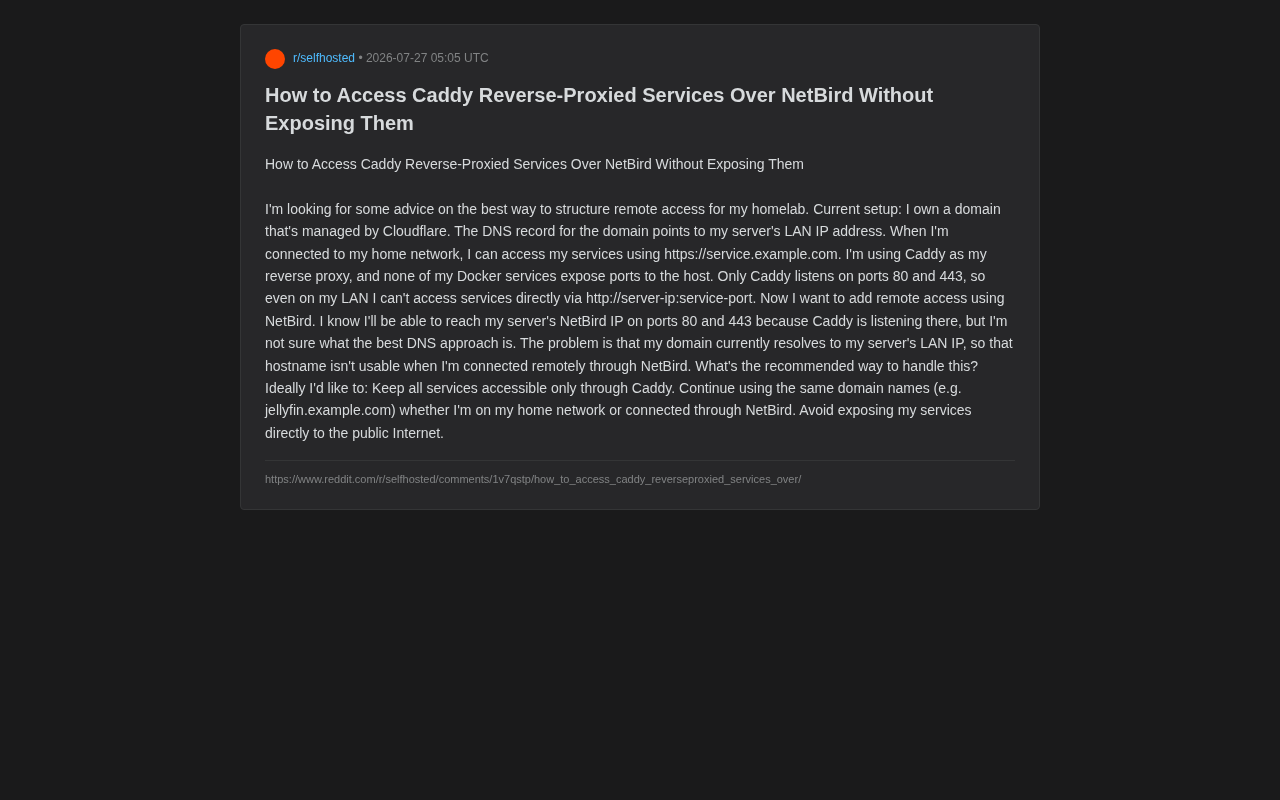
A recent question posted by a Reddit user perfectly represents the needs of many advanced users: How can you remotely access services behind a Caddy reverse proxy through a WireGuard mesh tool like NetBird, without exposing anything to the public internet, while maintaining the same set of domain names for both local and remote access?
This question seems simple but actually involves the coordination of DNS resolution, reverse proxying, and zero-trust networking. This article will break down the core conflicts and provide a deployable solution.
Analyzing the Existing Architecture: Why This Design Is Worth Emulating
Let's first look at this user's original configuration, which is actually quite well-designed:
- Domain hosted on Cloudflare, with DNS records pointing to the server's LAN internal IP;
- All Docker services do not expose ports to the host—only Caddy listens on ports 80 and 443;
- Even within the local network, you cannot directly access a service via
http://server-ip:service-port; you must go throughhttps://service.example.comvia Caddy.
Docker containers run in isolated virtual networks by default. When a container doesn't map ports to the host via the -p parameter, external networks (including other devices on the LAN) cannot directly access services within the container. Inter-container communication is handled through Docker's internal networks (bridge, overlay, etc.). This design naturally forms a network isolation layer—even if an attacker gains LAN access, they cannot directly communicate with containers that haven't mapped ports. They must go through the entry service configured with port mapping (such as the reverse proxy) to reach backend applications.
The advantages of this design are clear:
Single Entry Point, Unified Control
All traffic must pass through Caddy as the sole entry point. Caddy is a modern web server and reverse proxy renowned for its automatic HTTPS functionality. Compared to similar tools like Nginx and Traefik, Caddy's configuration syntax is extremely concise, and it automatically requests and renews Let's Encrypt TLS certificates for all hosted sites by default. In homelab scenarios, Caddy typically serves as the unified entry point for all web services, routing traffic to different backend containers based on the request's domain name (Host Header), while handling TLS termination, HTTP/2 upgrades, and more.
This means TLS certificates, access logs, authentication, rate limiting, and other policies can all be centralized at the reverse proxy layer rather than configured individually in each service.
Zero Direct Access to Internal Services
Since Docker services don't map ports, even if someone gains access to the LAN, they cannot bypass Caddy to directly reach backend services. This is essentially a principle of minimal exposure at the internal network level.
The Core Conflict: DNS Resolution Mismatch
The crux of the problem is that DNS points to the LAN IP.
When the user is at home, jellyfin.example.com resolves to the internal IP (e.g., 192.168.1.10), and Caddy works normally. But when the user connects remotely via NetBird, the device joins a WireGuard overlay network where the server has a NetBird IP (typically in the 100.x.x.x range).
WireGuard is a modern VPN protocol designed by Jason Donenfeld in 2015 and officially merged into the Linux kernel in 2020. Compared to OpenVPN and IPSec, WireGuard's codebase is only about 4,000 lines (versus hundreds of thousands for the former), which means a smaller attack surface and easier security auditing. It uses the Noise protocol framework for key exchange, employing ChaCha20 encryption, Poly1305 authentication, and BLAKE2s hashing. An overlay network is a virtual network layer built on top of existing physical networks. Tools like NetBird/Tailscale use WireGuard to establish encrypted tunnels between devices, making devices distributed across different networks appear as if they're on the same LAN. The 100.x.x.x range belongs to the CGNAT (Carrier-Grade NAT) address space (100.64.0.0/10), repurposed by these tools as internal addresses for the overlay network.
If DNS continues resolving to 192.168.1.10, the remote device simply cannot route to this internal address—unless NetBird is configured with full subnet routing (Network Routes). And even if subnet routing is configured, exposing the entire home network to remote devices violates the principle of least privilege.
The user's three core requirements are clear:
- All services must only be accessible through Caddy;
- The same domain names should work for both local and remote access (e.g.,
jellyfin.example.com); - Never expose services to the public internet.
Solution 1: NetBird DNS Override + Split-Horizon Resolution
The most elegant approach is to have DNS return different IPs depending on the network environment—this is known as Split-Horizon DNS.
Split-Horizon DNS (also called Split-Brain DNS) is a DNS deployment strategy where the same domain name returns different resolution results in different network environments. This technology has been used in enterprise environments for years: when employees are on the corporate network, DNS resolves mail.company.com to an internal IP, while resolving to a public IP or VPN gateway address when accessed from external networks. The implementation mechanism typically relies on determining the source of the DNS query—different DNS servers (or different views on the same server) return corresponding records based on the requester's network.
Leveraging NetBird's Built-in DNS Feature
NetBird provides built-in DNS management functionality that allows you to configure resolution rules for specific domains in its management panel. You can set up a Nameserver Group or custom DNS records so that *.example.com resolves to the server's NetBird IP (e.g., 100.64.0.5) within the NetBird network.
In the NetBird scenario, after a client connects to the overlay network, its DNS queries are intercepted by the NetBird client and prioritized using the DNS rules configured within the overlay network, automatically completing the resolution switch. This process is completely transparent to the user—no manual DNS server switching is required.
This way:
- At home, local DNS (Cloudflare records) resolves to the LAN IP;
- After connecting remotely via NetBird, the NetBird client takes over DNS queries, and
jellyfin.example.comresolves to the NetBird IP.
Since Caddy also listens on ports 80/443 on the NetBird IP, requests will still correctly reach the reverse proxy, and no server-side configuration changes are needed.
Key Detail: TLS Certificate Handling
Because the same domain name is used, the TLS certificate issued by Caddy is valid for both local and remote access, and browsers won't show certificate errors. It's recommended to use the DNS-01 challenge (via the Cloudflare API) to issue certificates, so that even if the server doesn't expose port 80 to the public internet, Let's Encrypt certificates can still be automatically renewed.
Let's Encrypt provides free TLS certificates but requires a "challenge" to verify domain ownership. The most common HTTP-01 challenge requires serving a specific file on port 80, meaning the server must be reachable from the public internet. The DNS-01 challenge instead proves control by adding a specific TXT record to the domain's DNS records, requiring no exposed ports whatsoever. Caddy integrates with DNS providers like Cloudflare via API to automatically create and clean up TXT records, enabling fully automated certificate issuance and renewal. This is critical for homelab scenarios that don't expose public ports—your server can remain completely hidden behind a firewall while still holding legitimate TLS certificates.
Solution 2: Dedicated Subdomains for Remote Access
If you don't want to deal with Split DNS, you can adopt a simpler domain separation strategy:
- Keep
jellyfin.example.comfor the home network; - Add a new set of records pointing to the NetBird IP, for example through a dedicated DNS zone or
/etc/hosts(on the client) specification.
However, this approach sacrifices the "same domain for both local and remote" requirement, requires maintaining two sets of addresses, and provides a less unified experience than Solution 1. For users who value simplicity, Solution 1 remains the preferred choice.
Why Choose NetBird Over Traditional VPNs
NetBird is built on WireGuard and belongs to the new generation of Zero Trust Networking tools. It's positioned similarly to Tailscale but is fully open-source and supports self-hosted control planes.
Zero Trust is a security architecture philosophy whose core principle is "never trust, always verify." The traditional network security model assumes the internal network is safe (the castle-and-moat model)—once inside the network, you have broad access. The Zero Trust model requires authentication and authorization for every access attempt, regardless of whether the request comes from inside or outside the network. Tools like NetBird and Tailscale apply this concept at the network layer: each device has an independent cryptographic identity, access control lists (ACLs) precisely define which devices can communicate with which resources, and all communication is end-to-end encrypted. This stands in stark contrast to traditional VPNs where "once connected, you can access everything."
Compared to traditional OpenVPN solutions, its advantages include:
- Peer-to-peer direct connections: Based on NAT traversal, a public IP is usually not needed. NAT traversal is a key technology in P2P communication for establishing direct connections when both parties are behind NAT devices. The ICE (Interactive Connectivity Establishment) framework used by NetBird tries multiple traversal strategies in sequence: first discovering its public address via STUN servers and attempting a direct connection, then falling back to TURN relay servers for traffic forwarding if that fails (e.g., when both parties are behind symmetric NATs). WireGuard's UDP nature makes NAT traversal highly successful—most consumer routers' NAT is friendly toward UDP, meaning that even if the user doesn't have a public IP (e.g., using carrier CGNAT), NetBird can still establish encrypted channels between devices;
- Fine-grained access control: ACLs allow precise control over which devices can access which resources;
- No public exposure needed: The server doesn't need to open any inbound ports to the internet.
This perfectly aligns with the user's core goal of "never exposing anything publicly"—all remote traffic travels within encrypted WireGuard tunnels, and attackers cannot even detect your services from the public internet.
Deployment Recommendations and Summary
Overall, for this scenario, the recommended implementation path is:
- Keep Caddy as the sole entry point—services continue not exposing ports;
- Configure DNS in the NetBird management panel so that relevant domains resolve to the server's NetBird IP within the overlay network;
- Use Cloudflare DNS-01 for TLS certificate issuance to ensure consistent certificates for local and remote access;
- Restrict access via NetBird ACLs, authorizing only trusted devices to access ports 80/443.
This solution satisfies the triple requirements of "same domains, single entry point, zero public exposure" while fully leveraging the security of WireGuard mesh networking. For users building homelabs or small self-hosted environments, this is a mature paradigm that balances security and user experience.
Key Takeaways
Related articles

Fable 5 vs GPT-5.6: An In-Depth Head-to-Head Comparison of Two Top-Tier Coding Models
In-depth comparison of Fable 5 vs GPT-5.6 (Sol) for AI coding. Covering token efficiency, code quality, design, cost, and safety based on $10K+ real usage data.

Fable 5 vs GPT-5.6: An In-Depth Head-to-Head Comparison of Two Top-Tier Coding Models
In-depth comparison of Fable 5 vs GPT-5.6 (Sol) for AI coding. Real-world data on token efficiency, code quality, design capability, and cost from $10K+ testing.

The New Coding Paradigm in the AI Era: Why You Should Generate More Code Instead of Reading Every Line
Explore the new code review mindset for the AI programming era: now that code is cheap, engineers should generate massive amounts of code to verify critical code rather than obsessing over reading every line.