Oasis Editor: An Open-Source Document Editor with Custom Canvas Rendering Engine
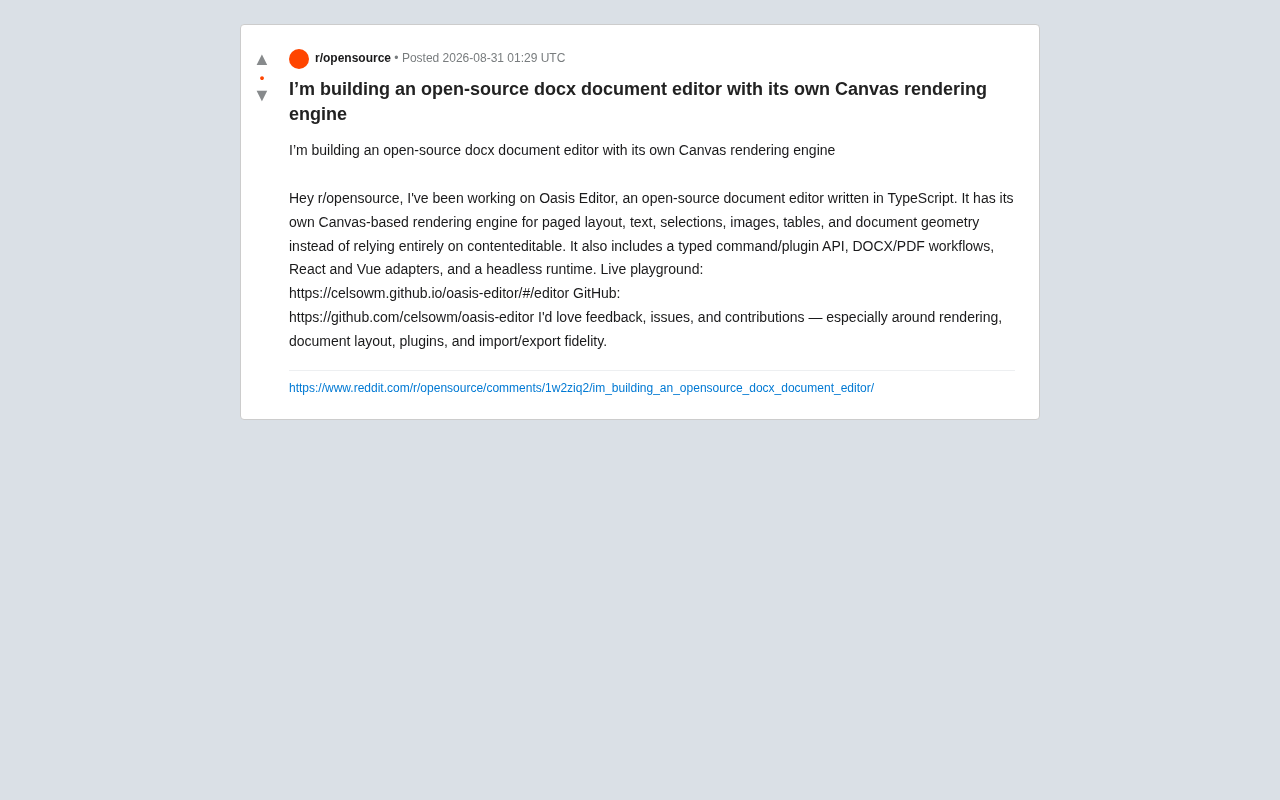
Open-source document editor with custom Canvas rendering, bypassing contenteditable for pixel-perfect control
Oasis Editor takes a radical approach to document editing by building a custom Canvas rendering engine that completely bypasses contenteditable. This TypeScript project offers pixel-level layout control, paged document layout, DOCX/PDF workflows, typed plugin API, and React/Vue adapters, trading browser defaults for absolute rendering control.
Rethinking the Technical Approach to Document Editors
When building rich text editors in browsers, almost all mainstream solutions are tied to contenteditable.
contenteditable is an HTML5 global attribute. When an element is set to contenteditable="true", users can directly edit text content within that element. This feature was first introduced by Internet Explorer 5.5 and later incorporated into the W3C standard. Its core advantage is low development cost—the browser automatically handles cursor positioning, selections, input methods, and text rendering. However, precisely because it relies on browser implementation, different browsers (Chrome, Firefox, Safari) exhibit significant differences when handling complex scenarios: cursor positioning algorithms differ, deletion behaviors are inconsistent, and HTML structure cleanup strategies vary.
From early Google Docs to Notion, Quill, and ProseMirror, contenteditable has provided native browser editing capabilities, but it also brings well-known pain points: cross-browser behavioral inconsistencies, difficulty in precisely controlling cursor and selection, and extreme difficulty achieving pixel-level control for complex layouts (pagination, tables, mixed text-image layouts). This forces developers to write extensive compatibility code and even proactively disable default browser behaviors to implement their own editing logic. For professional document editors pursuing pixel-level control, the "black box" nature of contenteditable becomes a technical ceiling.
Developer celsowm publicly released an open-source project called Oasis Editor in Reddit's r/opensource community, choosing a more radical technical approach—building a custom Canvas rendering engine that completely bypasses contenteditable.
Canvas is an HTML5 bitmap drawing API where developers directly draw pixels on the canvas through JavaScript. Unlike the DOM, Canvas doesn't maintain an element tree structure; all content is "painted" as images. Using Canvas rendering in a document editor means that every character, every line, every table border needs to be manually calculated for coordinates by developers and drawn using the drawing API. This means text, selections, images, tables, and even the entire document geometry are rendered and managed by the project's own engine.
For frontend developers who have long been troubled by various edge cases of contenteditable, this is an attempt worth paying attention to.
Why Build a Custom Canvas Rendering Engine
Natural Limitations of contenteditable
contenteditable essentially hands control of layout and rendering to the browser. This works fine for simple scenarios, but once you need to implement paged layout—displaying documents in paginated form like Word with A4 paper—native browser capabilities fall short.
Pagination requires precise calculation of the position of every line, every image, every table within pages, with automatic cross-page handling when content overflows. This type of geometric calculation is difficult to implement stably at the DOM level and represents one of the biggest bottlenecks of the contenteditable approach.
Core Advantages and Costs of the Canvas Approach
By taking over rendering with Canvas, Oasis Editor gains complete control over the following elements:
- Paged layout: Precisely simulating paper pages with pixel-level typesetting control
- Text rendering: Glyph arrangement, line height, and line-breaking logic entirely determined by the engine
- Selection management: Cursor and highlighting no longer affected by browser implementation differences
- Images and tables: Managed uniformly as part of document geometry, avoiding DOM-level layout collapse
The core advantage of this approach is "complete control": developers can decide content positioning down to the pixel level, unrestricted by browser layout engines. For example, when implementing pagination, you can precisely calculate each line's text height and trigger pagination logic when content exceeds page boundaries, drawing overflow content to the next Canvas page. This geometric calculation is extremely difficult to achieve in the DOM because browser flow layout inherently doesn't support the concept of "pages."
Of course, the cost of this path is also significant: cursor input, input methods (IME), accessibility, copy-paste, and other capabilities browsers originally provide for free all need to be reimplemented by developers.
IME adaptation is one of the biggest challenges. IME (Input Method Editor) is a system component that handles non-Latin character input; Chinese, Japanese, Korean, and other language inputs all rely on IME. In contenteditable, browsers automatically handle IME events: displaying candidate word panels, updating uncommitted text (composition), processing committed input. But in the Canvas approach, developers must manually implement this by listening to compositionstart, compositionupdate, compositionend, and other events. The biggest challenge is candidate panel positioning—precisely calculating the current cursor's pixel coordinates in the Canvas and using a hidden DOM input box to receive system IME events, then synchronizing input content back to Canvas rendering.
Rebuilding accessibility is equally daunting. Accessibility ensures that users with disabilities can also use software, with core standards being W3C's WCAG and ARIA. In contenteditable, browsers automatically maintain semantic DOM structure; screen readers can directly read text, identify heading levels, and announce cursor position changes. But Canvas appears as an "image" to screen readers, without any semantic information. Developers must manually construct shadow DOM or ARIA live regions, mapping the document structure in Canvas to accessible HTML elements and synchronizing content changes in real-time.
This is why the vast majority of editor projects don't touch the Canvas approach—Oasis Editor has chosen a path with extraordinarily substantial engineering requirements.
Core Features of Oasis Editor in Detail
According to information disclosed by the author, this project written in TypeScript already has a relatively complete architecture.
Typed Command and Plugin API
The project provides a typed command/plugin API, allowing developers to manipulate documents through a strongly-typed command system and extend functionality through a plugin mechanism. This design borrows from the approach of mature editors like ProseMirror and Tiptap—abstracting editing operations as commands and modularizing functionality as plugins to ensure maintainability and extensibility.
ProseMirror is a rich text editing framework developed by the CodeMirror author. Its core design represents documents as immutable tree-structured data (similar to virtual DOM), with all editing operations modifying state through transactions, and the framework mapping state changes to DOM updates. Tiptap is a higher-level wrapper around ProseMirror, providing friendlier APIs and out-of-the-box extensions. Both are built on contenteditable, "taming" contenteditable's inconsistencies by intercepting browser events and normalizing DOM structure. In contrast, Oasis Editor's Canvas approach completely abandons the DOM as document representation, requiring its own implementation of similar state management and command systems, but gaining absolute control over the rendering layer.
For developers needing deep customization of editor behavior, typed APIs mean better developer experience and fewer runtime errors.
DOCX and PDF Import/Export Workflows
As a project positioned as a "docx document editor," support for DOCX and PDF import and export is a core requirement. Oasis Editor has built-in workflows for these two formats, which is also one of the areas where the author particularly hopes for community help—import/export fidelity.
The DOCX format is extremely complex. DOCX is Microsoft Office Open XML's document format, essentially a ZIP archive containing XML files and resource files. Its core structure includes document.xml (body content), styles.xml (style definitions), numbering.xml (list numbering), etc. Complexity is evident in: the style system supports inheritance and overrides; tables support nesting, cross-page spanning, cell merging, and complex border styles; headers and footers can differ on first pages and odd/even pages, containing field codes for dynamic content like page numbers; image anchoring supports both inline (flowing with text) and absolute (fixed position) modes.
Achieving high-fidelity import/export requires fully parsing the Office Open XML specification (over 5,000 pages of documentation), handling font embedding, revision tracking, footnotes and endnotes, and dozens of other features. This includes style inheritance, nested tables, complex headers and footers, and numerous other details; achieving high compatibility with Microsoft Word requires long-term sustained investment.
React and Vue Framework Adapters
The project provides both React and Vue adapters, significantly lowering the barrier to integration in mainstream frontend frameworks. Regardless of your project's tech stack, you can integrate Oasis Editor relatively easily.
Headless Runtime
Another detail worth mentioning: Oasis Editor includes a headless runtime, where the editor's core logic can run independently of the UI. This opens up many server-side application scenarios:
- Server-side document processing and format conversion
- Batch document automated typesetting
- Document generation in CI/CD pipelines
This "core-view separation" architectural design is an important development trend in modern editor frameworks.
Online Demo and Community Participation
The author has provided an online demo and GitHub repository, where anyone can try it directly and view the source code.
In the release post, the author clearly expressed expectations for community feedback and contributions, specifically soliciting help in the following areas:
- Rendering: Performance optimization and rendering correctness of the Canvas engine
- Document layout: Refinement of pagination and layout geometry logic
- Plugins: Enriching the editor's extensibility
- Import/export fidelity: Improving compatibility with Microsoft Office and other mainstream tools
These directions happen to be the most challenging technical barriers for custom rendering engine projects.
Value and Challenges of Canvas-First Document Editors
Oasis Editor brings to mind a wave of "Canvas-first" document product thinking that has emerged in recent years. Teams both domestically and internationally have realized that to truly achieve Word-level pagination layout and cross-platform consistency, contenteditable will eventually become a technical bottleneck. Commercial products like Tencent Docs and Feishu Docs have also introduced custom rendering approaches to varying degrees during their evolution.
From an engineering perspective, building a Canvas rendering engine, command system, plugin architecture, multi-framework adapters, and bidirectional DOCX/PDF conversion from scratch by one person (or a small team) involves an astonishing amount of work. The real challenge isn't drawing text on Canvas, but filling in all those "invisible capabilities" that browsers originally provide for free—IME input method support, accessibility, cursor management, copy-paste. This often determines whether such projects can move to production environments.
For developers interested in open-source editor technology, Oasis Editor is an excellent learning case: it comprehensively demonstrates how to bypass contenteditable and build a document editing system from the ground up. Whether you want to deeply understand how rich text editors work or are looking for an open-source document editing solution with deep customization potential, this project is worth continued attention and active participation.
Key Takeaways
Related articles

Salesforce Acquires Rune for $375M: AI Logistics Tech Bolsters Defense Business
Salesforce reportedly acquires defense tech startup Rune for $375M. Rune's AI logistics tech will strengthen Salesforce's Missionforce defense platform, continuing its M&A spree.

Why Fair Use Benefits Everyone in the AI Era
Starting from a Hacker News discussion, this article analyzes the legal logic and controversies of the fair use principle in AI training and content creation, and its dual impact on creators and the tech ecosystem.

Mistral Large 4 Open-Sources a Trillion Parameters, Microsoft Offers Voluntary Severance to 60,000 Employees
Mistral Large 4 open-sources a trillion-parameter multimodal model with a coding agent score of 48; SanDisk earnings show AI inference reshaping NAND demand; Google Gemini adds in-app file editing, OpenAI raises Codex quotas, and Microsoft offers voluntary severance to 60,000 employees.