One-Tap Channel Switching: Building a Dead-Simple Live TV Setup for Family Members

One-tap phone control switches Android TV channels for a non-technical dad using ADB wireless debugging and Dispatcharr.
A developer built a custom sports-watching setup for his tech-averse father: using Android TV's ADB wireless debugging, a single tap on a mobile page wakes the TV and jumps directly to the live channel. Channel data comes from IPTV manager Dispatcharr, live scores are scraped from a website, and both are shown on the same page. TiviMate was the original player choice but automation couldn't be wired through; Moonfin was used instead. The project's core value lies not in technical complexity but in encapsulating all complexity into backend scripts — zero learning curve for the end user.
A Custom Sports-Watching Setup for Dad
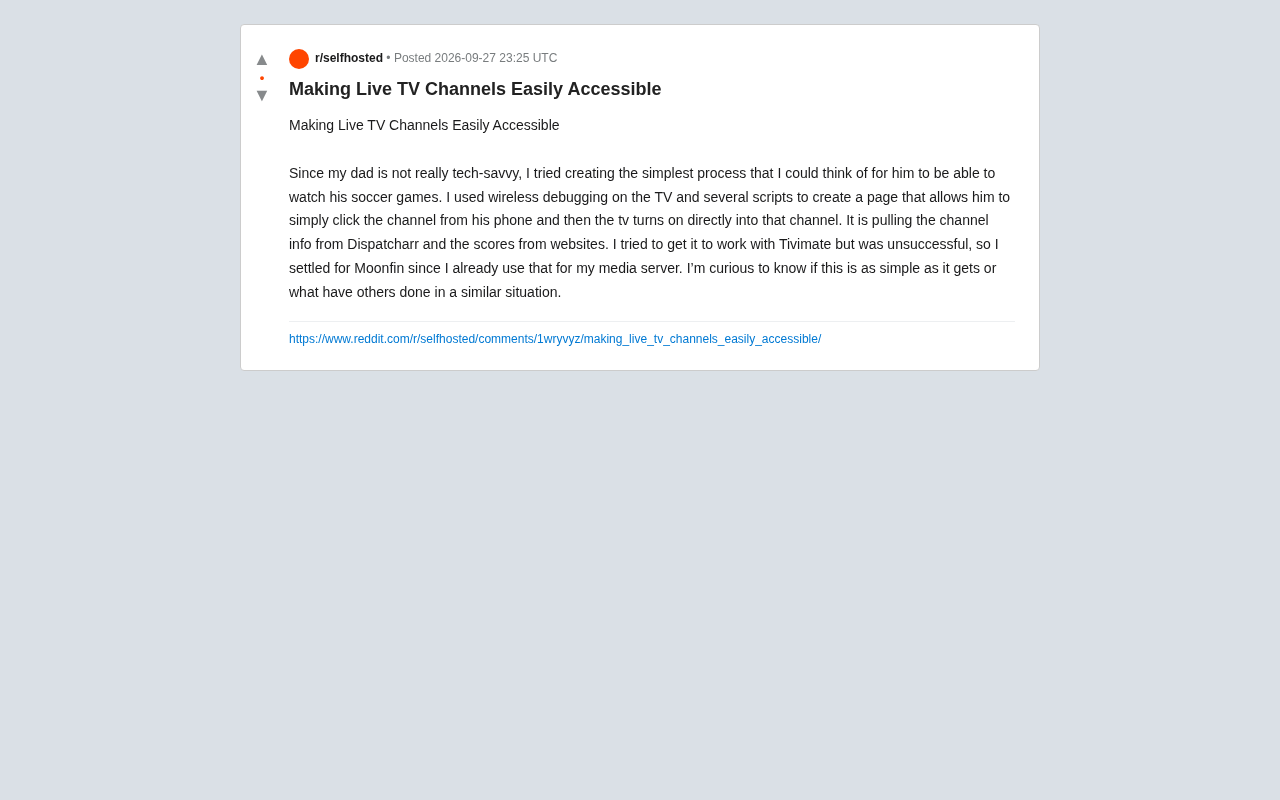
Technology's real value often isn't about how many features it packs — it's about whether the people who actually need it can use it. A Reddit user's self-built project is a perfect example: his father isn't comfortable with technology but wants an easy way to watch football matches. Rather than handing the old man a pile of remote controls and apps, he designed a system where tapping a channel on a phone immediately switches the TV to that channel.
What makes this approach worth studying is that it compresses all the interaction complexity into background scripts, leaving the user with the simplest possible action — tapping a channel on a mobile web page. For elderly family members unfamiliar with smart TV interfaces, this kind of "zero learning curve" design is far more meaningful than any flashy feature.
Technical Breakdown
Based on the author's description, the whole setup is assembled from a few key components with clean logic and manageable costs.
Controlling the TV via Wireless Debugging
The core automation relies on Android TV's Wireless Debugging feature. Through a wireless ADB connection, the script can remotely wake the TV, launch a specific app, and jump directly to a channel — skipping the usual chain of: manually powering on, finding the input source, opening the app, and scrolling through channel lists. This is the technical foundation that makes "one-tap, direct access" possible.
ADB (Android Debug Bridge) is an official Google command-line tool, originally designed for developers to debug Android applications. Android TV, being the television variant of Android, includes this interface as well. Once wireless debugging is enabled, devices on the same local network can communicate with the TV over TCP/IP — no USB cable required. Common control commands include:
adb shell am startto launch a specific app,adb shell input keyeventto simulate remote control button presses, and using Intents (Android's inter-app communication mechanism) with parameters to open a specific page within an app (a.k.a. "deep linking"). Worth noting: wireless debugging on Android TV must be manually enabled in Developer Options, and may require re-authorization after each reboot — a stability factor to account for when maintaining a self-built setup.
Channel Info and Score Aggregation
Channel data comes from Dispatcharr — a tool for managing IPTV channels and playlists, responsible for providing channel source information. Live scores are scraped from a relevant website and displayed on the same page. This way, when the father opens the mobile page, he can simultaneously see which matches are currently on and their live scores, then tap the corresponding channel to switch. Information and action are consolidated in one place.
IPTV (Internet Protocol Television) is a technology for delivering television content via internet protocols. Users typically hold M3U playlist files containing channel addresses, which they use with compatible players to watch live or on-demand content. Dispatcharr is a self-hosted channel management tool whose primary function is centralizing management of multiple M3U sources, grouping and deduplicating channels, and serving the organized channel list to players through a unified interface — essentially acting as a "channel dispatch layer." Tools like this solve a common pain point in the IPTV ecosystem: the same channel from different sources may have multiple addresses with inconsistent reliability. Dispatcharr can be configured with failover logic to automatically switch to a backup address when a source goes down.
Tradeoffs in the Playback Layer
The author originally wanted to pair this with TiviMate — an extremely popular player in the IPTV community — but couldn't get the automation pipeline working. He ultimately fell back on Moonfin (a Jellyfin ecosystem client) for a practical reason: he was already using it on his own media server, which reduced extra configuration overhead. This kind of "reuse what you already have" decision is often more pragmatic than chasing the optimal solution in personal self-hosted projects.
TiviMate is one of the best-regarded third-party IPTV players on Android TV, known for smooth EPG (Electronic Program Guide) display and stable playback performance — widely used in the enthusiast community. Its automation limitations stem from the fact that TiviMate is not open source; there is no fully documented public Intent interface, and some deep linking features depend on specific versions or require a paid subscription. This makes reliably jumping to a specific channel via ADB difficult to guarantee. Jellyfin is an open-source media server project, and Moonfin is an Android TV client built specifically for Jellyfin. Because the Jellyfin ecosystem is designed around open interfaces, controlling playback content via Intent parameters is relatively straightforward — one of the practical reasons the author ultimately chose it.
The Thinking Behind Minimalist Design
What's most compelling about this project isn't the technical complexity — it's the design philosophy. At the end of his post, the author raised an open question: is this already the simplest possible approach, or does someone have a better way?
This cuts to an often-overlooked principle in home automation: when designing for non-technical users, the metric isn't how many features you've implemented, but how many concepts the other person has to understand. Getting the TV to jump straight to a channel is far more effective than teaching an elderly parent to navigate a full-featured IPTV player. Keep the complexity for yourself; give simplicity to the user. This is a shared philosophy among many excellent home tools.
Alternative Approaches for Similar Use Cases
For anyone with similar needs, this setup provides a useful framework — and room for refinement:
- Player compatibility: If you want to use a more feature-rich player like TiviMate, you'll likely need to investigate its support for ADB deep links or Intent calls — often the deciding factor in whether automation can be wired together end-to-end.
- Control layer alternatives: Beyond ADB wireless debugging, consider home automation platforms like Home Assistant, which have mature Android TV integrations with better stability and maintainability.
- Score display robustness: Scraping live scores depends on third-party websites — changes in page structure can break the scraper. Long-term use requires thinking about data source reliability.
Final Thoughts
These seemingly "small-scale" self-built projects often capture the essence of technology serving people better than commercial products do. There's no polished UI here, no complex architecture — just a precise solution to a real family need: letting a non-technical father easily tune in to a football match.
For hobbyists into smart home setups and IPTV, it's a reminder: before stacking on more features, first think clearly about who the real user is — and how much complexity they can actually handle.
Related articles

A Single Prompt Triggers a Global PHP Security Storm: Is AI a Savior or a Hidden Risk?
A single AI prompt triggered a global PHP security crisis affecting Wikipedia and the Internet Archive. This article reviews the incident, analyzes the OpenAI-Amazon controversy, and explores the security paradox of lowered vulnerability discovery barriers in the AI era and developer response strategies.

When AI Is Taken Away: How Reliance on Shortcuts Undermines Your Problem-Solving Resilience
A study of 1,222 people found that after using AI to answer questions, once AI was removed, people gave up on more problems than a control group that never used AI. The article analyzes the impact of AI reliance on learning resilience and metacognition, and explores design implications for AI learning tools.

Carta and NewView Partner to Let Startup Employees Cash Out Equity Early
Carta and NewView Capital partner to simplify startup tender offers, helping employees sell equity early. Analysis of the mechanism, liquidity pain points, and impact.