ORBF: Open Reference-Board Format — Solving the Cross-Platform Migration Problem for Creative Assets

ORBF proposes an open ZIP+JSON format to enable reference board portability across creative tools.
ORBF (Open Reference-Board Format) is a community-driven proposal for an open exchange format that addresses the long-standing problem of reference board data being locked into proprietary applications. Using a ZIP+JSON architecture, it supports features like image cropping, group transforms, media playback, and embedded resources — capabilities missing from existing formats like JSON Canvas. Currently at version 0.1, ORBF aims to serve as a lightweight exchange layer rather than replacing native formats, prioritizing data recoverability and cross-platform interoperability for creative professionals.
Why Reference Boards Need an Open Format
Reference-board applications are widely used among creative professionals — designers, illustrators, and concept artists regularly use them to collect inspiration images, arrange assets, add notes, and save links. The concept of reference boards originally stems from the traditional design industry, where designers would pin clippings, fabric swatches, color cards, and photos onto physical foam boards or cork boards to establish a visual direction. In the digital era, this workflow has been inherited by software and services like PureRef, Eagle, Milanote, and Pinterest. Today's mainstream reference board tools each have their own focus — PureRef is free and lightweight but limited to desktop, Eagle emphasizes asset management, while Figma/Miro approach the space from a collaborative whiteboard angle. What these tools share in common is support for free-form canvas layout, image drag-and-drop, zoom and pan, and basic annotation features.
However, one long-standing problem has plagued users: these reference board files are extremely difficult to migrate between different applications.
According to a proposal by a Reddit developer, many reference board applications use proprietary or binary formats, meaning that without the original software, file contents are difficult to view or recover. A Proprietary Format refers to a file whose internal structure is undocumented, typically stored using binary encoding or encryption. In contrast, an Open Format has a fully published specification that any developer can use to write programs that read and write the format. Vendor Lock-in is not a new problem in the creative field — Adobe's PSD format has long faced similar controversy. While reverse engineering has enabled third-party tools to partially read PSD files, advanced features like full layer effects and smart objects can still only be fully rendered by Photoshop.
The result is that users get locked into a single application — once the software is discontinued, the platform becomes incompatible, or collaborators use different systems, painstakingly built reference boards can become uneditable "dead files."
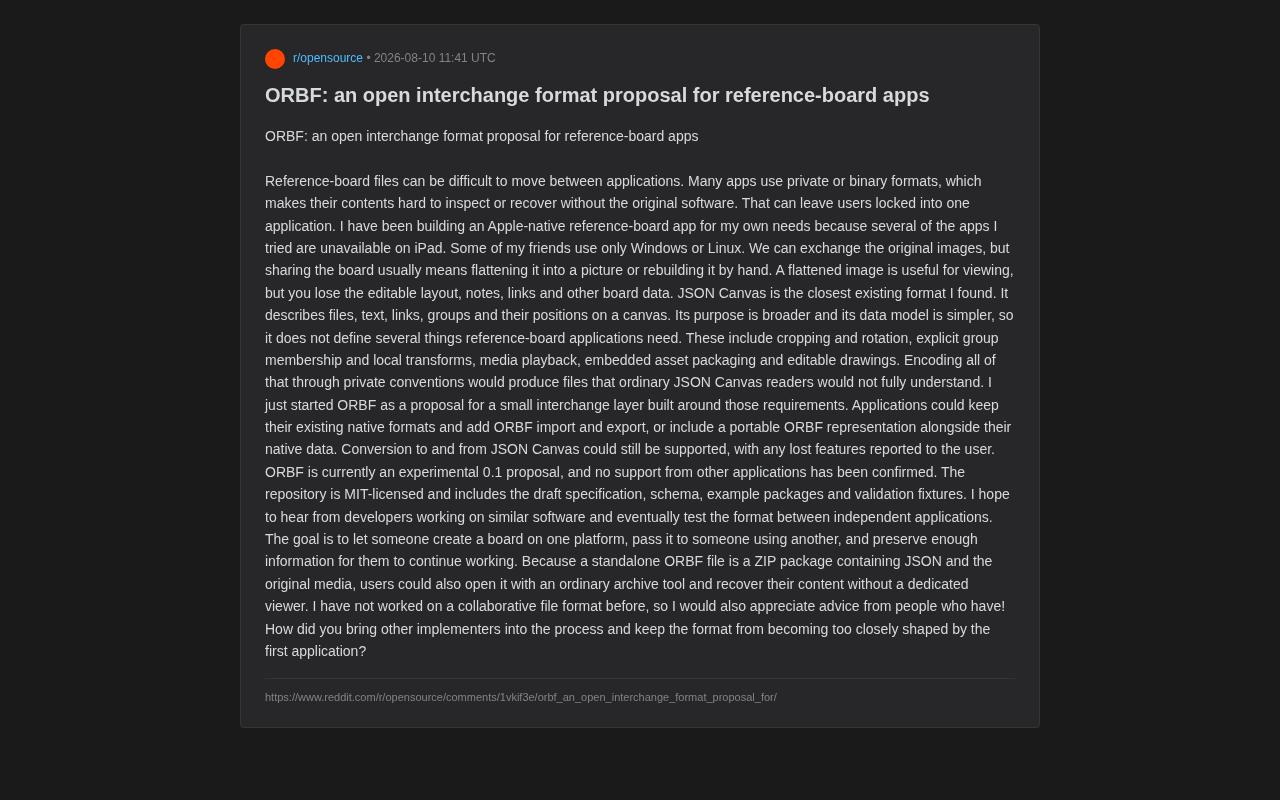
The developer's motivation is very practical: he built a native Apple reference board app for himself because none of the apps he tried supported iPad; meanwhile, some of his friends only use Windows, and others only use Linux. While all three can exchange raw images, sharing an entire "reference board" usually means either flattening it into a single image or manually rebuilding it. A flattened image is viewable, but the editable layout, notes, links, and all other board data are completely lost.
Why Existing Formats Fall Short
Limitations of JSON Canvas
When searching for solutions, the author found that the closest existing format is JSON Canvas. This is an open format for describing files, text, links, groups, and their positions on a canvas, originally driven by the Obsidian team. JSON Canvas (file extension .canvas) was officially open-sourced in early 2024 under the MIT license. Its data model is remarkably simple: the top level is a JSON object containing nodes (an array of nodes) and edges (an array of connections). Each node has properties like id, type, x, y, width, and height, where type can be text, file, link, or group; edges describe connections between nodes, supporting start/end anchors and color properties. This minimalist design makes the format easy for third parties to implement (dozens of compatible apps already exist), and its strengths lie in being open, human-readable, and having a relatively broad ecosystem.
But the problems are also clear: JSON Canvas targets a broader use case with a simpler data model, and therefore does not define several key features that reference board applications truly need. Due to the lack of transform matrices, clip paths, and mechanisms for embedding binary resources, specific gaps include:
- Cropping and rotation: Images in reference boards frequently need partial cropping and angle adjustments;
- Explicit group membership and local transforms: Clearly defining which elements belong to the same group, and independent transformations within groups;
- Media playback: Support for video, audio, and other dynamic assets;
- Embedded resource packaging: Bundling original assets directly into the file;
- Editable drawings: Hand-drawn annotations, sketches, and other vector content.
If these features are force-fitted using proprietary conventions, the resulting files cannot be fully understood by standard JSON Canvas readers — defeating the purpose of compatibility.
Core Design Philosophy of ORBF
Positioned as a Lightweight "Exchange Layer" Rather Than a Replacement
Addressing the above needs, the author initiated ORBF (Open Reference-Board Format) as a proposal. Its positioning is deliberately restrained: it's not meant to replace any application's native format, but to serve as a small exchange layer.
Applications can integrate in two ways:
- Keep their existing native format and add ORBF import/export capabilities;
- Include a portable ORBF representation alongside native data.
Meanwhile, interconversion between ORBF and JSON Canvas can still be supported, with any feature loss during conversion explicitly reported to the user. This "progressive enhancement" approach lowers the barrier to entry for developers while respecting each application's existing technical investment.
ZIP + JSON Architecture: Data Recoverability First
A pragmatic design choice in ORBF is that a standalone ORBF file is essentially a ZIP archive containing JSON and raw media. This brings an important benefit — even without a dedicated viewer, users can open the file with any compression tool and directly retrieve their images and data.
Designing a file format as a ZIP container is not unique to ORBF — it's a widely validated design pattern. The most notable precedents include: OOXML (.docx/.xlsx/.pptx, where Microsoft Office documents are essentially ZIPs containing XML and media resources), ODF (.odt/.ods, LibreOffice's open document format), EPUB (e-book format, ZIP containing XHTML and images), and Sketch files (ZIP containing JSON page descriptions and image resources). The core advantages of this architecture are: leveraging ZIP's universal compression to reduce file size; keeping internal files independently accessible so content can be manually extracted even without a dedicated reader; and organizing different types of data through directory structure to achieve separation of concerns.
This directly addresses the pain point of "format lock-in." For creators who rely on reference boards to accumulate assets over the long term, "my content won't disappear in the worst case" provides a critical sense of security.
Project Goals and Current State of Open Collaboration
Making Reference Boards Truly Flow Across Platforms
ORBF's core goal can be summed up in one sentence: enable someone to create a reference board on one platform, send it to someone using another platform, and retain enough information for the recipient to continue working. This is precisely the missing piece in the current reference board ecosystem.
Currently, ORBF is still in an experimental version 0.1 proposal stage, with no other applications having confirmed support. Its code repository is under the MIT license and includes a draft specification, schema, example packages, and validation fixtures — a relatively complete set of starting materials, indicating the author is seriously pushing toward standardization rather than just throwing out an idea.
Classic Challenges Facing Open Standards
You might not have noticed, but the author candidly admits at the end of the proposal that he has no experience with collaborative file formats, and asks the community for help with two classic questions:
- How do you bring other implementers into the design process?
- How do you prevent the format from being over-fitted by the first application's implementation?
These two questions are precisely the make-or-break factors for all open standards. History is full of formats that were "seemingly open but actually dominated by a single vendor," ultimately failing to achieve broad adoption. Successful open standards (such as HTML/CSS, SVG, PDF, glTF) typically share several common characteristics: they were jointly developed by multiple independent implementers, have clear governance organizations (such as W3C, Khronos Group), and undergo rigorous interoperability testing. There are plenty of cautionary tales too — XMPP (instant messaging protocol), while open, became fragmented after Google, Facebook, and other major players adopted and then abandoned it; WebSQL was dropped by W3C because it had only a single implementation (SQLite).
For a community-driven proposal like ORBF, the critical milestone is obtaining at least two independent compatible implementations not developed by the author — this is commonly known as the "Two Independent Implementations" principle, a hard requirement for W3C to advance a specification from draft to recommendation status. Whether ORBF succeeds largely depends on whether it can attract independent second and third-party implementations early on, refining the specification through actual interoperability testing.
Conclusion: The Big Significance Behind a Small Format
ORBF is currently just an early-stage proposal from an individual developer, with an uncertain future. But it touches on a real need that has been long neglected: data sovereignty and portability between creative tools.
Discussions around Data Sovereignty and Data Portability have expanded in recent years from cloud computing and social media to the creative tools space. The EU's Digital Markets Act (DMA) and Data Act explicitly require "gatekeeper" platforms to provide data export capabilities. In the creative industry, Adobe's 2022 announcement of its Figma acquisition (later terminated due to regulatory concerns) sparked widespread discussion about data portability — if one company controls the entire chain from design to delivery, do users' creative assets truly belong to them? As an upstream component of the creative workflow (inspiration collection → concept design → execution), the portability of reference board data directly impacts whether creators can freely choose their downstream toolchain.
In an era where AI-generated assets are exploding and cross-platform collaboration has become the norm, reference boards — as a vital part of the creative workflow — deserve an open, inspectable, and recoverable exchange format. ORBF may not be the final answer, but the question it raises — how to establish interoperability while respecting existing ecosystems — deserves serious consideration from the entire creative software industry.
Related articles

VICE Platform: An AI Security Scanning Tool Review for Indie Developers
VICE Platform scans web app vulnerabilities from an attacker's perspective, with open-source CLI and GitHub Action integration. Covers leaked secrets, Supabase RLS misconfigs, and exposed APIs for indie developers.

ScreenMark: A Mac Screen Annotation Tool with iPhone Remote Control for Freer Presentations
ScreenMark is a macOS menu bar screen annotation tool with live drawing, zoom, whiteboard overlay, recording, and a free iPhone remote app for teachers, presenters, and developers.

Switchy: One-Click Switching of Magic Keyboard, Mouse, and Trackpad Between Multiple Macs
Switchy is a macOS menu bar tool that lets you switch Magic Keyboard, Trackpad, and Mouse between multiple Macs with one click—no manual Bluetooth re-pairing needed.