Paseo Integrates Vercel Sandbox: Run Coding Agents in the Cloud and Take Over Across Devices
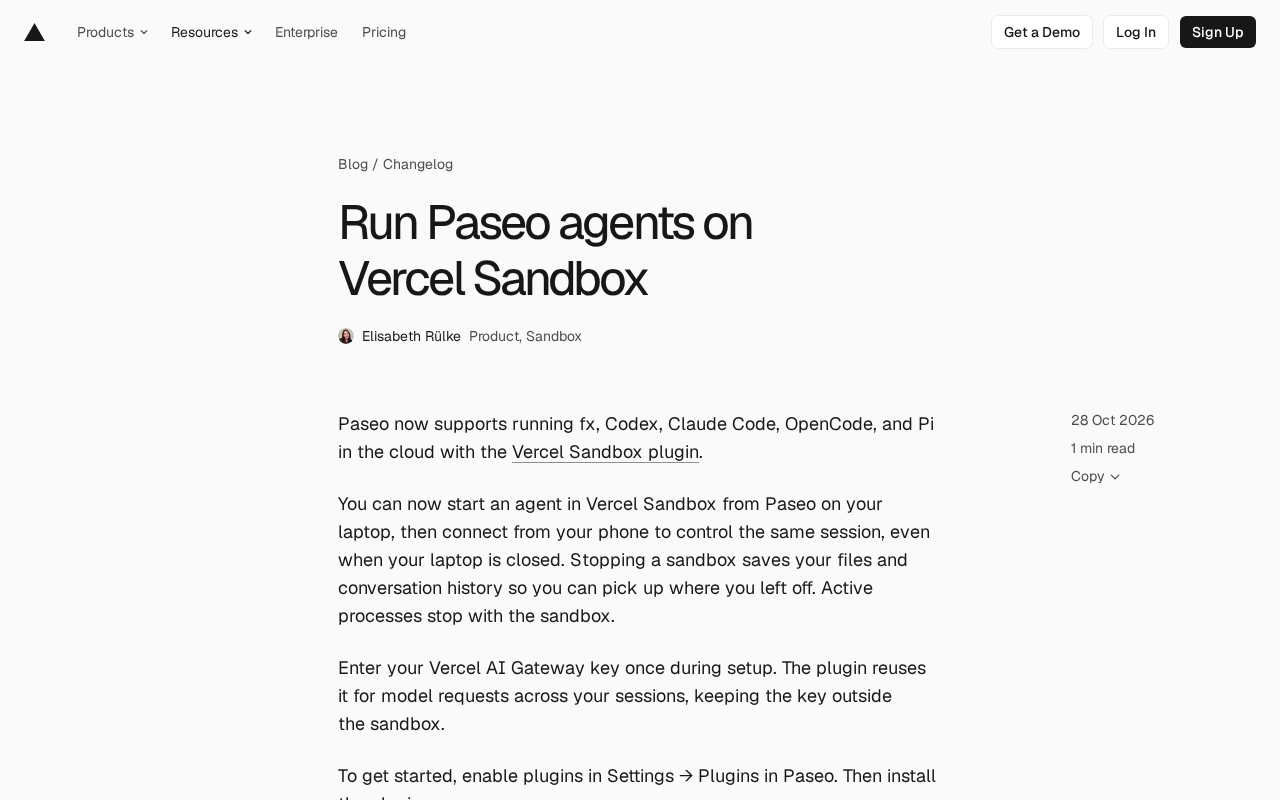
Paseo's Vercel Sandbox plugin lets coding agents run in the cloud with cross-device handoff.
Paseo has launched the Vercel Sandbox plugin, moving coding agents from the local terminal to a cloud sandbox. Tools like fx, Codex, Claude Code, OpenCode, and Pi can launch directly in the sandbox, with agent processes, project files, and session records stored in the cloud while local devices become interaction endpoints. Stopping the sandbox preserves files and conversation history for resumption, though active processes stop; the same session supports laptop-to-phone handoff. Integration requires enabling the plugin and running an install command, with the Vercel AI Gateway key configured once and stored outside the sandbox. The article argues the core value is making agent runtime location portable rather than improving model capabilities, while noting that performance specs, billing, and data compliance still need confirmation via official documentation.
Paseo has recently launched a Vercel Sandbox plugin that moves coding agents from the local terminal to the cloud. Popular tools like fx, Codex, Claude Code, OpenCode, and Pi can all be launched directly within Vercel's sandbox environment. More importantly, sessions are no longer tied to a single machine — you can start a task on your laptop, close the lid, and continue the same session from your phone.
What Problem Does the Cloud Sandbox Solve
The typical pain point of coding agents is environment coupling. The model runs in the cloud, but the toolchain, filesystem, and conversation history all stay local — if you switch devices or lose connectivity, the task has to start over. The Vercel Sandbox plugin's approach is to externalize the entire execution environment: agent processes, project files, and session records are all placed in the sandbox, while local devices become pure interaction endpoints.
According to Paseo's official description, when the sandbox is stopped, files and conversation history are preserved, and upon restart you can pick up where you left off without losing context. Active running processes, however, stop along with the sandbox. This design means "pause" and "terminate" are two distinct states — the former preserves a resumable state, while the latter is a definitive end.
Cross-device takeover is another practical benefit. The same session can be connected to by a laptop and a phone in sequence, and closing the laptop doesn't affect the cloud task's persistence. For coding tasks that need to run for a long time or progress in stages, this flexibility is more valuable than simply moving model calls to the cloud.
Sandbox here refers to an isolated execution environment: processes, filesystem, and network access are all confined within controlled boundaries, isolated from the host machine and other tenants. Traditionally, developers used virtual machines or containers to achieve similar isolation, whereas Vercel Sandbox is a managed sandbox service where the platform handles underlying resource scheduling and lifecycle management. The direct benefit of this isolation is environmental reproducibility — each launch is based on the same base image, so behavior won't differ due to different locally installed dependency versions. At the same time, the sandbox's snapshot and restore mechanism makes "pause" possible: the platform saves files and conversation state rather than running process memory, so after restore the agent process needs to be relaunched, but context isn't lost. Understanding this helps determine which tasks are suitable for running in the sandbox — tasks focused on file operations and conversational iteration benefit most, while tasks that depend on long-running background processes need to account for restart costs.
Which Agents Are Supported and How to Connect
The plugin covers agents including fx, Codex, Claude Code, OpenCode, and Pi, essentially covering current mainstream command-line coding assistants. The integration process has two steps: first enable the plugin feature in Paseo's Settings → Plugins, then install the plugin package via the command line:
paseo plugin add vercel-labs/paseo-vercel-sandbox
Configuration only requires entering your Vercel AI Gateway key once. The plugin reuses this key for model requests in all subsequent sessions, and the key itself is stored outside the sandbox, so it isn't exposed along with the execution environment. This detail is worth noting — isolating credentials from the runtime environment reduces the risk of keys leaking through sandbox snapshots or logs.
For more details, refer to Paseo's Sandbox documentation, the plugin list page, and related project documentation.
Vercel AI Gateway is Vercel's unified entry point for model requests. Developers can call interfaces from multiple model providers with a single key, and the platform handles routing, quotas, and observability. For the plugin, its value lies in abstracting "which model to use and which channel to go through" out of agent configuration, letting the gateway handle it uniformly. Storing the gateway key outside the sandbox aligns with the principle of least exposure in credential management: code running inside the sandbox may be captured by logs, snapshots, or debug output, while externally injected keys aren't persisted along with these carriers. Note that key reuse means all sessions share the same quota and billing entity; teams should assess whether quota isolation by project or member is needed, and how to synchronize plugin configuration when rotating keys.
Implications for Development Workflows
Putting agents into cloud sandboxes essentially decouples the "development environment" from the "operation terminal." In the traditional setup, your local machine's compute power, network, and power state all affect the continuity of agent tasks; the sandbox model transfers these constraints to the cloud, leaving local devices responsible only for issuing commands and viewing results.
This enables several new usage patterns. First, long-task hosting: after initiating a time-consuming code generation or refactoring task, you can close your laptop and later check progress or continue the conversation from your phone. Second, multi-device handoff: start a session on your office computer and connect to the same state from another device when you get home. Third, environmental consistency: the sandbox provides a unified runtime base, reducing "works on my machine" environment discrepancies.
It should be noted that the current materials don't disclose the sandbox's performance specifications, concurrency limits, or billing model — these need to be confirmed by consulting Vercel Sandbox's official documentation. For teams putting sensitive code into a third-party sandbox, data residency and access control policies are also worth evaluating carefully before adoption.
Who Should Try It
Users already managing multiple coding agents with Paseo face the lowest integration cost — just install the plugin and enter the key once. Developers accustomed to handling fragmented work on mobile may particularly value the cross-device takeover capability. For teams with strict compliance requirements for execution environments, or those relying on special local hardware and private dependencies, the cloud sandbox may not directly replace local execution.
Overall, the core of this update isn't making agents smarter, but making where agents run portable. When sessions can persist beyond a single device, the boundaries of coding agent usage expand from "sitting in front of a computer" to "handing off anytime, anywhere."
One-line Summary
Paseo launches a Vercel Sandbox plugin that lets coding agents run in the cloud with cross-device handoff support.
Paragraph Summary
Paseo has launched a Vercel Sandbox plugin that migrates coding agents from the local terminal to a cloud sandbox. Tools like fx, Codex, Claude Code, OpenCode, and Pi can all be launched directly in the sandbox, with agent processes, project files, and session records stored uniformly in the cloud, leaving local devices as interaction endpoints. When the sandbox is stopped, files and conversation history are preserved, and restarting resumes from where you left off, though active processes stop with the sandbox. The same session supports sequential connections from laptop and phone, and closing the laptop doesn't affect the cloud task's persistence. Integration requires only enabling the plugin in Settings → Plugins and running the install command, with the Vercel AI Gateway key configured once and stored outside the sandbox. The article argues that the core value lies in making agent runtime location portable rather than improving model capabilities, while noting that performance specs, billing, and data compliance policies still need to be confirmed via official documentation.
Related articles
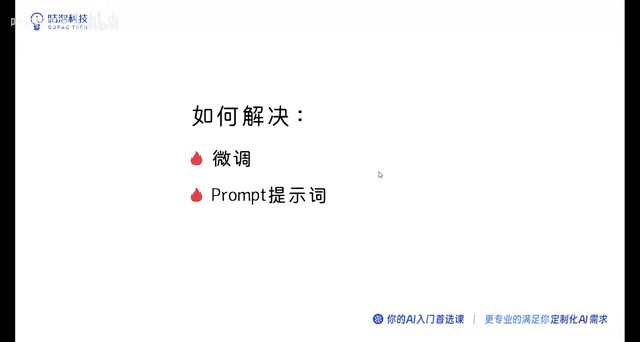
Ollama+RAG Local Knowledge Base Setup: A Step-by-Step AnythingLLM Tutorial
Based on a Bilibili tutorial, this guide details building a local RAG knowledge base with Ollama + AnythingLLM: from general LLM knowledge limits and RAG principles to document upload, vector storage, and verification.
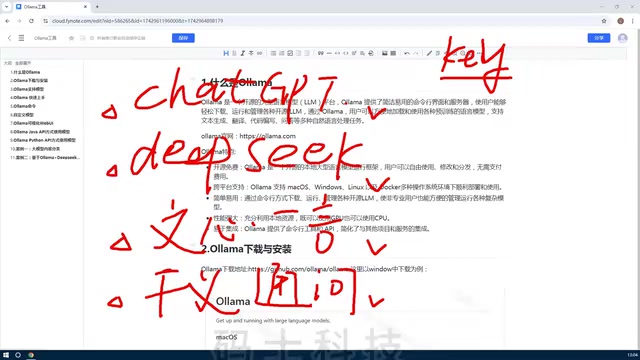
The Ultimate Ollama Tutorial: A Beginner's Guide to Running Large Models Locally for Free
Ollama is an open-source local large model management tool supporting free download and deployment of models like DeepSeek, with command-line and Web UI, cross-platform, automatic GPU/CPU scheduling — ideal for AI beginners and private deployment.
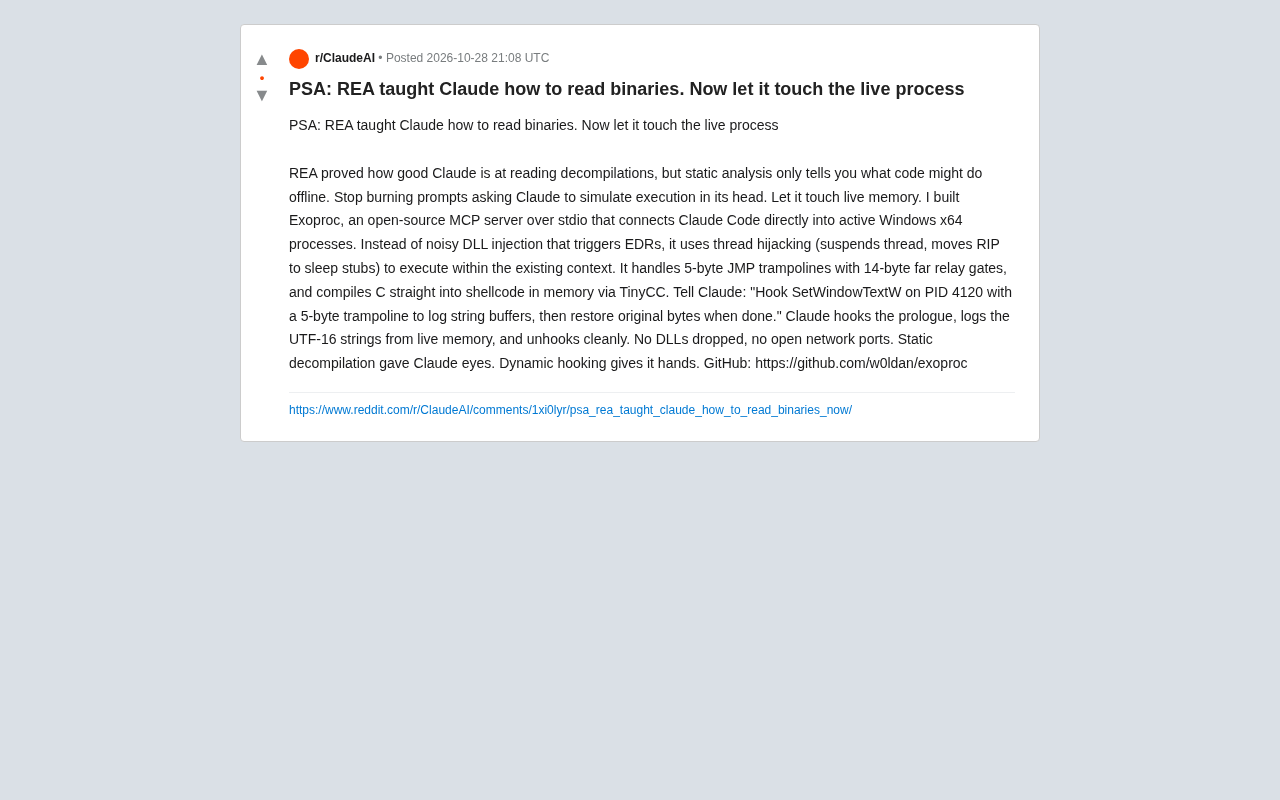
Giving Claude "Hands": Exoproc Open-Source MCP Server Enables Live Process Hooking
Exoproc is an open-source MCP server enabling Claude Code to hook live Windows x64 processes via thread hijacking, bypassing EDR for dynamic analysis. Static decompilation gave Claude eyes; dynamic hooking gives it hands.