Pro Team Standard Builds Switch to Pay-As-You-Go at $0.014/Minute

Pro plans drop the Standard build allowance, switching to pay-as-you-go billing at $0.014 per minute.
This article explains a billing model change for Pro plans: Standard builds are no longer provided as a fixed resource included in the plan and instead adopt pay-as-you-go billing consistent with other build machine types. Under the new rules, Standard builds are billed at $0.014 per minute, the team's monthly usage credit can offset usage, and billing covers all projects under the team regardless of origin or creation time. The article recommends that teams check build minute consumption on the Usage page and reassess build machine type choices in team or project settings. Teams with frequent CI builds especially need to treat Standard builds as a variable cost and actively monitor usage to control costs.
Billing Model Change: Standard Builds No Longer Included in Pro Plans
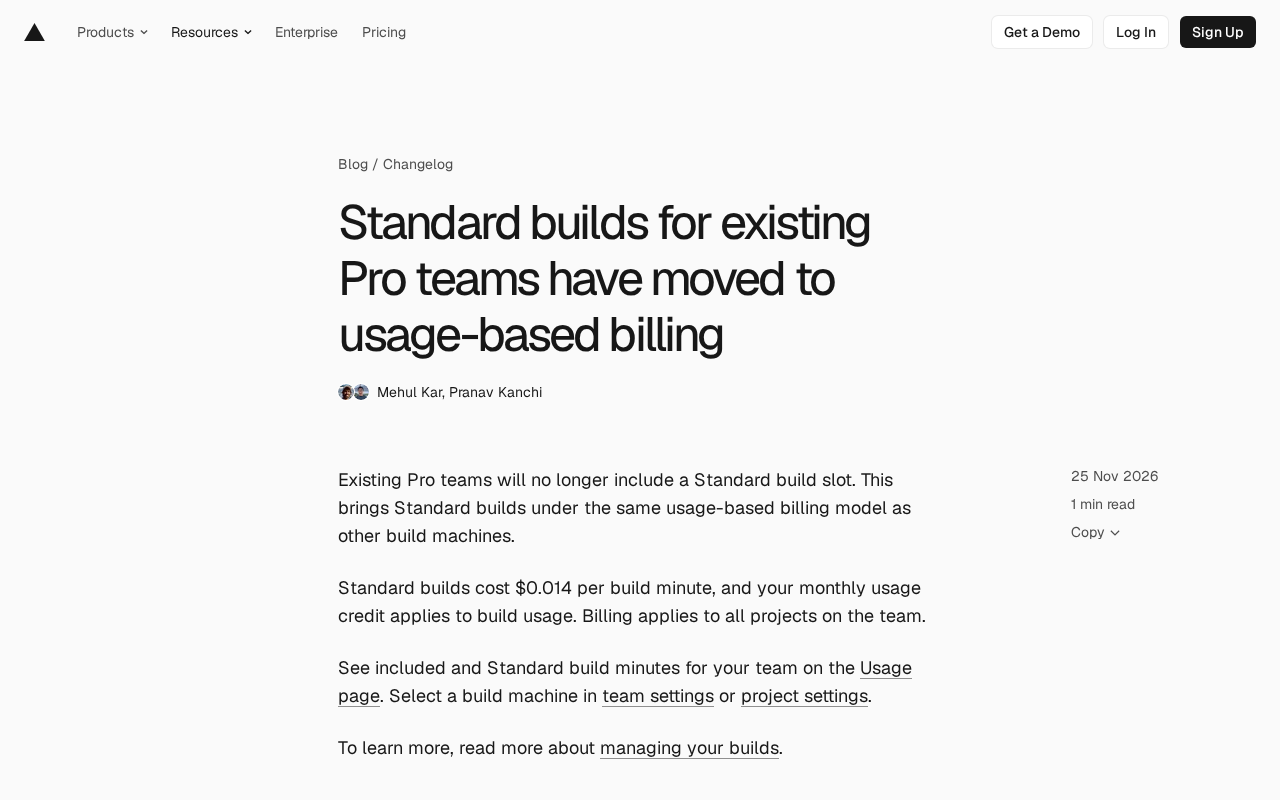
For teams already subscribed to a Pro plan, an important change is that Standard builds are no longer provided as a fixed resource included in the plan. This means the Standard build allowance that Pro teams previously had access to has been removed, and is replaced by a usage-based billing model consistent with other build machine types.
This adjustment directly affects all projects under Pro teams. According to the official announcement, billing will cover all projects within the team, regardless of project origin or creation time. For teams that rely on continuous integration (CI) to trigger builds frequently, the cost structure will change noticeably.
New Billing Rules and Cost Estimates
Standard builds are now billed at $0.014 per minute, and the team's monthly usage credit can be applied toward build usage. This means teams still have a certain free allowance to consume, but anything beyond that is paid based on actual build minutes.
Consistent with other build machine types, Standard builds follow the same billing logic: billed per minute, with a shared monthly allowance. Teams can view their currently included build minutes and Standard build usage on the Usage page.
How to Choose a Build Machine Type
Teams can select a build machine type in team settings or project settings. If a team wants to control costs, it needs to reassess the cost-effectiveness of different build machine types. With Standard builds now billed on a pay-as-you-go basis, costs may still be manageable for projects with low build frequency; however, for projects with frequent builds, usage needs to be monitored more carefully.
usage credit refers to a certain amount or quantity of resources granted each month as part of a subscription plan, which can be applied toward usage-based service consumption. In this context, the team's monthly usage credit can offset Standard build minutes, and only usage beyond that is charged at $0.014 per minute. Allowances typically reset monthly and do not roll over, so teams need to watch whether their current month's usage is approaching the limit.
build machine type refers to the compute instance specifications that execute build tasks in a CI/CD system. Different machine types differ in configurations such as CPU, memory, and disk I/O, directly affecting build speed and cost per unit time. Common categories include Standard and high-performance types. With pay-as-you-go billing, teams need to weigh build duration against unit price: high-performance machines have a higher unit price but may shorten build time, while Standard machines have a lower unit price but take longer. Projects with frequent builds especially need to calculate total cost.
Practical Impact on Development Teams
The core of this change is turning Standard builds from an "included plan resource" into a "pay-as-you-go resource." Where Pro teams may have previously treated Standard builds as part of fixed costs, they now need to bring them into the management of variable costs.
For teams with relatively high build frequency, we recommend checking the Usage page as soon as possible to understand current Standard build minute consumption, and selecting an appropriate build machine type based on project settings. Official detailed documentation on managing builds is available, and teams can refer to it to optimize their build strategy.
Overall, this adjustment aligns Standard build billing with other machine types and simplifies the billing model, but it also requires teams to more actively manage build usage and costs.
Continuous integration (CI) is a development practice in which developers frequently merge code changes into the main branch, with each merge triggering automated builds and tests to catch integration errors as early as possible. CI build frequency is directly related to team size and commit habits; high-frequency triggering causes build minutes to accumulate quickly. Now that Standard builds have moved to pay-as-you-go billing, CI pipeline trigger strategies (such as whether to build on every push, or whether to batch multiple commits before building) can significantly affect monthly costs. Teams can control usage by optimizing trigger conditions.
Related articles

Nothing CMF Buds 2A Drops to $17.89 on Black Friday: A New Low for ANC Earbuds
Nothing CMF Buds 2A wireless earbuds Black Friday deal: just $17.89 on Amazon, about $11 off retail and a record low. ANC earbuds at an entry-level price.

When AI Creation Gets Accused of "Spitting": Hacker News Heats Up Over the Glaude Controversy
A Hacker News post, "Spitting in the Face of Glaude," sparks debate on AI creation transparency and attribution ethics. This analysis examines the blurred creator identity behind the controversy and offers practical advice for AI content production.

Akai Embraces Custom Firmware: MPC Sample 1.4 Lets Users AI-Program Their Sampler
Akai embraces the modding community with MPC Sample 1.4 firmware, supporting vibe-coded custom firmware and effects. We analyze the impact of this open strategy on music hardware and AI-assisted programming.