Qwen 27B on M4 Max: The Truth Behind Local Model tokens/s Numbers

M4 Max Qwen 27B benchmarks show 128K context needs 21min wait — tok/s alone is misleading.
A developer benchmarked Qwen 27B on an M4 Max MacBook Pro and found the widely cited "40 tok/s" decode speed tells only half the story. TTFT and prompt processing matter far more for coding workflows: as context grows from 4K to 30K, wait time before generation rises from 23 seconds to over 3 minutes; at 115K it hits 21 minutes. MLX/NVFP4 is ~3.8x faster than GGUF/Q4_K_M on Apple Silicon, and large contexts drive significant memory pressure and swap usage on the 36GB unified memory system. The developer open-sourced a CLI tool, Devbits Ollama Bench, to measure these context-scaling metrics properly.
Why the 40 tok/s Number Is Misleading You
When choosing a local LLM, most people fixate on one number: tokens per second. A model hitting 40 tok/s sounds pretty solid. But after a developer ran a systematic series of tests on their M4 Max MacBook Pro, they found that number doesn't actually answer the question that matters most — when a coding assistant needs to handle 8K, 16K, 32K, or even more tokens of project context, how long are you really going to wait?
The test setup was a MacBook Pro with an Apple M4 Max and 36GB unified memory, running macOS 26.6.2 and Ollama 0.34.4. The primary test model was Qwen 27B (NVFP4/MLX format, configured with 128K context, medium thinking intensity), benchmarked against the same model in Q4_K_M/GGUF format.
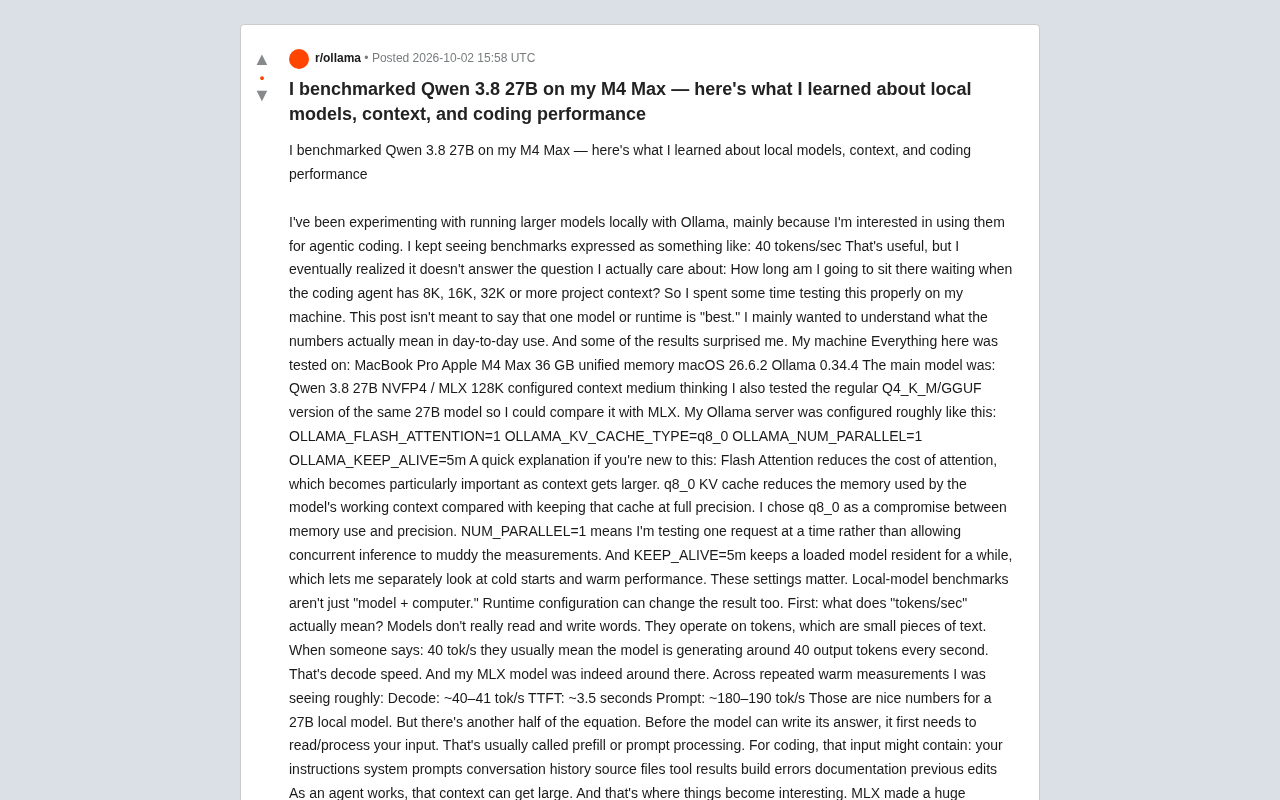
The goal wasn't to declare any model or runtime the "best" — it was to understand what benchmark numbers actually mean in day-to-day use. Some of the results were genuinely surprising.
tokens/sec Only Tells Half the Story
Models don't actually read and write words — they process tokens, small chunks of text. When people say "40 tok/s," they typically mean the model generates about 40 output tokens per second, which is the decode speed. Across repeated warm measurements, the MLX version of Qwen 27B did consistently hit around 40–41 tok/s.
But before the model can write a single word of its answer, it has to read and process your entire input. This step is called prefill, or prompt processing. In a coding context, that input might include system prompts, conversation history, source files, tool outputs, build errors, documentation, previous edits, and more. As an agentic workflow progresses, context keeps growing.
So measuring the real experience of a local model requires at least three dimensions:
- Prompt processing: How fast the model digests your context
- TTFT (Time to First Token): How long you wait before generation actually starts
- Decode: How fast generation proceeds once it begins
The developer emphasized that TTFT is especially critical for local coding models — a model claiming 40 tok/s can absolutely make you wait three minutes before showing a single character when the context is large enough.
MLX Delivers Nearly 4x Speedup on Apple Silicon
Before diving into context scaling, the developer compared decode performance across the two quantization formats, and the gap was striking:
| Model Format | Decode Speed |
|---|---|
| Q4_K_M / GGUF | ~10.7 tok/s |
| NVFP4 / MLX | ~40–41 tok/s |
That's roughly a 3.8x difference in decode throughput. The Q4_K_M version isn't broken — it works fine — but the experience is night and day. At ~10 tok/s, a long coding response can take several minutes to generate. The developer tested having the non-MLX model generate a Next.js/Tailwind/Framer Motion landing page and waited approximately 18 minutes for the full output.
To clarify: MLX is Apple's machine learning framework designed for their chips and unified memory architecture. It's not a different Qwen architecture — it's how the model is represented and executed on the machine. NVFP4 and Q4_K_M describe weight formats and quantization schemes, not different model architectures. On this Apple Silicon machine, MLX makes an enormous difference.
MLX is an open-source machine learning framework released by Apple in late 2023, designed specifically for the unified memory architecture of Apple Silicon (M-series chips). Unlike traditional CPU + discrete GPU setups, Apple Silicon lets the CPU, GPU, and Neural Engine all share the same physical memory pool, eliminating the need to copy data between VRAM and system RAM. MLX exploits this by enabling tensor operations to be dispatched seamlessly across different compute units, dramatically reducing memory bandwidth bottlenecks.
NVFP4 is a 4-bit floating-point quantization format, while Q4_K_M is a 4-bit integer quantization scheme commonly used in the llama.cpp ecosystem (packaged in the GGUF container format). Both achieve similar compression ratios, but on Apple Silicon, MLX has been deeply optimized for the unified memory access patterns, making far more efficient use of GPU memory bandwidth. This explains why two versions of the same model, with similar parameter counts, can differ by nearly 4x in decode speed purely due to runtime and quantization format — the bottleneck isn't compute, it's how efficiently memory bandwidth is utilized.
The Bigger the Context, the Longer You Wait
This is the core question for coding scenarios that the developer actually wanted to answer. Rather than testing with tiny prompts, they measured at approximately 4K, 8K, 16K, and 32K of active input:
| Active Input | Wait Before Generation | Prompt Processing | Decode |
|---|---|---|---|
| ~4K | 23.6s | 198 tok/s | 46.6 tok/s |
| ~8K | 46.8s | 178 tok/s | 41.4 tok/s |
| ~16K | 1m 30s | 176 tok/s | 30.8 tok/s |
| ~30K | 3m 15s | 157 tok/s | 31.9 tok/s |
This table tells a far richer story than the raw 40 tok/s headline. At 8K you're waiting about 47 seconds before generation starts — depending on the task, that might be perfectly acceptable. At 16K you're already waiting a minute and a half. At 30K you're waiting over three minutes.
The key insight: at 30K the model is still decoding at ~32 tok/s — which sounds fine if you only report decode speed. But as the user, you've already been waiting three minutes before any of that starts.
This also surfaces a commonly confused concept: configured context capacity is not the same as currently occupied context. You can configure 128K and only use 8K. Think of the context window as the desk space available to the model — a 128K desk doesn't mean you've covered it with papers, but if you actually load in 100K tokens of documents, the model has that much more material to process.
The computational complexity of the prefill stage scales roughly linearly with input length, but the memory footprint of the KV cache (Key-Value Cache) grows linearly with context length. The KV cache is a core mechanism in Transformer architectures: as the model processes each token, it stores the attention key-value pairs for that layer in cache to avoid recomputing them during subsequent generation steps. Longer context means a larger KV cache — not only does this consume more memory, it also increases the amount of memory that must be read at every decode step, which is the fundamental reason decode speed drops from 46.6 tok/s at 4K to ~32 tok/s at 30K in the table above.
For coding assistant workflows, context bloat is often invisible: a typical agentic loop concatenates system prompts, file contents, tool call results, and conversation history into a single input, and users rarely realize how many tokens they're actually submitting. This is exactly why TTFT reflects real-world experience more accurately than decode speed — it directly determines how long the user perceives between sending a request and seeing the first character of a response.
Pushing to the 128K Limit: Functional, But Painful
The developer then pushed the configuration toward the 128K ceiling, testing at approximately 32K, 64K, 96K, and 115K. At each level, four deterministic markers were embedded in the context and the model was asked to retrieve them — serving as integrity checks to verify whether the runtime was merely accepting the large prompt or whether the model could actually access information distributed throughout it.
| Context | Integrity | Wait Before Generation | Prompt | Decode |
|---|---|---|---|---|
| ~32K | 4/4 pass | 3m 29s | 152 tok/s | 29 tok/s |
| ~64K | 4/4 pass | 7m 55s | 134 tok/s | 24 tok/s |
| ~96K | 4/4 pass | 14m 55s | 107 tok/s | 20 tok/s |
| ~115K | 4/4 pass | 21m 01s | 87 tok/s | 14 tok/s |
Impressively, all four integrity checks passed even at ~115K, confirming the model and runtime are genuinely processing long context. But "technically works" and "pleasant to use" are obviously very different things — at 115K, the developer waited ~21 minutes before generation began, with decode dropping to ~14 tok/s. This is stress-test territory, not something you'd want from every coding interaction.
Memory Is the Other Half of the Story
Large contexts also put significant pressure on the 36GB unified memory. Around the 64K mark, available memory dropped from 89% to 27%, and swap space grew from 529MB to 2.5GB. At 96K, available memory fell to 24% with swap reaching 2.9GB.
This is precisely why the developer pushes back on reading "my model supports 128K, so 128K should be comfortable." The model may support it, but your hardware still pays the price. On Apple Silicon, CPU and GPU share unified memory, meaning model weights, context/KV state, applications, and the entire OS all compete within the same memory architecture. Once macOS starts leaning more heavily on compression and swap, that's critical context for interpreting benchmark numbers — not just the tok/s headline.
Apple Silicon's Unified Memory Architecture (UMA) means GPU memory and system memory are the same physical pool, with a fixed ceiling (36GB in this case). When running large language models, memory consumption comes from three main sources: the model weights themselves (a 4-bit quantized Qwen 27B requires roughly 14–16GB), the KV cache (which grows linearly with context), and normal OS and application overhead. When available memory runs low, macOS activates Memory Compression and swaps cold data to SSD.
Swap has a particularly severe impact on LLM inference: once model weights or KV cache are swapped out, the GPU must pull them back from SSD on access. While M-series chips have impressive SSD bandwidth (~7GB/s), it still falls orders of magnitude short of unified memory bandwidth (M4 Max is approximately 400GB/s), causing dramatic performance degradation. The jump in swap space from 529MB to 2.5GB around the 64K context level is exactly the signal that performance is beginning to meaningfully degrade.
A Side Effect: An Open-Source Benchmark Tool
The whole experiment started with manually firing Ollama API requests, which got tedious fast. So the developer turned these experiments into a CLI tool — Devbits Ollama Bench (open source on GitHub, MIT license) — focused specifically on the metrics they were trying to understand: context scaling, TTFT, prompt processing, decode performance, memory pressure, and cold/warm start behavior.
The tool has four benchmark modes:
- Quick: Fast, repeatable baseline
- Practical: Tests isolated workloads at 4K→8K→16K→32K, showing how everyday context scaling affects performance
- Stress: Pushes toward the configured limit with integrity checks and memory pressure warnings
- Custom: User-defined context workloads
It auto-detects the machine and locally installed Ollama models, supports thinking intensity settings, measures prompt/decode throughput and TTFT, monitors memory pressure, and outputs Markdown and JSON reports. It deliberately avoids silently downloading models or silently truncating the contexts you ask it to test — large context runs are expensive, so it warns you before starting.
Takeaway: Stop Evaluating Local Models With One Number
This experiment changed how the developer thinks about local model performance. Instead of asking "how many tok/s can it do," they now focus on "how long will it take to digest the context I actually use."
A model that claims 40 tok/s may be completely accurate — but users might wait three minutes to process a large coding context. A model advertised with 128K context can indeed handle nearly that amount — but might take 20+ minutes to start responding. Neither spec is wrong; they're just describing different parts of the experience.
For anyone using local models for coding, it's worth asking yourself: how large is the context you actually use day-to-day? At what TTFT does a local model start feeling "too slow" to you?
Related articles

iPhone Duo Hands-On: Is the $2,000 Small-Screen Foldable Worth It?
YouTube's Allison shares her iPhone Duo hands-on: dual-screen multitasking doubles efficiency, great video viewing, nice matte finish—but thick body, small outer screen, and a $2,000 luxury price.

Sentry's Ad Cracks Up Developers: Can On-call Actually Be Fun?
Sentry's ad short film taps into developers' on-call anxiety, using humorous dialogue to showcase its observability platform—errors, logs, traces, metrics, replays, and releases in one place.

LLM App Getting Worse With Every Change? Build an Effective Evaluation System in Three Steps
How do you know if your LLM app is getting better or worse? A Reddit-based guide to test sets, automated regression evaluation, LLM-as-judge scoring, and structured agent tracing.