Qwen-Image 2.1 Dataset Generator: A New LoRA Training Workflow for Face Assets

A ComfyUI workflow using Qwen-Image 2.1 to auto-generate consistent face datasets for LoRA training.
This article covers a ComfyUI workflow adapted by a Reddit community member, built around Qwen-Image 2.1 and designed to automatically generate face asset datasets for LoRA training. The recommended configuration is CFG 3, 25 sampling steps, and the res_multistep/simple sampler combo, with a two-image input (front and side view) to significantly improve identity consistency. The author notes the workflow is still in testing and has published it on Civitai for community feedback. While tools like this dramatically lower the barrier for building custom training datasets, users should be mindful of portrait rights and source image compliance.
An Open-Source Workflow for LoRA Training
In the world of AI image generation, training a high-quality LoRA model often comes down to the quality and consistency of your training dataset. Recently, a Reddit user shared a dataset generation workflow in the r/comfyui community, built around Qwen-Image 2.1 and designed specifically for rapidly generating face training assets.
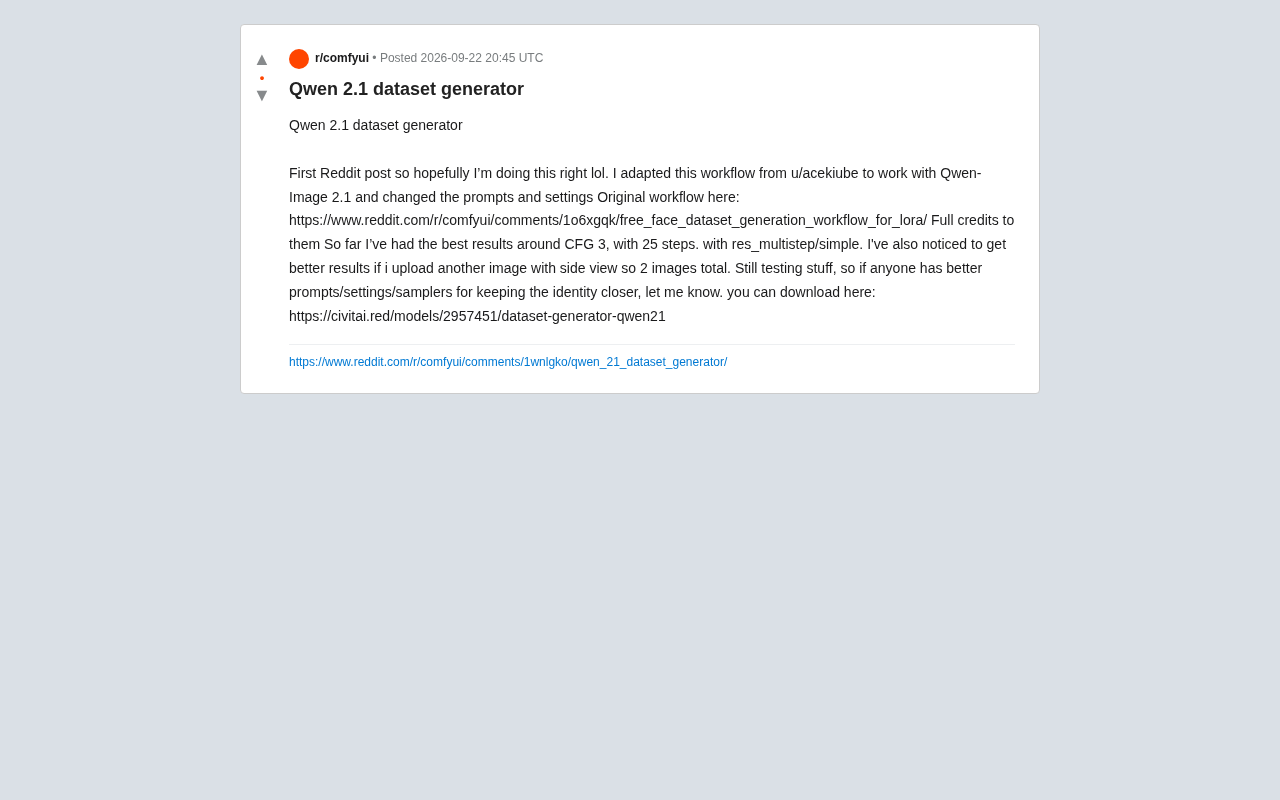
This workflow isn't entirely original — it's adapted from a free face dataset generation solution by community creator u/acekiube. The original workflow targeted a general ComfyUI environment, and the key changes here involve adapting it to the Qwen-Image 2.1 model with targeted adjustments to prompts and runtime parameters. The author clearly credits the original work and includes a link to the source workflow, a great example of the open-source community's spirit of mutual learning and iterative improvement.
LoRA (Low-Rank Adaptation) is a parameter-efficient fine-tuning technique originally proposed by Microsoft Research, now widely used for customizing image generation models like Stable Diffusion. The core idea is to "inject" new concepts or styles by inserting low-rank matrices into attention layers, without modifying the original model weights. Compared to full fine-tuning, LoRA requires far fewer computational resources and training samples — typically just a dozen to a few dozen high-quality images are enough for a model to learn the visual characteristics of a specific person. Because of this, the quality of your training dataset — especially the diversity of face angles and overall image consistency — directly determines how accurately the final LoRA model can reproduce that identity. That's precisely where automated dataset generation workflows deliver their core value.
Key Parameter Settings: CFG 3 and 25 Steps
For anyone putting this workflow into practice, the most valuable part is often the battle-tested parameter combination. Based on the author's testing, the best-performing configuration is:
- CFG (guidance scale): ~3
- Sampling steps: 25
- Sampler / Scheduler: res_multistep / simple
A lower CFG value (3) tends to produce more natural, less "over-fitted" outputs with Qwen-Image 2.1, while 25 steps strikes a solid balance between generation quality and speed. The res_multistep sampler paired with the simple scheduler is the combination the author found to perform best for identity consistency in real-world testing.
Two-Image Input for Better Identity Consistency
One practical detail worth highlighting: the author found that uploading two reference images significantly improves results. The approach is to provide a front-facing photo alongside a side-view image — two inputs in total.
The reasoning behind this technique is straightforward: a single front-facing photo doesn't give the model enough information to fully understand the three-dimensional structure of a face. A side-view image fills in facial contour details — the nose bridge, jawline, and other features that get compressed in a frontal view — helping the model maintain stable identity across multi-angle outputs. For LoRA training, identity consistency is one of the most critical metrics for the final model's performance.
CFG (Classifier-Free Guidance) controls how strictly the generated image follows the text prompt. Higher values produce images that closely match the description but are prone to oversaturation and detail artifacts ("over-fitting"); lower values yield more natural, fluid results but may drift from the prompt's intent. Traditional Stable Diffusion workflows commonly use CFG 7–12, whereas newer image models — particularly those based on Flow Matching architectures — tend to perform better in the lower CFG 2–5 range due to differences in how they were trained. Qwen-Image 2.1 belongs to this newer class of architecture, so the recommended value of CFG 3 aligns with its design characteristics and is not unusually low.
An Open-Source Work in Progress
The author openly acknowledges that this workflow is still in testing, and is actively seeking community feedback — especially around prompts, parameter tuning, and sampler selection — in hopes of finding configurations that bring generated results even closer to the source identity. This "share as you iterate" approach is a perfect snapshot of what makes the ComfyUI ecosystem thrive: a workflow flows from its original creator to an adapter, then continues to improve through community input.
The workflow file has been published on the Civitai platform, where users can download it and run tests in their local ComfyUI environment.
Practical Value for AI Creators
Zooming out, this kind of dataset generation workflow lowers the barrier for individual creators looking to train customized models. In the past, building a multi-angle, consistently lit face dataset required extensive manual photography or time-consuming asset curation. With image models like Qwen-Image 2.1, creators can now quickly scale up a stylistically consistent training set from just a handful of reference images.
Of course, tools like this come with ongoing ethical discussions around portrait rights and identity synthesis. Anyone using this workflow to generate face data should ensure their reference images are sourced appropriately and avoid using the output for unauthorized identity impersonation.
For those looking to get started, the recommended approach is to begin with the author's default parameters (CFG 3, 25 steps, res_multistep/simple, two-image input) and then fine-tune based on your specific assets to find the configuration that works best for your use case.
ComfyUI is a node-graph-based frontend for Stable Diffusion that lets users build custom image generation pipelines by connecting functional modules (nodes) — no coding required. Unlike linear interfaces such as WebUI, ComfyUI workflows can be saved as JSON files and shared across the community, allowing complex multi-step generation pipelines to spread in a standardized, reproducible format. Civitai is currently the largest platform for sharing AI models and workflows, hosting a wide range of LoRA models, checkpoints, and ComfyUI workflows. It serves as the primary hub where individual creators publish and discover community resources.
Related articles

Why Does the Tesla Roadster Need to Fly? A Deep Dive into Musk's Wild Demo
Tesla's Roadster launch showed wall-climbing, upside-down driving, and flying stunts—but The Vergecast notes the demo car may lack a battery, the Rocket version is invite-only and not street-legal, and the website terms don't guarantee delivery. After nine years of delays, why does this car still need to exist?

AI Is Not a Replacement: Human-AI Collaboration Through the Lens of Factory Root Cause Analysis
Starting from factory root cause analysis, this article explains how AI accelerates evidence chain construction rather than replacing human experts, exploring the pragmatic implementation logic and business value of 'AI supporting people rather than replacing them.'

AI Agent Decision Auditing: Building an Evidence Chain in Regulated Workflows
Starting from a Reddit discussion, this article analyzes three core issues in AI agent decision auditing within regulated workflows: what fields audit records should contain, how to handle feedback latency for erroneous decisions, and how to continuously calibrate LLM judge consistency with human judgment.