Qwen Image 2.1 First Look: Decent Art Styles, Disappointing Realism

Qwen Image 2.1 handles art styles acceptably but struggles with realism; raising CFG to 4–4.5 helps.
A Reddit user tested Alibaba's Qwen Image 2.1 on an H100 using CFG 1, 40 steps, and int8 quantization. Results were sharply divided: artistic styles were passable, but realism was rated "so bad" — most samples weren't even published. Generation speed of 45–50 seconds per image on an H100 also raised eyebrows. The key tuning find: raising CFG from 1 to 4–4.5 noticeably improved output, consistent with how diffusion guidance works. Given the single-source nature of the test and likely precision loss from int8 quantization, the poor realism scores may not reflect the model's true ceiling.
The Qwen Image model from Alibaba's Tongyi Qianwen team has reached version 2.1, and the community wasted no time putting it to the test. Based on initial results shared by a Reddit user, this new version delivers acceptable performance on stylized, artistic images — but falls short when it comes to realistic photo-quality output. This article breaks down the tester's findings, configuration parameters, and practical tuning tips.
Test Configuration and Hardware
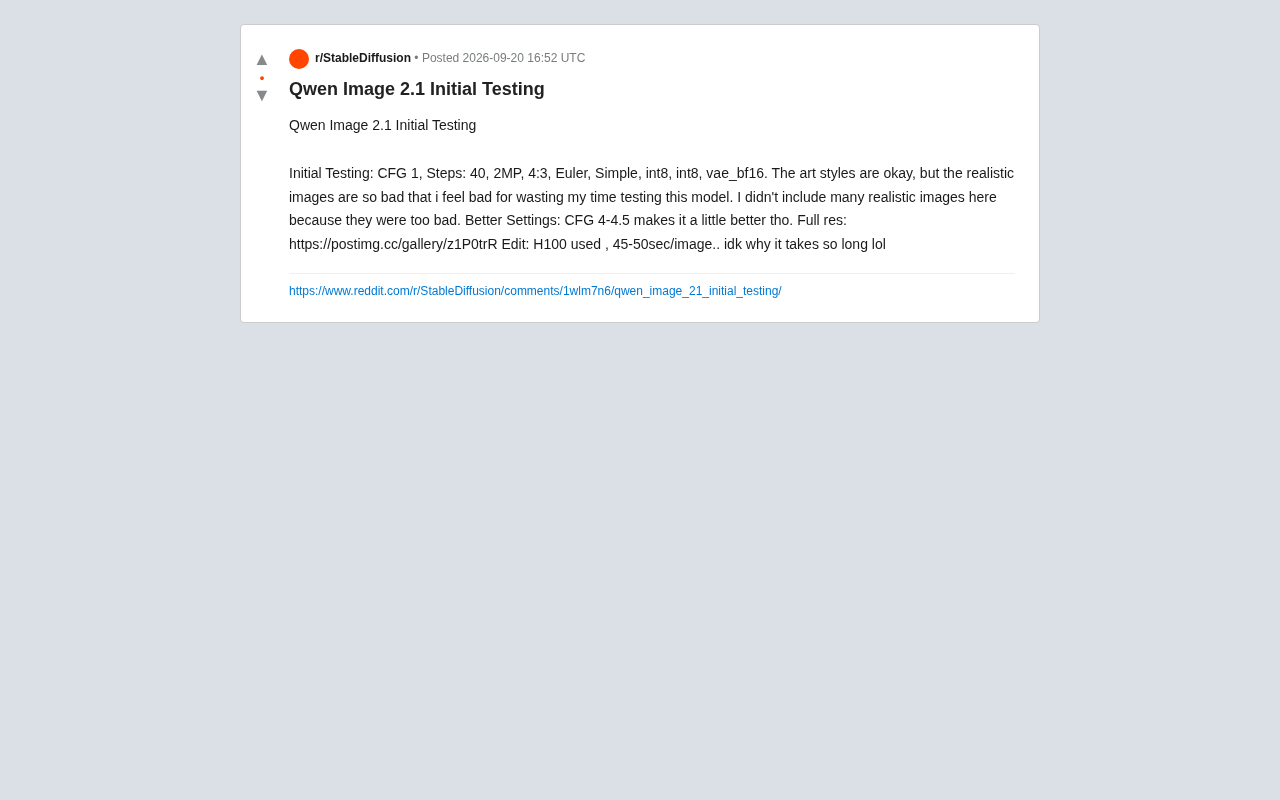
The tester's initial setup used CFG 1, Steps 40, 2MP resolution, 4:3 aspect ratio, Euler sampler, Simple scheduler, int8 quantization for both the model and text encoder, and bf16 precision for the VAE. This configuration prioritizes speed — int8 quantization in particular significantly reduces VRAM usage.
The hardware results are worth noting. Even running on an NVIDIA H100, a top-tier data center GPU, each image took 45–50 seconds to generate. For a dedicated image generation model, that's surprisingly slow on an H100 — the tester themselves seemed puzzled ("idk why it takes so long lol"). This could be related to model size, the current state of inference framework optimization, or compatibility issues with the quantization approach.
Int8 quantization compresses model weights from 16-bit or 32-bit floating point down to 8-bit integers, cutting VRAM usage by roughly 50% and accelerating inference on hardware with native INT8 matrix support (NVIDIA Turing and newer). That said, quantization inevitably introduces precision loss: once weight values are mapped to discrete intervals, the model's ability to capture fine-grained features degrades — most noticeably in high-frequency textures, facial detail, and subtle lighting transitions. Keeping the VAE at bf16 precision is a common compromise, since the VAE's decoding stage directly determines final pixel output quality, and quantizing it carries a much higher cost than quantizing the main UNet/DiT backbone. The poor realism quality observed in this test is directly tied to the detail degradation introduced by int8 quantization, so these results should not be taken as a definitive ceiling for the model's capabilities at full precision.
Artistic Style vs. Realism: A Clear Divide
The real-world results show a stark capability split. Stylized and artistic image outputs were rated "okay" — usable, if not impressive. Realistic images, however, were described outright as "so bad" — bad enough that the tester chose not to include most of the realism samples in the shared gallery, citing quality as the reason.
This kind of divide isn't unusual in early releases of diffusion-based image models, or in community-quantized versions. Photorealistic portraits and real-world scenes demand much more from a model in terms of detail reproduction, lighting consistency, and structural accuracy. Any bias in training data or precision loss from quantization tends to be amplified in realism tasks. Artistic styles, by contrast, are far more forgiving of imperfection, making it easier to hit an acceptable result.
It's worth keeping in mind that this is a single-source preliminary test using an int8 quantized version, and quantization itself may be contributing to quality degradation. Full-resolution samples have been uploaded to a gallery at postimg.cc/gallery/z1P0trR for anyone who wants to compare and judge for themselves.
Tuning Tip: Raising CFG Is Key
The tester offered one practical optimization: bumping CFG (Classifier-Free Guidance) from 1 up to 4–4.5 made outputs "a little better."
This aligns with well-established behavior in diffusion models. CFG controls how strongly the model adheres to the text prompt: when it's too low, the model tends to "go freeform," drifting away from the prompt and producing blurry or off-target results. Raising CFG strengthens the prompt's influence, pulling the image closer to the description with sharper detail. Setting CFG to 1 is essentially the same as disabling guidance — which partly explains why the realism results were so poor in the initial test.
For anyone looking to try Qwen Image 2.1, a good starting point is CFG around 4, paired with roughly 40 sampling steps, then adjusting from there based on your target style. If you're chasing higher image quality, it's also worth testing with non-quantized or higher-precision model weights for comparison.
CFG (Classifier-Free Guidance) is one of the most fundamental hyperparameters in diffusion models, originating from 2022 research. During training, the model simultaneously learns both conditioned (with text) and unconditioned (without text) denoising paths. At inference time, CFG blends these two prediction paths by amplifying the difference between the conditioned and unconditioned outputs, effectively steering the final image more strongly toward the text description. Mathematically, CFG=1 means no amplification at all — the generation process degrades to pure unconditional diffusion, and the prompt essentially loses its guiding effect. CFG=4–4.5 is the recommended starting range for many Flux and SD3-series models, while SDXL-class models typically work better at 5–8. Going too high (e.g., above 10) causes color saturation blowout, over-sharpened details, and artifacts, so it's best to increment in small steps (0.5 at a time) to find the sweet spot between prompt adherence and natural-looking output.
How to Read These Early Results
This test provides a useful first-hand reference for running Qwen Image 2.1 in practice, but the conclusions deserve some caution. A single tester, int8 quantization, and an initial CFG setting that was too low are all factors that could skew the perceived quality ceiling downward. Whether the "so bad" realism rating reflects a genuine model weakness or a consequence of suboptimal quantization and parameters remains an open question.
For the community, the more valuable next step is cross-validation from multiple testers using different precision levels, samplers, and more appropriate CFG values before drawing any firm conclusions about Qwen Image 2.1's overall capabilities. Based on what's available right now, it appears best suited for artistic and stylized work — users with realism-focused needs are advised to wait for more results or invest time in thorough parameter testing before committing.
Related articles

AI Is Not a Replacement: Human-AI Collaboration Through the Lens of Factory Root Cause Analysis
Starting from factory root cause analysis, this article explains how AI accelerates evidence chain construction rather than replacing human experts, exploring the pragmatic implementation logic and business value of 'AI supporting people rather than replacing them.'

AI Agent Decision Auditing: Building an Evidence Chain in Regulated Workflows
Starting from a Reddit discussion, this article analyzes three core issues in AI agent decision auditing within regulated workflows: what fields audit records should contain, how to handle feedback latency for erroneous decisions, and how to continuously calibrate LLM judge consistency with human judgment.

Apple Opens Multiseat Subscription Purchasing: App Subscriptions Can Now Be Sold in Bulk to Businesses and Schools
Apple opens multiseat purchasing for auto-renewable subscriptions: businesses and schools can bulk-buy via Apple Business and Apple School Manager, adding or removing seats anytime. Enabled by default in App Store Connect—developers should verify settings; group purchasing sandbox testing opens October 2026.