raggy: A Local Document RAG CLI Tool with Hybrid Retrieval and OCR Support

raggy is a lightweight local RAG CLI tool built on LangChain, Chroma, and Ollama with hybrid retrieval and OCR.
raggy is an open-source command-line RAG tool for individual developers and knowledge workers, integrating LangChain, the Chroma vector database, and the Ollama local LLM runtime with a focus on being lightweight and local-first. Its standout feature is hybrid retrieval — combining semantic vector search with BM25 keyword matching for both semantic understanding and precise term matching. Embeddings and retrieval run entirely on-device to protect data privacy, while answer generation flexibly supports either a local LLM or a remote API. Built-in OCR handles scanned PDFs and image documents. raggy is positioned as a low-barrier solution for rapid prototyping and personal knowledge management, representing the democratization and localization of RAG technology.
Bringing Intelligent Q&A to Your Local Knowledge Base
As large language models (LLMs) become increasingly mainstream, one of the core needs for developers and knowledge workers is enabling AI to provide accurate answers based on private documents. Retrieval-Augmented Generation (RAG) is the key technical approach to solving this problem. Recently, an open-source command-line tool called raggy has been generating considerable buzz in the Reddit community — positioning itself as lightweight, local-first, and ready to use out of the box, allowing users to build a document RAG Q&A system entirely on their own machines.
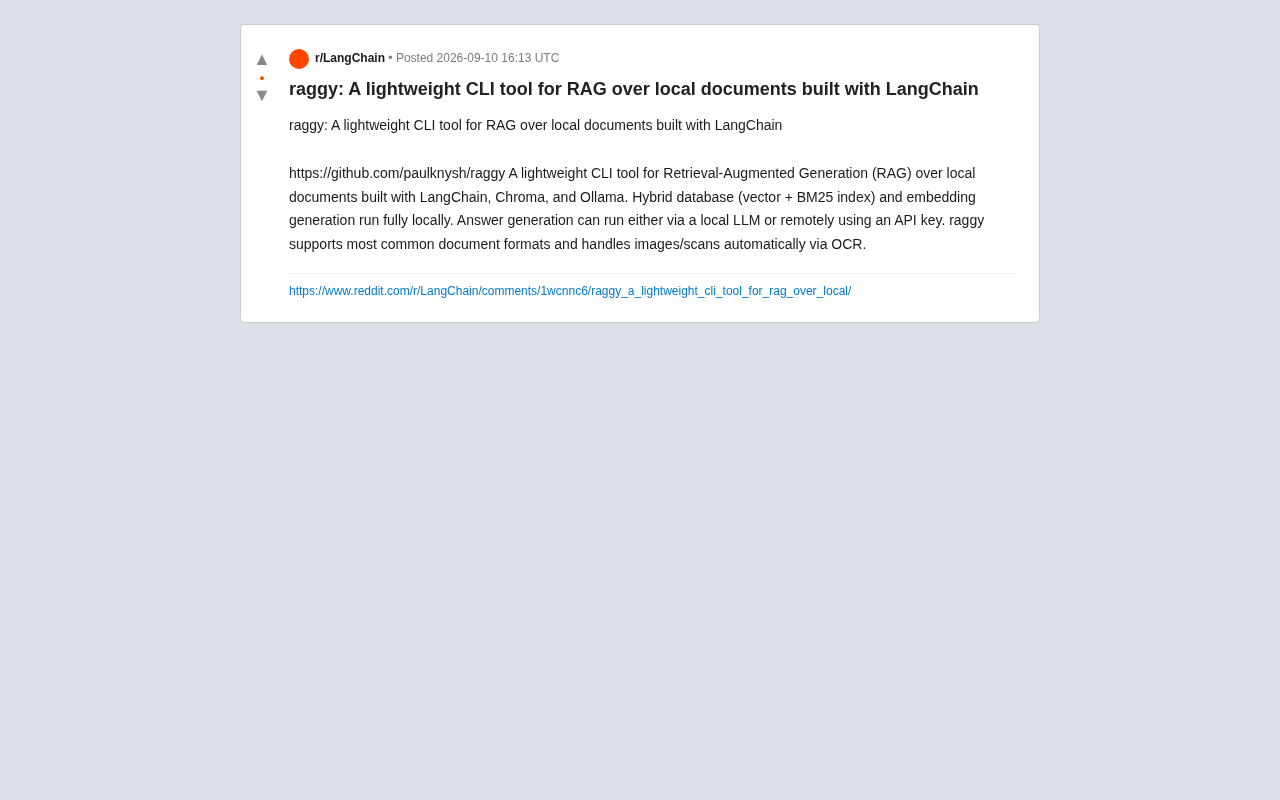
This article takes a deep dive into raggy's value and positioning from the perspectives of its technical architecture, core features, and applicable use cases.
What Is raggy: A Lightweight RAG Tool Built on LangChain
raggy is a lightweight CLI tool built on LangChain, Chroma, and Ollama, focused on delivering retrieval-augmented generation over local documents. According to its GitHub project page (github.com/paulknysh/raggy), its design goal is clear: enable users to perform intelligent Q&A on their own documents via the command line, without complex deployment pipelines.
Unlike many heavy-duty RAG solutions that require standing up web services or configuring vector database clusters, raggy takes a minimalist approach. It encapsulates core components — embedding generation, document indexing, and retrieval — all within a single CLI tool, dramatically lowering the barrier to entry for RAG technology. For users who want to quickly validate ideas or need to process sensitive documents locally, this lightweight design is highly appealing.
raggy's Tech Stack, Explained
raggy's technology choices reflect the most popular combination in today's local RAG ecosystem:
- LangChain: The go-to framework for RAG application development, providing foundational capabilities like document loading, text splitting, and retrieval chains — the backbone of the entire tool.
- Chroma: A lightweight, open-source vector database responsible for storing document vector representations and supporting similarity search.
- Ollama: A local LLM runtime that enables both embedding generation and answer generation to run locally, with no dependency on cloud-based APIs.
The biggest advantage of this stack is fully local execution, which fundamentally guarantees data privacy.
Core Features: Hybrid Retrieval and a Local-First Strategy
Hybrid Database: Vector Search + BM25 Keyword Retrieval
The most noteworthy technical highlight of raggy is its Hybrid Database design, which combines both vector search and BM25 indexing as retrieval mechanisms.
The core idea behind this design is to leverage the strengths of each approach:
- Vector search excels at capturing semantic similarity, understanding synonyms and contextual meaning
- BM25 keyword retrieval performs better at exact matching of terms, proper nouns, and specific vocabulary
By combining both, raggy strikes a balance between semantic understanding and precise matching, significantly improving the relevance and accuracy of search results. For scenarios involving technical documentation or legal documents — content that contains specialized terminology yet also requires semantic comprehension — a hybrid retrieval strategy often outperforms vector search alone.
Local Embedding Generation: Your Data Never Leaves Your Machine
According to the project documentation, raggy's hybrid database and embedding generation run entirely locally. Document content is never sent to any external service for vectorization, fundamentally eliminating the risk of data leakage. This is critical when handling trade secrets, personal information, or documents subject to strict compliance requirements.
Flexible Answer Generation: Switch Between Local and Remote
For the answer generation step, raggy offers two options:
- Use a local LLM (via Ollama) for an end-to-end local pipeline
- Use an API key to call a remote model (such as GPT, Claude, etc.)
This design reflects a pragmatic balance: users who prioritize maximum privacy can choose the fully local option, while those who need higher answer quality or have limited local hardware can connect to more powerful remote models. Users can flexibly switch based on their privacy requirements, cost budget, and performance considerations.
Document Format Support and OCR for Scanned Documents
raggy supports most common document formats with broad coverage. More practically, it can automatically process images and scanned documents via OCR (Optical Character Recognition).
The value of this feature is significant: in real-world workflows, large amounts of material exist as scanned PDFs, image screenshots, and similar formats that traditional text extraction methods simply cannot handle. raggy's built-in OCR capability allows users to run retrieval and Q&A over unstructured image-based documents as well, covering a more complete range of knowledge assets.
Who Is raggy Best Suited For?
Overall, raggy is well-suited for the following types of users:
- Privacy-conscious individuals and organizations: Those who need to process sensitive documents locally and ensure data doesn't leave their environment
- Developers and tech enthusiasts: Those looking to quickly build RAG prototypes, validate technical approaches, or build further on top of the tool
- Knowledge workers: Those who need to build intelligent Q&A systems over personal notes, research materials, or scanned documents
That said, it's worth being objective about its positioning: as a lightweight CLI tool, raggy is best suited for quick, convenient local use cases — not enterprise-scale RAG systems designed for production environments. If you need to process massive document collections, support high-concurrency multi-user access, or implement complex permission management, a more robust architectural solution would still be necessary.
Conclusion: A Symbol of RAG Technology Going Mainstream
raggy represents the trend of RAG technology becoming more accessible and more local. By integrating mature components like LangChain, Chroma, and Ollama, and adding practical features like hybrid retrieval and OCR, it provides individuals and developers with a low-barrier, privacy-friendly solution for intelligent document Q&A.
For users who want to experience local RAG without getting bogged down in complex deployment processes, raggy is an open-source tool well worth trying. As the local LLM ecosystem continues to mature, lightweight tools like this are poised to become increasingly useful companions for everyday knowledge management.
Related articles

Claude Code v2.1.316 Update Analysis: Enterprise Gateway and Multiple Stability Fixes
Claude Code v2.1.316 released: new enterprise gateway pooled group budgets, layered policy mode, subagent effort control, dozens of Shell, network, and session recovery fixes, and Opus 4.8 fast mode deprecated.

17th-Century British Floods and Doomsday Panic: A New Perspective on Weather History
Based on a Hacker News discussion of '17th-Century British Floods and Foreboding,' this piece explores how extreme weather was given divine and political significance, and what weather history teaches us about contemporary climate communication.

Salesforce Acquires Rune for $375M: AI Logistics Tech Bolsters Defense Business
Salesforce reportedly acquires defense tech startup Rune for $375M. Rune's AI logistics tech will strengthen Salesforce's Missionforce defense platform, continuing its M&A spree.