Retriever AI: A Free Browser Agent That Finds Leads and Submits Resumes Automatically
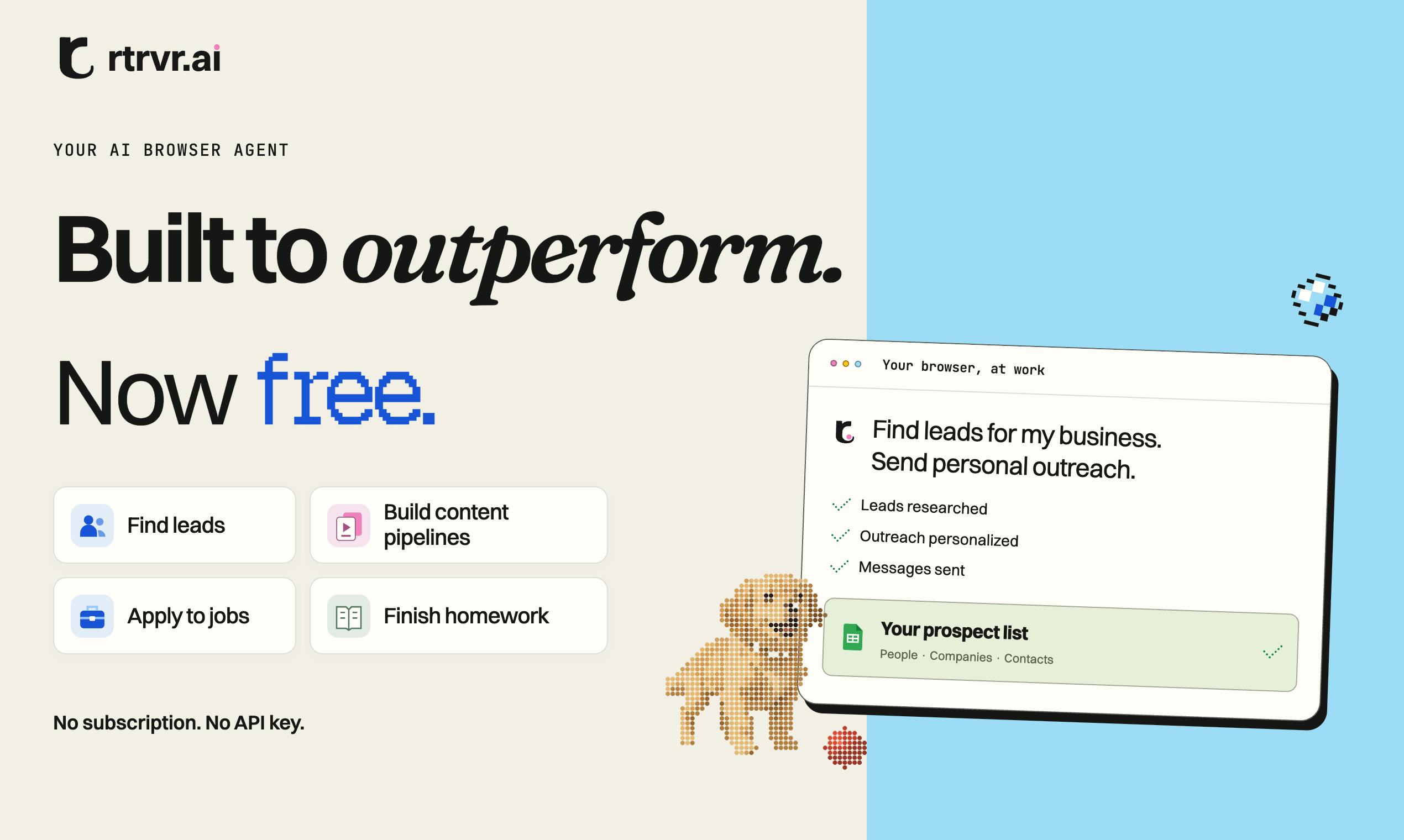
Retriever AI is a free browser agent that uses natural language to handle web tasks like finding leads, screening creators, and submitting resumes.
Retriever AI took #3 on Product Hunt as a free AI browser agent where users give natural language tasks and the AI understands pages and executes clicks, form-filling, and outreach. It covers three main scenarios: sales lead prospecting, TikTok/Instagram creator screening, and bulk job applications. It runs on local Chrome or rtrvr's hosted cloud browser. Official claims include outperforming OpenAI, Anthropic, and Muse in accuracy, being 5x faster, and costing 1/300 as much — but these lack third-party verification. The free strategy looks like customer acquisition, with cloud quotas and long-term monetization still unclear; real usability depends on handling edge cases like page redesigns, login sessions, CAPTCHAs, and platform compliance.
Retriever AI: A Free Browser Agent That Finds Leads and Submits Resumes Automatically
On Product Hunt, a browser agent called Retriever AI picked up 121 votes, landing at #3 for the day. Its pitch is straightforward: a free AI browser agent that handles repetitive web work for you — finding sales leads and reaching out to them, screening TikTok and Instagram creators, and submitting resumes in bulk.
What It Actually Is
Retriever is an AI agent that runs inside the browser (a browser agent). Unlike traditional automation scripts, it doesn't require you to write separate rules for each website. Instead, you give it tasks in natural language, and the AI understands the page and executes the actions.
The official use cases fall into three categories:
- Lead prospecting and outreach: Have it search for potential customers, compile contact info, and send outreach messages.
- Creator screening: For your next marketing campaign, pick suitable creators from TikTok and Instagram.
- Job applications: Automate the process of finding jobs, filling out forms, and submitting resumes.
Users can run it locally in their own Chrome browser, or use rtrvr's hosted cloud browser to execute tasks. The latter is better suited for long-running, batch workloads.
Browser Agent belongs to the same product category as Browser Use, Claude Computer Use, and OpenAI Operator: it uses a large language model as its decision-making core, reading the page's DOM, accessibility tree, or screenshots to understand it, then simulating clicks, typing, and scrolling to complete multi-step tasks. The key difference from traditional automation frameworks like Selenium and Playwright lies in "generalization capability" — those depend on hardcoded selectors and workflows written by developers, which break the moment a page gets redesigned. An agent, by contrast, can dynamically decide its next action at runtime based on natural language goals, making it better suited for sites with unstable structure and no open API. The trade-off is that execution paths aren't fully reproducible, and stability depends on model capability and engineering-side fault tolerance (retries, state rollback, error reporting).
rtrvr hosted cloud browser refers to the provider spinning up isolated browser instances on demand in the cloud to execute tasks, so users don't need to keep a page open locally. Its value lies in supporting scheduled, batch, and concurrent runs while reusing logged-in sessions. But it also means handing sensitive data like account credentials and cookies to a third party, so privacy and compliance risks need to be assessed by the user.
Performance Comparison: Accuracy, Speed, and Cost
Retriever officially claims to beat OpenAI, Anthropic, and Muse on accuracy, be 5x faster, and cost just 1/300 as much. These figures are the product team's self-reported, independent conclusions, with no third-party benchmark cross-validation in sight — so they're better treated as a reference for understanding the product's positioning than as settled fact.
From a product logic standpoint, the browser agent's cost advantage isn't surprising. If the vast majority of tasks can be completed in the client-side local browser, cloud model invocation drops significantly; and when tasks do need cloud hosting, the cost structure depends on the specific implementation. A number like 1/300 likely corresponds to a specific task type and a specific comparison model — readers should judge whether it holds up given their own use case.
The "5x faster" claim also deserves scrutiny. The core bottleneck in browser operations is often not model inference but engineering issues like page loading, waiting for rendering, and handling pop-ups. An agent optimized for browser scenarios could indeed outperform a general-purpose model on these end-to-end tasks. This is why Retriever emphasizes "getting work done across websites" rather than simply "answering questions."
On benchmarks: Evaluating browser agents typically uses public benchmarks like WebArena, WebVoyager, Mind2Web, and GAIA, which measure end-to-end task success rate and step efficiency on multi-step tasks across real websites. Vendors' self-reported "accuracy exceeds X" or "X times faster" claims are usually based on an internally chosen set of tasks, and task distribution, retry strategy, and whether human fallback is allowed can all significantly affect results. When you see numbers like these, confirm three things first: whether the evaluation task set is public, whether retries are allowed after failure, and which model tier and version the control group used. Without these preconditions, cross-product comparisons have limited meaning.
The Intent Behind the Free Strategy
Retriever leads with "free," which is a clear customer acquisition play in the browser agent space. Most competitors charge by task volume or subscription, so free means the team needs to monetize another way — perhaps paid cloud browser quotas, enterprise features, or future data and platform services.
For users, free lowers the trial barrier, but it also means paying attention to the boundaries of the free tier: is local execution truly unlimited? Is the cloud browser billed per task? These are worth confirming before committing to long-term use.
According to the Makers info, the project was built by Arjun Chintapalli and others, with the official site linked through Product Hunt. The category tags cover Chrome extensions, productivity tools, and AI — suggesting it has both a plugin form factor and platform ambitions.
The cost structure of a browser agent typically has three components: model inference tokens (accumulated across multi-turn decisions), browser runtime resources (CPU, memory, bandwidth), and external service calls (like email sending or proxy IPs). In local mode, inference can use the user's own API key or a small open-source model, making the vendor's cost approach zero; in cloud-hosted mode, the vendor must reserve a browser process for each concurrent session, raising marginal costs. This explains why most competitors tie free quotas to local mode and put cloud execution and batch concurrency behind a paywall. The key to judging whether a "free" product can sustain itself is figuring out who it's shifting costs onto: the user's own compute, or the vendor's growth subsidy.
Real-World Challenges for Browser Agents
Browser automation isn't a new concept — from early Selenium to later RPA, the industry has long tried to replace human clicking with machines. What LLMs change is that agents can understand unstructured page content, adapting to sites that have no API and frequently get redesigned.
But this approach has inherent weaknesses. Web page structures can change at any time, and login sessions, CAPTCHAs, and anti-scraping mechanisms can interrupt task flows; scenarios involving outreach and resume submission also raise account security and platform terms-of-service compliance concerns. A "free and all-capable" browser agent's real usability often hinges on its robustness in these edge cases — precisely the part that's hardest to summarize with simple numbers in official marketing.
Retriever's chosen scenarios — finding leads, picking creators, submitting resumes — happen to be high-frequency, repetitive tasks with moderate accuracy requirements, which is a relatively pragmatic entry point. Whether it can retain users long-term depends on whether it saves enough time versus manual work in the messy reality of real websites.
Login sessions and anti-automation detection are engineering challenges browser agents can't avoid. Most tasks that require action happen after login, and websites maintain sessions through cookies, local storage, and fingerprint information; if an agent runs in headless mode or gets identified as an automation tool (via User-Agent, WebDriver flags, or abnormal Canvas fingerprints), it can easily trigger CAPTCHAs or outright bans. Common mitigations include using a real browser with a persistent profile, mimicking human operation pacing, and integrating captcha-solving or manual takeover flows. Additionally, automatically sending outreach emails and bulk-submitting resumes may violate the target platform's terms of service (such as LinkedIn's and Indeed's anti-automation clauses), and users need to judge the compliance boundaries themselves in practice.
One-line Summary
Retriever AI is a free browser agent that uses natural language to handle web tasks like finding leads, screening creators, and submitting resumes.
Paragraph Summary
Retriever AI landed at #3 on Product Hunt, positioning itself as a free AI agent running in the browser where users give tasks in natural language and the AI understands pages and executes clicks, form-filling, and outreach. It covers three main scenarios: sales lead prospecting and outreach, TikTok and Instagram creator screening, and bulk job applications. The product supports running in local Chrome or rtrvr's hosted cloud browser. It officially claims accuracy exceeding OpenAI, Anthropic, and Muse, 5x faster speed, and costs as low as 1/300 — but these figures lack third-party verification. The article notes that the free strategy looks more like customer acquisition, with cloud browser quotas and long-term monetization still unclear; and the real usability of a browser agent ultimately depends on how it handles edge cases like page redesigns, login sessions, CAPTCHAs, and platform compliance.
Related articles

A Single Prompt Triggers a Global PHP Security Storm: Is AI a Savior or a Hidden Risk?
A single AI prompt triggered a global PHP security crisis affecting Wikipedia and the Internet Archive. This article reviews the incident, analyzes the OpenAI-Amazon controversy, and explores the security paradox of lowered vulnerability discovery barriers in the AI era and developer response strategies.

When AI Is Taken Away: How Reliance on Shortcuts Undermines Your Problem-Solving Resilience
A study of 1,222 people found that after using AI to answer questions, once AI was removed, people gave up on more problems than a control group that never used AI. The article analyzes the impact of AI reliance on learning resilience and metacognition, and explores design implications for AI learning tools.

Carta and NewView Partner to Let Startup Employees Cash Out Equity Early
Carta and NewView Capital partner to simplify startup tender offers, helping employees sell equity early. Analysis of the mechanism, liquidity pain points, and impact.