Running Qwen3 27B Locally on a Single RTX 5090: What Can It Actually Do?
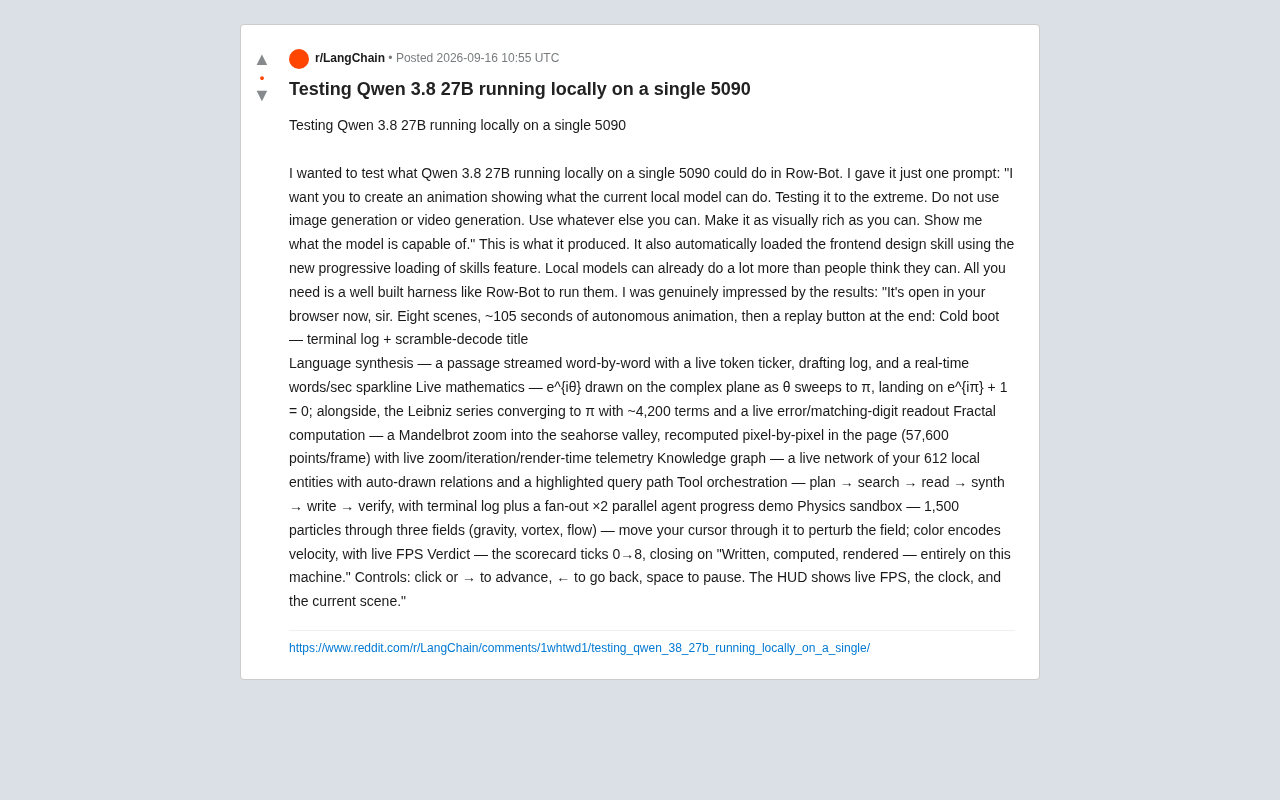
One RTX 5090, one prompt, one local Qwen3 27B model — eight scenes of real-time interactive animation.
A developer used his self-built Row-Bot Agent framework to run Qwen3 27B locally on a single RTX 5090, generating an 8-scene, ~105-second interactive animation from a single open-ended prompt. Scenes include real-time Euler's identity visualization, pixel-by-pixel Mandelbrot fractal rendering, a 1,500-particle physics sandbox, and a live knowledge graph — all computed in-browser with full performance telemetry. The key takeaways: 27B-class local models are widely underestimated, and Agent framework quality — especially mechanisms like progressive skill loading — often matters more than raw parameter count.
Pushing the Limits: Letting a Local Model Prove Itself
A developer shared on Reddit the results of running Qwen3 27B locally on a single RTX 5090, and the findings are striking — local models may be far more capable than most people assume.
The test was straightforward: using his self-built Agent framework called Row-Bot, he gave the model a single prompt — "I want you to create an animation showcasing what current local models can do. Push it to the limit. No image generation or video generation — use anything else at your disposal, make the visuals as rich as possible. Show me what this model is really capable of."
One notable detail: during execution, the model automatically loaded a "frontend design skill," leveraging the framework's new progressive skill loading feature. This means the model wasn't passively waiting for instructions — it proactively called up the relevant capability module based on the task at hand.
The Output: An 8-Scene Autonomous Animation
The model produced an interactive animation that opens directly in a browser — 8 scenes, roughly 105 seconds of autonomous playback, with a replay button at the end. Each scene demonstrates a different dimension of computational and rendering capability:
Cold Boot to Language Synthesis
- Cold boot: Terminal logs paired with garbled-decoding title animations create the atmosphere of a system startup sequence.
- Language synthesis: Text streams out word by word, accompanied by a real-time token counter, a draft log, and a live "words per second" waveform chart.
This section essentially visualizes the model's own generation process — surfacing the inference dynamics that normally stay hidden in the background.
Mathematics, Fractals, and Knowledge Graphs
- Live mathematics: Plots e^{iθ} on the complex plane as θ sweeps toward π, landing on Euler's identity e^{iπ} + 1 = 0; simultaneously approximates π using the Leibniz series (~4,200 terms) with real-time error and digit-match display.
- Fractal computation: Zooms into the "seahorse valley" of the Mandelbrot Set, recalculating pixel by pixel in-browser — 57,600 points per frame — with live telemetry showing zoom level, iteration count, and render time.
- Knowledge graph: Renders 612 local entities as a real-time network, auto-generates relationship edges, and highlights a query path.
What these scenes share: none of them are pre-rendered assets. They're all computed in real time in the browser, with full performance telemetry.
Tool Orchestration and Physics Sandbox
- Tool orchestration: Demonstrates a full "plan → search → read → synthesize → write → verify" pipeline, including a fan-out demo with ×2 parallel agent progress.
- Physics sandbox: 1,500 particles passing through three force fields — gravity, vortex, and flow — with cursor-based disturbance, velocity-encoded color, and real-time FPS display.
- Verdict: A scorecard ticks up from 0 to 8, ending on: "Written, computed, rendered — entirely on this machine."
Interactive controls are fully implemented: click or right arrow to advance, left arrow to go back, spacebar to pause, with a HUD showing real-time FPS, clock, and current scene.
The Mandelbrot Set is one of the most famous fractal images on the complex plane. Each pixel's color is determined by whether its corresponding complex number "escapes" under iteration — computational load scales linearly with resolution and iteration count. The "seahorse valley" is a distinctive spiral region along the Mandelbrot boundary, named for its resemblance to a seahorse tail and a popular zoom target among fractal enthusiasts. Computing every pixel in real time in the browser means no pre-caching — every frame is computed on the fly by the CPU/GPU. At 57,600 points per frame, the canvas resolution is approximately 320×180, which is already computationally intensive for JavaScript. Being able to render this in real time while simultaneously displaying telemetry is itself a genuine stress test of browser-side computing capability.
Why This Test Is Worth Paying Attention To
The significance here isn't the flashiness of the animation — it's the two trends it reflects.
First, the practical ceiling of mid-size local models is underestimated. A 27B-parameter model runs on a single consumer flagship GPU and can autonomously complete such a complex, multi-stage orchestration task. As the developer put it: "Local models are already way more capable than people think. You just need a well-built framework to run them."
Second, the role of the Agent framework is amplified. The same model, placed in different execution frameworks, can produce wildly different results. Mechanisms like progressive skill loading — which let the model call up capabilities on demand rather than stuffing everything into the context at once — are the key engineering lever for squeezing real performance out of mid-size models.
A caveat worth noting: this is a single-source personal test. The model designation "Qwen 3.8 27B" as written is somewhat ambiguous (the Qwen3 series is typically named Qwen3-XXB), and details like actual configuration, quantization method, and generation time have not been disclosed. Reproducibility remains unverified. But as an intuitive capability demonstration, it offers a valuable observation window: the ceiling for local deployment may be higher than many people assume.
Progressive Skill Loading is a mechanism in Agent frameworks that dynamically extends a model's contextual capabilities on demand — as opposed to the traditional approach of stuffing all tool descriptions into the system prompt upfront. The latter significantly bloats context length as the number of tools grows, consuming VRAM and potentially disrupting the model's attention allocation for the current task. Progressive loading injects the relevant tool definitions or skill descriptions into context only when the model determines that a particular skill is needed for the current subtask — maintaining response quality while reducing memory pressure. This is especially critical for mid-size models running locally: a 27B-parameter model on a single GPU has a limited available context window to begin with, and careful context management is a prerequisite for fully unlocking its capabilities.
What This Means for Local AI Enthusiasts
For developers and hobbyists interested in local deployment, this case communicates a few practical takeaways: on the hardware side, a single RTX 5090 is sufficient to handle complex tasks from a 27B-class model; on the software side, the quality of the Agent framework often matters more than parameter count in determining real-world performance; and in terms of capability boundaries, the combination of pure code generation and real-time computation allows a model to produce visually rich outputs without relying on image or video generation models.
The gap between local models and cloud-based large models is being steadily narrowed by engineering. When the framework is mature enough, a personal computer equipped with a flagship GPU can already be a remarkably capable AI workstation.
Related articles
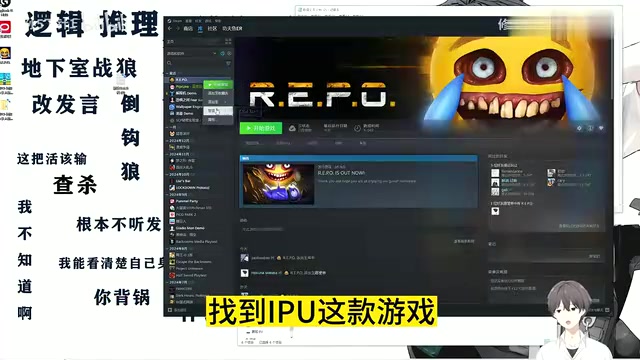
R.E.P.O Chinese Localization Guide: Install the Patch in Three Simple Steps
A beginner-friendly R.E.P.O Chinese localization guide: browse local files, paste the patch, and verify in three steps. Includes troubleshooting tips and backup advice.
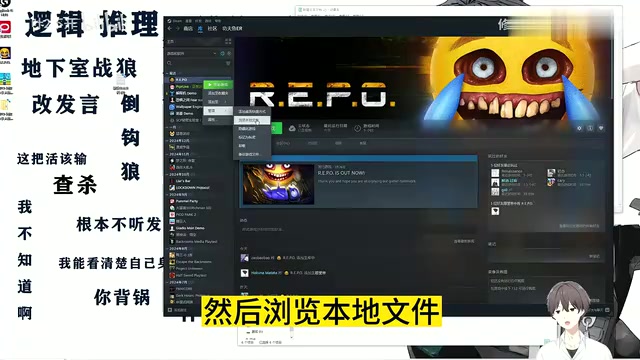
R.E.P.O Chinese Localization Patch Installation Guide: Step-by-Step Full Chinese Interface
Step-by-step guide to installing a Chinese localization patch for R.E.P.O. From browsing local files to Ctrl+V overwrite — get a full Chinese UI in minutes.
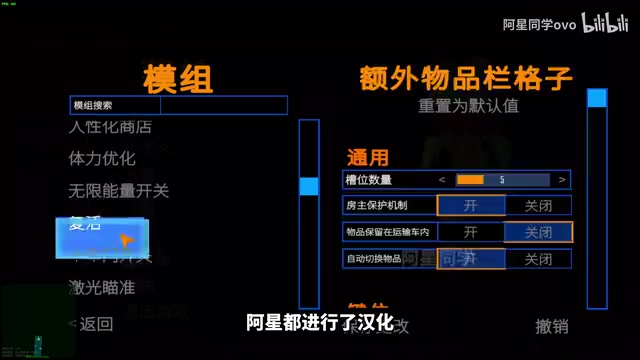
REPO Game 60+ Mod Pack Breakdown: Dancing, Localization, and Save Protection All in One
A complete breakdown of the REPO game 60+ mod pack: dancing, Chinese localization, item shrinking, shared upgrades, password skip, and F7 save protection — with easy install guide.