Rust Beginner Tutorial: From Cargo to Ownership, Master the Core Concepts in One Article

A zero-to-hero Rust tutorial covering installation, variables, ownership, and core concepts.
This is a condensed Rust beginner tutorial that starts from environment setup (rustc and Cargo toolchain), then covers variable immutability by default, the mut keyword, constant declarations, and variable shadowing. It also introduces Cargo's value as a package manager and build tool within the Rust ecosystem. The article pays special attention to common pitfalls when transitioning to Rust from other languages, making it ideal for developers with programming experience who want to get up to speed quickly.
Introduction: Why This Article Is Worth Reading
This is a condensed Rust beginner tutorial for absolute beginners, distilled from an intensive one-hour Rust bootcamp. Rather than spending pages convincing you to learn Rust, let's jump straight in from installation to core concepts. This article covers key topics including variables and types, functions, ownership and borrowing, control flow, and collections — with special focus on the pitfalls that frequently trip up developers coming from other languages.
Rust's Origin Story: Rust was born in 2006 as a personal project by Mozilla employee Graydon Hoare. Mozilla officially sponsored it in 2010, and version 1.0 was released in 2015. Rust's core design goal is to provide memory safety guarantees without sacrificing performance — a revolutionary breakthrough in the systems programming language space. Microsoft has disclosed that approximately 70% of its security vulnerabilities stem from memory safety issues, and Rust's compile-time ownership system eliminates these problems entirely while maintaining runtime performance comparable to C/C++. This is the fundamental reason Rust has topped the "Most Loved Programming Language" list in Stack Overflow's Developer Survey for multiple consecutive years.
Environment Setup and Hello World
Installing the Rust Toolchain
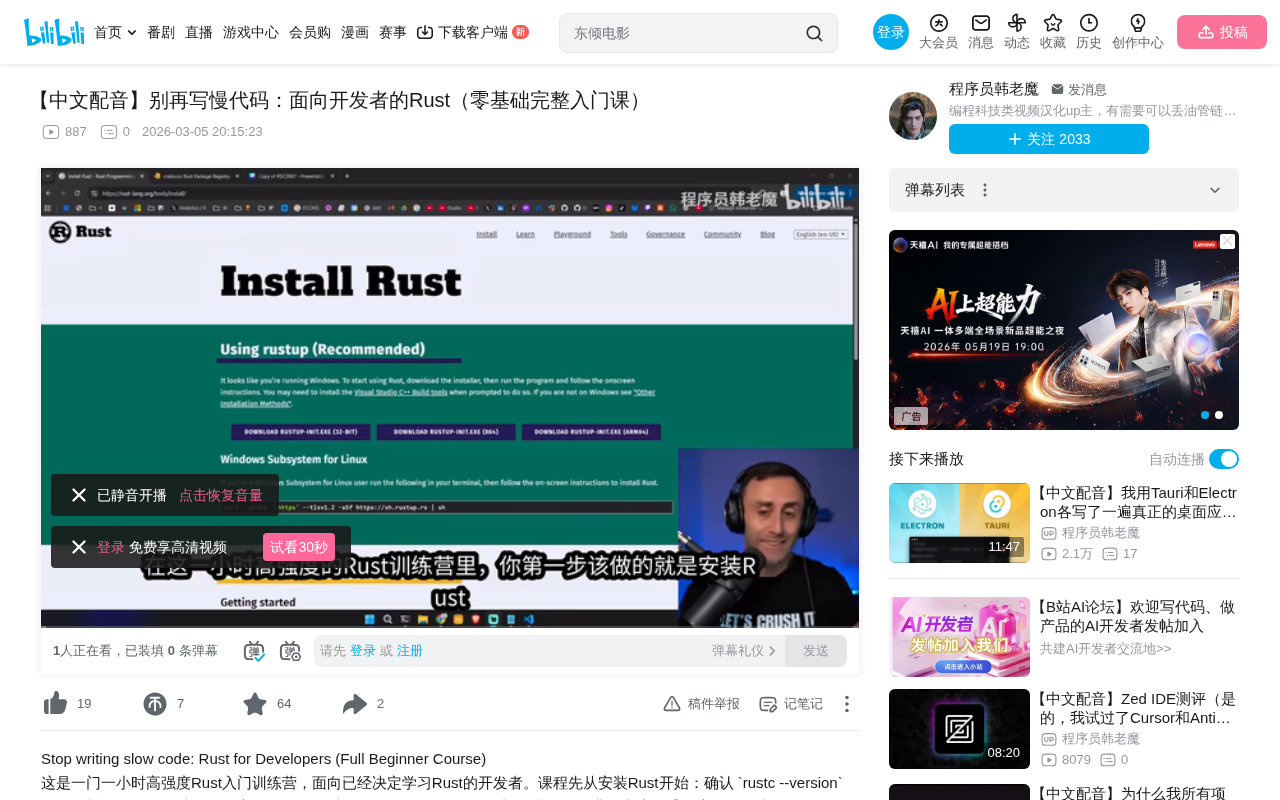
Installing Rust is straightforward — just search for "Install Rust" to find the official installation page. After installation, verify the version with rustc --version. Rust is a compiled language: rustc is the compiler and cargo is the package manager and build tool — with these two, you're ready to go.
Manual Compilation vs Using Cargo
Create a main.rs file and write the classic Hello World:
fn main() {
    println!("Hello, World!");
}
You can compile manually with rustc main.rs and then run the generated executable. But having to recompile and rerun every time you change code gets tedious quickly.
The recommended approach is to initialize a project with Cargo: cargo new rust_live. Cargo automatically creates the project structure, including src/main.rs, Cargo.toml (similar to Node.js's package.json), and .gitignore. To run the project, simply execute cargo run — it handles both compilation and execution automatically.
Cargo's Ecosystem Value: Cargo is more than a build tool — it's the core infrastructure of the Rust ecosystem. It provides unified management of dependencies (through the crates.io package registry, currently hosting over 150,000 crates), builds, testing, documentation generation, and publishing workflows. Cargo.lock pins exact dependency versions, ensuring build reproducibility — critical for production deployments. Cargo also includes built-in toolchain integrations like cargo test (unit testing), cargo doc (documentation generation), and cargo clippy (code quality checking). Compared to the C/C++ ecosystem's long-standing lack of a unified package management tool, this represents a significant advantage for Rust in engineering practice.
Pro Tip: Use cargo run -q (quiet mode) to suppress compilation output and show only program output. Also, cargo new creates a new folder, while cargo init initializes a project in the current directory.
Variables, Constants, and Basic Types
Variables Are Immutable by Default
Rust uses let to declare variables, but variables are immutable by default. If you try to reassign an immutable variable, the compiler will throw an error. This is quite a mental shift for JavaScript or Python developers.
let x = 5;
// x = 6; // Compilation error!
let mut x = 5;
x = 6; // Adding the mut keyword allows modification
The Rust compiler is strict but its error messages are remarkably precise — it even suggests how to fix the issue, such as prompting you to add the mut keyword.
Constants and Variable Shadowing
Constants are declared with const, are always immutable, must have explicit type annotations, follow the ALL_CAPS_WITH_UNDERSCORES naming convention, and must be assigned a value at declaration.
Shadowing is a unique concept in Rust: you can declare a new variable with the same name in the same scope, and the new variable "shadows" the old one. The key difference between shadowing and mutability is that shadowing can change the type, while mut can only change the value:
let spaces = " \
Related articles
 Tutorials
ChatGPT Plus Subscription Guide: Are GPT-5.5, image-2, and Codex Worth the Upgrade?
A detailed look at ChatGPT Plus features — GPT-5.5, image-2, and Codex — with a Plus vs Pro comparison and a complete step-by-step subscription guide for users outside the US.
 Tutorials
Harness AI Engineering in Practice: Using Claude Code to Master Enterprise-Level E-Commerce Development
Deep dive into Harness AI Engineering: master enterprise e-commerce development with Claude Code using the Rules, Skills, Wiki, and Changes framework.
 Tutorials
Cursor + Codex Dual-IDE Collaboration: A Practical Methodology for Open-Source Project Customization
A complete methodology for open-source project customization based on real-world experience, detailing the Cursor+Codex dual-IDE workflow, seven-stage process, MVP validation, and AI source code reading techniques.