Rusty HLP Viewer: A Cross-Platform Tool for Natively Opening Legacy HLP Help Files

Rusty HLP Viewer natively opens legacy Windows HLP files cross-platform using Rust.
Rusty HLP Viewer is an open-source tool built in Rust that can natively parse and display legacy Windows HLP help files without format conversion. Supporting Windows, Linux, and macOS, it addresses the growing inaccessibility of WinHelp documents abandoned by Microsoft since Windows Vista. The project contributes to digital preservation by providing a reference implementation for a poorly documented binary format.
An Open-Source Tool Built for a Legacy File Format
In today's fast-moving digital world, many once-ubiquitous file formats are gradually being lost to history. The Windows HLP (Help) file is a prime example — it was once the standard for built-in help documentation across countless old games and applications, yet today it's nearly impossible to open on modern systems. Recently, an open-source tool called Rusty HLP Viewer made its debut on the Reddit community, aiming to solve a long-standing pain point for retro software enthusiasts and digital preservation advocates.
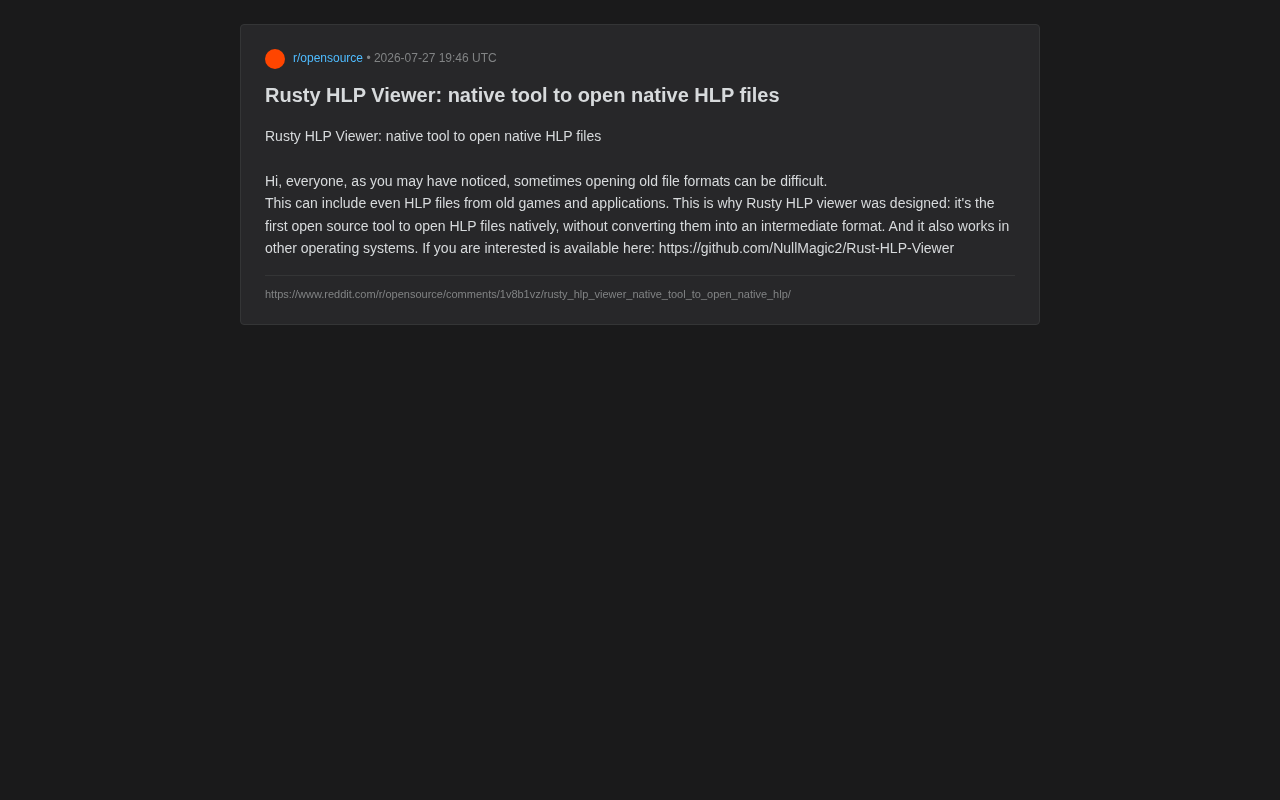
According to the project's author, Rusty HLP Viewer is the first open-source tool capable of natively opening HLP files, with its key feature being the ability to parse and display files directly without converting them to any intermediate format. The project is publicly available on GitHub at NullMagic2/Rust-HLP-Viewer.
Why HLP Files Became "Digital Orphans"
A Format Abandoned by Microsoft Itself
HLP files (WinHelp format) originated in the Windows 3.x era as Microsoft's official solution for providing online help documentation for applications. From the 1990s through the early 2000s, virtually every major piece of software and game shipped with a .hlp file as its user manual.
From a technical standpoint, the WinHelp format uses a complex binary container structure containing multiple layered components including file headers, topic blocks, phrase compression tables, keyword indexes (K-Index), and full-text search indexes (FTS). Text content is formatted using Microsoft's custom rich text markup, supporting hyperlinks, pop-up windows, embedded images (stored in SHG/MRB format), and macro commands. Its compression algorithm uses an LZ77 variant (known as Zeck compression), and structural differences exist between versions (3.0, 3.1, 4.0). Since Microsoft never publicly released a complete format specification, current technical understanding primarily comes from community reverse engineering efforts — which is why developing a complete native parser is exceptionally challenging.
However, as Microsoft introduced the more modern CHM (Compiled HTML Help) format, WinHelp was gradually deprecated. The CHM format debuted in 1997 alongside Internet Explorer 4.0, built on HTML pages, CSS stylesheets, and ITSS (Info-Tech Storage System) compression technology — essentially packaging a set of web pages into a single file. Compared to WinHelp's proprietary binary format, CHM was far easier to create and maintain. Microsoft began promoting CHM starting with Windows 98 and progressively migrated its built-in documentation to the new format.
Starting with Windows Vista, Microsoft stopped bundling the WinHelp viewer (WinHlp32.exe) by default, requiring users to download a separate patch (KB917607) to open these files. That patch stopped receiving updates after Windows 10 version 1803, and Windows 11 dropped support entirely, rendering large numbers of legacy HLP files completely inaccessible. This decade-plus deprecation process has left vast quantities of documentation preserved only in HLP format facing the threat of permanent loss.
The Real-World Challenge of Digital Preservation
For retro game collectors, legacy software maintainers, and digital archive researchers, the inability to open HLP files means a portion of historical information could be permanently lost. These help documents often contain software operating instructions, development background, and technical details that are difficult or impossible to find elsewhere today.
Before Rusty HLP Viewer appeared, users had several options for accessing HLP files, each with significant drawbacks. The first was running legacy operating systems like Windows XP in a virtual machine — fully compatible, but setting up a VM has a high barrier to entry and isn't suitable for batch processing. The second was using command-line tools like helpdeco to decompile HLP files into RTF, but most of these tools are based on 1990s-era C code, have long gone unmaintained, offer incomplete support for newer HLP format versions (such as 4.0), and frequently lose macro commands, context mappings, and some image resources during conversion. The third option was commercial software like KeyView and other enterprise document viewing suites, but these are expensive and not specifically optimized for HLP. The fourth was manually installing Microsoft's WinHlp32 patch on older versions of Windows 10, but this approach no longer works on the latest systems. Traditional format conversion approaches are not only cumbersome but can also cause layout corruption or information loss — which is precisely where the native parsing approach proves its value.
Core Technical Highlights of Rusty HLP Viewer
Native Parsing Without Format Conversion
The core value of Rusty HLP Viewer lies in its choice of directly parsing the HLP binary format natively. Compared to tools that "convert first, display later," native parsing preserves the original document's structure and content to the greatest extent possible, avoiding information loss during conversion. This means the tool must fully understand WinHelp's binary container structure — from header parsing and Zeck decompression to topic block reassembly and rich text markup rendering, each step requiring precise implementation. This is particularly important for archival work that demands document integrity.
Cross-Platform Capability Powered by Rust
As the project name suggests, the tool is developed in Rust. Since its 1.0 release in 2015, Rust has become a highly favored choice in systems-level programming, adopted by the Linux kernel, Android, and the Chromium project. It combines memory safety with high performance, making it especially well-suited for tasks requiring fine-grained binary file structure parsing.
Rust's advantages are particularly pronounced in binary file parsing scenarios: its ownership system and borrow checker eliminate buffer overflows, null pointer dereferences, and data races at compile time — precisely the most common security vulnerabilities found in traditional C/C++ file parsers. The Rust ecosystem also offers mature binary parsing libraries like nom and binrw, which enable declarative file structure definitions. Additionally, Rust's zero-cost abstractions ensure that safety doesn't come at the expense of performance, and its compiled output is native machine code requiring no runtime environment, with natural support for multi-platform cross-compilation.
More importantly, the author has explicitly stated that the tool supports running on other operating systems, no longer limited to the Windows platform. This means Linux and macOS users can also open HLP files that were previously locked within the Windows ecosystem — a significant step forward for digital preservation, since many archival systems and research environments run on non-Windows platforms.
Community Value Through Open Source
As an open-source project, Rusty HLP Viewer not only provides a free tool but also contributes a reference implementation of HLP format parsing to the community. Given the extreme scarcity of official WinHelp format documentation, making the source code publicly available is itself a contribution to reverse engineering and technical knowledge preservation. Future developers can build upon this foundation to further improve the parser or integrate it into larger archival toolchains.
The Bigger Picture of Digital Preservation
The emergence of Rusty HLP Viewer is not an isolated event — it's a microcosm of the global digital preservation movement. The core challenge in this field is known as the "Digital Dark Age" — the idea that contemporary digital information may be more easily lost than paper documents due to software and hardware obsolescence. The Internet Archive has preserved over 860 billion web page snapshots through its Wayback Machine; the Software Preservation Network works to preserve runnable historical software; and the PRONOM database, maintained by The National Archives of the UK, documents the technical characteristics of thousands of file formats.
On the open-source tools front, similar projects include Apache Tika (universal file format identification and metadata extraction), xdelta (binary diff comparison), and MAME/MESS (preserving legacy system software environments through hardware emulation). Open-source file format parsers are considered a critical component of digital preservation infrastructure because they ensure access to historical data without dependence on any commercial vendor. Rusty HLP Viewer is one link in this chain — giving yet another file format on the brink of oblivion the ability to be read once again.
Who Needs an HLP Viewer Like This
Although Rusty HLP Viewer addresses a relatively niche need, its user base is clear and real:
- Retro gaming and legacy software enthusiasts: Many classic games stored their manuals in HLP files, and reopening them brings back a complete nostalgic experience.
- Digital archivists and preservation professionals: Ensuring that historical software documentation doesn't permanently disappear due to technological obsolescence.
- Linux/macOS users: Accessing legacy files on non-Windows systems without relying on virtual machines or compatibility layers.
- Reverse engineers and format researchers: As an open-source implementation, it serves as a technical reference for studying the WinHelp format.
Conclusion: Bringing Forgotten Formats Back to Light
Rusty HLP Viewer may not be the kind of blockbuster product that makes tech headlines, but it embodies a valuable spirit of the open-source community — providing solutions for technical needs that mainstream vendors have abandoned. In an era where software lifecycles grow ever shorter and format turnover accelerates, tools focused on "digital preservation" are especially valuable. As the concept of the "Digital Dark Age" warns, if no one continues to write parsers for legacy formats, many of our era's digital records may prove harder for future generations to read than medieval parchment manuscripts.
For anyone who still has old HLP files on hand but struggles to open them, this cross-platform native viewer is undoubtedly worth trying. Interested readers can visit the GitHub repository for more information and to contribute to the project.
Related articles

The Truth Behind Codex 'Build a Website in 5 Minutes': AI Isn't Creating Sites—It's Helping You Copy Them
Exposing the truth behind viral Codex 5-minute website videos: creators aren't building original sites with AI—they're copying shared prompts or scraping others' work. Learn AI coding tools' real limits.

Getting Started with AI Agent Development: A Complete Guide from Concept to Practice
A comprehensive guide to AI Agent architecture and development, covering automated marketing, intelligent customer service, and investment analysis scenarios with single and multi-agent collaboration.

The Truth Behind Codex 'Build a Website in 5 Minutes': AI Isn't Creating Sites — It's Helping You Copy Them
Exposing the truth behind viral Codex 5-minute website videos: creators aren't building original sites with AI — they're copying shared prompts or scraping others' work.