Shedi: One-Click Cleanup of Mac Space Used by Xcode, Docker, and node_modules
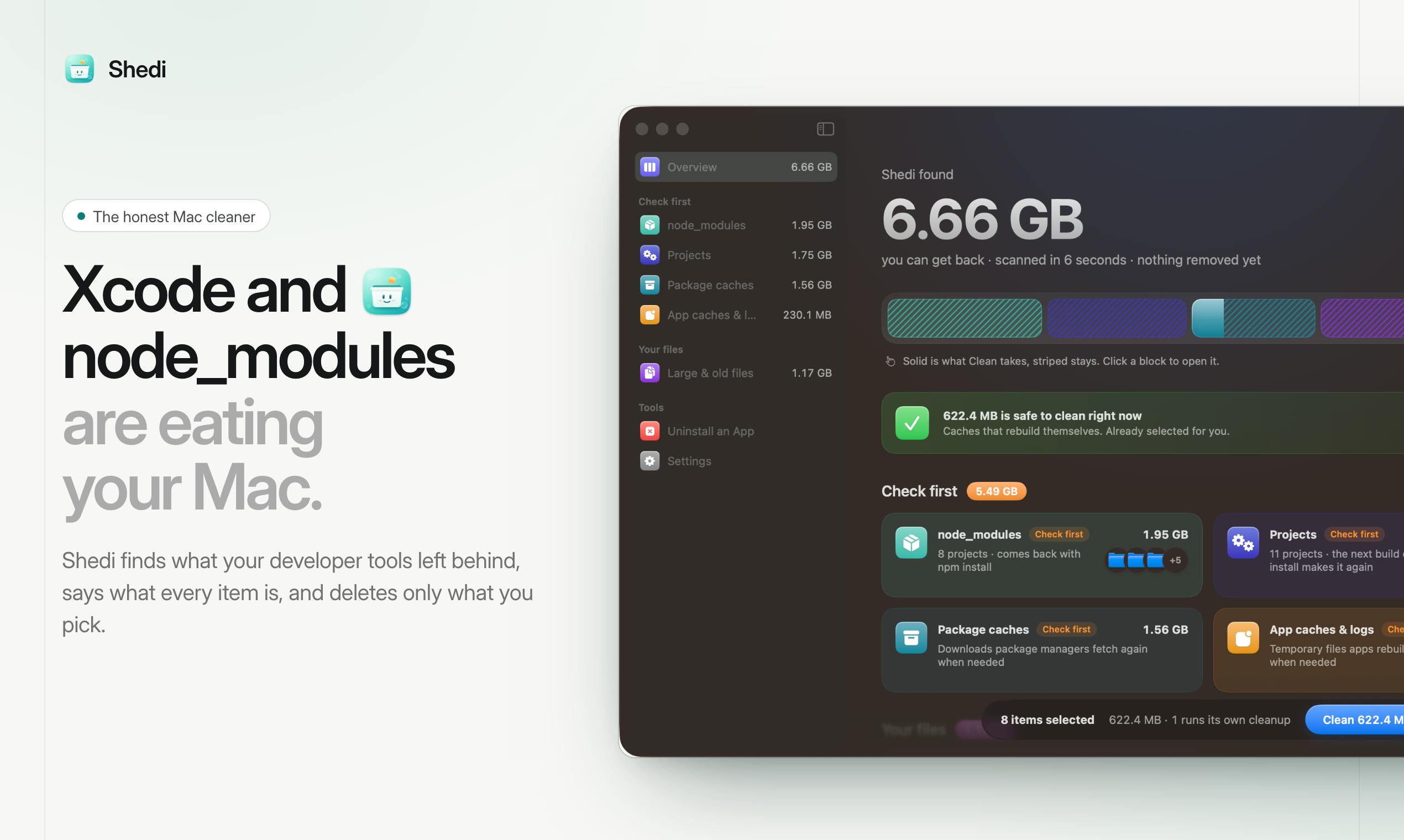
Shedi is a Mac tool focused on cleaning development junk like Xcode, Docker, and node_modules, transparent, safe, and one-time purchase.
Shedi is a Mac cleanup tool launched on Product Hunt, specifically for developer scenarios, capable of precisely identifying and cleaning Xcode's DerivedData, iOS DeviceSupport, Docker virtual disk images, node_modules, and caches from over 20 package managers. Unlike ordinary cleanup software, Shedi clearly lists each cleanable item, explains its purpose and whether it will automatically regenerate, and only cleans what the user selects, moving all deleted files to the Trash first for safety. It uses a one-time purchase model with no subscription fees, suitable for heavy Mac developers. Currently, the tool has 73 upvotes and ranked 13th for the day, but as a new product, the comprehensiveness of its scanning algorithm and long-term reputation still need more user validation.
Shedi: One-Click Cleanup of Mac Space Used by Xcode, Docker, and node_modules
Developers' Macs often struggle with insufficient storage space, especially with Xcode's DerivedData, Docker's image layers, and dependency folders like node_modules, which silently consume valuable disk space. Shedi, recently launched on Product Hunt, is a Mac cleanup tool targeting this pain point. It bills itself as "the honest Mac cleaner," aiming to help developers reclaim storage eaten up by development tools.
Why Do Developers Need a Dedicated Cleanup Tool?
Ordinary cleanup software tends to focus only on system caches and logs, leaving junk files generated by development environments untouched. Xcode's DerivedData, iOS DeviceSupport, Docker's virtual disk images, node_modules, and caches from various package managers are large and hidden in obscure locations, making manual cleanup tedious and prone to accidental deletion. Shedi was born to fill this gap.
Xcode DerivedData is a directory of intermediate files automatically generated by Xcode when building projects, usually located at ~/Library/Developer/Xcode/DerivedData. It contains build artifacts, index data, and logs, used to speed up subsequent builds. These files can reach tens of GB, but Xcode will regenerate them on the next build, making them a safe cleanup target.
iOS DeviceSupport stores debug symbol files for connected iOS devices, located at ~/Library/Developer/Xcode/iOS DeviceSupport. Each iOS version corresponds to a folder, and the size can reach several GB. When devices no longer need debugging or older versions are no longer used, they can be safely deleted; Xcode will regenerate them when needed.
Docker virtual disk image is a single file (e.g., Docker.raw) used by Docker Desktop on Mac to store images, containers, and volumes, typically located at ~/Library/Containers/com.docker.docker/Data/vms/0/data. Over time, this file grows continuously, but Docker does not automatically shrink it. Cleaning up unused images, containers, and volumes can free up space, but be careful not to accidentally delete data in use.
node_modules is the directory where Node.js projects store dependency packages, usually large (hundreds of MB or even GB). After deletion, it can be regenerated via npm install or yarn, making it a safe cleanup target, but reinstallation takes time and network access.
Package manager caches include download caches from tools like npm, yarn, pip, and Homebrew, located in their respective directories (e.g., ~/.npm, ~/Library/Caches/Homebrew). These caches speed up subsequent installations but can be safely cleaned; the tools will re-download when needed.
Shedi's Core Features: Precise Identification and Safe Cleanup
Shedi can scan residual files left by Xcode, Docker, node_modules, and over 20 package managers. Unlike some "one-click optimization" tools, Shedi clearly lists each cleanable item and explains what it is and whether it will be automatically regenerated after deletion. This transparent design lets developers confidently select only the items they need to clean.
Clean Only What You Select
Shedi emphasizes "cleaning only what you check" and will not delete any files without permission. All cleaned files are first moved to the Trash, so even accidental operations can be easily recovered. This design reflects respect for user data and meets developers' high demands for tool controllability.
One-Time Purchase, No Subscription
Shedi uses a one-time payment model with no subscription. For developers tired of monthly or annual fees, this is undoubtedly an attractive point. According to the Product Hunt page, Shedi currently has 73 upvotes and ranked 13th for the day, showing some community interest.
Differences from Similar Tools
There are already comprehensive cleanup tools like CleanMyMac X on the market, but their support for development environments is often not deep enough. Shedi focuses on developer scenarios, with more precise identification of specific directories like Xcode, Docker, and node_modules. Additionally, Shedi's "honest" positioning—clearly informing about the purpose and regenerability of each file—also sets it apart from software that exaggerates cleanup results.
CleanMyMac X is a well-known comprehensive Mac cleanup tool offering system junk cleanup, malware removal, privacy protection, and more. However, it is mainly aimed at general users, with limited deep cleanup support for development environments (such as Xcode, Docker), typically covering only general caches and logs. For developer-specific directories (such as DerivedData, Docker images), CleanMyMac X may not accurately identify them or provide detailed explanations.
Development environment cleanup tools such as DevCleaner (open source) and GrandPerspective (disk space visualization) also target developers but have different focuses: DevCleaner focuses on Xcode-related files, while GrandPerspective helps users manually find large files through visualization. Shedi's advantage lies in integrating cleanup for multiple development tools and emphasizing transparency and safety.
Potential Considerations and Use Cases
Shedi is suitable for Mac developers who frequently work with Xcode, Docker, and Node.js. If you only occasionally use these tools, manual cleanup might suffice; but for heavy developers, Shedi can save a lot of time and effort. However, as a new product, the comprehensiveness and accuracy of its scanning algorithm still need more user validation. Currently, there is only 1 review on Product Hunt, and its long-term reputation remains to be seen.
Conclusion
Shedi addresses developer needs with a transparent and safe cleanup solution. The one-time purchase model also reduces long-term costs. If you're struggling with Mac storage space, keep an eye on this tool.
(Note: This article is based on public information from Product Hunt and does not include actual screenshots.)
Related articles
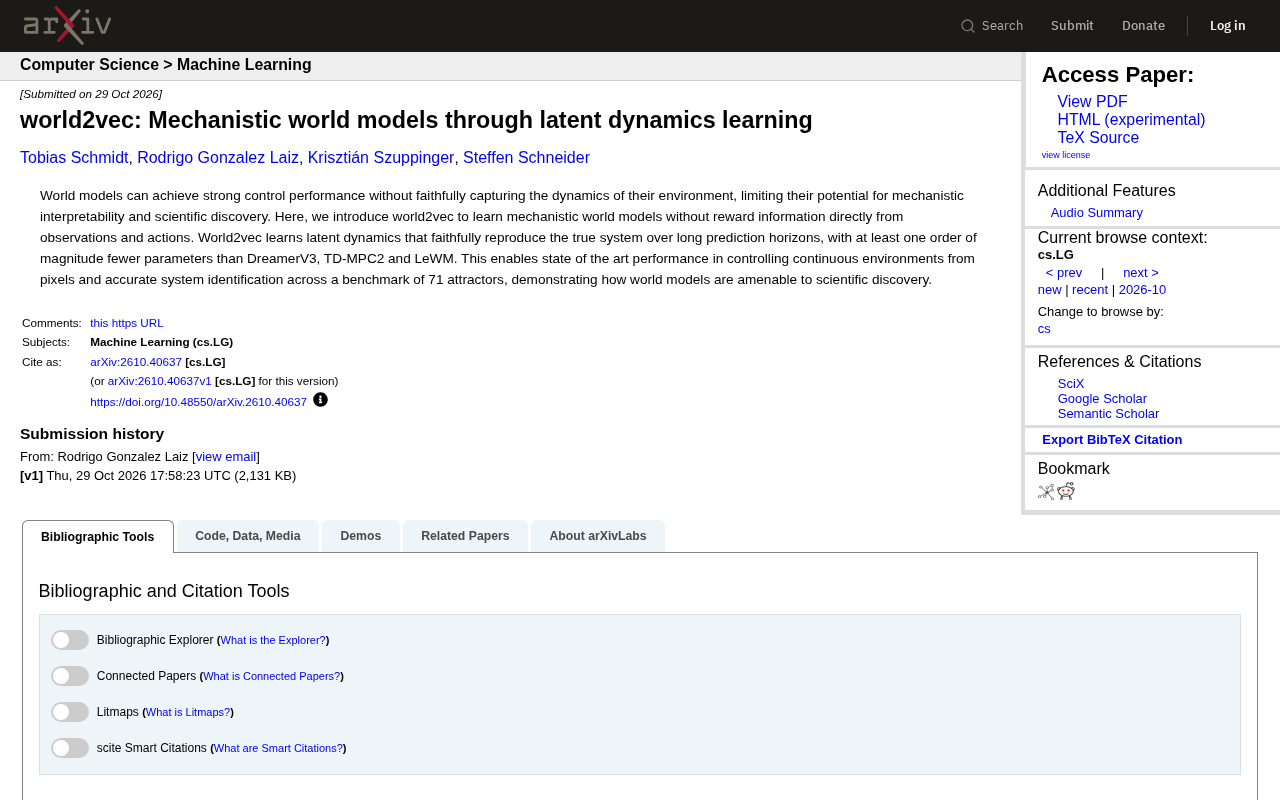
world2vec: Building Mechanistic World Models with Latent Dynamics Learning
world2vec proposes a reward-free method for learning mechanistic world models via latent dynamics, faithfully reproducing systems over long horizons with at least an order of magnitude fewer parameters than DreamerV3, TD-MPC2, and LeWM, and achieving accurate system identification on 71 attractor benchmarks.

A New KL-DRO Paradigm: Adaptive Scenario Generation Around a Learned Density Model
KL-DRO research proposes centering the KL ball on a learned density model instead of the empirical distribution, with adaptive scenario generation guiding sampling toward the worst case. Experiments show lower cost under distribution shift when records are scarce and the model can extrapolate, with comparable in-distribution cost.

ODE Samplers for Discrete Diffusion Models: Exponential Residual Flows Accelerate Generation
Discrete diffusion models lack deterministic ODE sampling? This article introduces Exponential Residual Flows (ERFs), which introduce continuous residual variables per token to construct piecewise ODEs for deterministic sampling and support consistency distillation acceleration. Superior to prior methods on code and text generation tasks.